
1. Introdução
This manual provides detailed instructions for the safe and effective operation of your YeeSite YS-BR24 72W 24LED RGB Stage Light Bar. Please read this manual thoroughly before use and retain it for future reference.
2. Recursos do Produto
- Alto Brilho: Equipped with 24 x 3-Watt 3-IN-1 RGB LEDs, providing vibrant red, green, and blue colors for diverse lighting effects.
- Versatile Operational Modes: Features a 4-button digital display for easy navigation through DMX, Sound Active, and Master/Slave modes.
- Ampla cobertura: A 40-degree beam angle ensures broad illumination for stages, walls, and dance floors.
- Smooth Color Mixing: Exceptional RGB color mixing capabilities allow for seamless color transitions.
- Customizable DMX Control: Supports 5 DMX channel modes (5, 8, 14, 26, and 50 channels) for flexible programming.
- Operação sem cintilação: Designed for professional use with DMX-512 protocol compatibility, suitable for various event lighting needs.
3. Informações de segurança
- Certifique-se de que a fonte de alimentação voltage atende aos requisitos do produto (110 Volts).
- Do not expose the device to rain or moisture to prevent electric shock or fire.
- Desligue sempre da energia antes de limpar ou fazer manutenção.
- Evite a exposição direta dos olhos à fonte de luz.
- Garanta ventilação adequada ao redor da unidade para evitar superaquecimento.
- Mount the fixture securely using appropriate hardware for wall, ceiling, or floor installation.
4. Conteúdo da embalagem
Ao desembalar, verifique se todos os itens estão presentes:
- YeeSite YS-BR24 72W 24LED RGB Stage Barra de Luz
- Power Cord (US Plug, 4.0 Ft length)
- Suportes e parafusos de montagem
- Manual de instruções (este documento)

5. Configuração
5.1 Instalação Física
The light bar can be mounted in various positions: wall, ceiling, or floor. Use the provided mounting brackets to secure the unit. Ensure the mounting surface is stable and can support the weight of the fixture (approximately 4 pounds).

5.2 Conexão de Energia
Connect the provided power cord to the 'POWER IN' port on the back of the unit and then to a standard 110V AC power outlet.

For multiple units, use the 'POWER OUT' port to daisy-chain power to additional light bars. This eliminates the need for multiple power outlets.
6. Modos de operação
The YeeSite YS-BR24 offers several operational modes, selectable via the 4-button digital display on the rear panel (MENU, UP, DOWN, ENTER).

6.1 Modo de execução automática
In Auto-Run mode, the light bar cycles through pre-programmed patterns and color changes automatically. Use the UP/DOWN buttons to select different auto programs or adjust speed.
6.2 Sound Active Mode
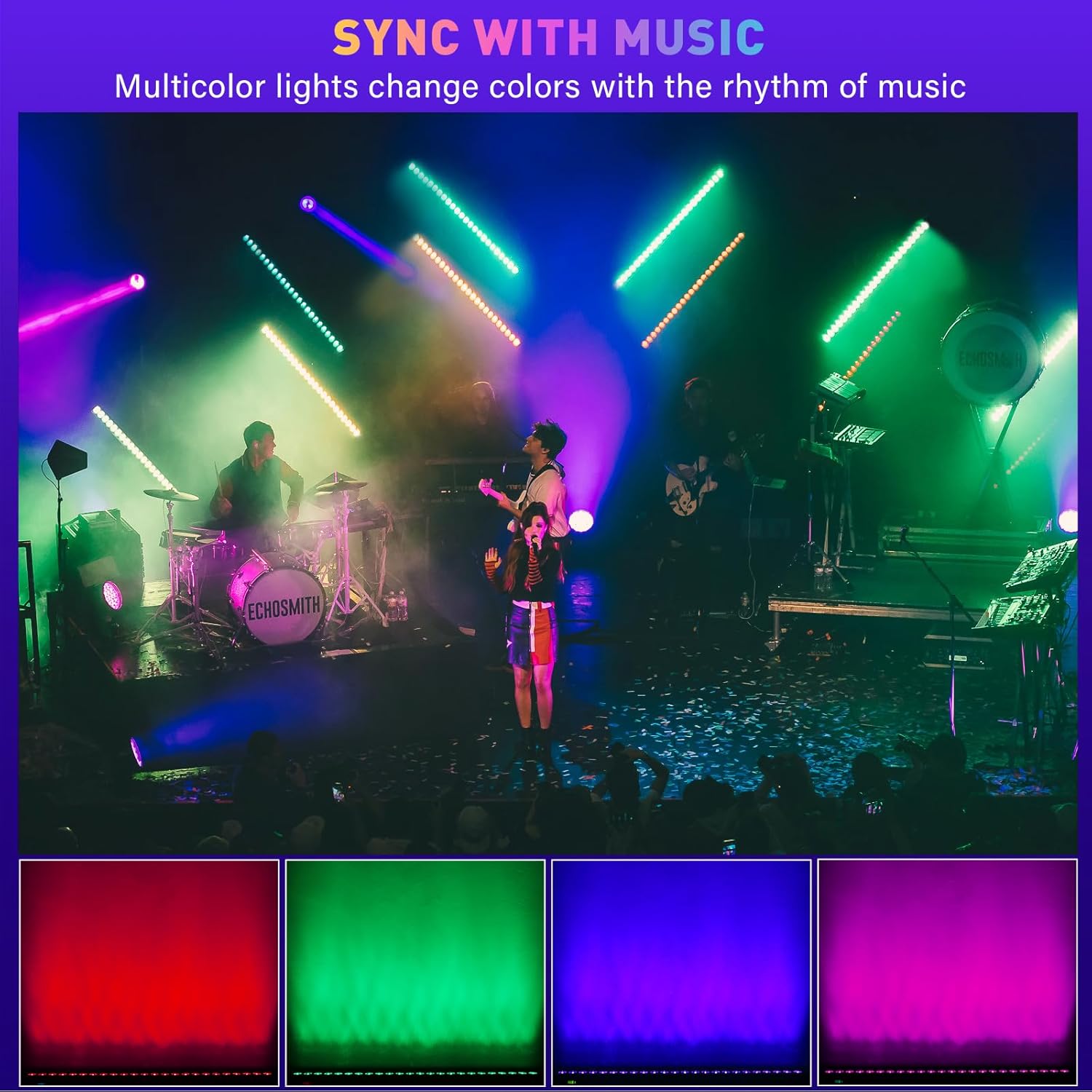
The Sound Active mode allows the light bar to react to ambient sound or music via its built-in microphone. The light patterns and colors will change in sync with the rhythm. Adjust sensitivity using the UP/DOWN buttons.
6.3 Modo de cor estática
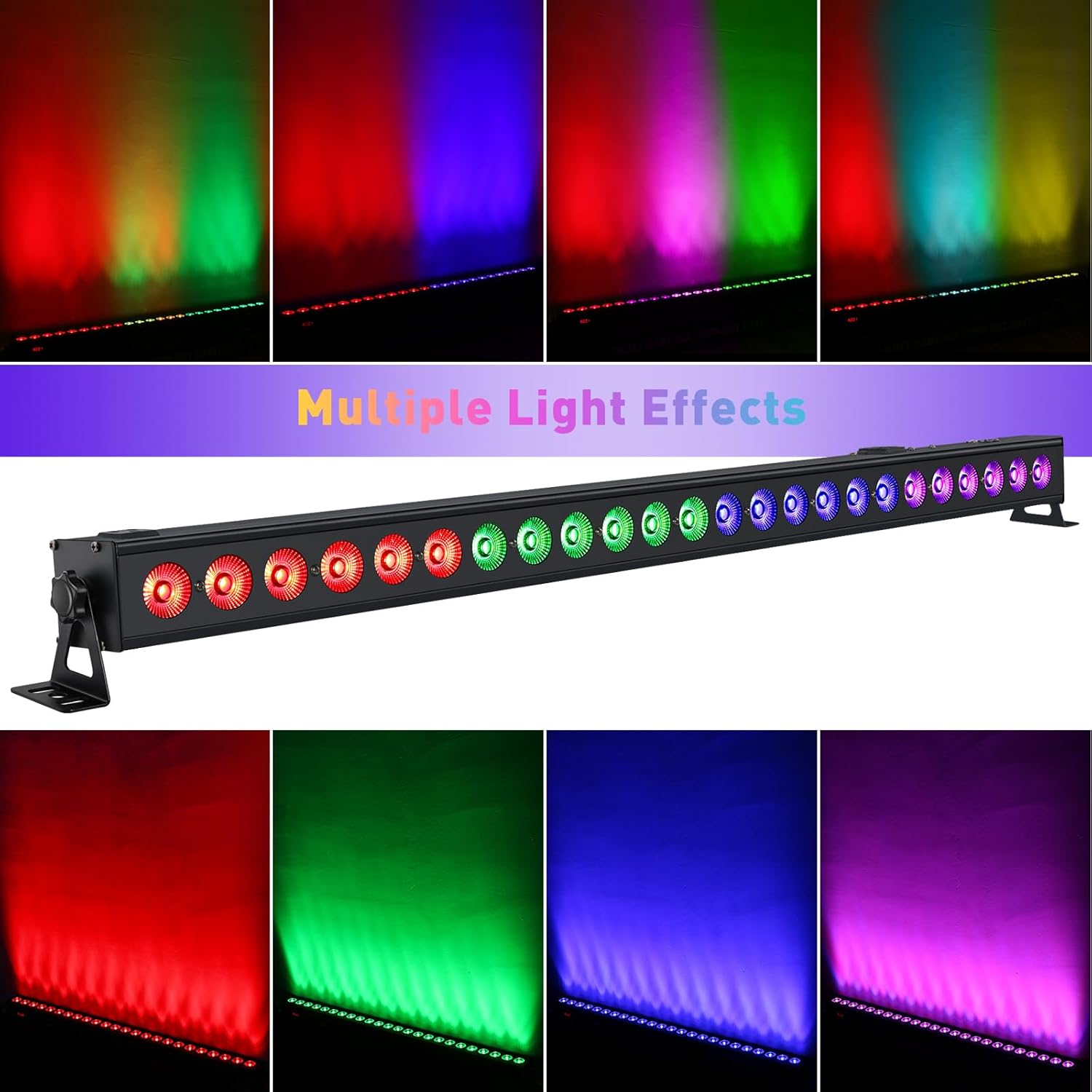
Select Static Color mode to display a single, continuous color. Use the UP/DOWN buttons to choose from a range of colors (Red, Green, Blue, or mixed colors).
6.4 Modo Mestre/Escravo
To synchronize multiple YS-BR24 units, connect them using DMX cables. Set one unit as the 'Master' and the others as 'Slave' units. The Slave units will mimic the Master's operation, ensuring synchronized lighting effects across all connected fixtures.
7. Controle DMX
The YS-BR24 is compatible with DMX-512 protocol, allowing for advanced control via an external DMX controller. Connect the DMX output of your controller to the 'DMX IN' port of the first light bar. For multiple units, daisy-chain DMX cables from 'DMX OUT' to 'DMX IN' of subsequent units.
7.1 Configuração de endereço DMX
Use the digital display and buttons to set the DMX address for each fixture. Each fixture in a DMX chain requires a unique starting address.
7.2 modos de canal DMX
The YS-BR24 offers 5 DMX channel modes: 5, 8, 14, 26, and 50 channels. Select the mode that best suits your control requirements. Higher channel counts provide more granular control over individual LEDs, color mixing, and effects.
- Modo de 5 canais: Basic RGB control (Red, Green, Blue intensity) plus chase selection and speed.
- 8, 14, 26, 50-Channel Modes: Offer progressively more control options, including dimmer, strobe, various pre-programmed effects, and finer control over color mixing. Refer to the DMX chart in the full technical specifications for detailed channel assignments.
8. Manutenção
- Limpeza: Limpe regularmente a lente e o corpo da lente com um pano macio e sem fiapos. Não utilize produtos de limpeza abrasivos ou solventes.
- Inspeção: Periodically check power cables and DMX connections for any signs of damage.
- Armazenar: When not in use, store the light bar in a dry, dust-free environment.
9. Solução De Problemas
| Problema | Possível causa | Solução |
|---|---|---|
| A luz não acende | No power, faulty cable, unit off | Check power connection, try another outlet, ensure unit is powered on. |
| Sem controle DMX | Incorrect DMX address, faulty DMX cable, incorrect channel mode | Verify DMX address, check DMX cable connections, ensure correct DMX channel mode is selected. |
| Sound Active mode not working | Low sound input, microphone obstructed, sensitivity too low | Increase music volume, ensure microphone is clear, adjust sound sensitivity setting. |
| As luzes piscam ou se comportam de maneira errática. | Power fluctuations, DMX signal interference, loose connection | Ensure stable power supply, check DMX connections, try a different DMX cable. |
10. Especificações
| Recurso | Detalhe |
|---|---|
| Número do modelo | YS-BR24 |
| Fonte de luz | 24 LEDs RGB 3 em 1 de 3 W |
| Wat totaltage | 72 Watts |
| Vol de entradatage | 110 Volts AC |
| Ampidade | 0.3 Amps |
| Ângulo do feixe | 40 graus |
| Modos de controle | DMX512, Sound Active, Auto-Run, Master/Slave, Static Color |
| Canais DMX | 5, 8, 14, 26, 50 channels |
| Material | Alumínio (com revestimento em pó) |
| Dimensões (C x L x A) | 40" x 2.5" x 2.5" |
| Peso do item | 4 libras |
| Tipo de montagem | Montagem na parede, Montagem no teto, Montagem no chão |
11. Garantia e Suporte
For warranty information or technical support, please refer to the contact details provided with your purchase or visit the official YeeSite website. Guarde o comprovante de compra para solicitações de garantia.