
Introdução
This manual provides essential information for the proper use and maintenance of your Amazon Basics LCD 8-Digit Desktop Calculator. Please read this manual thoroughly before using the product to ensure optimal performance and longevity.
The Amazon Basics LCD 8-Digit Desktop Calculator is designed for portability and ease of use, featuring an 8-digit LCD display for clear output and user-friendly buttons. It supports basic arithmetic operations, percentages, and square roots, making it suitable for various daily calculation needs.
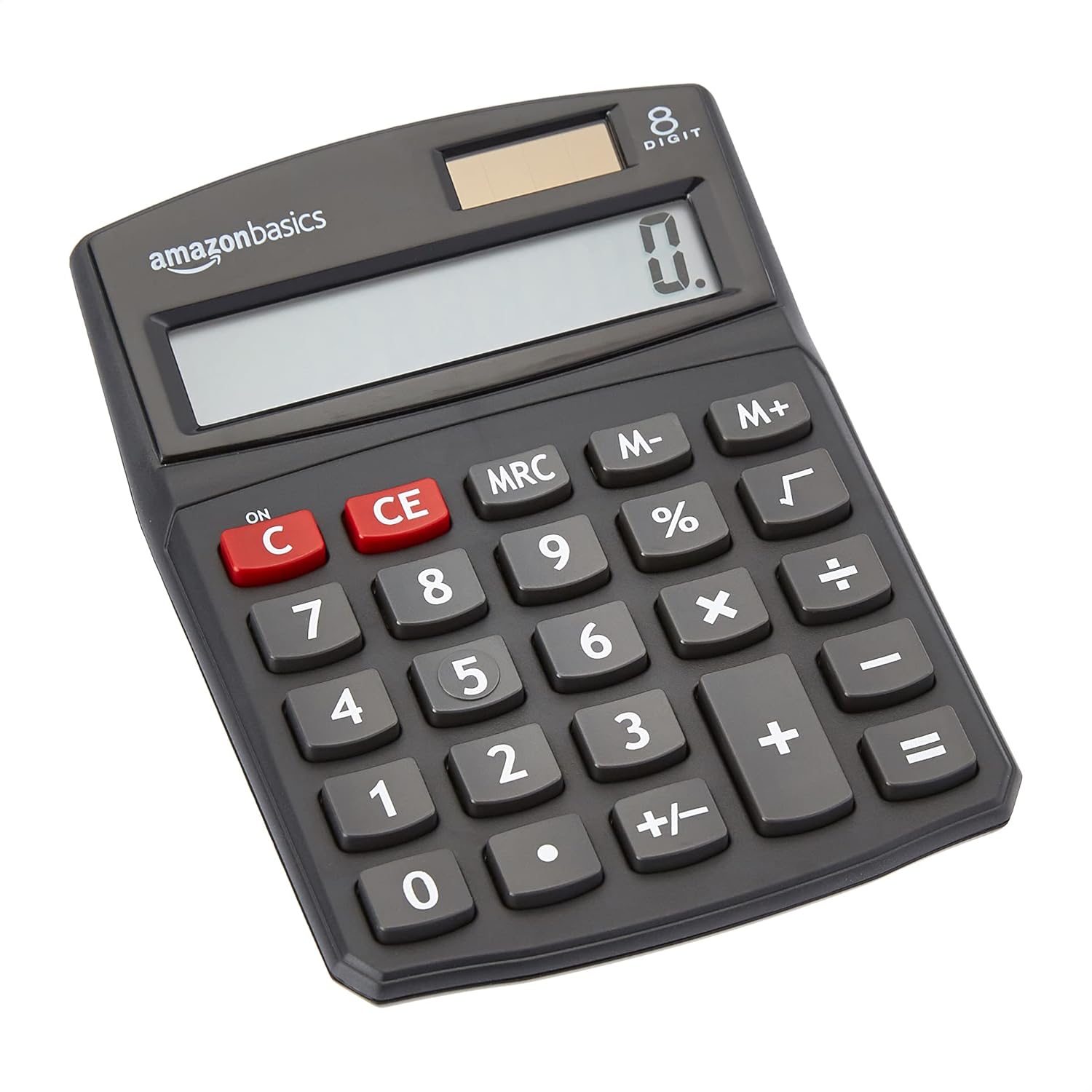
Frente view of the Amazon Basics 8-Digit Desktop Calculator, showcasingraças ao seu design compacto e visor nítido.
Configurar
Your Amazon Basics calculator is ready for use right out of the box. It operates on both solar power and a backup battery, ensuring continuous functionality in various lighting conditions.
Fonte de energia:
- Energia solar: The calculator primarily uses solar energy. Ensure the solar panel, located above the display, is exposed to sufficient light for operation.
- Bateria de reserva: An internal battery provides power when light is insufficient or for extended use. No user intervention is required for battery installation or replacement under normal conditions.
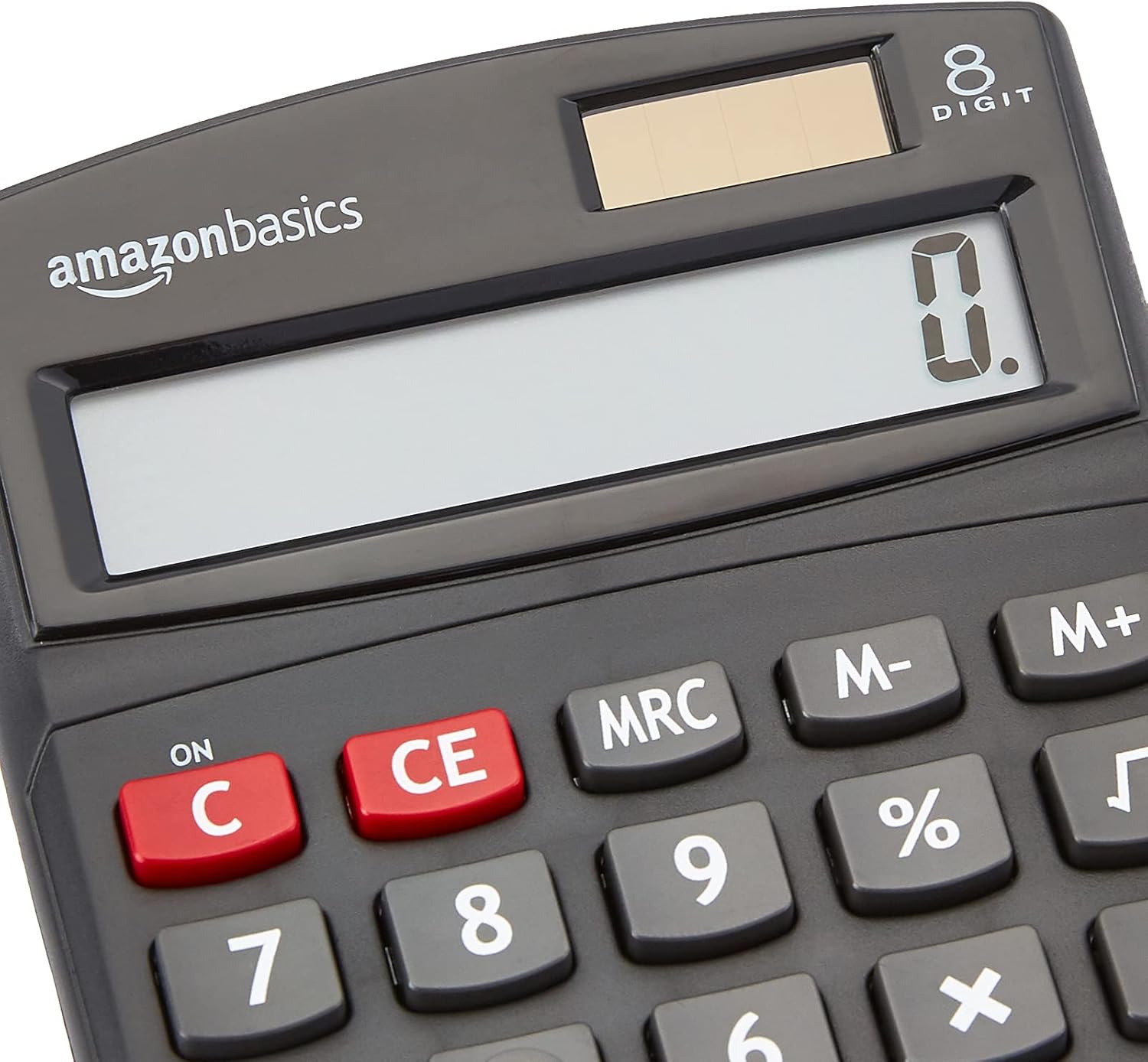
Fechar-se view of the calculator's LCD display and the integrated solar panel, highlighting the dual power source.
Instruções de operação
The calculator features a standard layout for intuitive operation. Familiarize yourself with the key functions:

Detalhado view of the calculator's keypad, showing the layout of numerical and function buttons.
Operações básicas:
- ON/C (Clear): Press to turn on the calculator or clear the current entry.
- CE (entrada clara): Clears the last entered number without affecting previous calculations.
- Teclas numéricas (0-9): Utilizado para inserir valores numéricos.
- Decimal Point (.): Used for decimal numbers.
- Arithmetic Operators (+, -, ×, ÷): Realizar operações de adição, subtração, multiplicação e divisão.
- Igual (=): Displays the result of the calculation.
Funções avançadas:
- % (porcentagemtage): Calcula porcentagemtages. Para example, to find 10% of 200, enter 200 × 10 %.
- √ (raiz quadrada): Calcula a raiz quadrada do número exibido.
- M+, M-, MRC (Memory Functions):
- M+: Adds the displayed number to memory.
- M-: Subtracts the displayed number from memory.
- MRC: Recalls the memory content. Pressing twice clears the memory.
- +/- (mudança de sinal): Altera o sinal do número exibido (positivo para negativo ou negativo para positivo).

The 8-digit LCD display showing a full numerical entry, demonstrating its capacity.
Manutenção
To ensure the longevity and proper functioning of your calculator, follow these simple maintenance guidelines:
- Limpeza: Wipe the calculator with a soft, dry cloth. Do not use liquid cleaners, abrasive pads, or chemical solvents, as these may damage the surface or internal components.
- Armazenar: Guarde a calculadora em local fresco e seco, longe da luz solar direta e de temperaturas extremas.
- Evite o impacto: Protect the calculator from drops and impacts, which can damage the display or internal circuitry.
- Cuidados com o painel solar: Keep the solar panel clean and unobstructed to ensure efficient power generation.
Solução de problemas
Se você encontrar problemas com sua calculadora, consulte os problemas e soluções comuns a seguir:
| Problema | Possível causa | Solução |
|---|---|---|
| A tela está em branco ou com brilho reduzido. | Insufficient light for solar panel, or low battery. | Move the calculator to a brighter area. If the problem persists, the internal battery may be depleted. |
| As teclas não respondem. | Dust or debris under keys, or internal malfunction. | Gently clean around the keys. Press the ON/C button to reset. If unresponsive, contact support. |
| Resultados de cálculo incorretos. | Incorrect input sequence, or display overflow. | Press ON/C to clear and re-enter the calculation carefully. Ensure numbers do not exceed 8 digits. |
Especificações
- Dimensões do produto: 5 x 3.72 x 0.1 polegadas
- Peso do item: 2.72 onças
- Número do modelo: KC-760-8
- Marca: Noções básicas sobre a Amazon
- Cor: Preto
- Tipo de calculadora: Função Padrão
- Fonte de energia: Solar e bateria
- Mostrar: LCD de 8 dígitos

Visual representation of the calculator's dimensions.
Garantia e Suporte
For detailed warranty information and customer support, please refer to the official documents provided with your product or visit the Amazon Basics support page.