
1. Introdução
The Edifier TWS1 PRO True Wireless Earbuds offer a superior audio experience with advanced features designed for convenience and durability. This manual provides detailed instructions for setup, operation, and maintenance to ensure optimal performance.
- Bluetooth V5.2 + CVC 8.0: Ensures a reliable connection, clear sound, and minimal latency.
- Qualcomm AptX-Adaptive: Provides high-resolution and uninterrupted audio.
- 42 Hours Battery and Rapid Charging: Enjoy extended playtime with quick charging capabilities.
- IP65 Sweat, Water, and Dust Resistant: Designed for durability in various environments.
- Controle de toque: Controle intuitivo de músicas e chamadas.
2. O que está na caixa
Upon unboxing your Edifier TWS1 PRO earbuds, please ensure all the following items are present:
- Edifier TWS1 PRO Earbuds
- Estojo de carregamento
- Cabo de carregamento USB-C
- Almofadas para orelhas (vários tamanhos)
- Manual do usuário
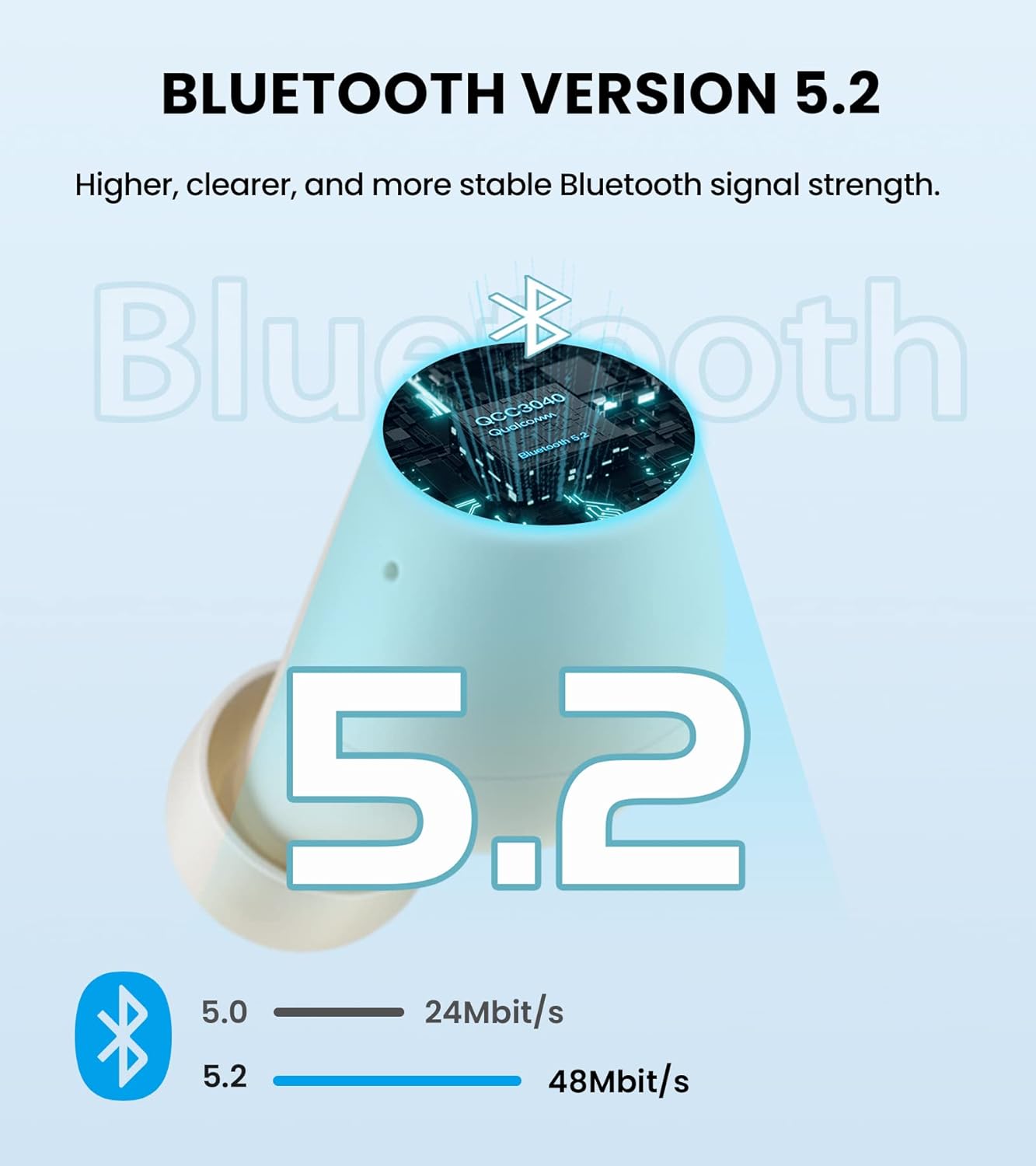
Image: Edifier TWS1 PRO Earbuds and Charging Case, showcasing the product and its compact design.
Video: An unboxing demonstration of the Edifier TWS1 PRO, showing all included components.
3. Configuração e Emparelhamento
Automatic Pairing (First Use)
- Take both earbuds out of the charging case. The earbuds will automatically power on and enter pairing mode.
- On your mobile device, enable Bluetooth and search for "EDIFIER TWS1 Pro" in the available devices list.
- Select "EDIFIER TWS1 Pro" to connect. Once connected, the indicator light on the earbuds will flash slowly.
Manual Pairing (Connecting to a New Device)
- Certifique-se de que os fones de ouvido estejam dentro do estojo de carregamento e que a tampa do estojo esteja aberta.
- Press and hold the touch button on either the left or right earbud for approximately 2-3 seconds until the indicator light flashes rapidly in blue and red. This indicates pairing mode.
- On your new mobile device, enable Bluetooth and search for "EDIFIER TWS1 Pro" in the available devices list.
- Select "EDIFIER TWS1 Pro" to connect. Once connected, the indicator light will flash slowly.
Video: A demonstration of the Bluetooth connection process for the Edifier TWS1 PRO earbuds.
Video: Instructions on how to pair the Edifier TWS1 PRO earbuds for the first time.
4. Instruções de operação
Controles de toque
The Edifier TWS1 PRO earbuds feature intuitive touch controls for managing your audio and calls.
- Single Tap (Left or Right Earbud): Play/Pause music, Accept/End a call.
- Toque duas vezes (fone de ouvido direito): Próxima faixa.
- Toque duplo (fone de ouvido esquerdo): Faixa anterior.
- Pressione e segure (fone de ouvido direito): Aumentar o volume.
- Pressione e segure (fone de ouvido esquerdo): Diminuir volume.
- Long Press (Left or Right Earbud during incoming call): Recusar uma chamada.

Image: Diagram illustrating the touch control functions for the Edifier TWS1 PRO earbuds.
Video: A demonstration of call handling and music playback controls on the Edifier TWS1 PRO earbuds.
5. Carregamento
The Edifier TWS1 PRO earbuds provide up to 12 hours of playtime on a single charge, with an additional 30 hours provided by the charging case, totaling 42 hours. The charging case supports rapid charging, fully charging in less than 40 minutes.
Carregando os fones de ouvido e o estojo
- Coloque os fones de ouvido no estojo de carregamento. Certifique-se de que estejam encaixados corretamente para iniciar o carregamento.
- Conecte o estojo de carregamento a uma fonte de alimentação usando o cabo de carregamento USB-C fornecido.
- The indicator light on the case will show charging status. A steady red light indicates charging.

Image: Visual representation of the 42-hour total battery life and rapid charging feature.
Video: A demonstration of how to charge the Edifier TWS1 PRO earbuds and case.
6. Manutenção
The Edifier TWS1 PRO earbuds are IP65 rated, meaning they are sweat, water, and dust resistant. Proper maintenance ensures longevity and optimal performance.
- Limpeza: Limpe regularmente os fones de ouvido e o estojo de carregamento com um pano macio e seco. Evite usar materiais abrasivos ou produtos químicos agressivos.
- Exposição à água: While water resistant, it is recommended to wipe off any water droplets from the earbuds before placing them back into the charging case or charging them.
- Armazenar: Store the earbuds and case in a cool, dry place away from extreme temperatures.

Image: Illustration highlighting the IP65 dust and water resistance of the Edifier TWS1 PRO earbuds.