
1. Introdução
The Qilmy 1080P Wireless WiFi Home Security Camera is designed to provide reliable surveillance for your home. This device combines a high-definition camera with motion detection, night vision, and remote viewing capabilities, all integrated into a standard light bulb form factor for easy installation. This manual will guide you through the installation, setup, and operation of your new security camera.
2. Principais características
- Resolução Full HD 1080P: Fornece vídeos claros e detalhadostage.
- Conectividade Wi-Fi sem fio: Easy connection to your home network for remote access.
- Motion Detection & Instant Alarm: Automatically detects movement and sends alerts to your connected device.
- Visão noturna nítida: Garante visibilidade em condições de pouca luz.
- Remoto Viewing: Monitor your property from anywhere using a smartphone app.
- Integrated Flood Light: Features 3 built-in flood lights that can activate automatically upon motion detection.
- Fácil instalação: Screws into a standard E27 light socket.
- Slot para cartão Micro SD: Para armazenamento local de gravações.

Imagem: Acimaview of the Qilmy Home Security Camera's key features, including 1080P resolution, video recording, 360 panoramic viewing, Wi-Fi connection, light function, motion detection, remote viewing, and Micro SD card slot.
3. O que está na caixa
- Qilmy 1080P Wireless WiFi Home Security Camera (Bulb-shaped)
- E27 Light Socket Adapter (for mounting)
- Parafusos de montagem e buchas de parede
- Guia de início rápido

Image: Contents of the Qilmy Home Security Camera package, showing the camera, an E27 socket adapter, mounting hardware, and a quick start guide.
4. Configuração
4.1 Instalação Física
- Escolha um local: Select a location with a standard E27 light socket that provides the desired viewing angle and is within range of your 2.4GHz Wi-Fi network.
- Desligar: Ensure the power to the light socket is turned off at the circuit breaker before installation.
- Instale a câmera: Carefully screw the Qilmy security camera into the E27 light socket. If no existing socket is available, use the provided E27 adapter and mounting hardware to install it on a wall or ceiling.
- Ligar: Restore power to the light socket. The camera will power on and emit a voice prompt indicating it is ready for configuration.

Image: A person's hands installing the Qilmy Home Security Camera into a ceiling light fixture, demonstrating its easy and quick installation process.
4.2 Conexão Wi-Fi e configuração do aplicativo
- Baixar aplicativo: Download the recommended mobile application (e.g., "iCSee" or similar as indicated in the Quick Start Guide) from your smartphone's app store.
- Registar Conta: Open the app and register a new user account if you don't already have one.
- Adicionar dispositivo: Follow the in-app instructions to add a new device. This typically involves scanning a QR code on the camera or selecting the device type and following prompts.
- Conectar ao Wi-Fi: Connect the camera to your 2.4GHz Wi-Fi network. Ensure your smartphone is also connected to the same 2.4GHz network during the setup process.
- Configuração: The camera will confirm successful connection with a voice prompt. Once connected, you can access live video and adjust settings through the app.

Image: A smartphone displaying the live feed from the Qilmy Home Security Camera, illustrating Wi-Fi connection and remote viewing capabilities from anywhere, anytime.
5. Instruções de operação
5.1 Ao vivo Viewgravação e gravação
- Open the mobile app to view a transmissão ao vivo da sua câmera.
- Use the app interface to manually record video or capture screenshots.
- Acesse foo gravadotage stored on the Micro SD card or cloud storage (if subscribed).
5.2 Detecção de Movimento e Alertas
- Ative a detecção de movimento nas configurações do aplicativo.
- Ajuste os níveis de sensibilidade para minimizar alarmes falsos.
- Receba notificações instantâneas no seu smartphone quando for detectado movimento.
- The camera can automatically activate its floodlights and siren alarm upon detecting motion, deterring intruders.
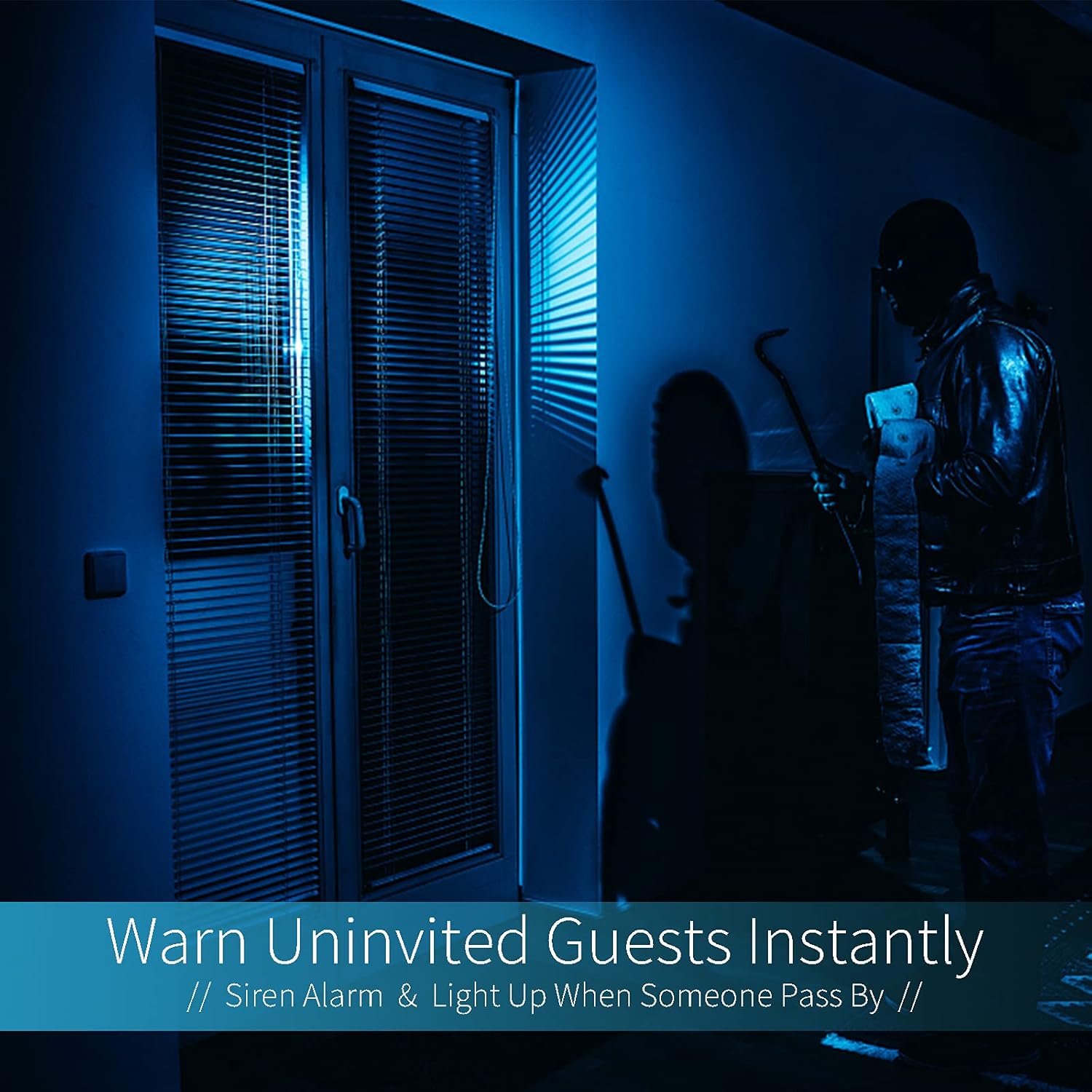
Image: A dark room with a security camera's light illuminating a figure, depicting the camera's ability to warn uninvited guests instantly with a siren alarm and light activation upon motion detection.
5.3 Função de luz
- The camera features built-in floodlights.
- Control the floodlights manually through the app.
- Configure the floodlights to turn on automatically when motion is detected, especially during nighttime.

Image: A comparison of a standard light bulb and the Qilmy Home Security Camera, highlighting its dual function as both a light bulb and a security camera with 3W consumption.
6. Manutenção
- Limpeza: Limpe delicadamente a lente e o corpo da câmera com um pano macio e seco. Não use produtos químicos agressivos ou abrasivos.
- Atualizações de firmware: Regularly check the mobile app for available firmware updates to ensure optimal performance and security.
- Gerenciamento de cartão SD: Se estiver usando um cartão Micro SD, recarregue-o periodicamente.view e exclua foo antigotage to free up space, or enable loop recording if supported by the app.
- Estabilidade da rede: Certifique-se de que sua rede Wi-Fi esteja estável e com sinal forte para o funcionamento ininterrupto da câmera.
7. Solução De Problemas
| Problema | Possível causa | Solução |
|---|---|---|
| A câmera não liga. | No power to the light socket; camera not screwed in properly. | Check the circuit breaker. Ensure the camera is securely screwed into the E27 socket. |
| Não é possível conectar ao Wi-Fi. | Incorrect Wi-Fi password; camera too far from router; 5GHz Wi-Fi network used. | Verify Wi-Fi password. Move camera closer to router. Ensure you are connecting to a 2.4GHz Wi-Fi network. |
| Nenhum alerta de detecção de movimento. | Motion detection disabled; sensitivity too low; app notifications blocked. | Enable motion detection in the app. Increase sensitivity. Check app notification settings on your phone. |
| Má qualidade de vídeo. | Sinal Wi-Fi fraco; lente suja. | Melhore a intensidade do sinal Wi-Fi. Limpe a lente da câmera com um pano macio. |
| Remoto viewing not working. | Internet connection issue on camera or phone; app not updated. | Check internet connectivity for both camera and phone. Update the app to the latest version. |
8. Especificações
- Número do modelo: ZXL2023011
- Resolução de captura de vídeo: 1080p Full HD
- Tecnologia de conectividade: Sem fio (Wi-Fi)
- Tecnologia de comunicação sem fio: Wi-Fi (somente 2.4 GHz)
- Fonte de energia: AC/DC (E27 light socket)
- O quetage: 3 watts
- Características especiais: Motion Sensor, Night Vision, Integrated Flood Light
- Fator de forma: Dome (Bulb-shaped)
- Tipo de montagem: Wall Mount (via E27 adapter)
- Dimensões do item (C x L x A): 6.45 x 4.1 x 3.54 polegadas
- Peso do item: 7.8 onças (222 gramas)
- Classificação de Proteção Internacional: IP67
- Dispositivos compatíveis: Smartphone
- Código UPC: 605660998393
9. Garantia e Suporte
Specific warranty information and detailed support contact details are typically provided with the product packaging or on the manufacturer's official website. Please refer to the documentation included with your purchase for the most accurate and up-to-date warranty terms and customer support options.