
1. Produto acabadoview
The REXING HS01 is a 1080p wireless smart home security camera system designed for both indoor and outdoor use. It features a rechargeable battery, solar panel charging capability, two-way intercom, motion activation, infrared night vision, and cloud storage options. The camera connects to your home WiFi network and is managed via a mobile application.
Principais características:
- Vídeo Full HD 1080p: Records clear video with a 120-degree wide-angle lens.
- Sem fio e recarregável: Operates wirelessly with a 6000mAh rechargeable battery.
- Alimentado por energia solar: Can be continuously charged by the included solar panel.
- Intercomunicador bidirecional: Allows for real-time communication via the mobile app.
- Design impermeável: IP65 rated for outdoor weather resistance.
- Detecção de movimento: PIR motion sensor with adjustable sensitivity up to 33ft.
- Visão Noturna Infravermelha: Provides clear visibility up to 33ft in low light conditions.
- Armazenamento em nuvem: Offers free 3-day cloud storage with options for extended plans.
- Controle de aplicativo móvel: Manage and monitor the camera from your smartphone.
2. Conteúdo da embalagem
Por favor, verifique se a embalagem contém os seguintes itens:
- Câmera de segurança REXING HS01
- Painel solar
- Suporte de montagem e parafusos
- Cabo de carregamento USB
- Manual do usuário
3. Guia de configuração
3.1 Carregamento Inicial
Before first use, fully charge the camera's internal 6000mAh battery using the provided USB cable. Connect the cable to the camera's charging port and a standard USB power adapter (not included). The charging indicator will show the charging status.
3.2 Instalação do aplicativo
Baixe o Rexing Home Aplicativo disponível na loja de aplicativos do seu smartphone (iOS e Android). Procurar "Rexing Home" and install the application.
3.3 Conexão Wi-Fi
- Open the Rexing Home app and create an account or log in.
- Siga as instruções do aplicativo para adicionar um novo dispositivo.
- Certifique-se de que seu smartphone esteja conectado a uma rede Wi-Fi. Rede Wi-Fi de 2.4 GHz. The HS01 camera does not support 5GHz Wi-Fi.
- Escaneie o código QR exibido no seu telefone com a lente da câmera quando solicitado.
- Wait for the camera to connect to your Wi-Fi network. A voice prompt will confirm successful connection.
3.4 Montagem da câmera e do painel solar
The REXING HS01 camera and solar panel can be mounted indoors or outdoors. Choose a location that provides the desired viewing angle and ensures the solar panel receives ampA exposição direta à luz solar durante todo o dia é essencial para um carregamento ideal.

Image: The REXING HS01 camera with its solar panel mounted on an exterior wall, highlighting its 100% wireless and solar-powered operation. The camera is designed for outdoor use and is weatherproof.
- Utilize o suporte de montagem e os parafusos fornecidos para fixar a câmera com segurança em uma parede ou superfície desejada.
- Mount the solar panel in a location that receives maximum direct sunlight. Connect the solar panel cable to the camera's charging port.
- Adjust the camera's angle to cover the desired monitoring area.
4. Instruções de operação
4.1 Ao vivo View and Remote Playback
Once connected, open the Rexing Home app to access the live video feed from your camera. You can view foo em tempo realtage from anywhere with an internet connection. The app also allows you to review vídeo gravadotage stored in the cloud.

Image: A smartphone screen showing a live view from the REXING HS01 camera, with icons for remote playback and indicating motion alerts. This demonstrates complete control from the Rexing Home App.
4.2 Comunicação de áudio bidirecional
The HS01 camera features a built-in microphone and speaker, enabling two-way audio communication. From the live view in the Rexing Home app, you can speak to individuals near the camera and hear their responses.
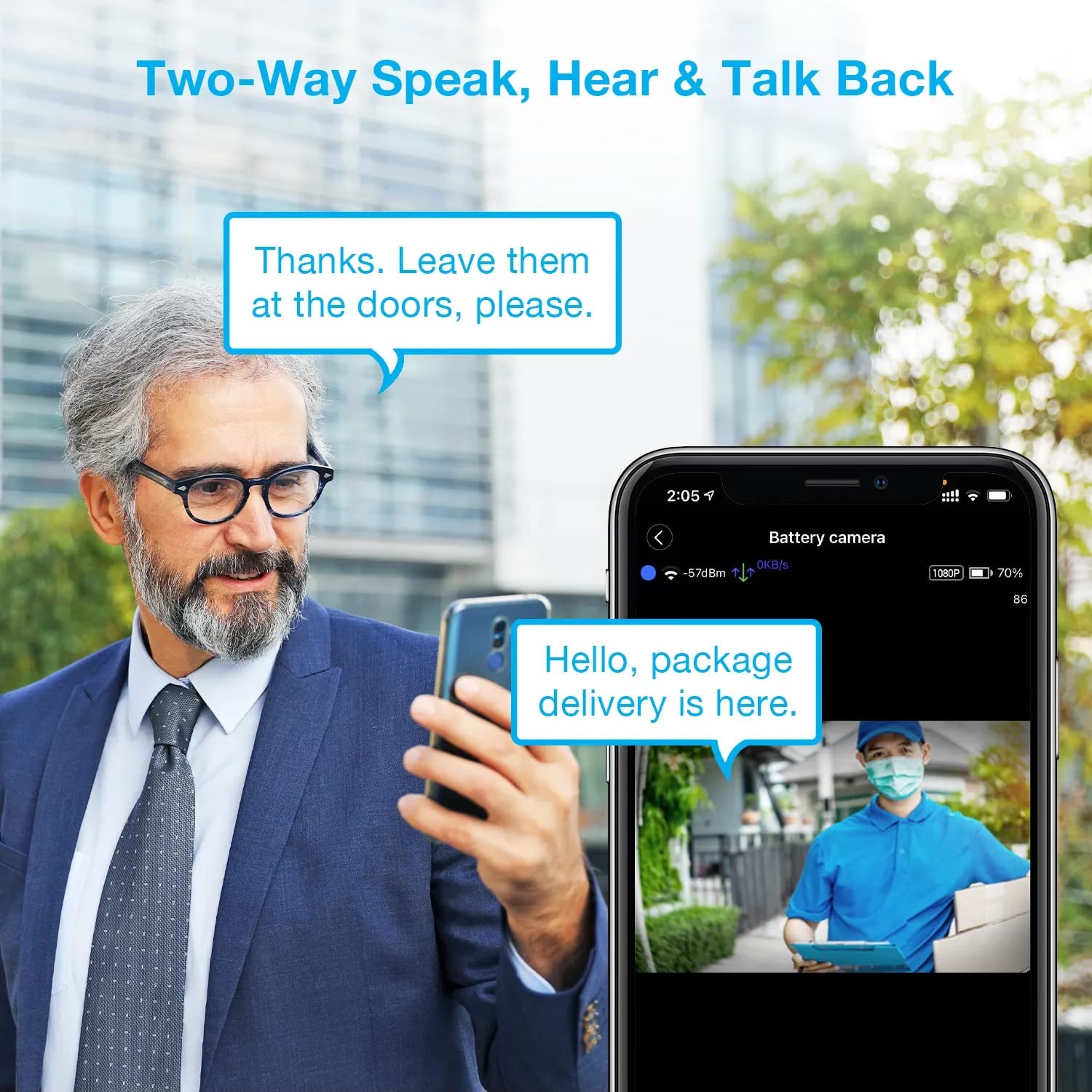
Image: A man using his smartphone to communicate with a delivery person visible on his screen, demonstrating the two-way speak and talk-back functionality of the REXING HS01 camera.
4.3 Detecção de Movimento e Alertas
The camera utilizes a PIR (Passive Infrared) motion sensor to detect movement. When motion is detected, the camera will begin recording and send instant notifications to your smartphone via the Rexing Home app.
- Ajustando a sensibilidade: You can adjust the PIR motion sensitivity settings within the app, with options up to 33ft.
- Configurações de notificação: Customize alert preferences in the app to receive notifications for every detected motion.
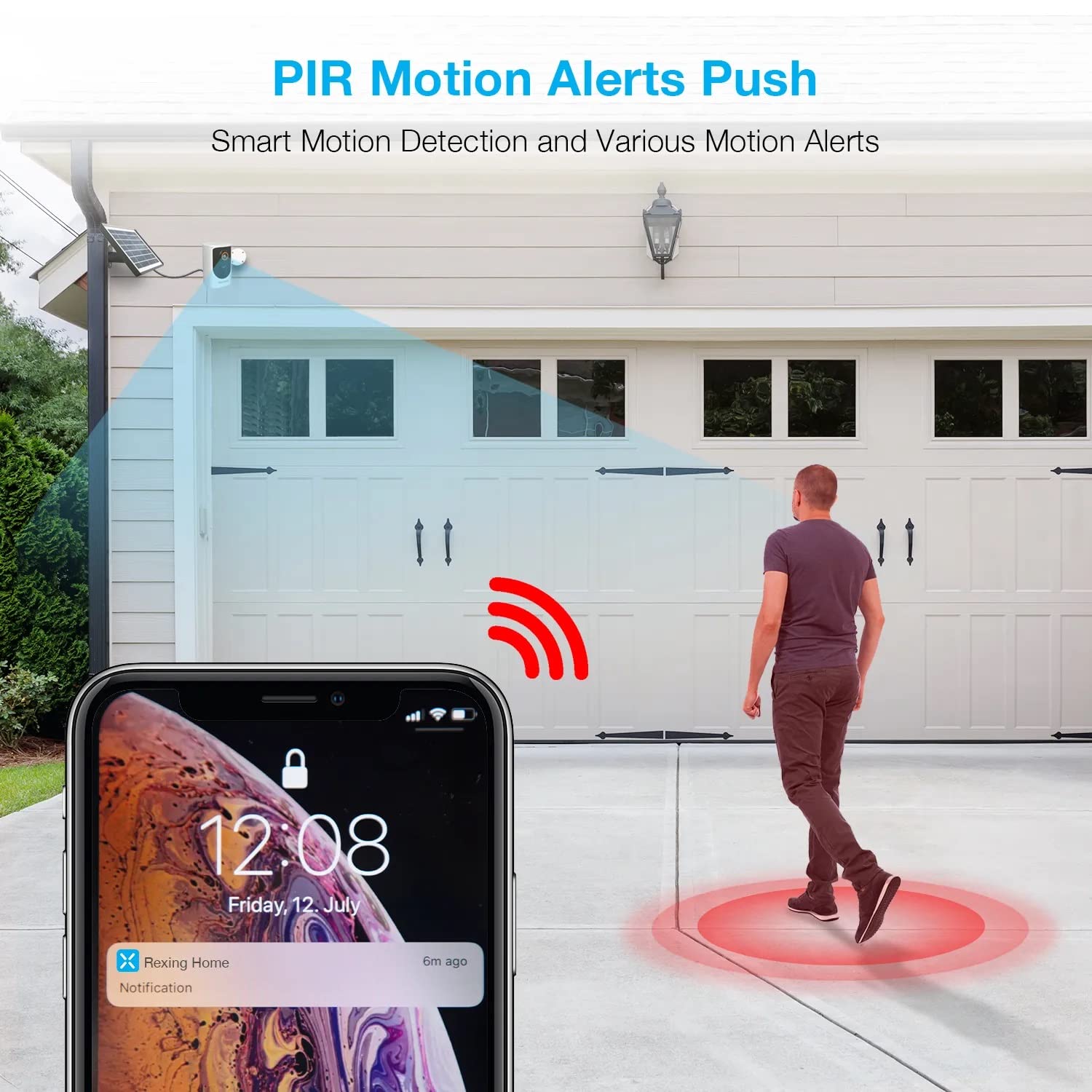
Image: A smartphone screen showing a notification from the Rexing Home app indicating a motion alert, with a visual representation of a person walking into the camera's detection zone.
4.4 Visão noturna
The HS01 camera is equipped with 8 built-in 850nm Infrared LEDs and enhanced CMOS imaging sensors, providing clear night vision up to 33ft. The night vision mode activates automatically in low-light conditions.
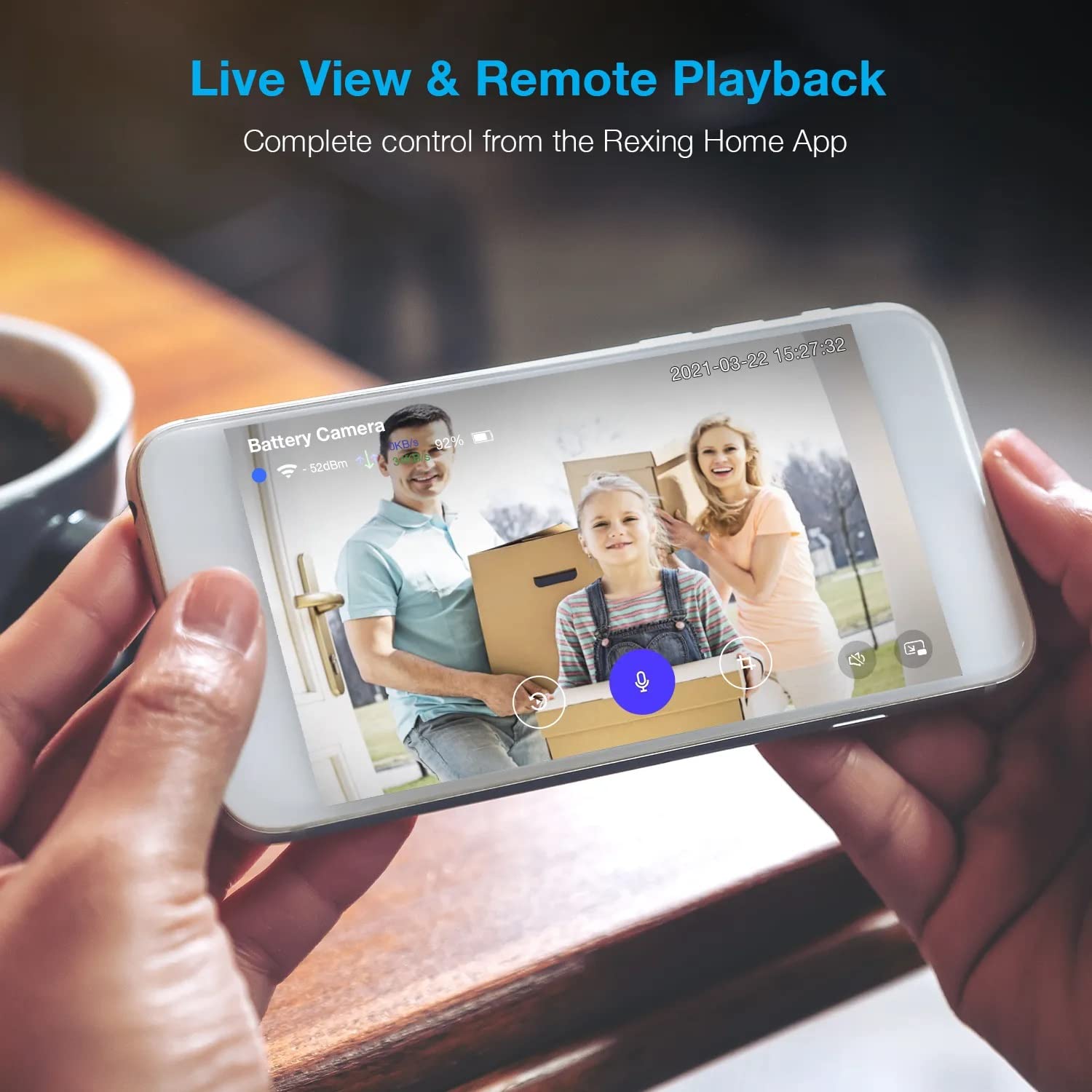
Image: A smartphone displaying a split screen, with one side showing a daytime view of a house in full color and the other side showing the same house in enhanced infrared night vision, demonstrating the camera's 1080p HD and night vision capabilities.
4.5 Armazenamento em Nuvem
The camera offers secure cloud storage for recorded video footage. You can access the past 3 days of video recordings for free. Extended cloud storage plans are available for purchase through the Rexing Home app.
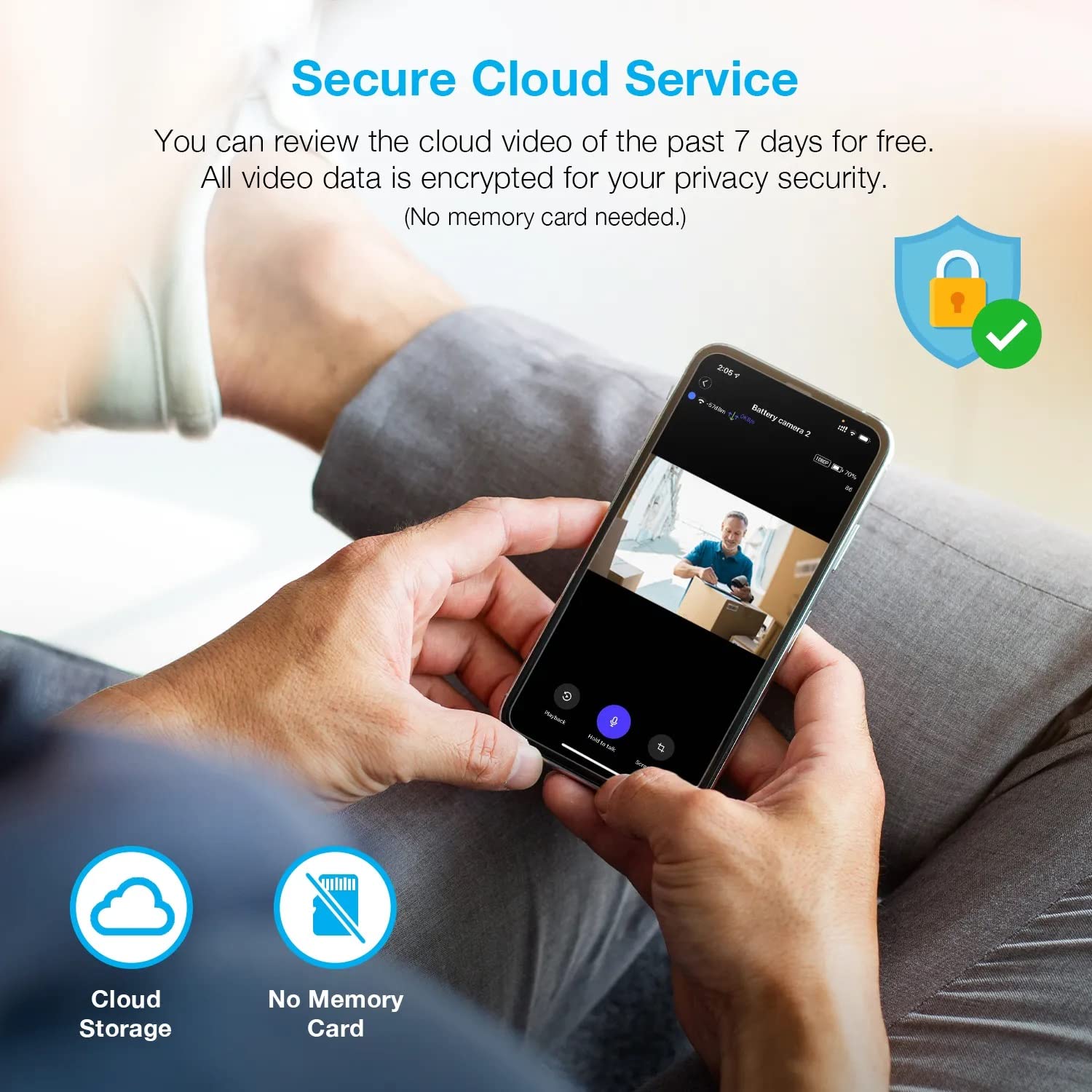
Imagem: Uma pessoa viewing recorded camera footage on a smartphone, accompanied by icons for cloud storage and indicating that no memory card is needed, highlighting the secure cloud service feature.
5. Manutenção
5.1 Gerenciamento de bateria
The HS01 camera is powered by a 6000mAh rechargeable battery. For continuous operation, ensure the solar panel is positioned to receive adequate direct sunlight. If the camera is used in an area with limited sunlight, periodic manual charging via the USB cable may be required.
5.2 Limpeza
To maintain optimal performance, periodically clean the camera lens and the solar panel surface with a soft, damp pano. Evite usar produtos de limpeza abrasivos ou solventes que possam danificar as superfícies.
6. Solução De Problemas
- A câmera não está conectando ao Wi-Fi:
- Certifique-se de que sua rede Wi-Fi seja de 2.4 GHz. A câmera não é compatível com redes de 5 GHz.
- Verifique a intensidade do sinal Wi-Fi no local da câmera.
- Verifique se a senha do Wi-Fi inserida no aplicativo está correta.
- Reinicie o roteador e a câmera.
- Má qualidade de vídeo:
- Ensure a strong Wi-Fi signal. Weak signals can affect streaming quality.
- Limpe a lente da câmera se ela estiver suja ou embaçada.
- A detecção de movimento não está funcionando ou está muito sensível:
- Adjust the PIR motion sensitivity settings in the Rexing Home app.
- Certifique-se de que não haja obstruções bloqueando a visão da câmera. view ou o sensor PIR.
- Check the camera's battery level. Low battery can affect sensor performance.
- Battery not holding charge or solar panel not working:
- Certifique-se de que o painel solar esteja posicionado de forma a receber luz solar direta por várias horas diariamente.
- Clean the solar panel surface to remove any dirt or debris.
- Verifique se o cabo do painel solar está conectado firmemente à câmera.
- If issues persist, try charging the camera directly via USB.
- No audio or poor two-way audio:
- Check the volume settings on your smartphone and in the Rexing Home app.
- Certifique-se de que o microfone do seu telefone esteja ativado para o aplicativo.
- Verify a stable internet connection for both the camera and your smartphone.
7. Especificações
| Recurso | Especificação |
|---|---|
| Número do modelo | HS01 |
| Resolução de vídeo | 1080p Full HD |
| Campo de View | 120 graus |
| Alcance de visão noturna | 33 pés |
| Capacidade da bateria | 6000 mAh |
| Conectividade | Sem fio (Wi-Fi 2.4 GHz) |
| Classificação à prova d'água | IP65 |
| Dispositivos compatíveis | Smartphone (Amazon Alexa, Google Assistant) |
| Dimensões do item | 8.5 x 7.25 x 3.75 polegadas |
| Peso do item | 1 libras |
| Fonte de energia | Rechargeable Battery, Solar Panel |
8. Garantia e Suporte
8.1 Informações de garantia
For detailed warranty information regarding your REXING HS01 Smart Home Security Camera System, please refer to the warranty card included with your product or visit the official REXING webOs termos e condições da garantia podem variar conforme a região e o revendedor.
8.2 Suporte ao cliente
If you encounter any issues or have questions about your REXING HS01 camera, please contact REXING customer support. You can typically find support contact information on the official REXING website or within the Rexing Home mobile application.
For the latest updates, FAQs, and additional resources, please visit the official REXING website: www.rexingusa.com