Introdução
Obrigado pela compra.asing the Cuifati A100 Mini Cartoon Kids Camera. This camera is designed for children aged 3-12, offering a fun and safe way to explore photography and videography. Its compact, lightweight, and durable design, made from food-grade ABS material, ensures a comfortable and secure grip for small hands. This manual provides essential information for setting up, operating, and maintaining your camera.
The camera features a 2.0-inch color display, 20MP photo resolution, 720P video recording, and includes various photo frames and filters to enhance creativity. It is equipped with a built-in 400mAh rechargeable battery for extended use.
Informações de segurança
- This product is intended for children aged 3-12. Adult supervision is recommended during use.
- The camera is made from food-grade ABS material, ensuring it is safe for children.
- Do not expose the camera to extreme temperatures, direct sunlight for prolonged periods, or moisture.
- Evite deixar a câmera cair ou submetê-la a impactos fortes.
- Keep small parts, such as memory cards, out of reach of very young children to prevent choking hazards.
- Use only the provided charging cable or a compatible DC5V 1A charger.
- The battery is built-in and non-detachable. Do not attempt to replace it.
Conteúdo da embalagem
Por favor, verifique a embalagem para garantir que todos os itens estejam presentes:
- 1 x Cuifati A100 Children Camera
- 1 x Tira de Fixação
- 1 x Anti-lost Rope
- 1 x cabo de carregamento USB

Figura 1: Package contents including the camera, straps, and charging cable.
Produto acimaview
The Cuifati A100 camera features a user-friendly design with a durable, rounded body for comfortable handling.

Figura 2: The camera's light and round design.
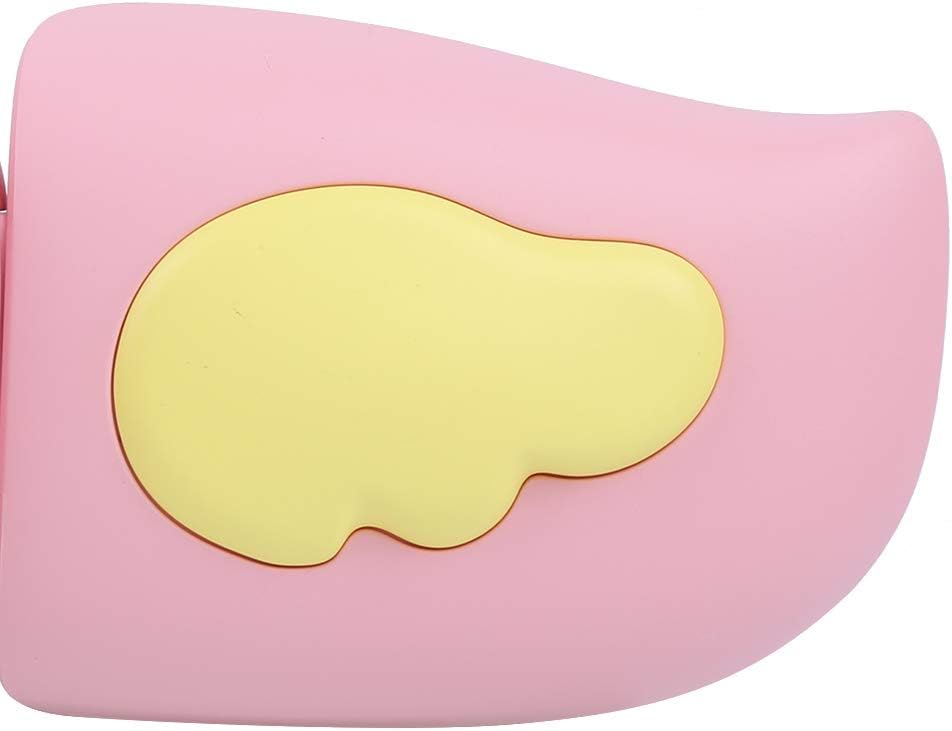
Figura 3: Detail of the camera's ergonomic design.
Principais características:
- Visor colorido de 2.0 polegadas: Para viewvisualizando fotos, vídeos e navegando pelos menus.
- Lente Fixa: 100° viewing angle for capturing wide scenes.
- Botões fáceis de usar: Intuitive controls for easy operation.
- Interface USB: Para carregamento e transferência de dados.
- Ranhura para cartão de memória: Suporta até 32 GB (cartão não incluído).
Configurar
1. Carregando a câmera
Before first use, fully charge the camera's built-in 400mAh battery. The camera features a large capacity battery for strong endurance.
- Conecte o cabo de carregamento USB fornecido à porta USB da câmera.
- Connect the other end of the USB cable to a DC5V 1A USB power adapter (not included) or a computer's USB port.
- The charging indicator light will illuminate. Once charging is complete, the light may change color or turn off.
2. Inserindo um cartão de memória
A memory card (MicroSD card, up to 32GB) is required to save photos and videos. It is not included in the package.
- Localize o slot do cartão de memória na lateral da câmera.
- Gently insert a MicroSD card into the slot with the metal contacts facing the front of the camera until it clicks into place.
- To remove the card, gently push it in again until it springs out.
Instruções de operação
1. Ligar/desligar
- Para ligar: Pressione e mantenha pressionado o botão Liga/Desliga (geralmente marcado com um símbolo) Ⓜ or a similar icon) for a few seconds until the screen lights up.
- Para desligar: Pressione e mantenha pressionado o botão Liga/Desliga novamente até que a tela desligue.

Figura 4: Camera in hand, showing the display and control buttons.
2. Tirando fotos
- Ligue a câmera. Normalmente, ela iniciará automaticamente no modo de foto.
- Frame your shot using the 2.0-inch color display.
- Press the Shutter button (often a prominent button on top or side) to take a picture.
- A câmera suporta resolução de foto de 20MP.
- Utilize the 4 types of photo stickers and 9 kinds of filters for creative effects.
- Time-lapse shooting for selfies can be set for 3 or 5 seconds.
3. Gravação de vídeos
- From photo mode, navigate to video mode using the mode button (usually marked 'M' or a video camera icon).
- Press the Shutter button to start recording. A recording indicator will appear on the screen.
- Pressione o botão do obturador novamente para interromper a gravação.
- The camera records videos in 720P (1080x720) resolution.
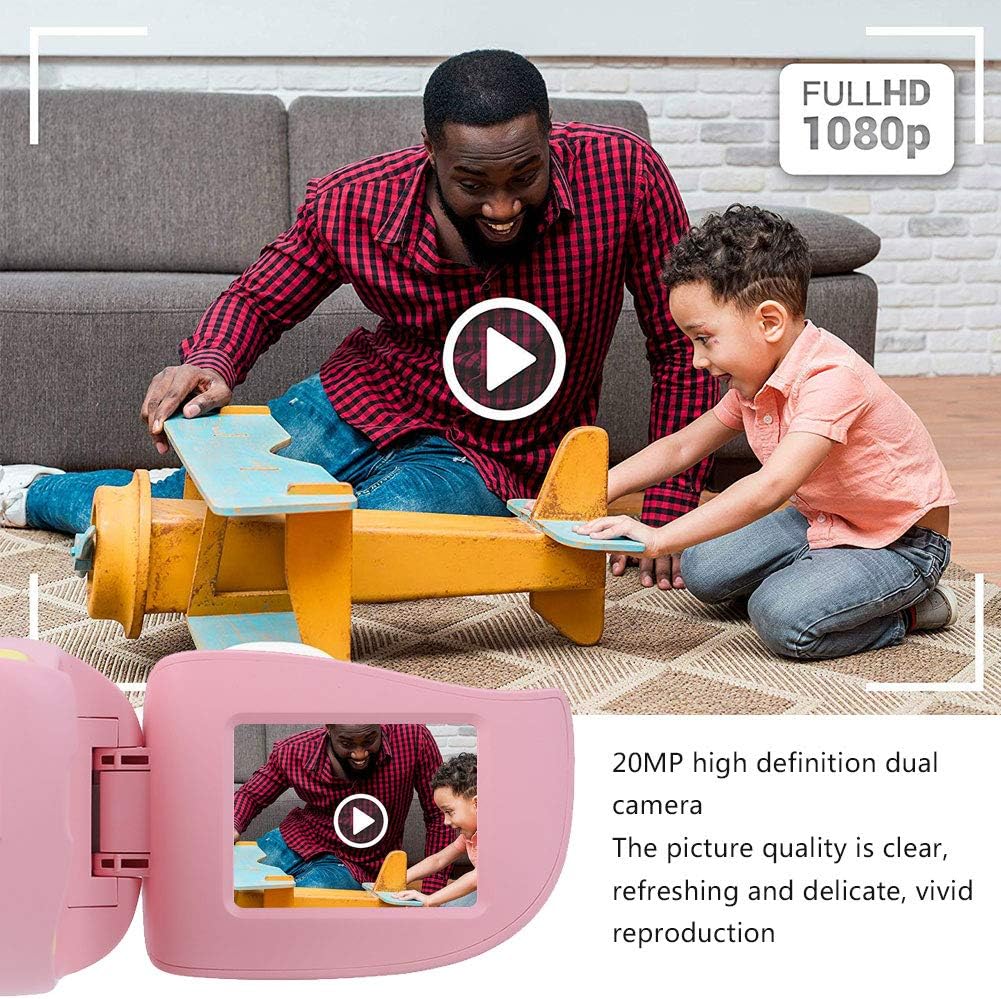
Figura 5: Illustrating the camera's 20MP photo and 720P video capabilities.
4. Modo de reprodução
- Enter playback mode using the mode button.
- Use the navigation buttons (up/down or left/right arrows) to browse through your photos and videos.
- Press the OK/Shutter button to view uma foto ou reproduzir um vídeo.
5. Settings and Games
- Access the settings menu via the mode button or a dedicated menu button. Here you can adjust language (Chinese, English, Russian, Korean, Japanese), date/time, and other camera parameters.
- The camera supports a variety of built-in games for entertainment. Navigate to the game section through the menu.
Manutenção
- Limpeza: Use a soft, dry cloth to clean the camera body. For the lens, use a specialized lens cleaning cloth. Do not use liquid cleaners or abrasive materials.
- Armazenar: Guarde a câmera em local fresco e seco, longe da luz solar direta e da umidade, quando não estiver em uso.
- Cuidados com a bateria: Para prolongar a vida útil da bateria, evite descarregá-la completamente com frequência. Carregue a câmera regularmente, mesmo que não a utilize por longos períodos.
Solução de problemas
| Problema | Possível causa | Solução |
|---|---|---|
| A câmera não liga. | A bateria está fraca ou descarregada. | Charge the camera using the USB charging cable. |
| Não é possível tirar fotos/gravar vídeos. | Nenhum cartão de memória inserido ou o cartão está cheio/corrompido. | Insert a compatible MicroSD card (up to 32GB). Check if the card has sufficient space or try formatting it (this will erase all data). |
| As imagens/vídeos estão desfocados. | Lens is dirty or lighting is poor. | Clean the lens with a soft cloth. Ensure adequate lighting for your shots. |
| A câmera congela ou não responde. | Falha no software. | Press and hold the Power button for an extended period (e.g., 10-15 seconds) to force a restart. If the issue persists, ensure the battery is charged. |
Especificações
| Modelo | A100 |
| Material | ABS de qualidade alimentar |
| Tela | 2.0 Inch Color Display Screen (LCD) |
| Lente | Fixed Lens, 100° Viewângulo de engate |
| Meio de armazenamento | Memory Card (MicroSD), Maximum Support 32GB (Not Included) |
| Formato de imagem | JPG |
| Formato de vídeo | JPEG |
| Resolução de vídeo | 720P (1080x720) |
| Pixels de fotos | 20 MP Effective Still Resolution |
| Molduras de foto | 4 Tipos |
| Efeitos de filtro | Tipos 9 |
| Vol de entradatage | Corrente Contínua 5 V 1 A |
| Funções | Taking Pictures, Video Recording, Games |
| Idiomas suportados | Chinese, English, Russian, Korean, Japanese |
| Bateria | Built-in, Non-Detachable 400mAh Lithium Battery |
| Peso | Aprox. 220g |
| Dimensões (aprox.) | 13 x 11 x 7 cm (Dimensões da embalagem) |
| Conectividade | USB, Wi-Fi |
| Tecnologia de sensor fotográfico | CMOS |
| Controle de exposição | Manual |
| Modos de disparo | Esportes |
| Disparo contínuo | 30 FPS |
| Faixa etária | Kid (3-12 years) |
Garantia e Suporte
Specific warranty information is not provided in this manual. For details regarding warranty coverage, technical support, or service, please refer to the documentation included with your purchase or contact the retailer where the product was acquired. You may also visit the official Cuifati brand store for additional information.
Cuifati Brand Store: Visite a loja