
1. Introdução
Obrigado pela compra.asing the Edifier X3s True Wireless Stereo Earbuds. This manual provides detailed instructions on how to set up, operate, and maintain your earbuds to ensure optimal performance and longevity. Please read this manual thoroughly before use.

Image: The Edifier X3s earbuds, one removed from the open charging case, showcasingraças ao seu design compacto.
2. Conteúdo da embalagem
- Edifier X3s True Wireless Earbuds (Left and Right)
- Estojo de carregamento
- Cabo de carregamento USB
- Pontas auriculares (vários tamanhos)
- Manual do usuário
3. Configuração
3.1 Carregando os fones de ouvido e o estojo
Antes da primeira utilização, carregue totalmente os fones de ouvido e o estojo de carregamento.
- Place the earbuds into the charging case. Ensure they are correctly seated; the indicator lights on the earbuds will illuminate.
- Connect the charging case to a power source using the provided USB cable. The indicator light on the charging case will show charging status.
- A full charge for the charging case typically takes approximately 8 hours. The earbuds will charge automatically when placed in the case.
3.2 Emparelhamento Bluetooth
Follow these steps to pair your Edifier X3s earbuds with your device:
- Certifique-se de que os fones de ouvido estejam carregados.
- Abra o estojo de carregamento. Os fones de ouvido entrarão automaticamente no modo de emparelhamento, indicado por uma luz piscando nos fones.
- No seu dispositivo (smartphone, tablet, etc.), ative o Bluetooth e procure por novos dispositivos.
- Select "EDIFIER X3s" from the list of available devices.
- Once connected, a voice prompt will confirm successful pairing, and the earbud indicator lights will turn off.
Os fones de ouvido suportam TrueWireless Mirroring, allowing seamless switching between single and dual earbud use.
4. Instruções de operação
4.1 Controles de toque
The Edifier X3s earbuds feature intuitive touch controls on each earbud. Refer to the diagram below for specific functions:

Image: A diagram illustrating the touch control functions for the left and right Edifier X3s earbuds.
- Um toque (E/D): Play/Pause music, Answer an Incoming Call
- Double Tap (L): Música Anterior
- Double Tap (R): Próxima música
- Triple Tap (L): Switch On Game Mode
- Triple Tap (R): Ativar Assistente de Voz
- Long Press for 2-3 Seconds (L/R): Hang Up/Reject a Call
- Long Press (L): Diminuir volume
- Long Press (R): Aumentar o volume
4.2 modos de jogo
To enhance your gaming experience, the Edifier X3s features a dedicated Game Mode. Triple-tap the esquerda earbud to activate or deactivate Game Mode. This mode optimizes audio-visual synchronization for gaming.
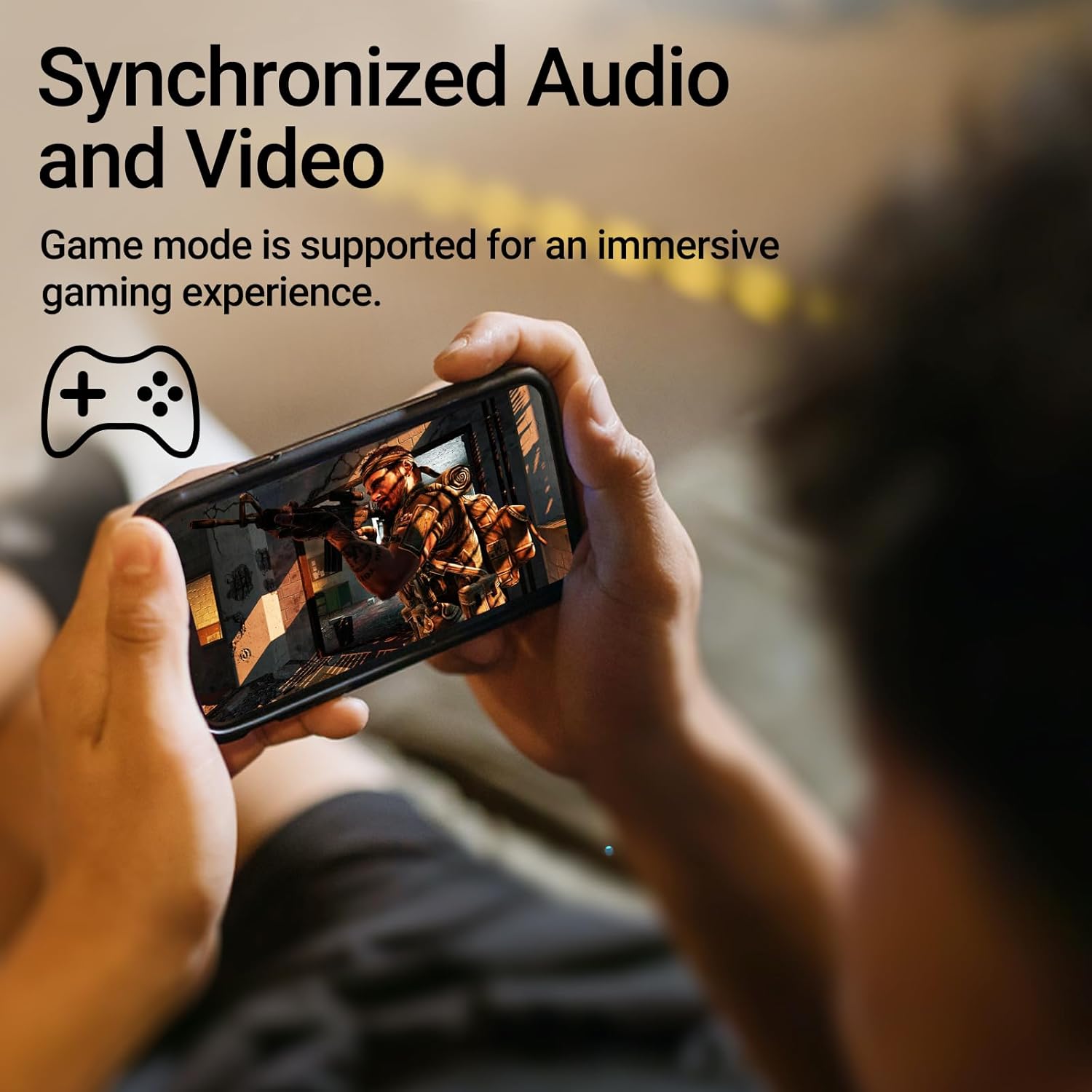
Image: A person holding a smartphone, playing a game, with the text "Synchronized Audio and Video. Game mode is supported for an immersive gaming experience."
5. Principais características
- Experiência True Wireless: Bluetooth V5.2 with Qualcomm aptX audio decoding for high-fidelity sound and stable connections.
- Tempo de jogo estendido: Up to 28 hours of total playtime, with 8 hours from the earbuds and an additional 20 hours from the charging case.
- Superior Call Clarity: Equipped with Qualcomm cVc 8.0 noise cancellation technology for crystal clear calls.
- IP55 Rated Protection: Dust and water resistance make these earbuds suitable for outdoor activities and various weather conditions.
- Design confortável e leve: Weighing only 62g, these earbuds provide a secure and comfortable fit for extended wear.

Image: A close-up of the Qualcomm aptX QCC3040 chip, highlighting Bluetooth V5.2 with aptX audio decoding for lossless audio transmission.

Image: Hands holding the Edifier X3s charging case, with an overlay indicating "Up to 28 hours of playback in total: 8 hours (earbuds), 20 hours (charging case)".

Image: A graphic illustrating cVc 8.0 noise reduction, showing how ambient noise is reduced while voice remains clear during calls.

Image: A woman exercising, with an overlay indicating "Dust and water resistant. Feel free to use them at the gym or on a rainy day. IP55-Rated."
6. Manutenção
6.1 Limpeza
- Limpe regularmente os fones de ouvido e o estojo de carregamento com um pano macio, seco e sem fiapos.
- Remova as pontas auriculares e limpe-as com água e sabão neutro, se necessário. Certifique-se de que estejam completamente secas antes de recolocá-las.
- Use um cotonete para limpar delicadamente os contatos de carregamento tanto nos fones de ouvido quanto no estojo.
6.2 Armazenamento
- Quando não estiverem em uso, guarde os fones de ouvido no estojo de carregamento para protegê-los e mantê-los carregados.
- Conservar em local fresco e seco, longe de temperaturas extremas e da luz solar direta.
6.3 Resistência à água e poeira
The earbuds are IP55 rated, meaning they are protected against dust ingress and low-pressure water jets from any direction. While they can withstand sweat and light rain, they are not designed for submersion in water. Do not use them while swimming or showering.
7. Solução De Problemas
- Os fones de ouvido não estão emparelhando: Ensure both earbuds are in the charging case, then open the lid to initiate pairing mode. Check your device's Bluetooth settings and try reconnecting.
- Apenas um fone de ouvido está funcionando: Coloque os dois fones de ouvido de volta no estojo de carregamento, feche a tampa, espere alguns segundos e abra-a novamente. Isso geralmente os sincroniza novamente.
- Sem som: Check the volume level on both your device and the earbuds. Ensure the earbuds are properly paired and connected.
- Problemas de carregamento: Verify that the charging cable is securely connected and the power source is active. Clean the charging contacts on the earbuds and case.
- Má qualidade da chamada: Ensure the earbuds are clean and positioned correctly in your ears. Check for any obstructions to the microphone.
8. Especificações
- Modelo: EDIFIER X3S
- Conectividade: Sem fio (Bluetooth V5.2)
- Decodificação de áudio: Qualcomm aptX
- Cancelamento de ruído: Qualcomm cVc 8.0 (for calls)
- Hora de brincar: Earbuds: 8 hours, Total with Charging Case: 28 hours
- Tempo de carregamento (estojo): Aproximadamente 8 horas
- Resistência à água/poeira: Classificação IP55
- Método de controle: Tocar
- Peso: 62 gramas (total)
- Material: Policarbonato (PC), Elastômero Termoplástico (TPE)
- Dispositivos compatíveis: Smartphones, Gaming Devices, Tablets
9. Garantia e Suporte
For warranty information and customer support, please refer to the warranty card included with your product or visit the official Edifier webGuarde seu comprovante de compra para eventuais solicitações de garantia.