
1. Introdução
Thank you for choosing the JCLOUD Smart Scent Air Machine AE-108. This waterless essential oil diffuser utilizes advanced Cold-Air Diffusion Technology to disperse fragrance effectively across areas up to 1000 square feet. This manual provides comprehensive instructions for the safe and efficient operation, setup, and maintenance of your device. Please read this manual thoroughly before use and retain it for future reference.
2. Produto acabadoview
2.1 Componentes incluídos
- JCLOUD Smart Scent Air Machine AE-108
- Cabo USB
2.2 Principais Características
- Cold-Air Diffusion Technology: Disperses essential oils without heat or water, preserving their therapeutic properties.
- Operação sem água: Eliminates the need for water, simplifying maintenance and preventing mold buildup.
- Ampla cobertura: Effectively scents areas up to 1000 square feet.
- Capacidade de 100 ml: Allows for extended operation without frequent refills.
- Design compacto: Suitable for various home and office environments.
2.3 Diagrama do produto

Figura 1: Frente view of the JCLOUD Smart Scent Air Machine AE-108. This image shows the sleek black casing with the JCLOUD logo and a rose gold accent on the right side.

Figura 2: The JCLOUD Smart Scent Air Machine AE-108 shown alongside an empty blue essential oil bottle, illustrating the type of container used for fragrance.
3. Configuração
- Desembale o dispositivo: Carefully remove the scent machine and all accessories from the packaging.
- Locate the Oil Bottle Compartment: The oil bottle compartment is typically accessed from the top or side of the device. Refer to Figure 3 for the top view showing the oil port.
- Fill the Oil Bottle: Unscrew the empty essential oil bottle (if provided separately) and fill it with your desired essential oil. Do not overfill. The maximum capacity is 100ML.
- Attach the Oil Bottle: Screw the filled essential oil bottle securely into the nebulizing mechanism within the compartment. Ensure it is tightly sealed to prevent leaks.
- Conecte a energia: Insert the USB-Cable into the power port on the device. Connect the other end of the USB-Cable to a suitable power adapter (not included) and plug it into a wall outlet. This device operates on corded electric power and does not contain an internal battery. Refer to Figure 4 for the back view showing the power port.
- Colocação: Place the scent machine on a flat, stable surface in the desired area. Ensure it is away from direct sunlight, heat sources, and out of reach of children and pets.
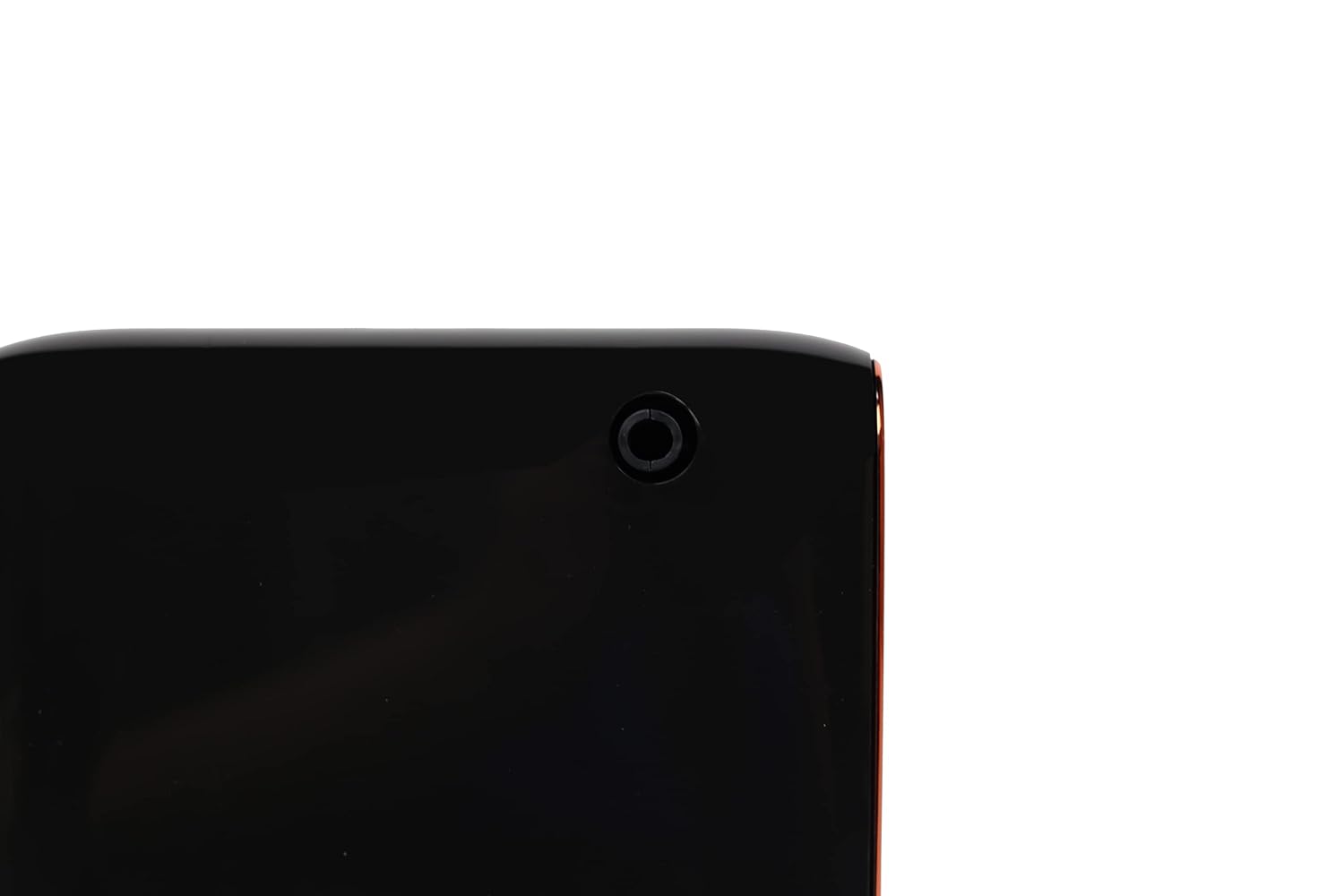
Figura 3: Principal view of the JCLOUD Smart Scent Air Machine AE-108, highlighting the circular opening for the essential oil bottle connection.
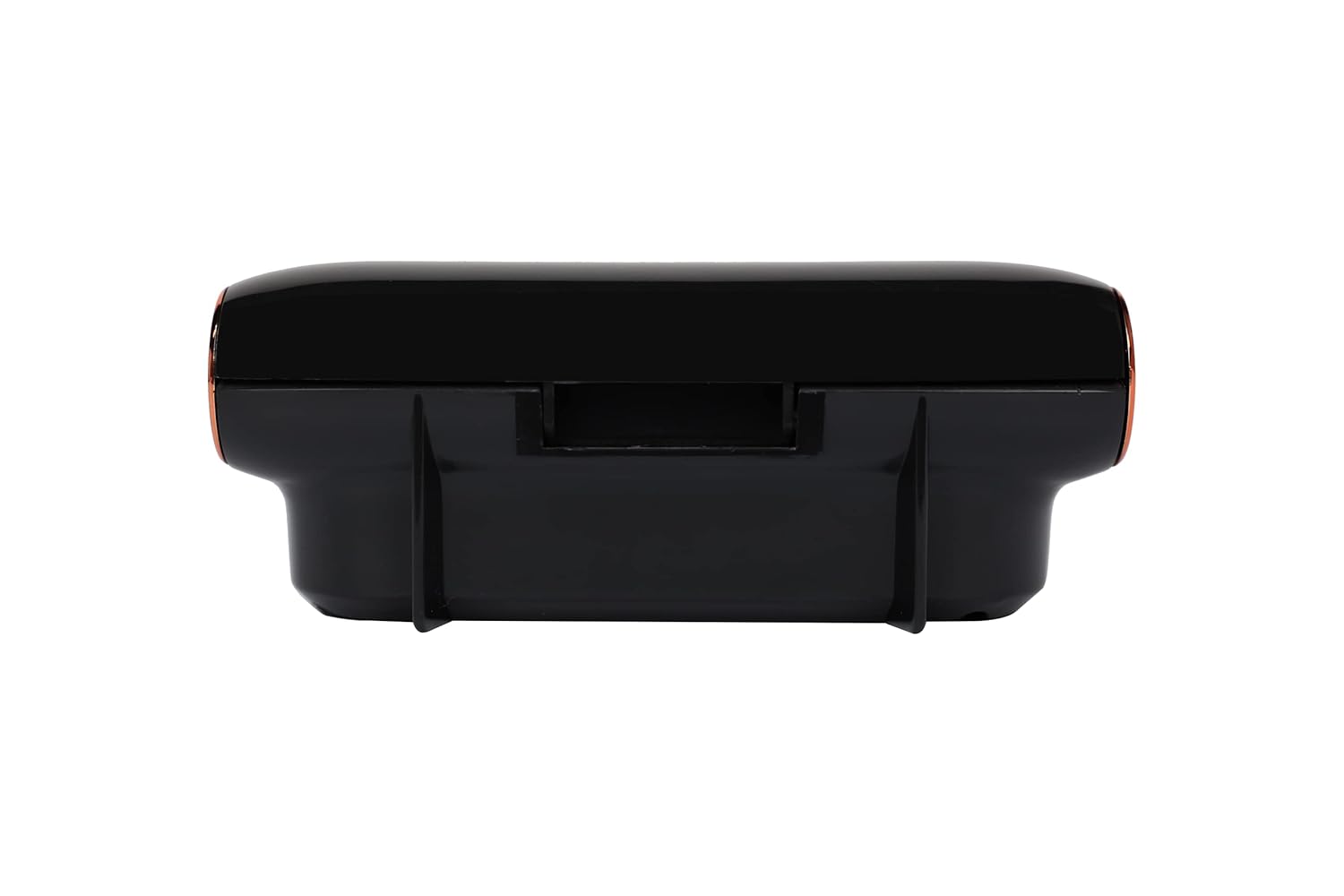
Figura 4: Voltar view of the JCLOUD Smart Scent Air Machine AE-108, indicating the location of the USB power input port.
4. Instruções de operação
- Ligar: Once connected to power, the device should indicate it is ready for operation (e.g., an indicator light). Press the power button (location may vary, typically on the top or front panel) to turn on the machine.
- Adjust Scent Intensity: The JCLOUD Smart Scent Air Machine AE-108 typically features adjustable intensity settings. Refer to the control panel for options to increase or decrease the diffusion strength. Higher settings will consume more oil.
- Função de temporizador (se disponível): Some models include a timer function. Consult your device's specific controls to set desired operating intervals or durations.
- Desligar: Press the power button again to turn off the machine. Disconnect from the power source if the device will not be used for an extended period.
Observação: The device operates using Cold-Air Diffusion Technology, which means it does not produce mist or steam. You may not visibly see the diffusion, but the fragrance will be dispersed into the air.
5. Manutenção
Regular maintenance ensures optimal performance and longevity of your JCLOUD Smart Scent Air Machine AE-108.
5.1 Limpando o Dispositivo
- Limpeza externa: Limpe a parte externa da máquina com um pano macio e seco. Não utilize produtos de limpeza abrasivos ou solventes.
- Nebulizer Cleaning: If you notice a decrease in scent output or plan to switch essential oils, clean the nebulizer. Remove the essential oil bottle. Fill a clean, empty bottle with rubbing alcohol and attach it to the nebulizer. Run the machine for 15-30 minutes to clear any residue. Then, reattach your essential oil bottle.
5.2 Substituição de Óleos Essenciais
When the essential oil bottle is empty, replace it by following the steps outlined in Section 3. Ensure the device is powered off and unplugged before replacing the oil bottle.
6. Solução De Problemas
| Problema | Possível causa | Solução |
|---|---|---|
| Sem emissão de odor |
|
|
| Dispositivo não liga |
|
|
| Vazamento de óleo |
|
|
If the problem persists after attempting these solutions, please contact JCLOUD customer support.
7. Especificações
| Nome do modelo | AE-108 |
| Marca | JCLOUD |
| Cor | Preto |
| Material | Plástico |
| Fonte de energia | Elétrico com fio |
| O quetage | 10 Watts |
| Capacidade | 100 Milliliters (Oil Bottle) |
| Área de cobertura | Até 1000 pés quadrados |
| Peso do item | 812 g |
| Dimensões do item (CxLxA) | 14.7 x 5.8 x 16 centímetros |
| Recurso especial | Cold-Air Diffusion Technology |
8. Garantia e Suporte
For warranty information and customer support, please refer to the documentation provided with your purchase or visit the official JCLOUD website. If you encounter any issues not covered in this manual, please contact JCLOUD customer service for assistance.
Informações de contato: Please refer to your purchase receipt or the JCLOUD official webConsulte o site para obter os detalhes de contato mais recentes do suporte ao cliente.