
1. Introdução
Welcome to the world of drone piloting with the KOO Kotaro 036. This drone is designed as an ideal first drone for beginners, featuring a Wi-Fi camera and essential functionalities. It offers excellent value for those new to drone operation. The Kotaro 036 provides an immersive experience with its FPV Wi-Fi camera and smartphone control, allowing you to explore and capture high-definition moments from a new perspective. Integrated LED lights ensure optimal visibility in various lighting conditions. KOO is committed to environmental responsibility, equipping all its vehicles, including the Kotaro 036, with rechargeable batteries.
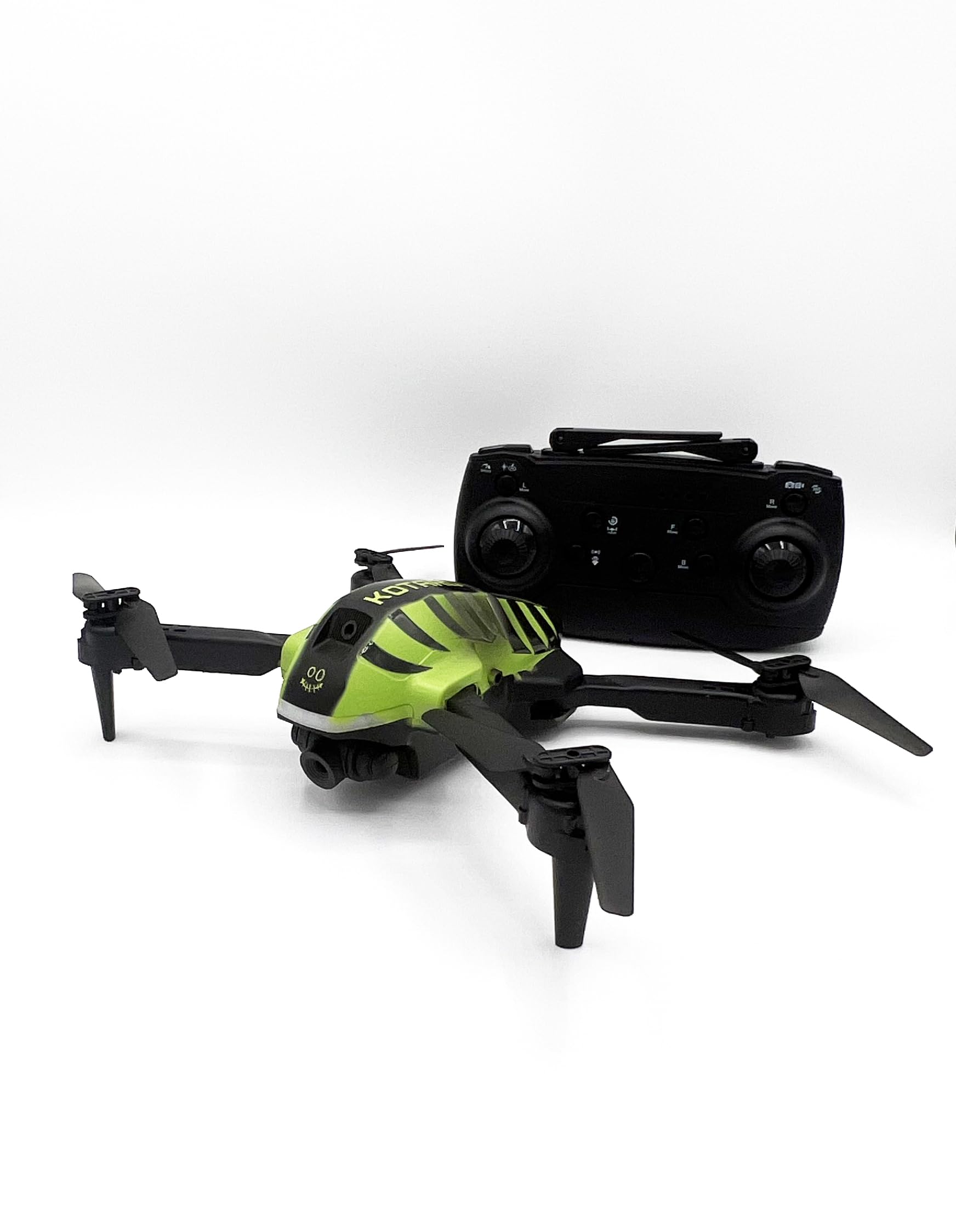
Image 1.1: KOO Kotaro 036 Drone, top-front view, mostrarasing its compact design and propellers.
2. Informações de segurança
Please read and understand all safety warnings before operating the KOO Kotaro 036 Drone.
- Aviso: Não é adequado para crianças menores de 36 meses devido a peças pequenas. Perigo de asfixia.
- This toy produces flashes that may trigger epilepsy in sensitized individuals. Exercise caution.
- Opere o drone sempre em áreas abertas e desimpedidas, longe de pessoas, animais e obstáculos.
- Do not fly near airports, restricted airspace, or power lines.
- Ensure the drone's battery and remote control batteries are fully charged before each flight.
- Adult supervision is recommended for users under 14 years of age. Recommended age for use is 10 years and up.
3. O que está na caixa
Verifique se todos os componentes estão presentes na embalagem:
- KOO Kotaro 036 Drone
- Controle remoto
- Manual do usuário (este documento)
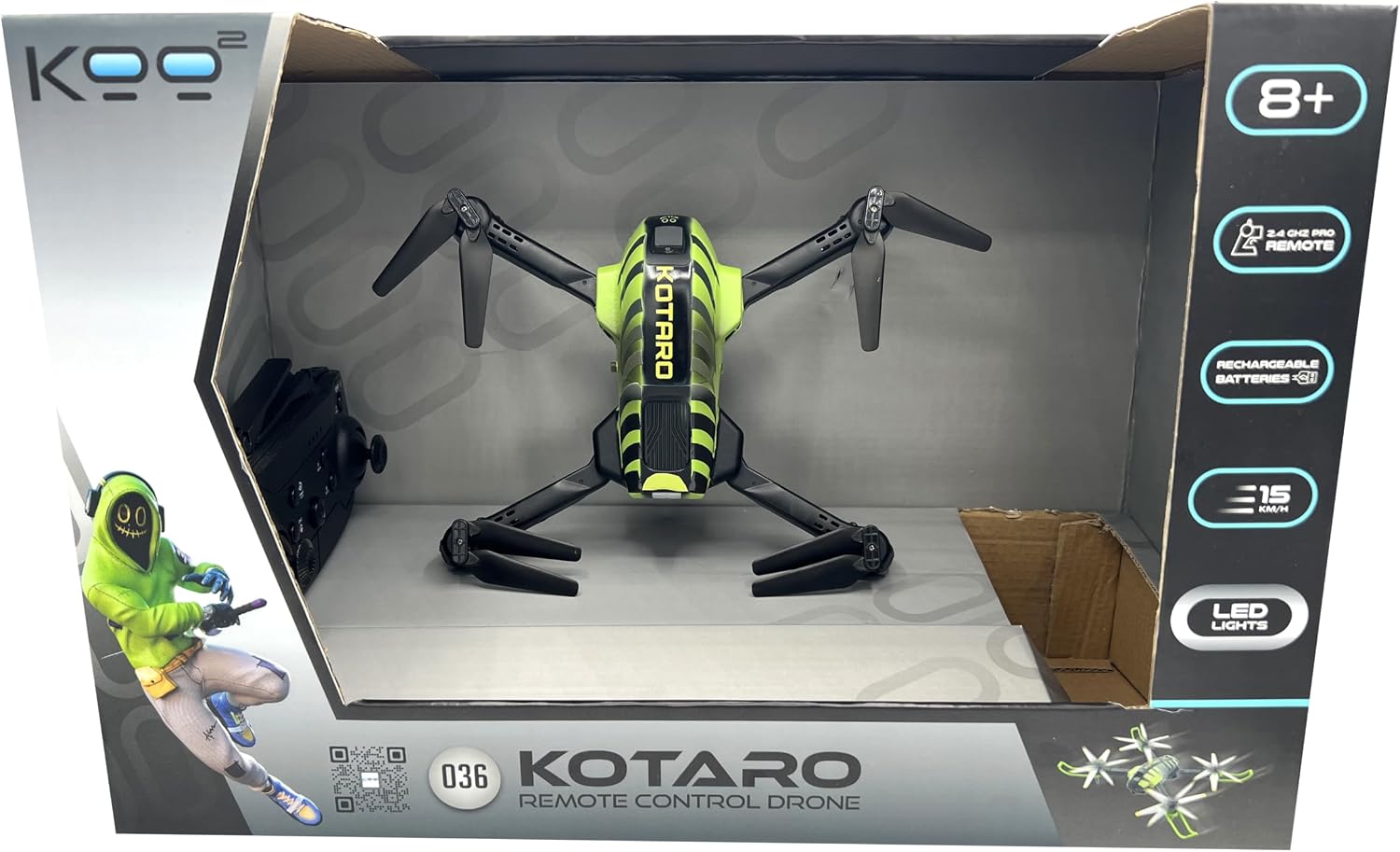
Image 3.1: Drone and remote control inside the product box, top view.

Image 3.2: Drone and remote control inside the product box, side view.
4. Configuração
4.1. Instalação e carregamento da bateria
- Bateria Drone: The KOO Kotaro 036 Drone is equipped with a rechargeable battery. Connect the drone's battery to the provided USB charging cable and plug it into a suitable USB power source (e.g., computer USB port, USB wall adapter). The charging indicator will show the charging status. Ensure the battery is fully charged before first use.
- Baterias de controle remoto: The universal KOO remote control requires 2 x AA batteries (not included). Open the battery compartment on the back of the remote control, insert the batteries according to the polarity markings (+/-), and close the compartment securely.
4.2. Propeller Installation (if required)
If propellers are not pre-installed, carefully attach them to the motor shafts. Ensure each propeller is placed on the correct motor as indicated in the drone's specific diagram (refer to the included quick start guide if available). Incorrect propeller placement can prevent flight.
4.3. Wi-Fi Camera and Smartphone Connection
The Kotaro 036 features a Wi-Fi FPV camera for real-time video streaming to your smartphone.
- Download the dedicated KOO drone application from your smartphone's app store (iOS or Android).
- Ligue o drone.
- On your smartphone, go to Wi-Fi settings and connect to the drone's Wi-Fi network (usually named something like "KOO_DRONE_XXXX").
- Open the KOO drone application. You should see the live video feed from the drone's camera.
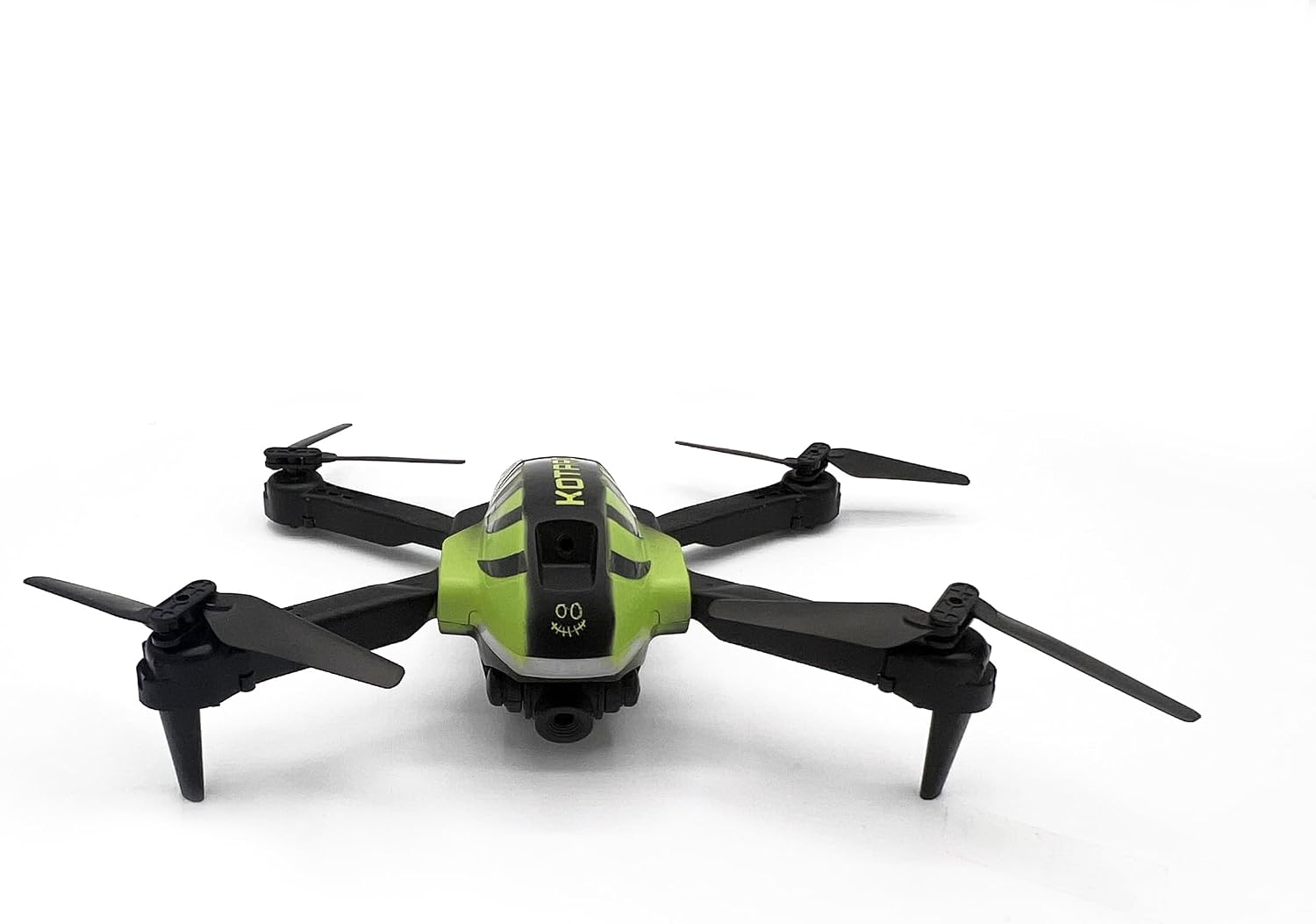
Imagem 4.1: Vista superior frontal view of the KOO Kotaro 036 Drone, showing propeller orientation.

Image 4.2: Side-front view of the KOO Kotaro 036 Drone, highlighting its landing gear.
5. Instruções de operação
5.1. Emparelhando o drone e o controle remoto
- Coloque o drone em uma superfície plana e nivelada.
- Turn on the drone's power switch. The LED lights on the drone will blink.
- Ligue o controle remoto.
- Push the left joystick (throttle) all the way up, then all the way down. The remote control will beep, and the drone's LED lights will become solid, indicating successful pairing.
5.2. Controles básicos de voo
The KOO Kotaro 036 uses a 2.4 GHz remote control for stable signal transmission.
- Decolagem/Aterrissagem: After pairing, press the one-key take-off button (if available) or slowly push the left joystick up to ascend. To land, slowly pull the left joystick down or press the one-key landing button.
- Subir/Descer: Use the left joystick (throttle) to control altitude. Push up to ascend, pull down to descend.
- Para frente / para trás: Use the right joystick to move the drone forward or backward.
- Esquerda/Direita (Voo Lateral): Use the right joystick to move the drone left or right sideways.
- Virar à esquerda/direita (guinada): Use the left joystick (left/right movement) to rotate the drone clockwise or counter-clockwise.
5.3. Recursos avançados
- FPV (Primeira Pessoa) View) & Smartphone Control: Once connected via Wi-Fi (Section 4.3), you can view the live camera feed and control the drone directly from the KOO app on your smartphone.
- Luzes LED: The integrated LED lights provide visibility and an aesthetic appeal, especially during low-light flights.
- Modos de velocidade: The drone may feature multiple speed modes (e.g., low, medium, high). Refer to the remote control diagram for the speed switch button.

Imagem 5.1: Lateral view of the KOO Kotaro 036 Drone, showing its profile durante o voo.
6. Manutenção
6.1. Limpeza
- Gently wipe the drone's body with a soft, dry cloth to remove dust and debris.
- Avoid using water or chemical cleaners, as they can damage electronic components.
- Inspect propellers for any damage or foreign objects after each flight. Replace damaged propellers immediately.
6.2. Cuidados com a bateria
- Do not overcharge or over-discharge the drone's rechargeable battery.
- Guarde as baterias em local fresco e seco, longe da luz solar direta e de temperaturas extremas.
- If the drone will not be used for an extended period, charge the battery to about 50% before storage.
6.3. Armazenamento
When not in use, store the drone and its components in a safe, dry place, preferably in its original packaging or a protective case, to prevent damage.
7. Solução De Problemas
If you encounter issues with your KOO Kotaro 036 Drone, refer to the following common problems and solutions:
| Problema | Possível causa | Solução |
|---|---|---|
| O drone não liga. | Drone battery is not charged or not connected. | Ensure the drone battery is fully charged and properly connected. |
| Remote control does not power on. | As pilhas do controle remoto estão descarregadas ou instaladas incorretamente. | Replace remote control batteries with new ones and check polarity. |
| Drone does not pair with remote. | Procedimento de emparelhamento incorreto ou interferência. | Repeat the pairing procedure (Section 5.1). Ensure no other 2.4GHz devices are causing interference. |
| Drone is unstable during flight. | Propellers are damaged or incorrectly installed; drone not calibrated. | Check and replace damaged propellers. Ensure propellers are installed correctly. Perform a drone calibration (refer to quick start guide for specific steps). |
| No FPV video feed on smartphone. | Wi-Fi desconectado ou problema com o aplicativo. | Ensure your smartphone is connected to the drone's Wi-Fi network. Restart the app and drone. |
8. Especificações
| Recurso | Detalhe |
|---|---|
| Nome do modelo | KOTARO 036 |
| Referência do fabricante | KAB-KOO-0036 |
| Dimensões do produto (C x L x A) | 16 x 20 x 6 cm |
| Peso | 0.86 grams (Note: This weight seems unusually low for a drone of this size, please verify with product packaging if actual weight is critical.) |
| Idade Recomendada | 10 anos ou mais |
| Material principal | Plástico |
| Cor | Preto e verde |
| Controle remoto incluído | Sim |
| Bateria Drone | Recarregável (incluído) |
| Pilhas para controle remoto | 2 x pilhas AA (não incluídas) |
| Tecnologia de Conectividade | Wi-Fi (para FPV) |
| Resolução de gravação de vídeo | 720p |
| Formato de captura de vídeo | MP4 |
| Tipo de controle | Controle remoto |
9. Vídeos de Produtos
Watch these official product videos for visual guidance on setup and operation.
Video 9.1: KOO Kotaro 036 Drone overview and features (0:32 duration).
Video 9.2: Demonstration of KOO Kotaro 036 Drone flight and controls (0:45 duration).
Video 9.3: KOO Kotaro 036 Drone camera and FPV features (0:51 duration).