
1. Introdução
Obrigado pela compra.asing the AKAI 50 Inch 4K Ultra HD Smart QLED TV, Model AL50GQU-SFWS. This manual provides essential information for the safe and efficient operation of your new television. Please read it thoroughly before using the product and retain it for future reference.
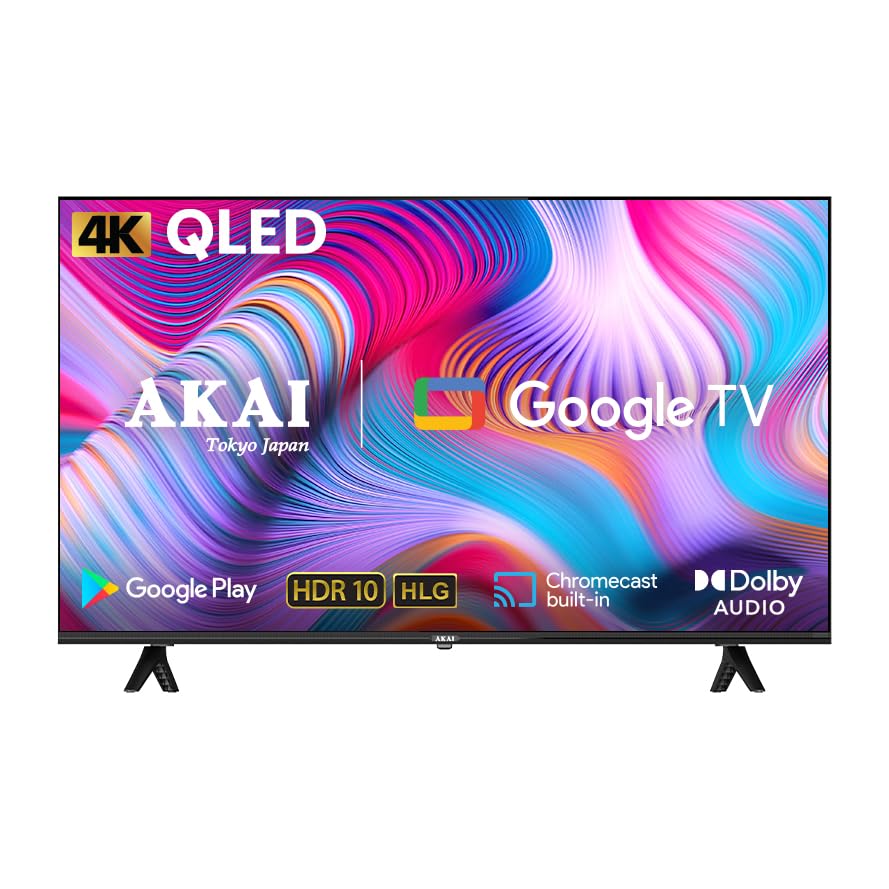
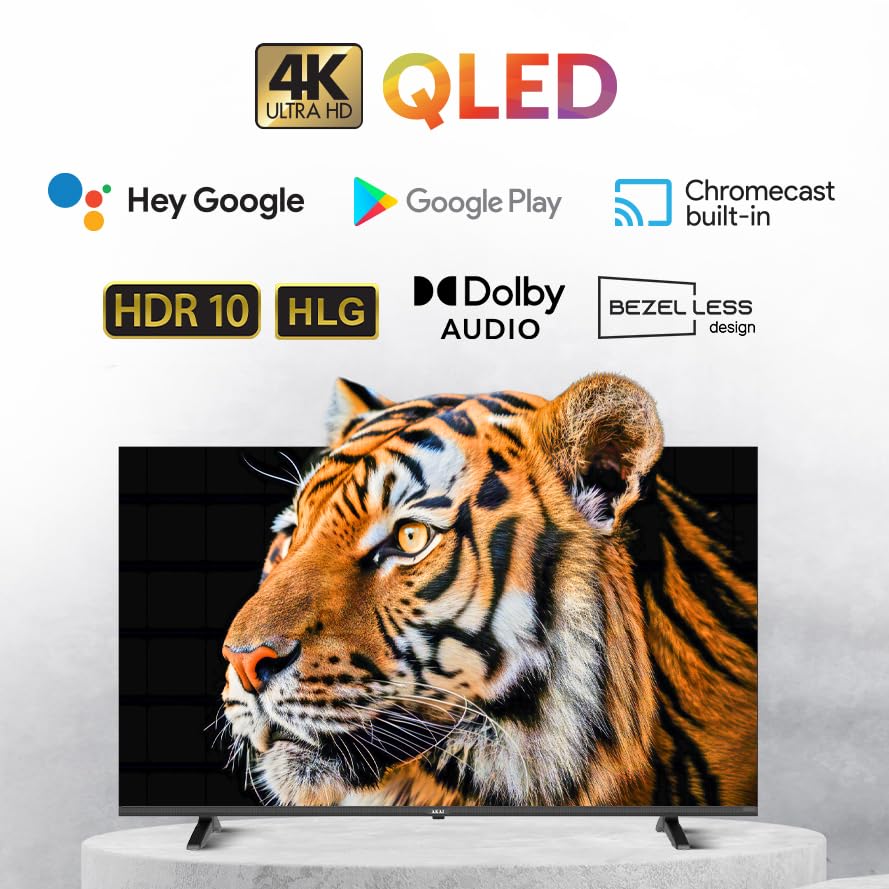
This QLED TV features a 4K Ultra HD display, Google TV operating system, Atmos Sound, 60Hz refresh rate with MEMC technology, HDR 10 support, and a bezelless design, offering an immersive viewexperiência.
2. Conteúdo da embalagem
Antes de prosseguir com a instalação, verifique se todos os itens listados abaixo estão incluídos no seu pacote:
- AKAI 50 Inch 4K Ultra HD Smart QLED TV
- Controle remoto
- Cabo de energia
- Wall Mount Bracket (if included in your specific package)
- Suportes de mesa
- Manual do usuário (este documento)
- Batteries for Remote Control (may be included)
3. Configuração
3.1. Desembalagem e colocação
- Carefully remove the TV from its packaging. It is recommended that two people handle the TV to prevent damage.
- Place the TV on a stable, flat surface or prepare for wall mounting. Ensure adequate ventilation around the TV.
3.2. Attaching the Stands (Table Mount)
If you intend to place the TV on a table or cabinet, follow these steps:
- Lay the TV face down on a soft, clean cloth to protect the screen.
- Align the table stands with the screw holes on the bottom of the TV.
- Fixe os suportes utilizando os parafusos fornecidos. Não aperte em excesso.
- Levante cuidadosamente a TV até a posição vertical.
3.3. Montagem na parede
If you plan to wall mount your TV, it is strongly recommended to use a professional installer to ensure proper and safe installation. Refer to the wall mount bracket's instructions for specific details.
3.4. Dispositivos de conexão
Sua TV oferece diversas opções de conectividade:
- Portas HDMI (x3): Conecte leitores de Blu-ray, consoles de jogos, decodificadores, etc.
- Porta USB (x1): Conecte dispositivos de armazenamento USB para reprodução de mídia.
- Conexão de Rede: Para conexão de internet com fio.
- Wi-fi: Para conexão de internet sem fio.
- Bluetooth: For connecting wireless accessories like headphones or soundbars.
Certifique-se de que todas as conexões estejam seguras antes de ligar a TV.
3.5. Inicialização da alimentação e configuração do Google TV
- Conecte o cabo de alimentação à TV e, em seguida, a uma tomada elétrica.
- Pressione o botão liga/desliga no controle remoto ou na própria TV.
- Follow the on-screen instructions to complete the initial setup of Google TV, including language selection, network connection (Wi-Fi or Ethernet), Google account sign-in, and channel scanning.
4. Operando sua TV
4.1. Funções de controle remoto
The provided remote control allows you to navigate the TV's interface and control various functions. Familiarize yourself with the buttons:
- Botão de energia: Liga/desliga a TV.
- Teclado de navegação (Cima/Baixo/Esquerda/Direita/OK): Para navegação e seleção no menu.
- Botão Voltar: Retorna à tela anterior.
- Botão Home: Acessa a tela inicial do Google TV.
- Aumentar/diminuir volume: Ajusta o nível de volume.
- Canal para cima/para baixo: Muda de canal na TV.
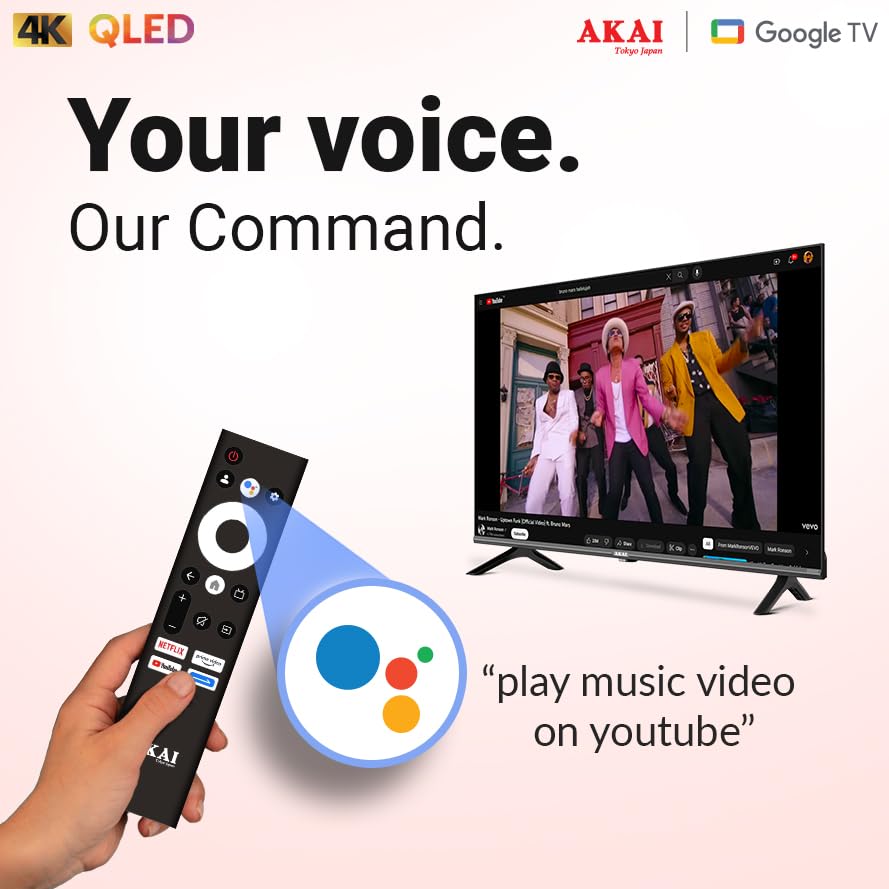
- Botão do Google Assistente: Ativa o controle por voz.
- Botões de atalho do aplicativo: Acesso direto a serviços de streaming populares.
4.2. Interface do Google TV
Google TV organizes your entertainment from various apps and subscriptions into a single, personalized interface. You can:
- Browse movies and TV shows from your streaming services.
- Descubra novos conteúdos com base nas suas preferências. viewhábitos.
- Access the Google Play Store to download additional apps.
- Use Google Assistant for voice commands to search for content, control smart home devices, and more.
4.3. Principais Características e Tecnologias
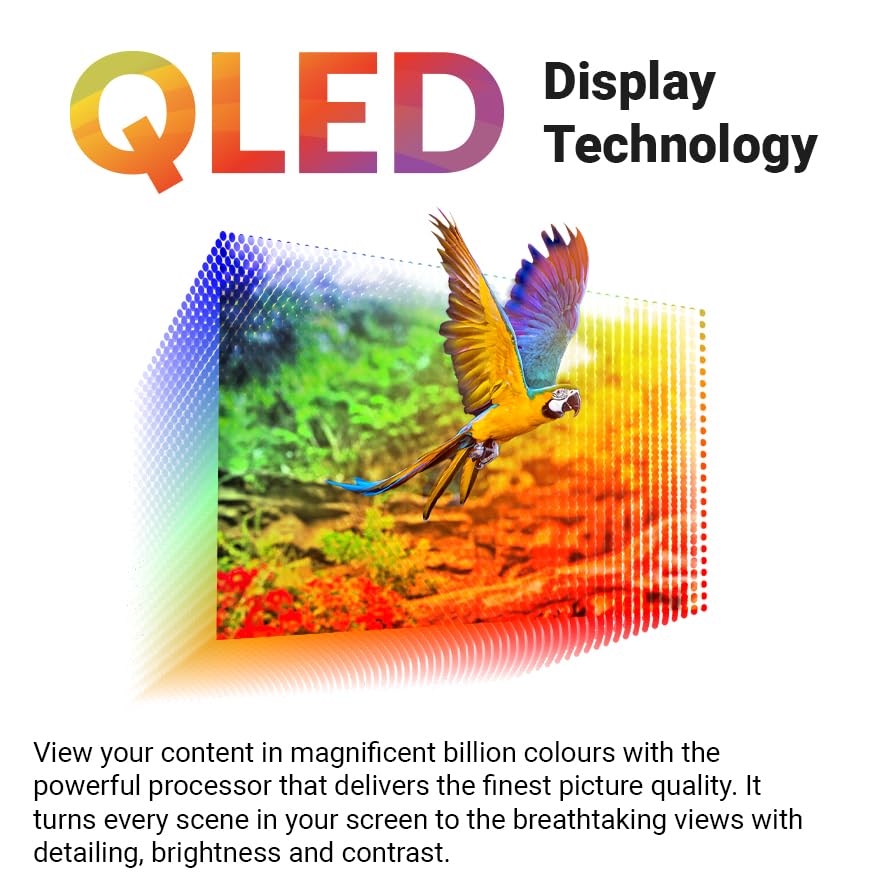
- Tela QLED 4K Ultra HD: Experience stunning visuals with 3840 x 2160 resolution and vibrant colors enhanced by Quantum Dot technology.
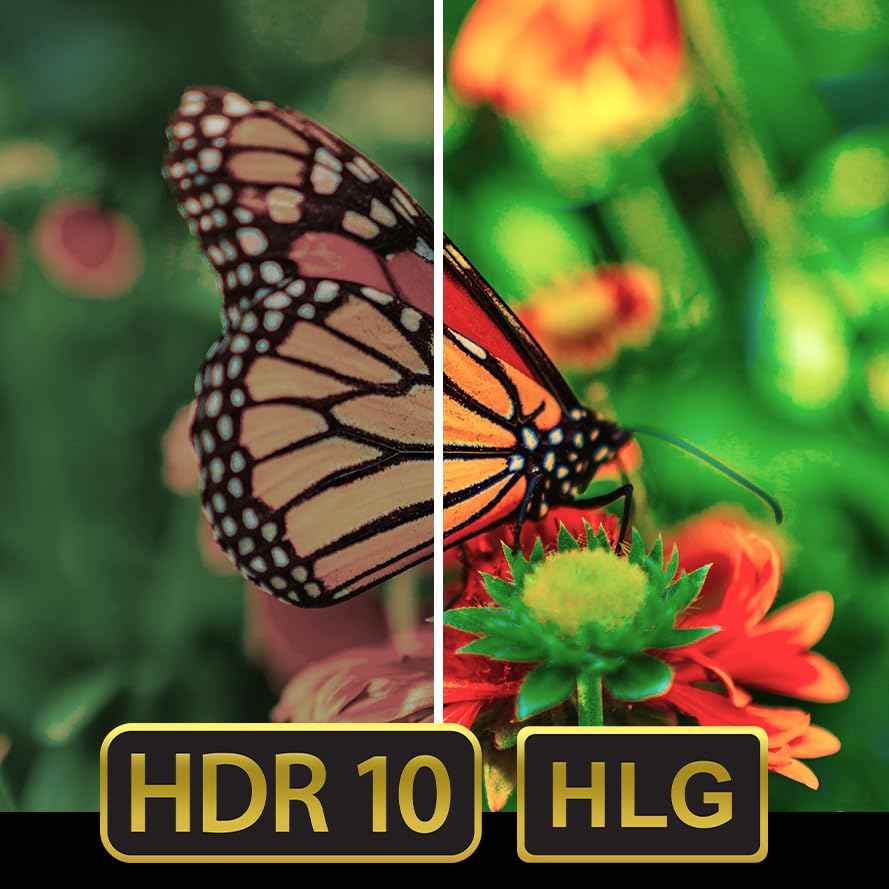
- HDR 10: Enjoy enhanced contrast, deeper blacks, and brighter whites for a more dynamic picture.
- Taxa de atualização de 60Hz com MEMC: Motion Estimation, Motion Compensation (MEMC) technology ensures smooth, fluid motion, reducing blur in fast-paced scenes.
- Som Atmos: Delivers immersive, multi-dimensional audio that moves around you.
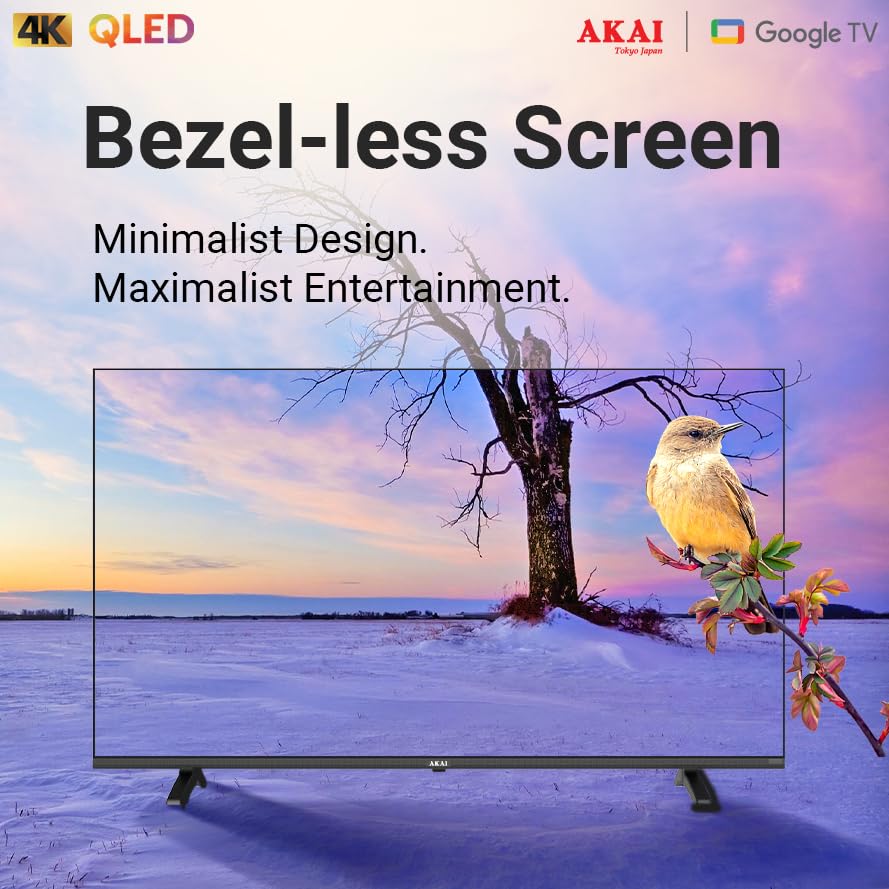
- Bezelless Design: Maximizes screen space for an expansive viewexperiência.
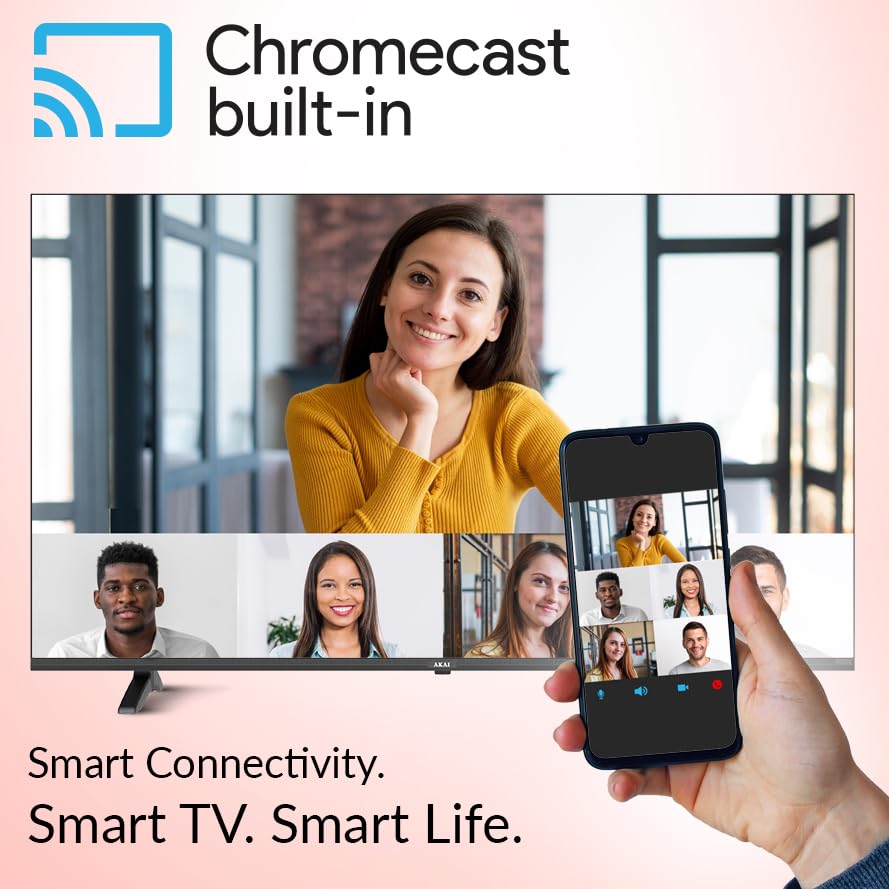
- Chromecast integrado: Transmita conteúdo do seu smartphone, tablet ou computador compatível diretamente para a sua TV.


5. Manutenção
5.1. Limpando sua TV
- Desligue sempre a TV da tomada antes de limpá-la.
- Use um pano macio, seco e sem fiapos para limpar delicadamente a tela e o gabinete.
- Para manchas persistentes, aplique levementeampMolhe o pano com água ou um limpador de telas suave e não abrasivo. Nunca borrife o limpador diretamente na tela.
- Avoid using harsh chemicals, abrasive pads, or solvents as they can damage the TV's surface.
5.2. Atualizações de software
Your Google TV may receive automatic software updates. Ensure your TV is connected to the internet to receive the latest features and security patches. You can also manually check for updates in the TV's settings menu.
6. Solução De Problemas
Se você tiver problemas com sua TV, consulte os problemas e soluções comuns a seguir:
| Problema | Solução possível |
|---|---|
| Sem energia | Check if the power cable is securely connected to both the TV and the power outlet. Ensure the power outlet is working. |
| Sem imagem, mas com som. | Verify the correct input source is selected. Check cable connections (HDMI, etc.). Try restarting the TV. |
| Sem som, mas com imagem. | Check the volume level and ensure the TV is not muted. Verify audio cable connections. If using external audio, check its settings. |
| Controle remoto não funciona | Replace the batteries. Ensure there are no obstructions between the remote and the TV's IR sensor. Re-pair the remote if it's a Bluetooth remote. |
| Não é possível conectar ao Wi-Fi | Verifique se o roteador Wi-Fi está ligado e funcionando. Digite novamente a senha do Wi-Fi. Tente reiniciar a TV e o roteador. |
If the issue persists after trying these solutions, please contact AKAI customer support for further assistance.
7. Especificações
| Recurso | Detalhe |
|---|---|
| Marca | AKAI |
| Modelo | AL50GQU-SFWS |
| Tamanho da tela | 50 polegadas (126 cm) |
| Tecnologia de exibição | QLED |
| Resolução | 3840 x 2160 (4K Ultra HD) |
| Taxa de atualização | 60 Hz (with MEMC Technology) |
| Sistema operacional | Google TV |
| Características especiais | Atmos Sound, HDR 10, Bezelless Design, Chromecast Built-in, Google Assistant |
| BATER | 2 GB |
| ROM | 16 GB |
| Portas HDMI | 3 |
| Portas USB | 1 |
| Conectividade | Wi-Fi, Bluetooth, Ethernet |
| Modo de saída de áudio | Stereo (5.1 Speaker Surround Sound Channel Configuration) |
| Viewângulo de engate | 178 graus |
| Relação de contraste da imagem | 5000:1 |
| Fonte de energia | Elétrico com fio |
| O quetage | 130.00 W |
| Dimensões do produto (CxLxA) | 111.2 x 64.8 x 9.2 cm (sem suporte) |
| Peso do item | 9.1 kg |
8. Garantia e Suporte
Your AKAI 50 Inch 4K Ultra HD Smart QLED TV is covered by a manufacturer's warranty. Please refer to the warranty card included in your package for specific terms and conditions, including the warranty period and coverage details.
For technical support, service requests, or any questions not covered in this manual, please contact AKAI customer service. Contact details can typically be found on the AKAI official webno site ou na documentação da garantia.
Fabricante: Hometech Digital Limited, SCO 363-364, Sector 35B, Chandigarh