
Introdução
Obrigado pela compra.asing the Kenko Pieni 8 Digital Toy Camera. This miniature camera is designed to capture photos and videos with a unique retro aesthetic, reminiscent of 8mm film cameras. Its compact size and simple operation make it an enjoyable device for capturing everyday moments with a nostalgic feel. This manual provides detailed instructions for proper setup, operation, and maintenance of your camera.
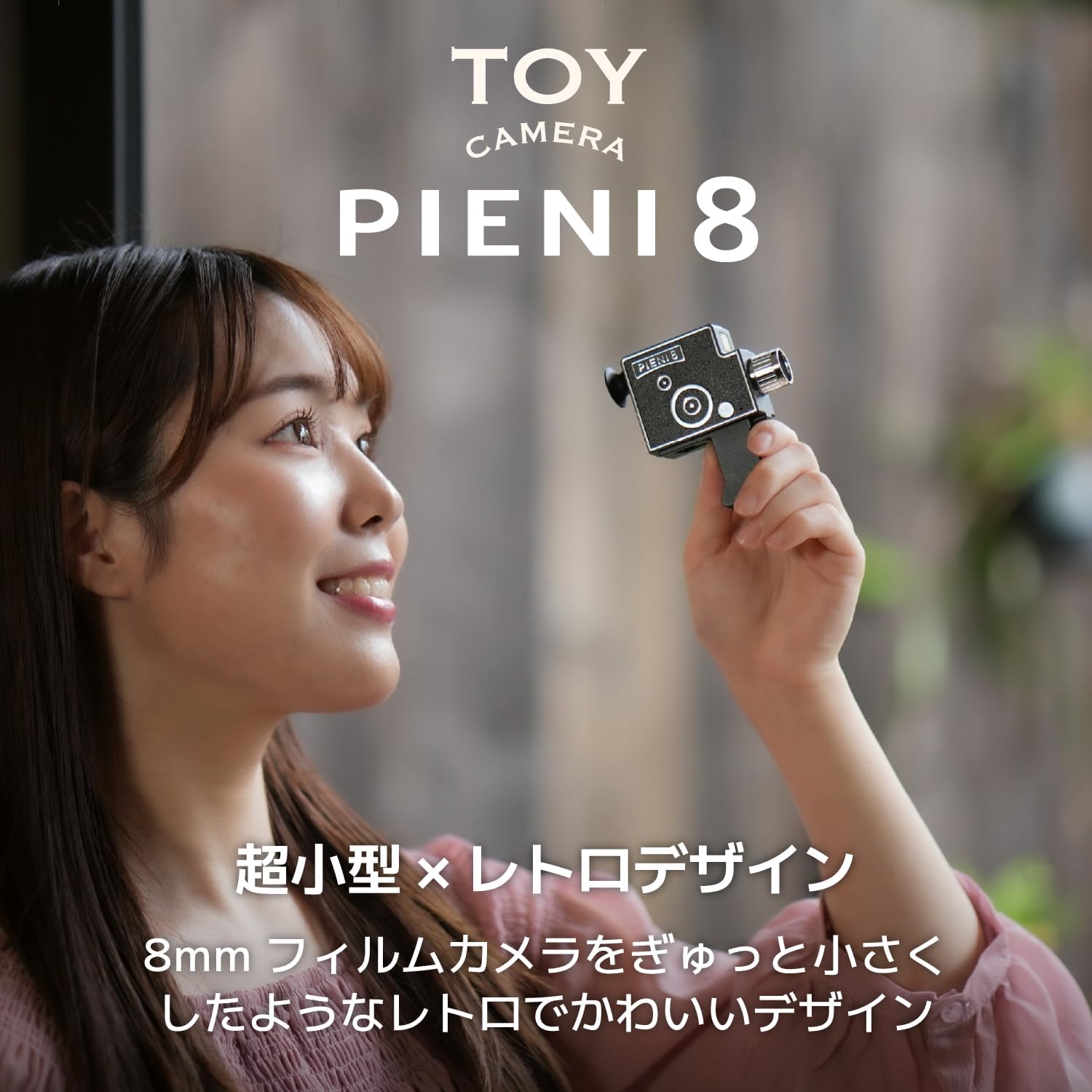
Image: The Kenko Pieni 8 camera, demonstrating its small, handheld form factor.
Informações de segurança
- Do not expose the camera to water or excessive moisture. The camera is not water-resistant.
- Evite deixar a câmera cair ou submetê-la a impactos fortes.
- Keep the camera away from extreme temperatures and direct sunlight.
- Não tente desmontar ou modificar a câmera. Isso anulará a garantia.
- Utilize apenas o cabo USB fornecido para carregar e transferir dados.
- Store the camera and accessories out of reach of small children.
Conteúdo da embalagem
Por favor, verifique se todos os seguintes itens estão incluídos em seu pacote:
- Kenko Pieni 8 Digital Toy Camera (Main Unit)
- Alça de mão
- Chaveiro
- Cabo USB (Tipo A para Tipo C)
- Manual de instruções

Image: The Kenko Pieni 8 camera shown with the hand strap and keychain accessories.
Produto acimaview
The Kenko Pieni 8 features a simple design with minimal controls, focusing on ease of use and its unique retro output.

Imagem: Frente view of the Kenko Pieni 8 camera, resembling a classic 8mm film camera.
Principais características:
- Retro Image Capture: Records photos and videos with a nostalgic, film-like appearance.
- Gravação de áudio: Videos include audio.
- Design compacto: Miniature size, ideal for portability.
- MicroSDHC Support: Stores media on external microSDHC cards (up to 32GB, not included).
- USB Tipo C: Para carregamento e transferência de dados.
- No LCD Monitor: Encourages a surprise element when viewing captured media on a computer or smartphone.
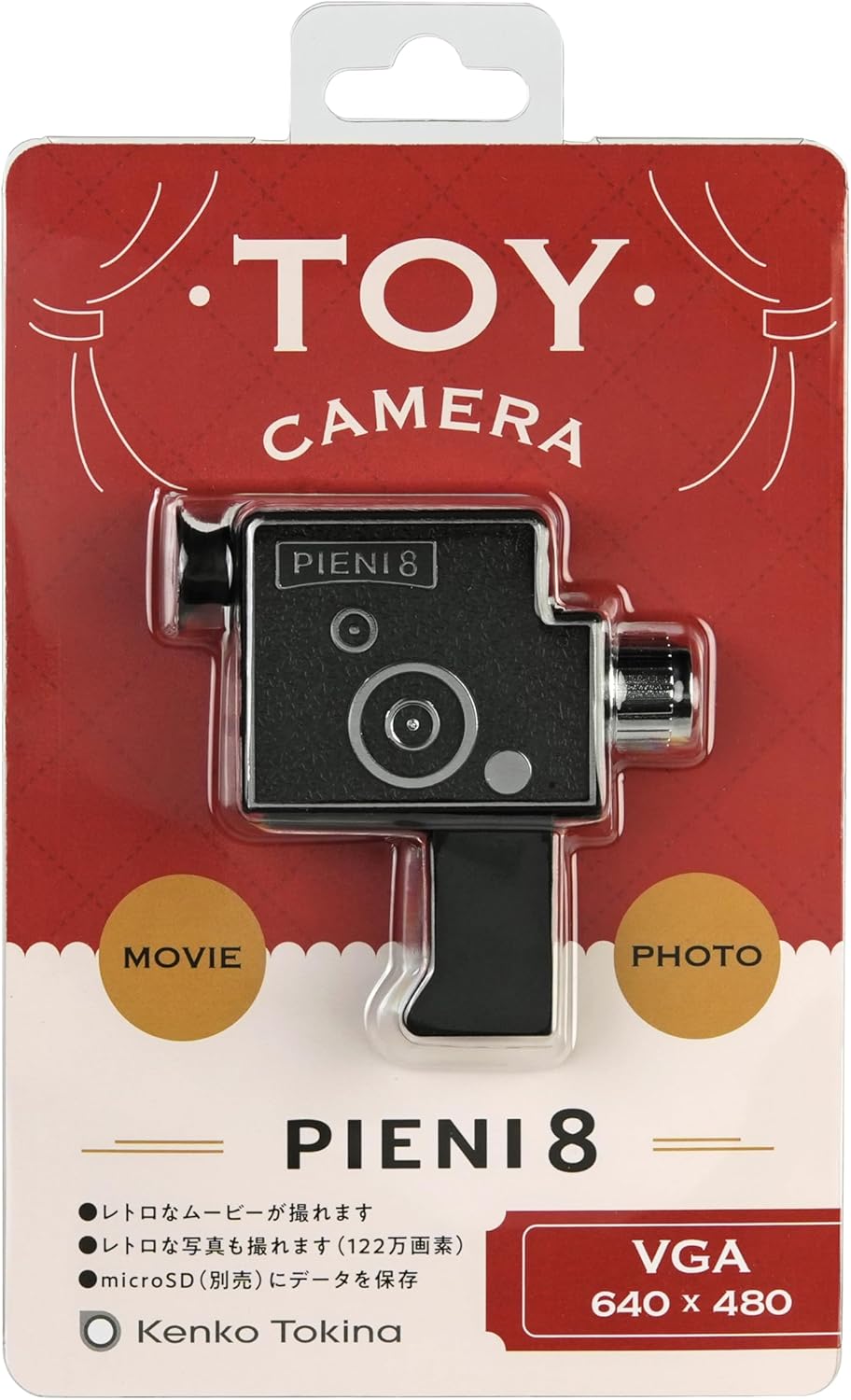
Image: A user looking through the camera's viewfinder, which serves as a guide for framing shots.
Configurar
1. Inserindo um cartão microSD
The Kenko Pieni 8 requires a microSDHC card (sold separately, up to 32GB) to store photos and videos. There is no internal memory.
- Locate the microSD card slot on the camera body.
- Gently insert the microSDHC card into the slot with the gold contacts facing down, until it clicks into place.
- To remove the card, push it in gently until it springs out.

Image: The microSD card slot on the camera, indicating where to insert the memory card.
2. Carregando a bateria
The camera has a built-in lithium-ion battery. Charge it before first use and whenever the battery is low.
- Connect the small end of the included USB Type-C cable to the USB port on the camera.
- Connect the larger end of the USB Type-A cable to a USB power adapter (not included) or a computer's USB port.
- A luz indicadora de carregamento acenderá durante o carregamento e apagará quando a carga estiver completa.

Image: The camera connected via USB-C cable to a computer for charging.
Instruções de operação
Ligar/Desligar
- Para ligar, pressione e mantenha pressionado o botão liga/desliga até que a luz indicadora acenda.
- Para desligar, pressione e mantenha pressionado o botão liga/desliga até que a luz indicadora se apague.
Tirando fotos
- Ensure the camera is powered on and a microSD card is inserted.
- Point the camera at your subject. Use the viewfinder for general framing.
- Press the shutter button once to take a photo. The indicator light may flash briefly.
Gravando vídeos
- Ensure the camera is powered on and a microSD card is inserted.
- Aponte a câmera para o seu objeto.
- Press and hold the shutter button to start recording video. The indicator light will typically remain on or flash slowly.
- Release the shutter button to stop recording.

Image: A sample image demonstrating the retro video and photo style produced by the camera.
Transferindo dados
Since the Pieni 8 does not have an LCD screen, you will need to transfer files to a computer or smartphone to view eles.
- Conecte a câmera ao computador usando o cabo USB tipo C fornecido.
- The camera will appear as a removable storage device (like a USB drive).
- Open the camera's folder and copy the desired photo (JPEG) and video (MJPEG/AVI) files para o seu computador.
- Alternatively, you can remove the microSD card and insert it into a card reader connected to your computer or smartphone.
Manutenção
- Limpeza: Use a soft, dry cloth to wipe the camera body. For the lens, use a lens cleaning cloth. Do not use liquid cleaners or abrasive materials.
- Armazenar: When not in use for extended periods, store the camera in a cool, dry place, away from direct sunlight and dust. Ensure the battery is partially charged (around 50%) before long-term storage to prolong battery life.
- Cuidados com a bateria: Avoid fully discharging the battery frequently. Recharge it regularly to maintain optimal performance.
Solução de problemas
- A câmera não liga:
- Ensure the battery is charged. Connect the camera to a power source using the USB cable and allow it to charge for at least 30 minutes.
- Pressione e mantenha pressionado o botão liga/desliga por alguns segundos.
- Não é possível tirar fotos/vídeos:
- Check if a microSDHC card is properly inserted.
- Ensure the microSDHC card has sufficient free space.
- The battery might be too low. Charge the camera.
- Files are not appearing on the computer:
- Certifique-se de que o cabo USB esteja firmemente conectado tanto à câmera quanto ao computador.
- Tente uma porta USB diferente em seu computador.
- Try removing the microSD card and using a separate card reader.
- Ensure the camera is powered on when connected to the computer for data transfer.
- Qualidade de imagem/vídeo ruim:
- The Pieni 8 is designed for a retro, lo-fi aesthetic. Image quality will not be comparable to modern digital cameras.
- Certifique-se de que a lente esteja limpa e sem manchas.
- Shoot in well-lit environments, as the camera has fixed ISO sensitivity.
Especificações
| Recurso | Detalhe |
|---|---|
| Sensor de imagem | 1/9 type 1.2 megapixel CMOS sensor |
| Lente | f=1.8mm F2.8 |
| Distância de tiroteio | Approx. 0.3 m ~ (fixed focus) |
| Memória interna | Nenhum |
| Memória externa | microSDHC card (~32GB) |
| Ainda o formato da imagem | JPEG |
| Formato de vídeo | MJPEG (AVI) |
| Tamanho da imagem estática | 1280 x 960 |
| Tamanho do vídeo | 640 x 480 30 fps (12 fps for retro effect) |
| Velocidade do obturador | 1/100 seconds (fixed) |
| Sensibilidade ISO | 100 (fixo) |
| Fonte de energia | Lithium-ion battery (built-in) |
| Input / Output Porto | USB Type-C port (for charging and data transfer) |
| Dimensões (C x L x A) | Aproximadamente 76 x 77 x 23 mm (0.91 x 2.99 x 3.03 polegadas) |
| Peso | Aproximadamente. 32 g (apenas unidade principal) |
| Cor | Preto |
Nota: As especificações estão sujeitas a alterações sem aviso prévio para melhoria do produto.
Garantia e Suporte
Informações de garantia
Kenko products are manufactured under strict quality control standards. This product is covered by a limited warranty against defects in materials and workmanship from the date of purchase. Please refer to the warranty card included in your package for specific terms and conditions, including the warranty period and claim procedures. Keep your proof of purchase for warranty service.
Suporte ao cliente
If you encounter any issues or have questions regarding your Kenko Pieni 8 Digital Toy Camera that are not addressed in this manual, please contact Kenko customer support. Contact information can typically be found on the Kenko official webno site ou no cartão de garantia.
For the latest information and support resources, please visit the official Kenko website: www.kenko-tokina.co.jp/english/