Introdução
Thank you for choosing the Sealy Wireless Sleep Sound Machine & Night Light. This device is designed to create a calming environment for sleep, relaxation, or focused work. It features 14 sound modes, a Bluetooth speaker, adjustable night light, and timer settings, all powered by a rechargeable battery for portability. Please read this manual carefully to ensure proper use and maintenance of your device.
Características do produto
- 14 Relaxing Sound Modes: A diverse selection of white noise, nature, and fan sounds for deep sleep, focused work, or calming infants.
- Dual Brightness Levels: Two adjustable light settings for customized ambiance, suitable for nighttime reading, nursing, or creating a cozy sleep environment.
- Rechargeable Battery & Portability: Up to 3 hours of wireless playtime on a single charge. Lightweight and compact for use at home or on-the-go.
- Alto-falante Bluetooth integrado: High-quality audio streaming from your smartphone for music, podcasts, and meditation.
- Timer for Energy Savings: Auto-off feature with 15 or 30-minute timer options.
Conteúdo da embalagem
Por favor, verifique se a embalagem contém os seguintes itens:
- Sealy Wireless Sleep Sound Machine & Night Light
- Cabo de carregamento USB Tipo-C
- Manual do usuário
Configurar
Carga Inicial
Before first use, fully charge the device. Connect the provided USB Type-C cable to the charging port on the device and to a compatible USB power adapter (not included). The charging indicator will illuminate. A full charge provides up to 3 hours of wireless playtime.
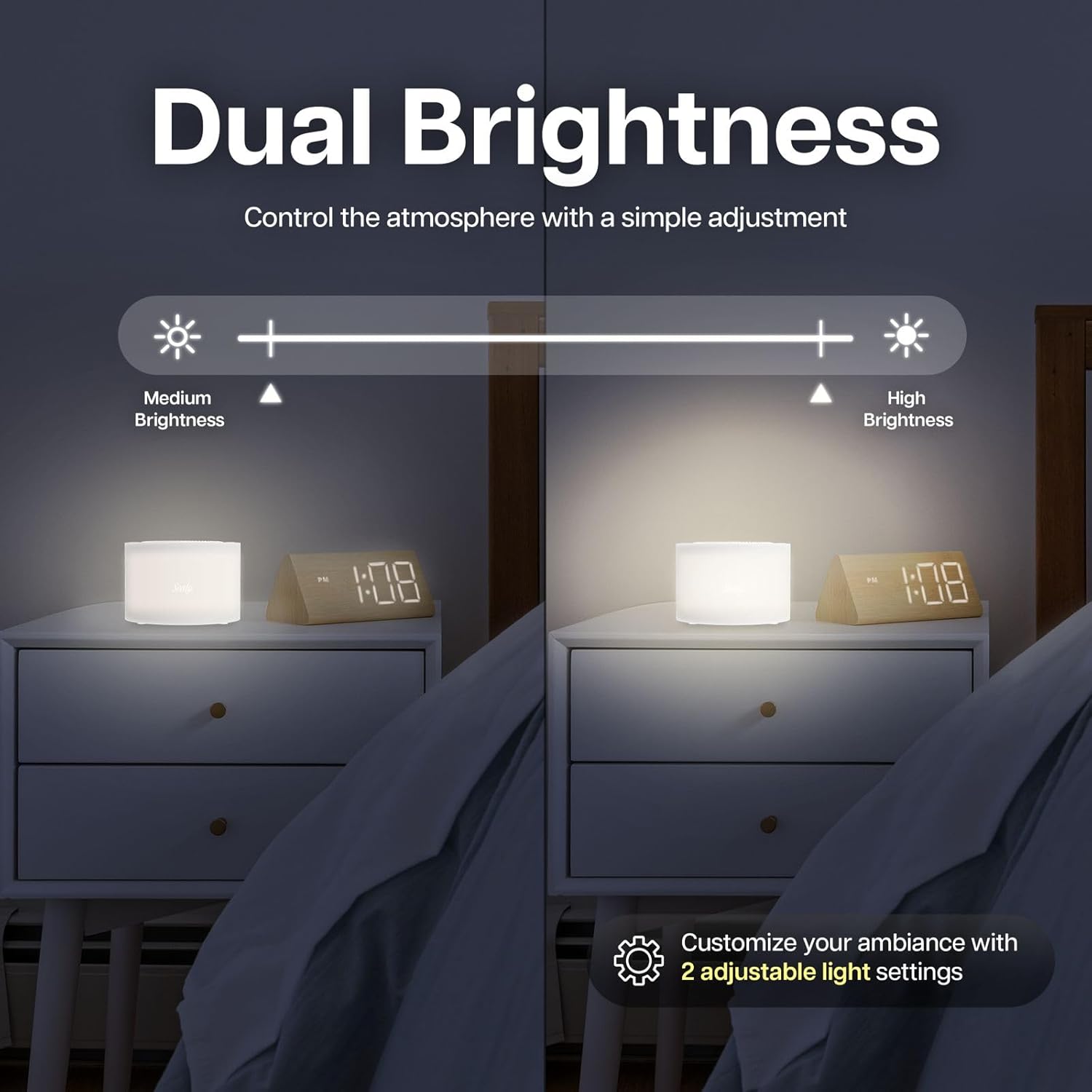
Imagem: The Sealy Sleep Sound Machine connected to a USB-C charging cable. The image highlights the charging port and indicates that a 20-minute charge provides 3 hours of use. The device also features an auto-off timer.
Instruções de operação
Ligar/Desligar
Pressione e segure o LIGADO/DESLIGADO button located on the top of the device to power it on or off.
Modos de som
The device offers 14 distinct sound modes, categorized into White Noise, Nature Sounds, and Fan Sounds. Use the dedicated buttons on the top panel to cycle through these categories and select your preferred sound.
- Ruído branco: 5 variations
- Sons da natureza: 6 variations
- Sons de fãs: 3 variations

Imagem: The Sealy Sleep Sound Machine positioned near a sleeping baby, illustrating its use for creating a calming environment. The image highlights the sound categories: 5 White Noise, 6 Nature Sounds, and 3 Fan Sounds.
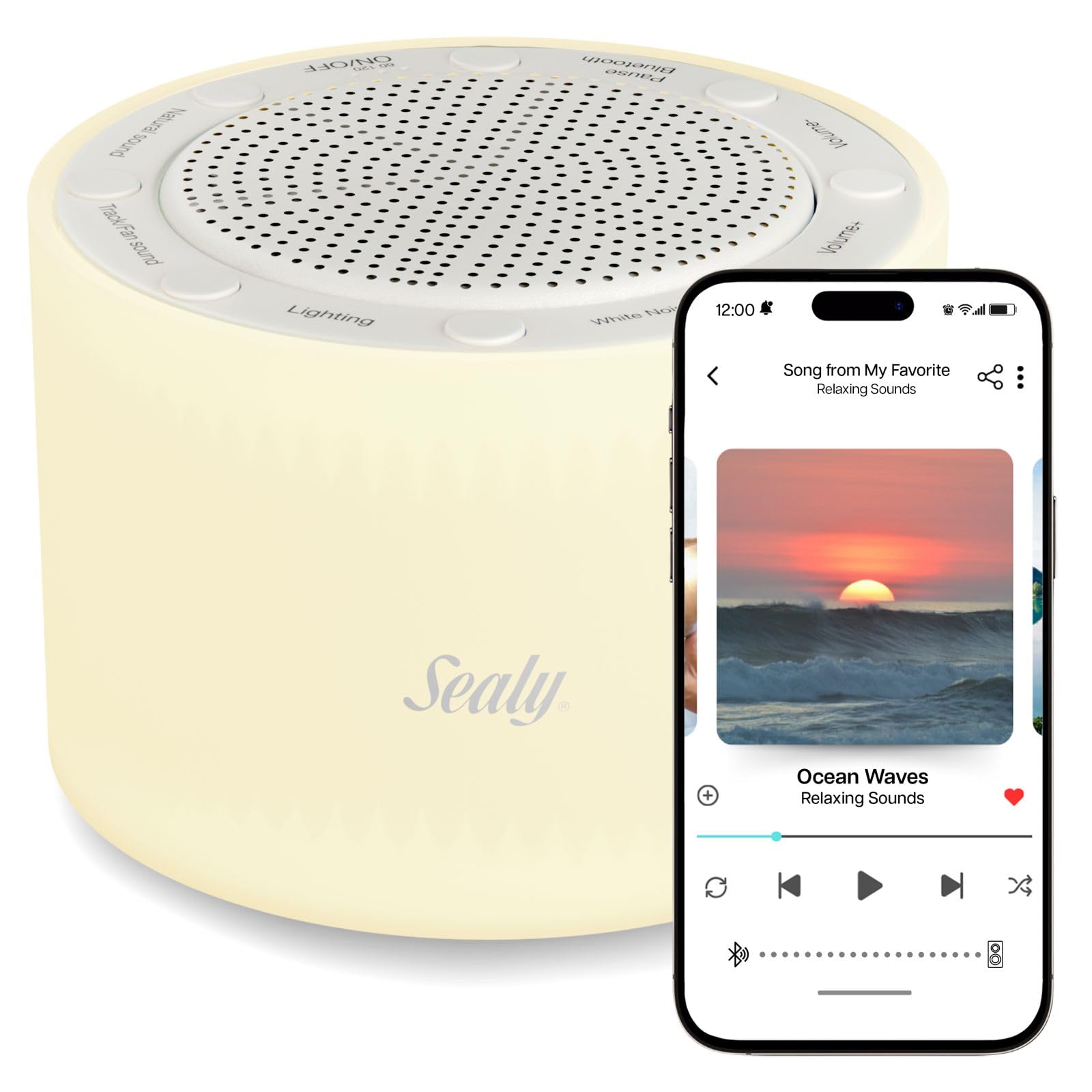
Imagem: The Sealy Sleep Sound Machine on a desk, demonstrating its utility for enhancing focus during work or creative tasks. The image emphasizes the availability of 14 sound modes for optimal concentration.
Ajuste de volume
Use o Es eseseses eseses eseseses e volume - buttons to adjust the sound level to your preference.
Emparelhamento Bluetooth
To use the device as a Bluetooth speaker:
- Certifique-se de que o dispositivo está ligado.
- Pressione o Bluetooth button. The device will enter pairing mode, indicated by a flashing light or audio cue.
- On your smartphone or other Bluetooth-enabled device, search for "Sealy Sound Machine" in the Bluetooth settings.
- Select the device to pair. Once paired, you can stream audio wirelessly.
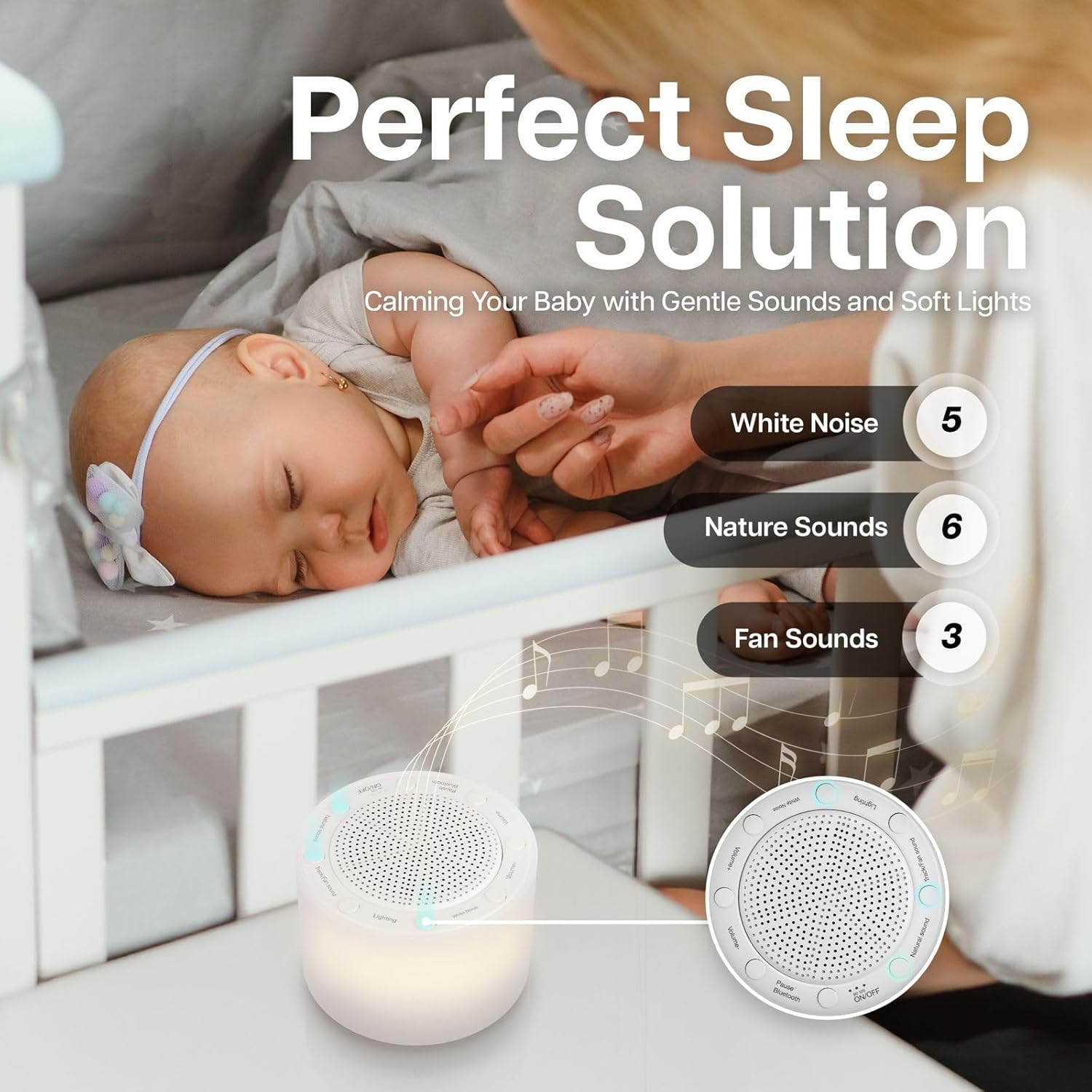
Imagem: The Sealy Sleep Sound Machine shown in a living room setting, demonstrating its Bluetooth pairing capability with a smartphone. The image highlights the ease of connecting for high-quality audio streaming.
Função Luz Noturna
Pressione o Iluminação button to turn the night light on or off. The device features two brightness levels. Press the button repeatedly to cycle between the low brightness, high brightness, and off settings.
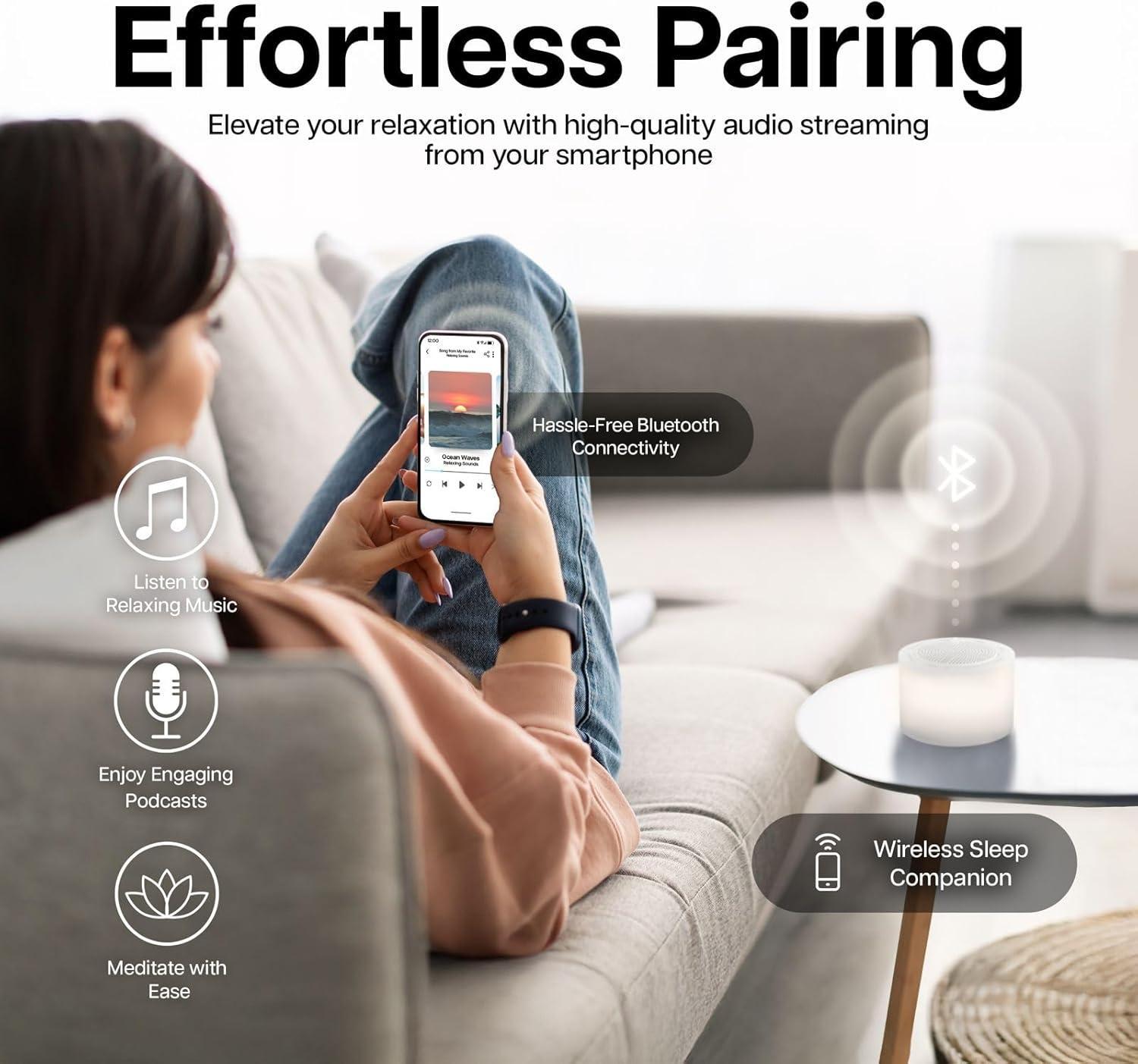
Imagem: The Sealy Sleep Sound Machine on a nightstand, illustrating its dual brightness levels. A visual slider indicates the adjustment from medium to high brightness, allowing users to customize the ambiance.
Configurações do temporizador
The device includes an auto-off timer to conserve energy. Press the Temporizador button to select a 15-minute or 30-minute auto-off duration. The device will automatically power off after the selected time.
Vídeo: This video demonstrates the features of the Sealy Wireless Sleep Sound Machine, including its various sound modes, night light, Bluetooth connectivity, and timer settings. It highlights the device's ease of use and portability.
Manutenção
- Limpeza: Limpe o dispositivo com um pano macio e seco. Não utilize produtos de limpeza líquidos ou materiais abrasivos.
- Armazenar: Guarde o dispositivo em local fresco e seco quando não estiver em uso.
- Cuidados com a bateria: Para prolongar a vida útil da bateria, evite descarregá-la completamente com frequência. Carregue o dispositivo regularmente, mesmo que não o esteja utilizando constantemente.
Solução de problemas
| Problema | Solução possível |
|---|---|
| O dispositivo não liga. | Ensure the battery is charged. Connect the device to a power source using the USB Type-C cable. |
| Sem som no alto-falante. | Check the volume level. Ensure the correct sound mode is selected. If using Bluetooth, ensure it is properly paired and the volume on the connected device is up. |
| O emparelhamento Bluetooth falha. | Ensure the device is in pairing mode. Turn off and on Bluetooth on your smartphone. Move closer to the device. Disconnect from other Bluetooth devices. |
| A luz noturna não está funcionando. | Press the Lighting button to cycle through brightness levels. Ensure the device is powered on. |
Especificações
- Número do modelo: SL-HW-SN-121-WT
- Marca: Sealy
- Dimensões: 6 x 6 x 3 polegadas
- Peso: 16 onças
- Modos de som: 14 (White Noise, Nature, Fan)
- Níveis de brilho: 2
- Configurações do temporizador: 15 minutos, 30 minutos
- Duração da bateria: Up to 3 hours (wireless playtime)
- Conectividade: Bluetooth
- Porta de carregamento: USB Tipo C
- Código UPC: 805112124923
- Fabricante: Bytech NY
Garantia e Suporte
For warranty information and customer support, please refer to the documentation included with your product packaging or visit the official Sealy website. Guarde o recibo de compra para reclamações de garantia.
Aviso Legal: Declarações sobre suplementos alimentares não foram avaliadas pela FDA e não têm a intenção de diagnosticar, tratar, curar ou prevenir qualquer doença ou condição de saúde.