
Introdução
The BOBLOV W4 2K Mini Body Camera is a compact and lightweight wearable camera designed for capturing personal moments in high-resolution 2K video. Its user-friendly design, including one-click recording and versatile wearing options, makes it suitable for various daily activities. This manual provides essential information for setting up, operating, and maintaining your W4 camera.
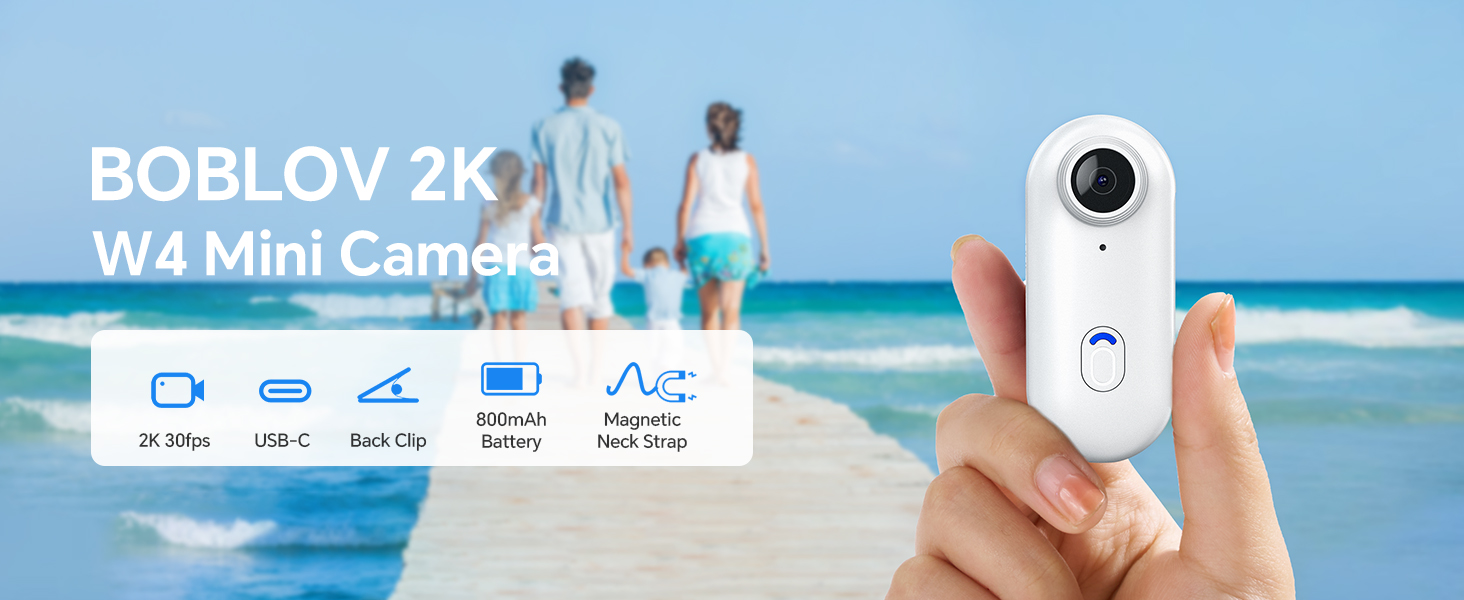
Image: The BOBLOV W4 2K Mini Body Camera, shown in a family setting, highlighting its use for capturing personal moments.
Configurar
Conteúdo da embalagem
Antes de começar, verifique se todos os itens estão presentes na embalagem:
- Câmera Corporal BOBLOV W4
- Back Clip (360° rotatable)
- Magnetic Neck Strap
- Cabo USB
- Manual do usuário
- Adapter (USB-C to USB-A)
- Card Reader (USB-A)
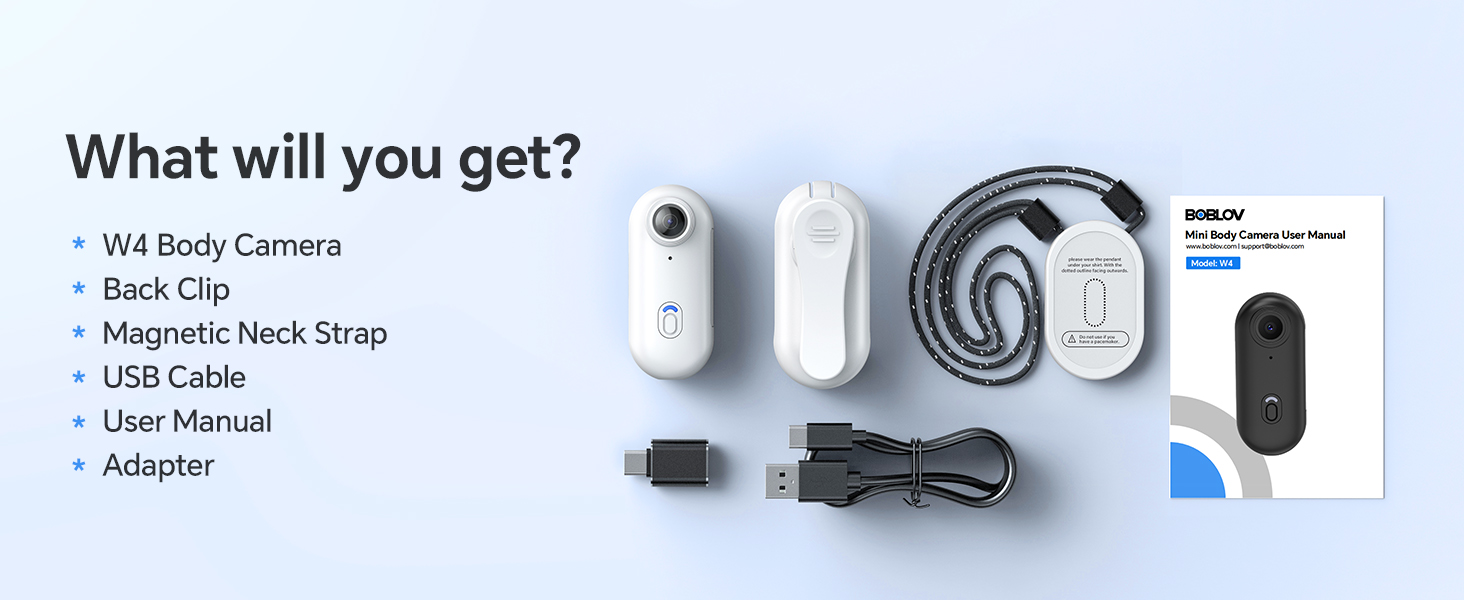
Image: All components included in the BOBLOV W4 package, including the camera, clips, cables, and manual.
Carregando a câmera
- Conecte o cabo USB fornecido à porta de carregamento da câmera.
- Connect the other end of the USB cable to a power source (e.g., computer USB port or a wall adapter).
- The camera's indicator light will show charging status. Refer to the "Operating" section for light indicators.
- A full charge provides approximately 90 to 120 minutes of continuous 2K recording.

Image: The BOBLOV W4 camera connected via USB cable for charging, illustrating the charging process.
Memory Card (Internal 64GB)
The BOBLOV W4 camera comes with an internal 64GB memory, eliminating the need for an external SD card. This provides ample storage for your 2K video recordings.
Conectando ao computador
Para acessar gravado files, connect the camera to your computer using the provided USB cable. The camera is compatible with both Windows and Mac operating systems. You can also use the included card reader for direct access to the internal memory if supported by your computer.
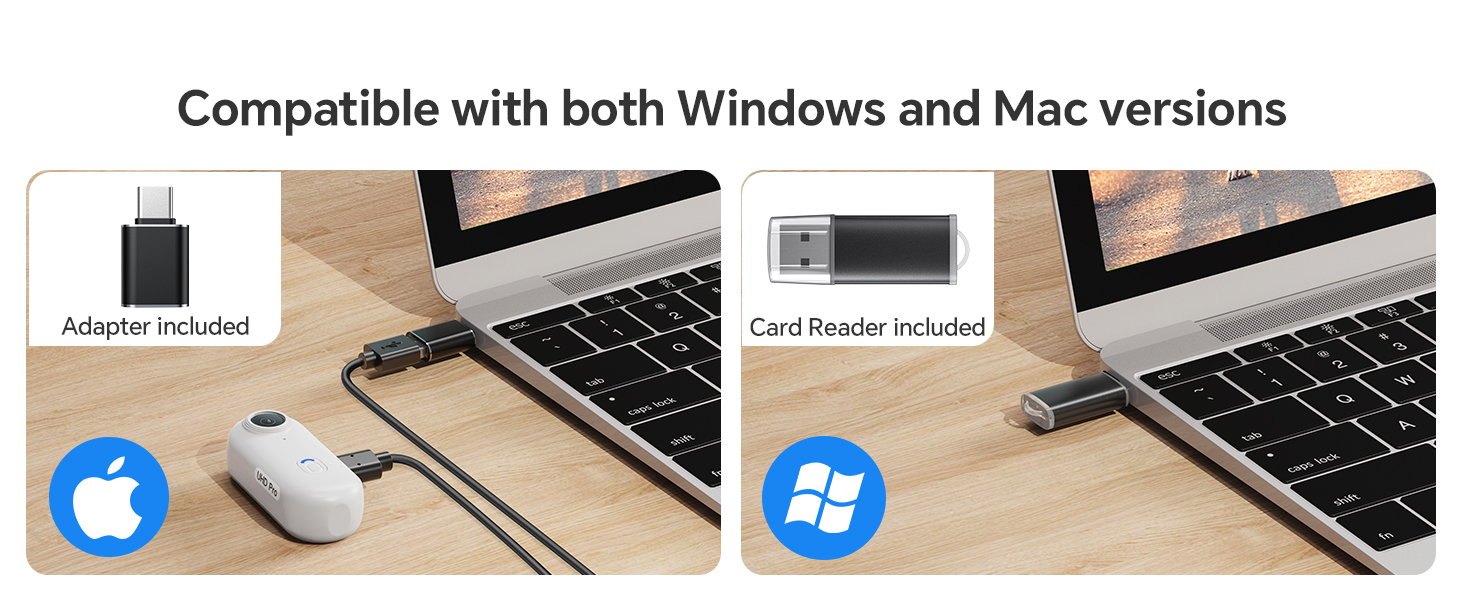
Image: The BOBLOV W4 camera connected to a laptop, demonstrating compatibility with both Windows and Mac systems for data transfer.
Instruções de operação
Camera Button Introduction

Image: Diagram illustrating the main video button and low battery warning indicator on the BOBLOV W4 camera.
- Botão de vídeo:
- To start/stop recording in standby mode, press the button briefly. The camera will vibrate and the indicator light will blink blue.
- Aviso de bateria fraca:
- When the battery life is less than 15 minutes, the low battery warning status will activate. The red flashing indicator will flash 5 times every 5 minutes.
Opções de uso
The W4 camera offers versatile wearing options for hands-free recording:
- With the Back Clip: Attach the 360° rotatable back clip to your clothing, backpack strap, or other suitable surfaces.
- With the Magnetic Neck Strap: Use the magnetic neck strap for a secure and comfortable fit around your neck, allowing for a first-person perspective.

Image: A person wearing the BOBLOV W4 camera using the back clip, demonstrating its rotatable feature.
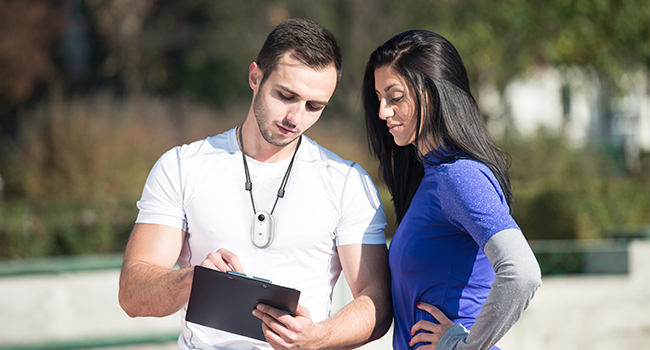
Image: A person wearing the BOBLOV W4 camera with the magnetic neck strap, showing an alternative hands-free carrying method.
Manutenção
- Limpeza: Use a soft, dry cloth to clean the camera body. For the lens, use a specialized lens cleaning cloth. Avoid abrasive materials or harsh chemicals.
- Armazenar: Guarde a câmera em um local fresco e seco, longe da luz solar direta e de temperaturas extremas.
- Cuidados com a bateria: For optimal battery life, avoid fully discharging the battery frequently. Charge the camera regularly, even if not in use, to maintain battery health.
- Gerenciamento de dados: Regularly transfer important recordings to a computer or external storage device to prevent data loss and free up internal memory.
Solução de problemas
| Problema | Possível causa | Solução |
|---|---|---|
| A câmera não liga. | Low battery or camera frozen. | Charge the camera for at least 30 minutes. If still unresponsive, try resetting by holding the power button for 10 seconds. |
| Não é possível gravar vídeo. | Insufficient battery or memory. | Ensure the camera is sufficiently charged. Check if the internal 64GB memory is full and transfer files para liberar espaço. |
| Má qualidade de vídeo. | Lente suja ou condições de pouca luz. | Clean the camera lens with a soft cloth. Ensure adequate lighting for optimal 2K recording. |
| O computador não reconhece a câmera. | Faulty USB cable or driver issue. | Try a different USB port or cable. Ensure your computer's operating system is up to date. Restart both the camera and computer. |
Especificações

Image: Diagram showing the compact size and lightweight design (50g) of the BOBLOV W4 camera.
- Marca: BOBLOV
- Modelo: W4
- Resolução de captura de vídeo: 2K (2560x1440)
- Tecnologia de Sensor Fotográfico: CMOS
- Tipo de Memória Flash: Micro SD (Internal 64GB)
- Formato de captura de vídeo: MOV
- Formato de áudio compatível: AAC, MP3, PCM
- Tecnologia de conectividade: Com fio (USB)
- Características especiais: Lightweight, One-Click Recording
- Nível de resistência à água: Não resistente à água
- Estabilização de imagem: Não
- Fator de forma: Ultra compact
- Duração da bateria: 90-120 minutes (continuous recording)
- Tipo de Bateria: 800 mAh (1 A battery included)
- Distância focal máxima: 6.8
- Distância focal mínima: 6.8
- Tipo de lente: Grande Angular
- Tipo de foco: Foco fixo
- Maximum Screen Resolution: 2K
- Installed Flash Memory Size: 63 GB
- Dispositivos compatíveis: Computador, Smartphone
- Usos recomendados: Outdoor Security, Personal Recording
- Final Resolution: 2.1 MP
- Modos de disparo: Automatic, Hands-free
- Proporção da imagem: 16:9
- Tipo de controle de exposição: Automático
- Resolução de vídeo efetiva: 1080 pixels (Note: While marketed as 2K, effective video resolution is listed as 1080 Pixels in some specifications.)
Informações de garantia
BOBLOV provides a Cobertura do produto por 24 meses for registered BOBLOV supporters. Please retain your proof of purchase for warranty claims. For detailed warranty terms and conditions, refer to the official BOBLOV website ou entre em contato com o suporte ao cliente.
Suporte ao cliente
For any technical assistance, product inquiries, or support, BOBLOV offers a quick response within 24 hours and lifetime technical support. Please visit the official BOBLOV website for contact information or refer to the included user manual for specific support channels.
Official BOBLOV Website: www.boblov.com (Nota: Este é um espaço reservado) URL, please verify the actual weblocal.)