Introdução
Welcome to the instruction manual for your Dubstep Buzz X8 Wireless Earbuds. These earbuds are designed to provide a high-quality audio experience with advanced features. This manual will guide you through the setup, operation, and maintenance of your device.
O que está na caixa
O pacote contém os seguintes itens:
- Fones de ouvido sem fio
- Estojo de carregamento sem fio
- Cabo Tipo C
- Manual do usuário
- Almofadas para orelhas (vários tamanhos)

Image: Contents of the Dubstep Buzz X8 Earbuds box, showing the earbuds, charging case, Type-C charging cable, and additional ear cushions.
Produto acimaview
The Dubstep Buzz X8 Wireless Earbuds feature a sleek design and are equipped with 13mm dynamic drivers for powerful sound. The charging case provides extended battery life and convenient storage.

Image: Dubstep Buzz X8 Wireless Earbuds in Neon Green, placed within their open charging case.
Componentes de fones de ouvido
- Área de controle de toque: Para gerenciar reprodução, chamadas e assistente de voz.
- Microfones: Dual microphones with Environmental Noise Cancellation (ENC) for clear calls.
- Dicas de ouvido: Silicone ear tips for a comfortable and secure fit.
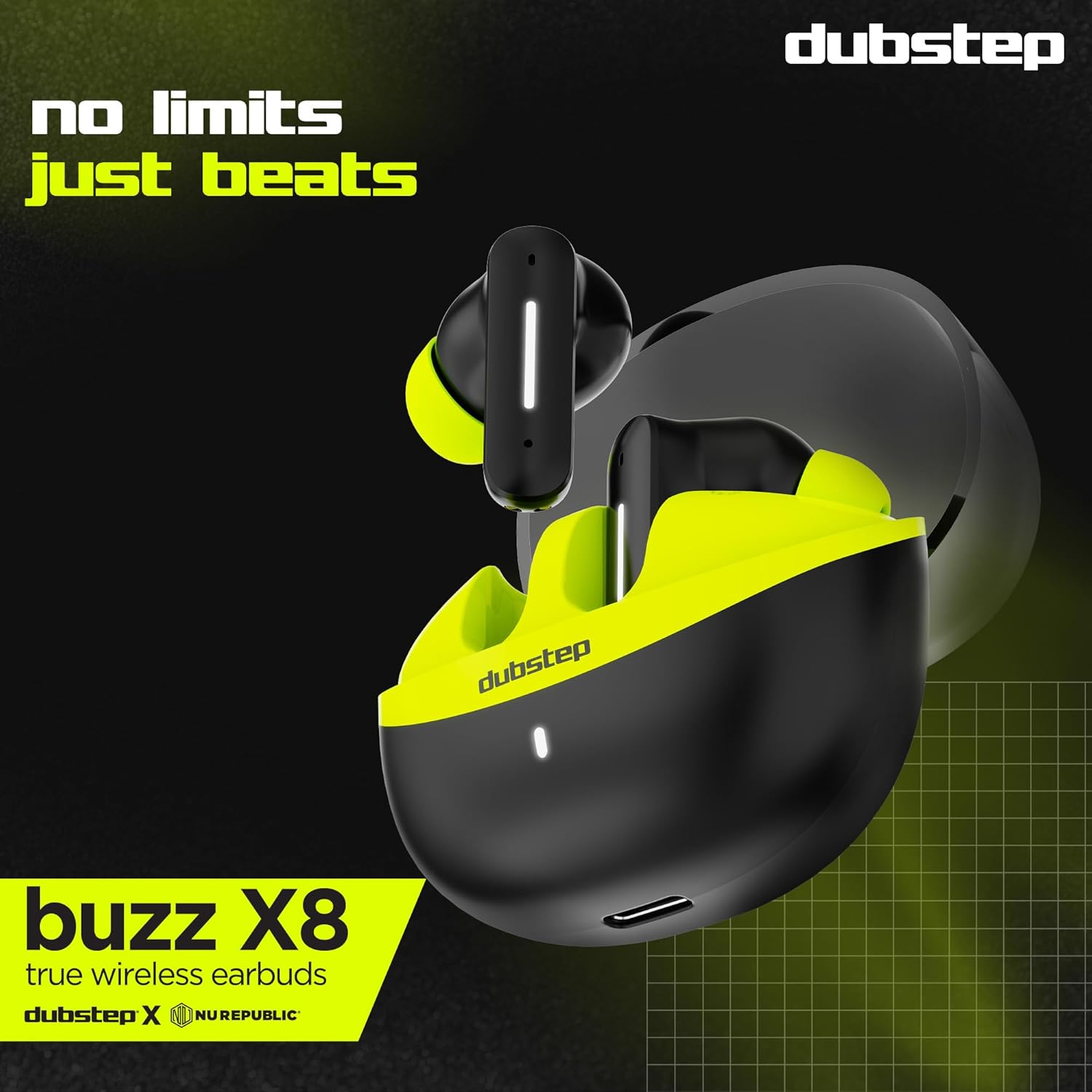
Imagem: Detalhada view of the earbuds and charging case, illustrating their internal and external features.
Configurar
1. Carregando os fones de ouvido e o estojo
Before first use, fully charge the earbuds and the charging case. Connect the provided Type-C cable to the charging port on the case and a compatible USB power source. The LED indicator on the case will show charging status.
- A 15-minute quick charge provides approximately 200 minutes of playtime.
- Total playtime with the charging case is up to 56 hours.
- Earbuds provide 7 hours of continuous music playback on a single charge.

Image: The charging case of the Dubstep Buzz X8 earbuds connected to a Type-C cable for charging.
2. Emparelhamento com seu dispositivo
- Abra o estojo de carregamento. Os fones de ouvido entrarão automaticamente no modo de emparelhamento.
- No seu dispositivo (smartphone, tablet, laptop), ative o Bluetooth.
- Procurar "Dubstep Buzz X8" in the list of available Bluetooth devices.
- Select "Dubstep Buzz X8" to connect. Once connected, you will hear an audio prompt.
- The earbuds feature Bluetooth v5.3 for stable and efficient wireless connectivity.

Image: A smartphone displaying the Bluetooth connection screen, showing the Dubstep Buzz X8 earbuds successfully paired.
Instruções de operação
Controles de toque
The Dubstep Buzz X8 earbuds feature intuitive touch controls on each earbud. Refer to the following table for common functions:
| Ação | Função |
|---|---|
| Toque Único | Tocar / pausar música, atender / encerrar chamada |
| Toque duplo | Aumentar volume (+) / Diminuir volume (-) |
| Toque triplo | Faixa anterior / próxima faixa |
| Pressão longa | Ativar/desativar o assistente de voz |
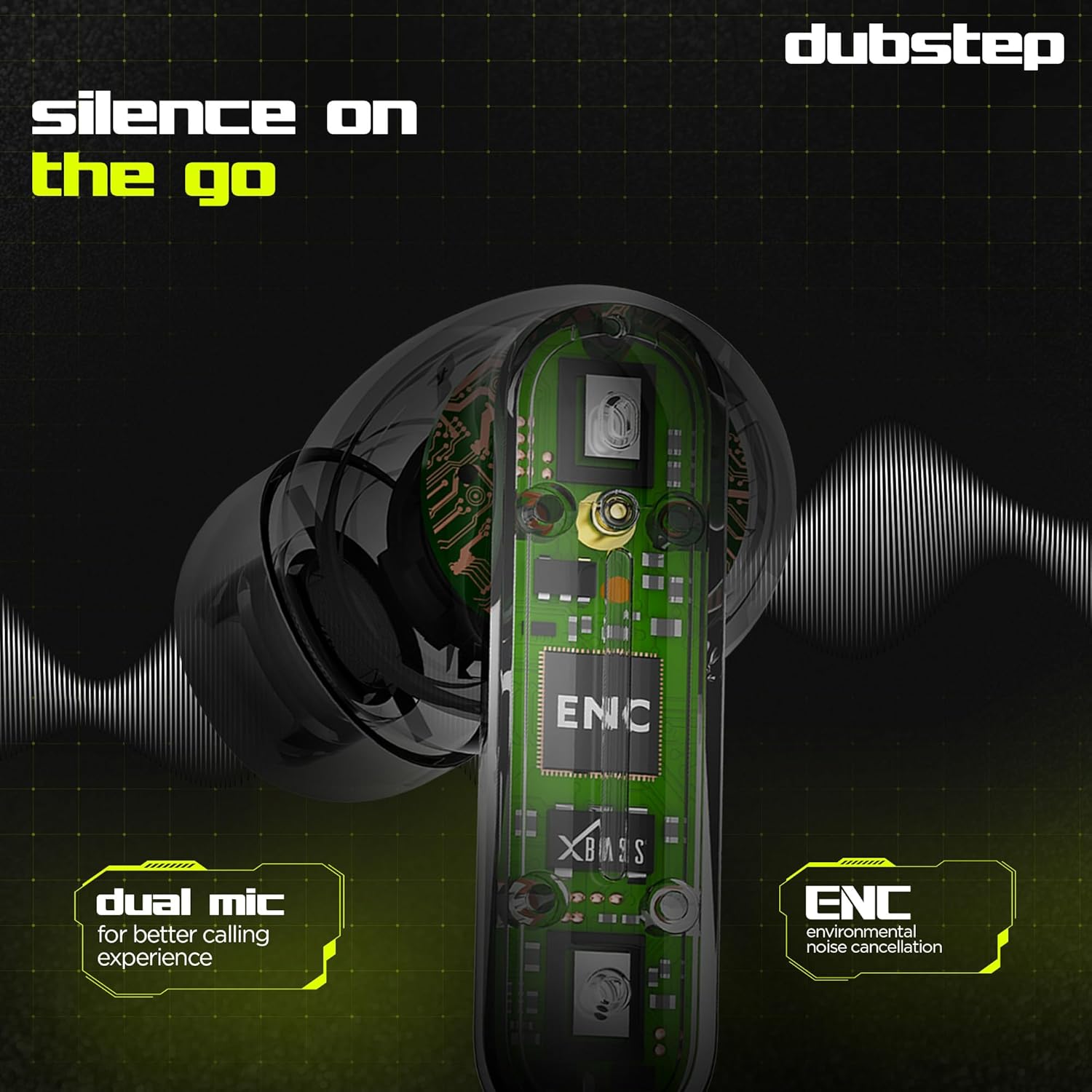
Image: Visual guide to the touch control gestures on the earbuds and their corresponding functions.
Cancelamento de ruído ambiental (ENC)
The earbuds are equipped with ENC technology and dual microphones to reduce ambient noise during calls, ensuring clear communication.
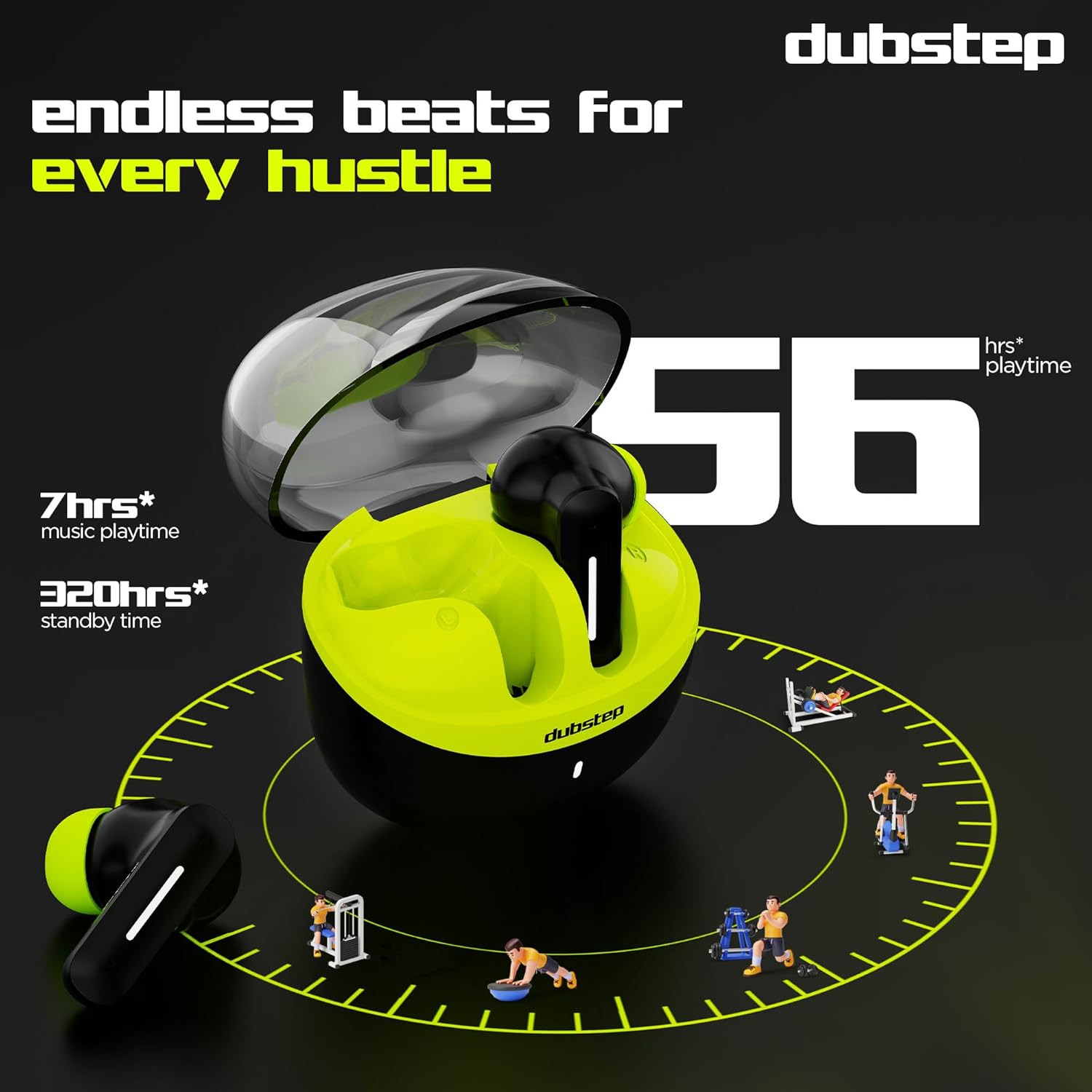
Imagem: Uma imagem interna view of the earbud highlighting the ENC technology and dual microphone system.
Manutenção
To ensure the longevity and optimal performance of your Dubstep Buzz X8 Wireless Earbuds, follow these maintenance guidelines:
- Limpeza: Limpe regularmente os fones de ouvido e o estojo de carregamento com um pano macio, seco e sem fiapos. Não utilize produtos químicos agressivos ou materiais abrasivos.
- Dicas de ouvido: Remove and clean the ear tips periodically with water and mild soap, then dry thoroughly before reattaching.
- Resistência à água: The earbuds are splash and sweat resistant, making them suitable for workouts. However, they are not waterproof. Avoid submerging them in water.
- Armazenar: Quando não estiverem em uso, guarde os fones de ouvido no estojo de carregamento para protegê-los e mantê-los carregados.
- Temperatura: Evite expor os fones de ouvido a temperaturas extremas (quentes ou frias) ou à luz solar direta por períodos prolongados.
Solução de problemas
If you encounter issues with your Dubstep Buzz X8 Wireless Earbuds, refer to the following common solutions:
| Problema | Solução |
|---|---|
| Fones de ouvido não emparelham | Ensure earbuds are charged. Turn off and on Bluetooth on your device. Place earbuds back in case, close, then reopen to re-enter pairing mode. |
| Sem som de um fone de ouvido | Check battery level of both earbuds. Try re-pairing the earbuds with your device. Clean earbud mesh for any blockages. |
| Volume baixo | Adjust volume on both your device and the earbuds. Ensure ear tips provide a good seal. |
| O estojo de carregamento não carrega | Verify the Type-C cable is properly connected to both the case and the power source. Try a different cable or power adapter. |
| Assistente de voz não responde | Ensure the earbuds are connected to your device. Check your device's settings for voice assistant activation. Perform a long press on the earbud touch area. |
Especificações
| Recurso | Detalhe |
|---|---|
| Nome do modelo | Buzz X8 |
| Tecnologia de Conectividade | Bluetooth 5.3 |
| Tamanho do driver de áudio | 13 milímetros |
| Tempo total de jogo | Até 56 horas (com caixa de carregamento) |
| Tempo de reprodução dos fones de ouvido (carga única) | 7 horas |
| Tempo de espera | 320 horas |
| Carregamento rápido | 15 minutos de carga = 200 minutos de reprodução |
| Porta de carregamento | Tipo C |
| Controle de Ruído | Cancelamento de ruído ambiental (ENC) |
| Microfones | Sistema de microfone duplo |
| Tipo de controle | Touch Control, Voice Assistant |
| Nível de resistência à água | Splash and Sweat Resistant |
| Peso do item | 40 gramas |
| Dimensões do produto | 3.5 x 2.5 x 4.5 cm |
Garantia e Suporte
Your Dubstep Buzz X8 Wireless Earbuds come with a standard brand warranty. For detailed warranty information, troubleshooting guides, and further support, please visit the official user manuals page: