
Introdução
This manual provides essential information for the proper setup, operation, maintenance, and troubleshooting of your Motorola Moto g05 smartphone. Please read this guide thoroughly to ensure optimal performance and longevity of your device.

Imagem: Frente e verso view of the Motorola Moto g05 smartphone in blue, showcasinseu design elegante e módulo de câmera.
The Moto g05 features a super-bright 6.67-inch display, a versatile 50 MP camera system with AI Portrait mode, and ultra-efficient performance thanks to RAM Boost technology. Its premium design includes a vegan leather finish and Corning Gorilla Glass 3, offering both aesthetics and durability. The device is powered by a high-density 5200 mAh battery with TurboPower charging, providing extended usage.
Configurar
1. Desembalagem e carga inicial
Upon unboxing your Moto g05, locate the included USB cable. Connect the cable to the phone's charging port and a compatible power adapter (not always included) or a USB port. It is recommended to fully charge the device before first use to calibrate the battery.
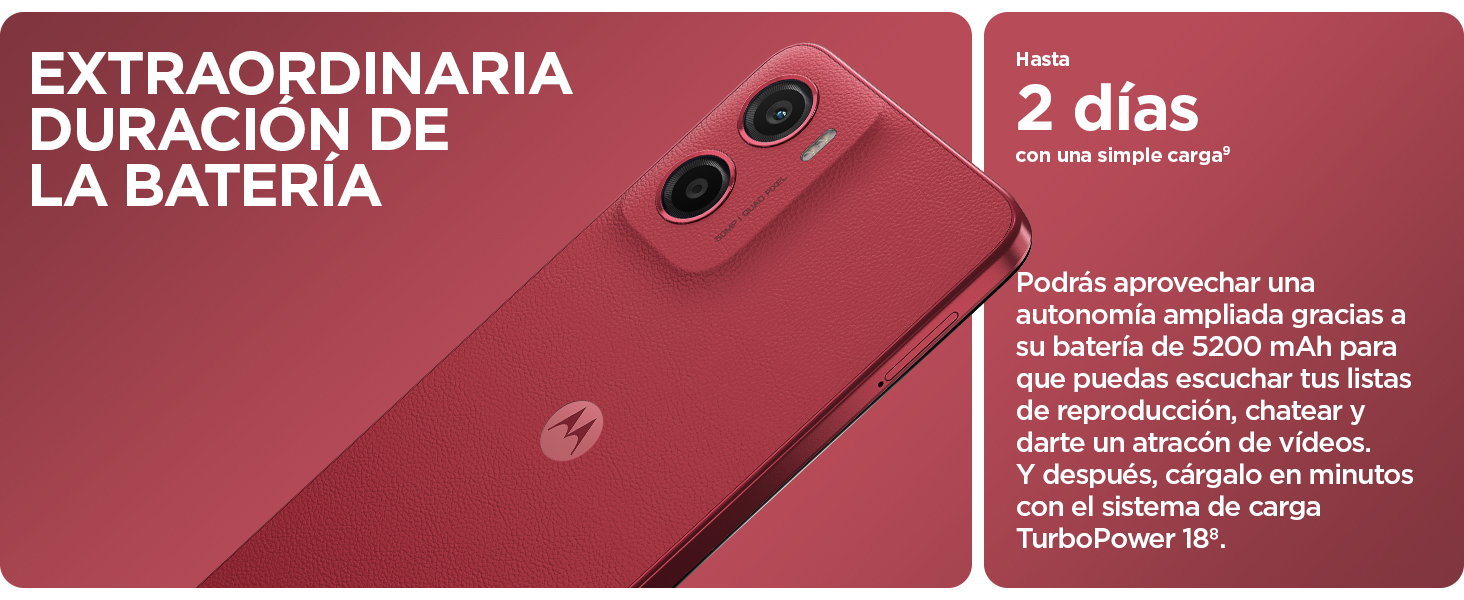
Image: The Moto g05 connected to a USB charging cable, illustrating the charging process.
2. Instalação do cartão SIM e do cartão microSD
Locate the SIM tray on the side of your device. Use the SIM ejector tool (if provided) to open the tray. Insert your Nano-SIM card(s) and, if desired, a microSD card for expanded storage (up to 1 TB, sold separately). Ensure the cards are correctly oriented as indicated on the tray. Gently push the tray back into the slot until it clicks into place.
3. Assistente de Inicialização e Configuração Inicial
Press and hold the Power button until the Motorola logo appears. Follow the on-screen instructions to complete the initial setup. This typically includes selecting your language, connecting to a Wi-Fi network, setting up your Google account, and configuring security features like fingerprint unlock or facial recognition.
Operando seu dispositivo
Exibição e áudio
The Moto g05 features a 6.67-inch super-bright display with up to 1000 nits brightness, ensuring clear visibility even in direct sunlight. Enjoy immersive audio with stereo speakers and bass boost, delivering rich sound for media consumption.

Image: The Moto g05 screen displaying vibrant content, emphasizing its entertainment capabilities and Dolby Atmos sound.
Sistema de Câmera
Capture stunning photos with the 50 MP main camera, featuring Quad Pixel technology for enhanced detail and clarity. The AI Portrait mode allows for vivid and natural portraits with artistic depth effects. For low-light conditions, use Night Vision mode to intensify light and capture bright, clear images. The 8 MP front camera is ideal for high-quality selfies and video calls, with facial retouching features available.
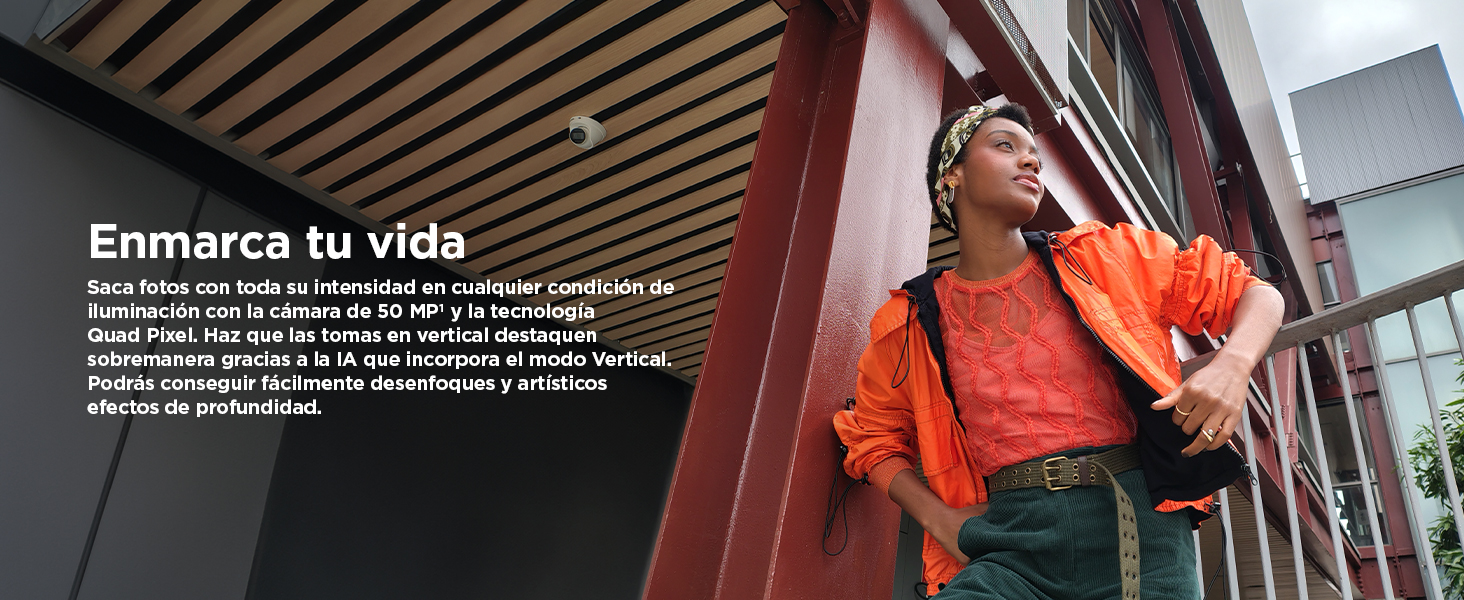
Image: A person using the Moto g05 to capture a moment, showcasing the phone's advanced camera system.

Image: A user capturing an image in low light, highlighting the effectiveness of the Night Vision feature.
Desempenho e armazenamento
The Moto g05 is powered by an octa-core MediaTek Helio G81 Extreme processor, ensuring smooth performance for daily tasks and multitasking. With up to 24 GB of RAM (including RAM Boost memory expansion), you can run multiple applications seamlessly. The device comes with up to 256 GB of internal storage, expandable via microSD card for all your photos, videos, and apps.

Image: A visual representation of the MediaTek processor, symbolizing the phone's efficient and boosted performance.
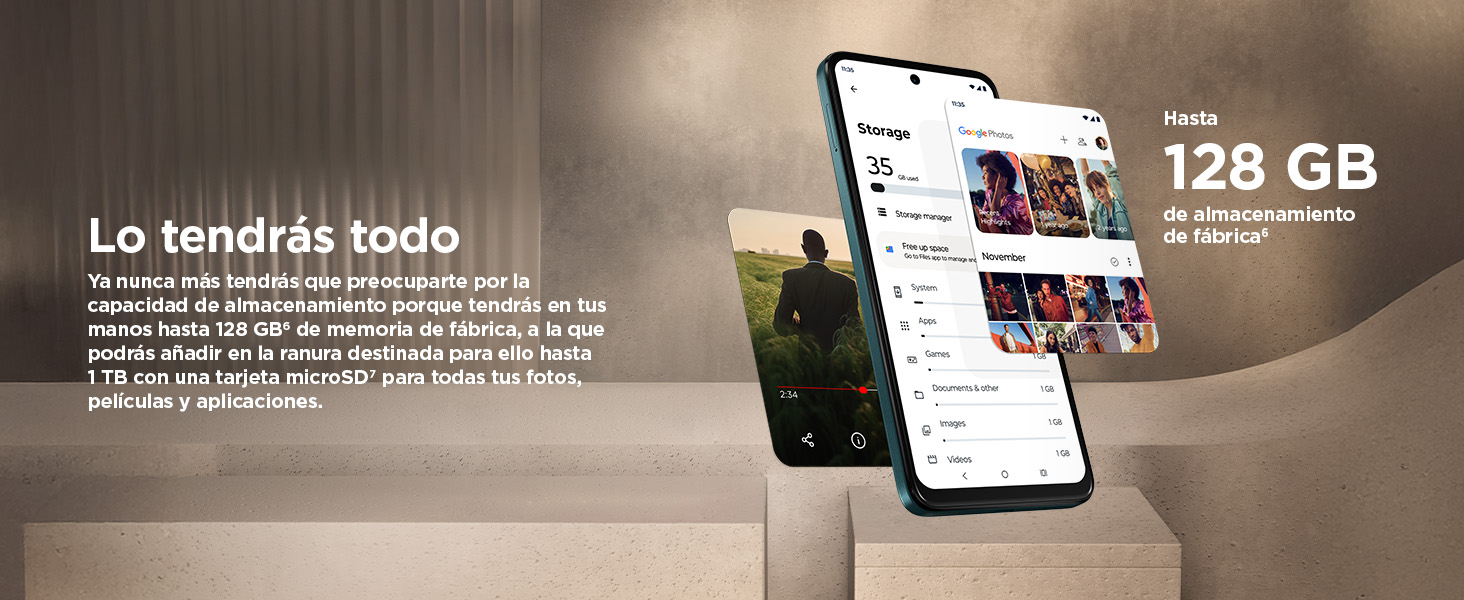
Image: The Moto g05 display showing storage details, emphasizing its generous internal storage and expansion options.
Duração da bateria e carregamento
The 5200 mAh high-density battery provides up to 2 days of battery life on a single charge, depending on usage. When it's time to recharge, TurboPower charging quickly replenishes the battery, minimizing downtime.
Design e Durabilidade
The Moto g05 boasts a premium design with a vegan leather finish, offering a comfortable and luxurious feel. It is also water repellent (IP54 rated), providing protection against splashes and light rain. The display is protected by Corning Gorilla Glass 3, enhancing its resistance to scratches and minor impacts.
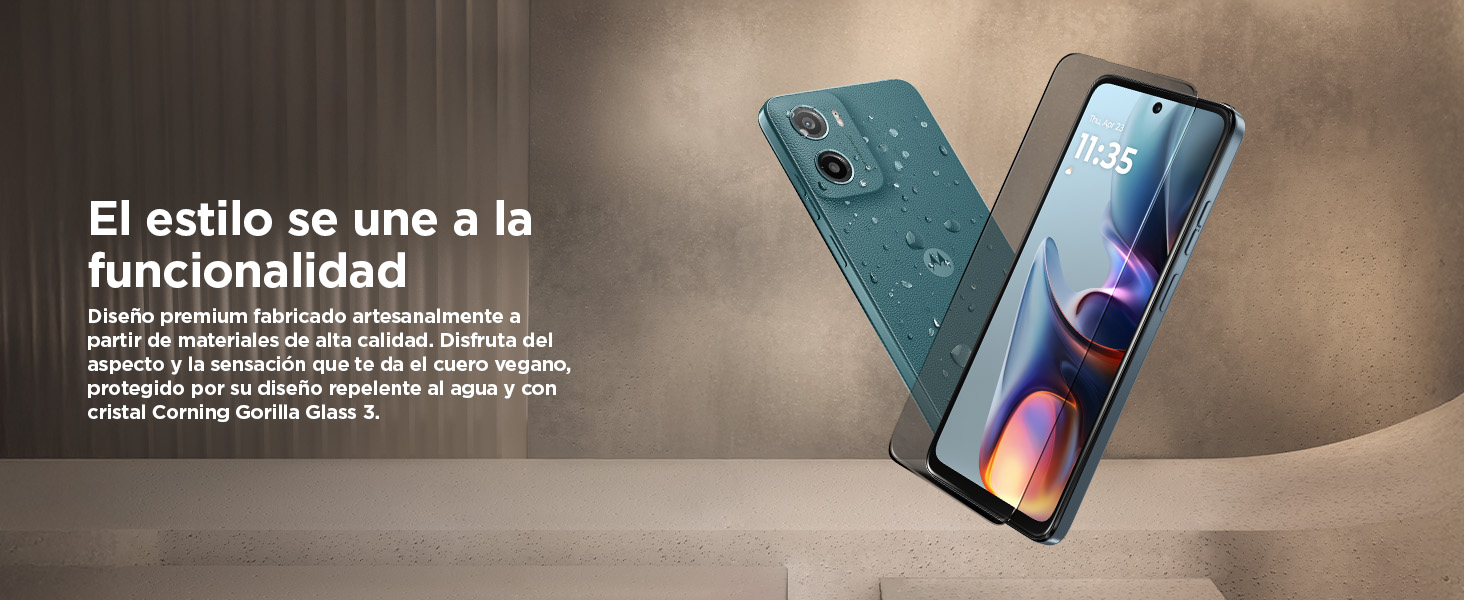
Image: The Moto g05's elegant design, highlighting its vegan leather back and water-repellent features.
Manutenção
Limpando Seu Dispositivo
To clean your Moto g05, use a soft, lint-free cloth. For stubborn smudges, slightly dampen the cloth with water or a screen cleaner designed for electronics. Avoid using harsh chemicals, abrasive materials, or excessive moisture, especially near ports.
Atualizações de software
Regularly check for and install software updates to ensure your device has the latest features, security patches, and performance improvements. You can typically find update options in your phone's Settings menu under 'System' or 'Software Update'.
Cuidados com a bateria
To maximize battery lifespan, avoid extreme temperatures. While the device supports TurboPower charging, it is not necessary to always charge to 100% or discharge to 0%. Occasional full charge cycles can help calibrate the battery.
Repelência à água
The Moto g05 is water repellent (IP54 rated), meaning it is protected against splashing water from any direction. It is not designed to be submerged in water or exposed to pressurized water. Always ensure ports are dry before charging.
Solução de problemas
If you encounter issues with your Moto g05, try the following common troubleshooting steps:
- Dispositivo não liga: Ensure the battery is charged. Connect the phone to a charger for at least 15 minutes before attempting to power it on again.
- Tela não responde: Perform a forced restart by pressing and holding the Power button for about 10-15 seconds until the device restarts.
- Aplicativos travando/congelando: Close and reopen the app. If the issue persists, clear the app's cache and data in Settings > Apps. Consider uninstalling and reinstalling the app.
- Vida útil da bateria fraca: Check background app usage in Settings > Battery. Reduce screen brightness, disable unnecessary features like GPS or Bluetooth when not in use, and ensure your software is up to date.
- Problemas de conectividade (Wi-Fi/Bluetooth): Toggle Wi-Fi or Bluetooth off and on. Restart your phone. For Wi-Fi, try forgetting the network and reconnecting.
- Desempenho lento: Clear cache, uninstall unused apps, and ensure you have sufficient free storage space. The RAM Boost feature helps, but excessive background processes can still impact performance.
If these steps do not resolve the issue, please refer to the official Motorola support webPara obter mais assistência, visite o site ou entre em contato com o serviço de atendimento ao cliente.
Especificações

Image: Official product information sheet providing detailed technical specifications for the Moto g05.
| Recurso | Detalhe |
|---|---|
| Nome do modelo | Moto g05 (XT2523-3) |
| Sistema operacional | Sistema operacional Android |
| Tamanho da tela | 6.67 polegadas |
| Resolução de exibição | 1440 x 3120 pixels |
| Modelo de CPU | MediaTek Helio G81 Extreme (Octa-core) |
| RAM instalada | 24 GB (including RAM Boost) |
| Capacidade de armazenamento | Up to 256 GB (expandable via microSD) |
| Câmera principal | 50 MP |
| Câmera Frontal | 8 MP |
| Capacidade da bateria | 5200 mAh |
| Carregando | TurboPower (18W) |
| Conectividade | 5G, Bluetooth, GPS |
| Resistência à água | IP54 (Repelente à água) |
| Dimensões | 17.7 x 9.6 x 3.4 cm (Pacote) |
| Peso | 320 g |
| Incluído na caixa | Cabo USB |
Garantia e Suporte
Your Motorola Moto g05 comes with a manufacturer's warranty. Please refer to the warranty card included with your product or visit the official Motorola support website for detailed warranty terms and conditions. The product information sheet indicates a minimum guaranteed availability of operating system security updates, corrective updates, and functionality updates until 2027.
For technical support, troubleshooting assistance, or to find service centers, please visit the official Motorola support website: