
1. Introdução
This manual provides essential information for the safe operation and maintenance of your SuperRC V666 Drone with Camera. Please read it thoroughly before first use to ensure proper setup and to maximize your flying experience. The V666 drone features a brushless motor, optical flow positioning, and an HD 180° adjustable camera, designed for both beginner and adult users.
2. Precauções de segurança
- Ambiente de voo: Voe em áreas abertas, longe de pessoas, animais, edifícios e linhas de energia. Evite voar com ventos fortes ou em condições climáticas adversas.
- Segurança da bateria: Utilize apenas as pilhas e o cabo de carregamento fornecidos. Não sobrecarregue nem perfure as pilhas. Interrompa o uso se as pilhas apresentarem sinais de danos ou inchaço.
- Segurança da hélice: Keep hands, face, and loose clothing away from rotating propellers. Ensure propellers are securely attached before flight.
- Linha de visão: Mantenha sempre contato visual com o drone durante o voo.
- Recomendação de idade: Este produto é adequado para usuários com 14 anos ou mais.
- Interferência: Avoid flying near strong electromagnetic interference sources.
- Multiple Drones: When operating multiple drones simultaneously, power on and pair each drone and its remote control separately to prevent frequency conflicts.
3. Conteúdo da embalagem
Verifique se todos os itens listados abaixo estão incluídos em seu pacote:
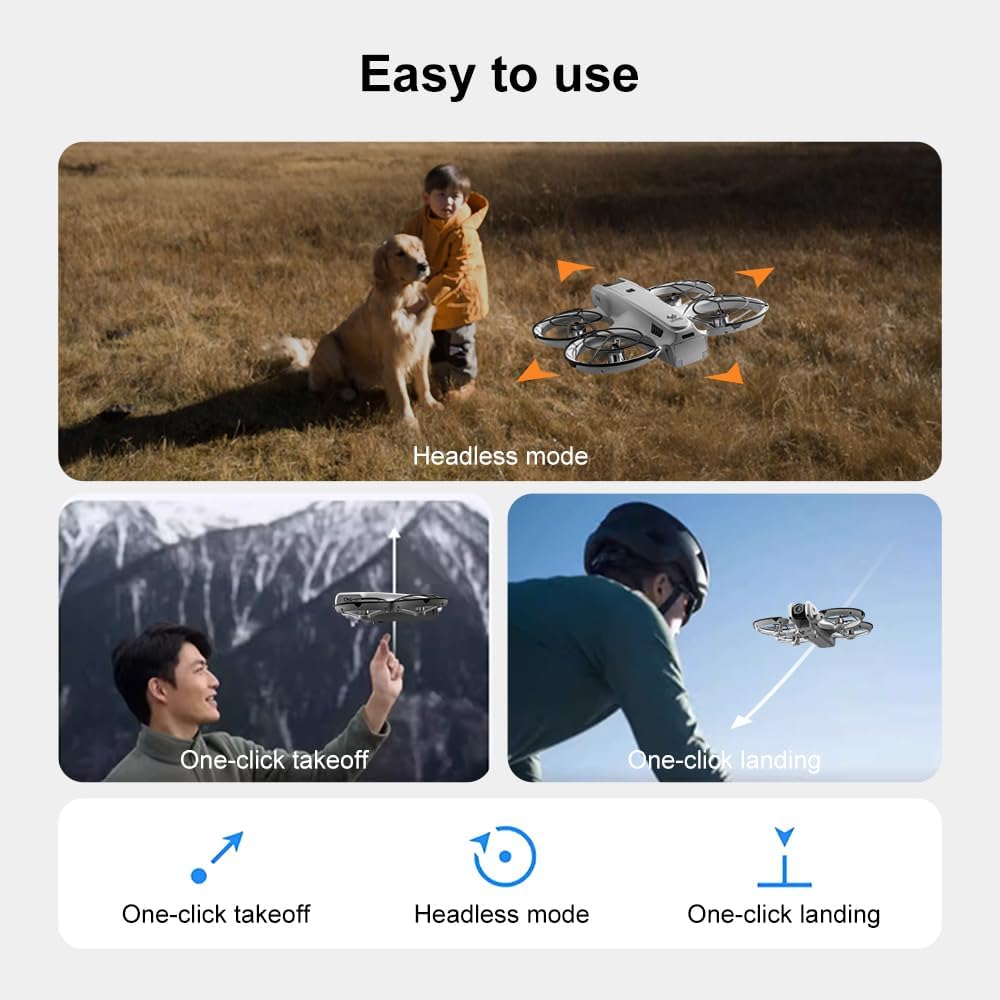
Imagem: Acimaview of the SuperRC V666 Drone package contents, showing the drone, remote control with screen, two batteries, spare propellers, screwdriver, USB charging cable, card reader, and memory card.
- SuperRC V666 Drone
- Remote Control with Integrated Screen
- 2 x Lithium Ion Batteries (1000mAh each)
- Hélices sobressalentes
- Protetores de hélice
- Bolsa
- Cabo Micro-USB
- Chave de fenda
- Leitor de cartão
- Cartão de memória
4. Identificação do componente
4.1 Drone sobrevoandoview
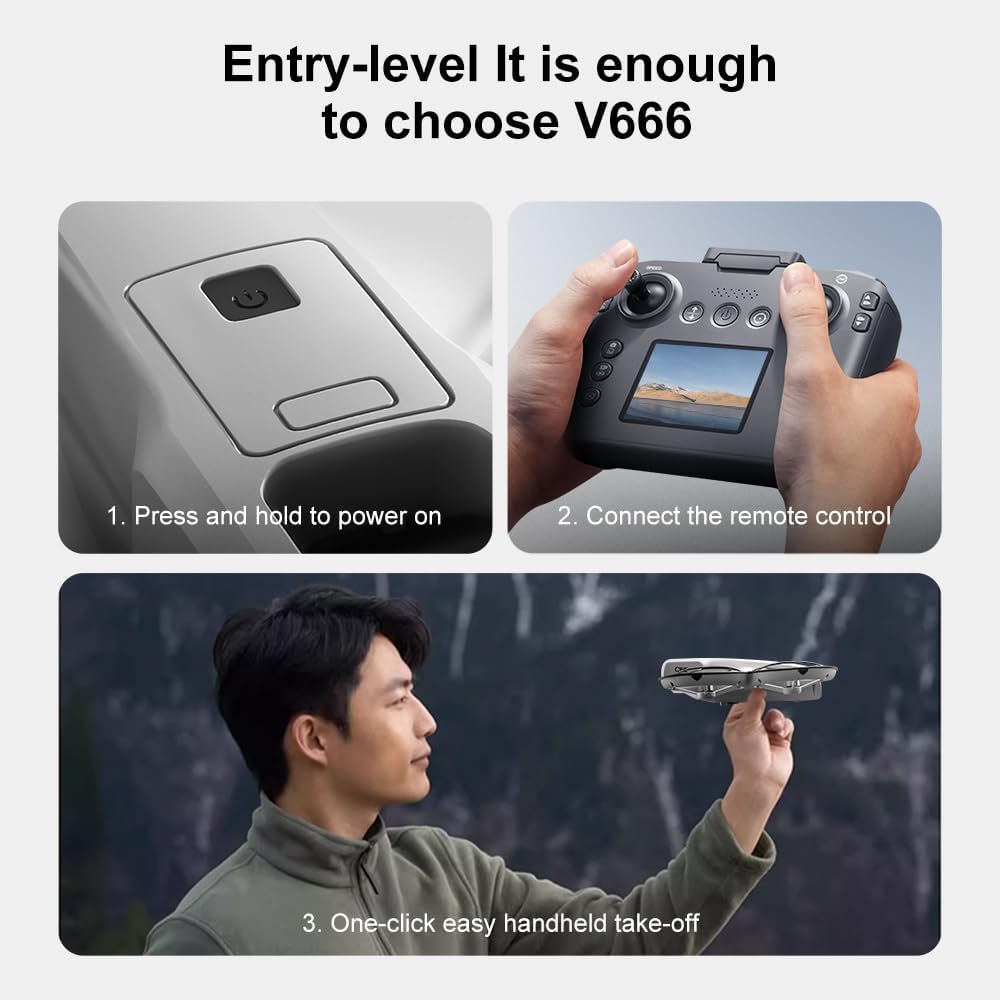
Imagem: Detalhada view of the SuperRC V666 Drone, showing the main body, camera, and protected propellers.
Familiarize yourself with the drone's key components:
- Câmera: Front-mounted, 180° manually adjustable HD camera.
- Hélices: Four propellers with protective guards.
- Motores sem escova: Provide stable and powerful flight.
- Compartimento da bateria: Located on the drone's body.
- Botão de energia: For turning the drone on/off.
- Body Light: Integrated lighting for visibility.
4.2 Controle Remoto Sobreview
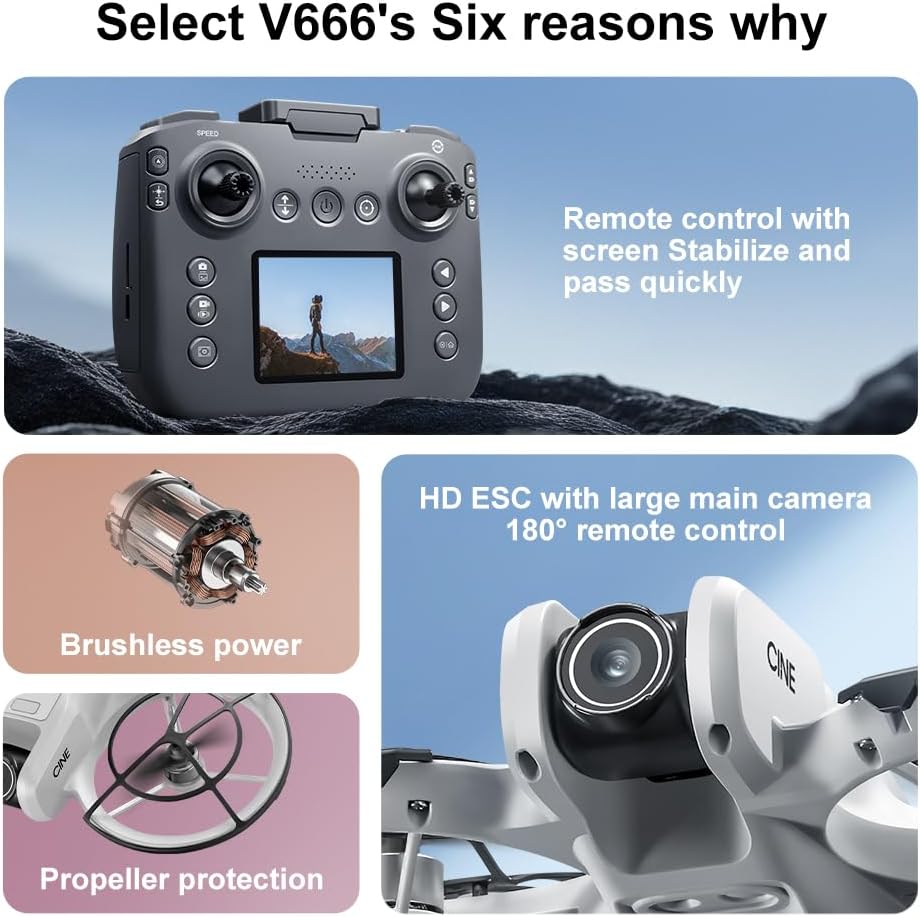
Image: The remote control for the SuperRC V666 Drone, featuring a central display screen, dual joysticks, and multiple control buttons.
Os recursos do controle remoto:
- Joysticks: Left for throttle/yaw, right for pitch/roll.
- Integrated Screen: Displays flight information and live camera feed.
- Botão de energia: Para ligar/desligar o controle remoto.
- Botão de decolagem/pouso com um único toque: Inicia a decolagem ou o pouso automático.
- Botão de ajuste de velocidade: Toggles between different flight speeds.
- Photo/Video Buttons: For capturing images and recording video.
- Botões de ajuste: For fine-tuning drone stability.
5. Configuração
5.1 Instalação e carregamento da bateria
- Insert the fully charged Lithium Ion battery into the drone's battery compartment. Ensure it clicks into place securely.
- To charge the battery, connect it to the Micro-USB cable and then to a USB power source (e.g., computer, USB wall adapter). The charging indicator will show the charging status.
- Charge the remote control battery using its dedicated charging port and cable.
5.2 Instalação da Hélice
The drone comes with propeller guards pre-installed. If you need to replace propellers:
- Identify the correct propeller type (A or B) for each motor. Propellers are typically marked.
- Alinhe a hélice com o eixo do motor e pressione firmemente até que esteja segura.
- Certifique-se de que todas as hélices girem livremente, sem obstruções.
5.3 Emparelhando o drone e o controle remoto

Image: Visual guide demonstrating the steps for powering on the drone, connecting the remote control, and initiating a one-click handheld take-off.
- Coloque o drone em uma superfície plana e nivelada.
- Press and hold the power button on the drone until its indicator lights turn on.
- Ligue o controle remoto.
- The drone and remote control will automatically attempt to pair. Once paired, the drone's indicator lights will become solid.
- Observação: If operating multiple drones, power on and pair each drone and its remote control individually to avoid signal interference.
6. Instruções de operação
6.1 Controles básicos de voo
- Joystick esquerdo (acelerador/guinada):
- Empurrar para cima/para baixo: Aumentar/diminuir a altitude (acelerador).
- Empurrar para a esquerda/direita: Girar o drone para a esquerda/direita (guinada).
- Joystick direito (inclinação/rotação):
- Push up/down: Move drone forward/backward (Pitch).
- Push left/right: Move drone left/right (Roll).
- Ajuste de velocidade: Press the speed button on the remote to cycle through different flight speeds (e.g., low, medium, high).
6.2 Funções de uma tecla
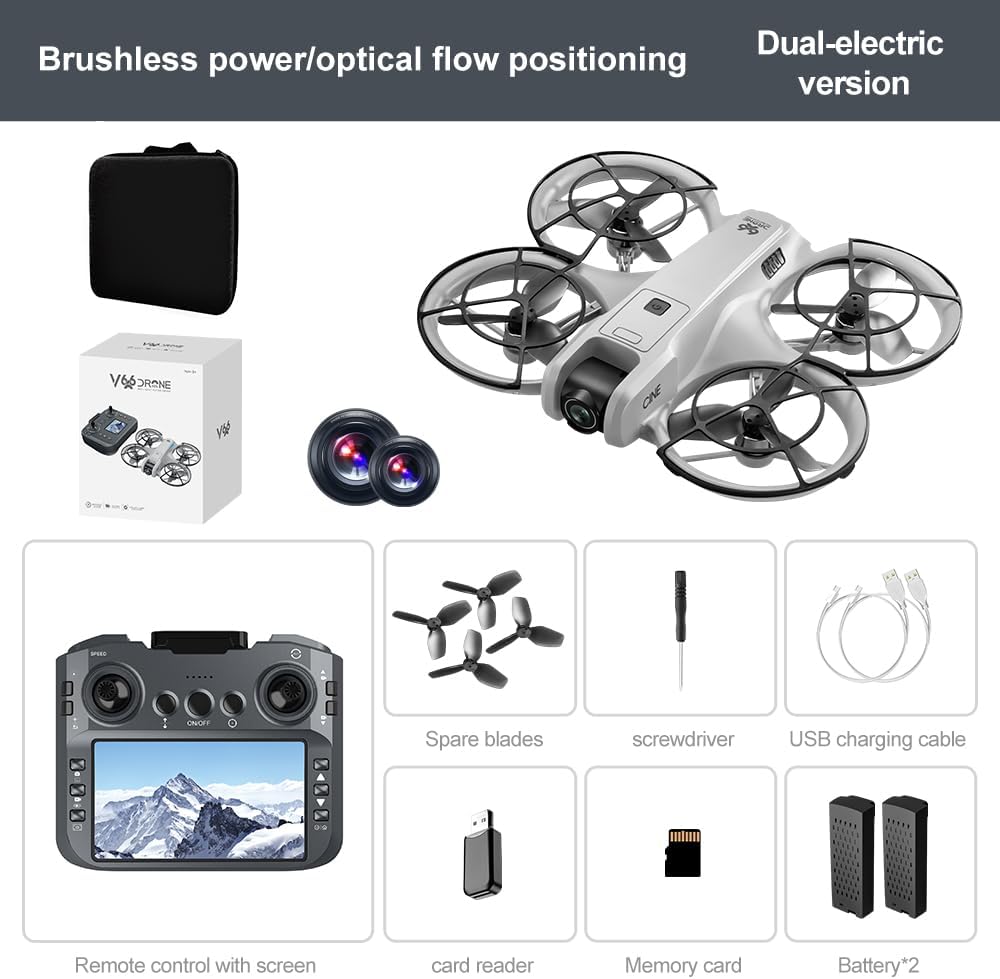
Image: Visual representation of the drone's Headless Mode, One-Click Take-off, and One-Click Landing functionalities.
- Decolagem com um único toque: Press the designated button once, and the drone will automatically ascend to a stable hovering height.
- Aterrissagem com uma tecla: Press the designated button once, and the drone will automatically descend and land gently.
- Retorno de uma tecla: Activates the drone's return-to-home function. The drone will attempt to return to its take-off point.
6.3 Modo sem cabeça
In Headless Mode, the drone's orientation is relative to the pilot, regardless of which way the drone's front is facing. This simplifies control for beginners.
6.4 Controle por gestos
The drone supports gesture-based photo and video capture. Perform specific hand gestures in front of the camera to trigger these functions during flight.
6.5 Operação da câmera
- Ajustando o ângulo da câmera: The camera lens can be manually adjusted 180° before flight to achieve the desired viewângulo de engate.
- Captura de foto/vídeo: Use the dedicated buttons on the remote control to take photos or start/stop video recording.
- Transmissão ao vivo: The integrated screen on the remote control provides a real-time view from the drone's camera via Wi-Fi connectivity.
- Armazenar: Captured photos and videos are saved to the inserted memory card.
7. Manutenção
- Limpeza: Use a soft, dry cloth to clean the drone and remote control. Avoid using solvents or harsh chemicals.
- Substituição da hélice: If propellers are damaged, replace them with spare parts using the provided screwdriver. Ensure correct propeller type (A or B) is used for each motor.
- Armazenar: Store the drone and its components in a cool, dry place, away from direct sunlight and extreme temperatures. Remove batteries if storing for extended periods.
8. Solução De Problemas
| Problema | Possível causa | Solução |
|---|---|---|
| O drone não liga. | Bateria não carregada ou instalada incorretamente. | Certifique-se de que a bateria esteja totalmente carregada e inserida corretamente. |
| Drone fails to pair with remote control | Remote control not powered on, or pairing sequence incorrect. | Ensure both devices are powered on. Follow pairing steps (Section 5.3). Avoid multiple drones pairing simultaneously. |
| O drone deriva durante o voo. | Not calibrated on a flat surface, or environmental factors. | Ensure drone is placed on a flat surface before take-off. Perform calibration if available (refer to remote control instructions). Avoid strong winds. |
| Poor camera image quality or no live feed | Weak Wi-Fi signal, camera lens dirty, or memory card issue. | Ensure drone is within Wi-Fi range. Clean camera lens. Check memory card for proper insertion and sufficient space. |
| Tempo de voo curto | Battery not fully charged, or battery degradation. | Fully charge batteries before each flight. Consider replacing old batteries if performance significantly degrades. |
9. Especificações
| Recurso | Detalhe |
|---|---|
| Marca | SuperRC |
| Nome do modelo | V666 |
| Cor | Cinza |
| Peso do item | 0.2 quilogramas (aproximadamente 7 onças) |
| Dimensões do produto | 7"C x 6"L x 2"A |
| Nível de habilidade | Novato |
| Tipo de motor | Motor sem escovas |
| Câmera | HD 180° Manually Adjustable |
| Resolução de captura de vídeo | 720p |
| Formato de captura de vídeo | MP4 |
| Tecnologia de Conectividade | Wi-Fi, Radiofrequência |
| Tecnologia de Sensor Óptico | Fluxo Óptico, CMOS |
| Tipo de Bateria | Íon de lítio |
| Capacidade da bateria | 1000 mAh |
| Tipo de controle | Controle remoto |
| Características especiais | Adjustable Camera, One Button Return, One Key Rotation, Rechargeable, Speed Adjustment, Optical Flow Positioning |
10. Garantia e Suporte
For warranty information or technical support, please refer to the documentation included with your purchase or contact SuperRC customer service directly. Keep your proof of purchase for any warranty claims.
Para obter mais assistência, você pode visitar o SuperRC Store on Amazon.