
1. Introdução
Thank you for choosing the Mivi DuoPods Maxx True Wireless Stereo (TWS) Earbuds. This manual provides essential information for setting up, operating, and maintaining your earbuds to ensure optimal performance and longevity. Please read this manual thoroughly before use.
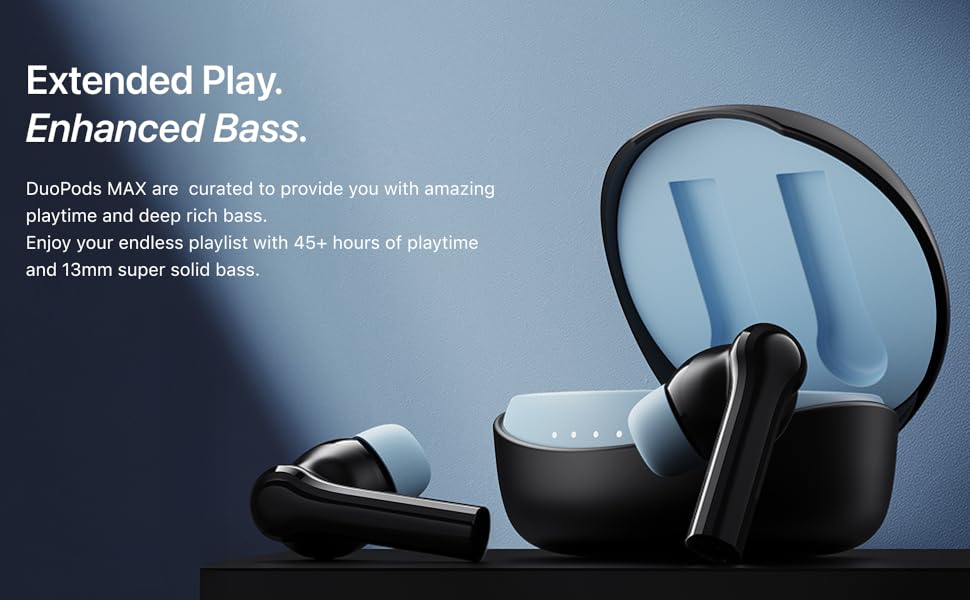
The Mivi DuoPods Maxx are designed for an immersive audio experience, featuring 13mm bass drivers, AI-ENC for clear calls, a dedicated gaming mode, and extended playtime.
2. O que está na caixa
- Mivi DuoPods Maxx TWS Earbuds (Left and Right)
- Estojo de carregamento
- Cabo de carregamento USB Tipo-C
- Vários tamanhos de pontas auriculares (pequeno, médio, grande)
- Manual de instruções
This video demonstrates the unboxing of the Mivi DuoPods Maxx, showing the earbuds, charging case, USB Type-C cable, and additional ear tips. It also illustrates how to correctly place the earbuds into the charging case.
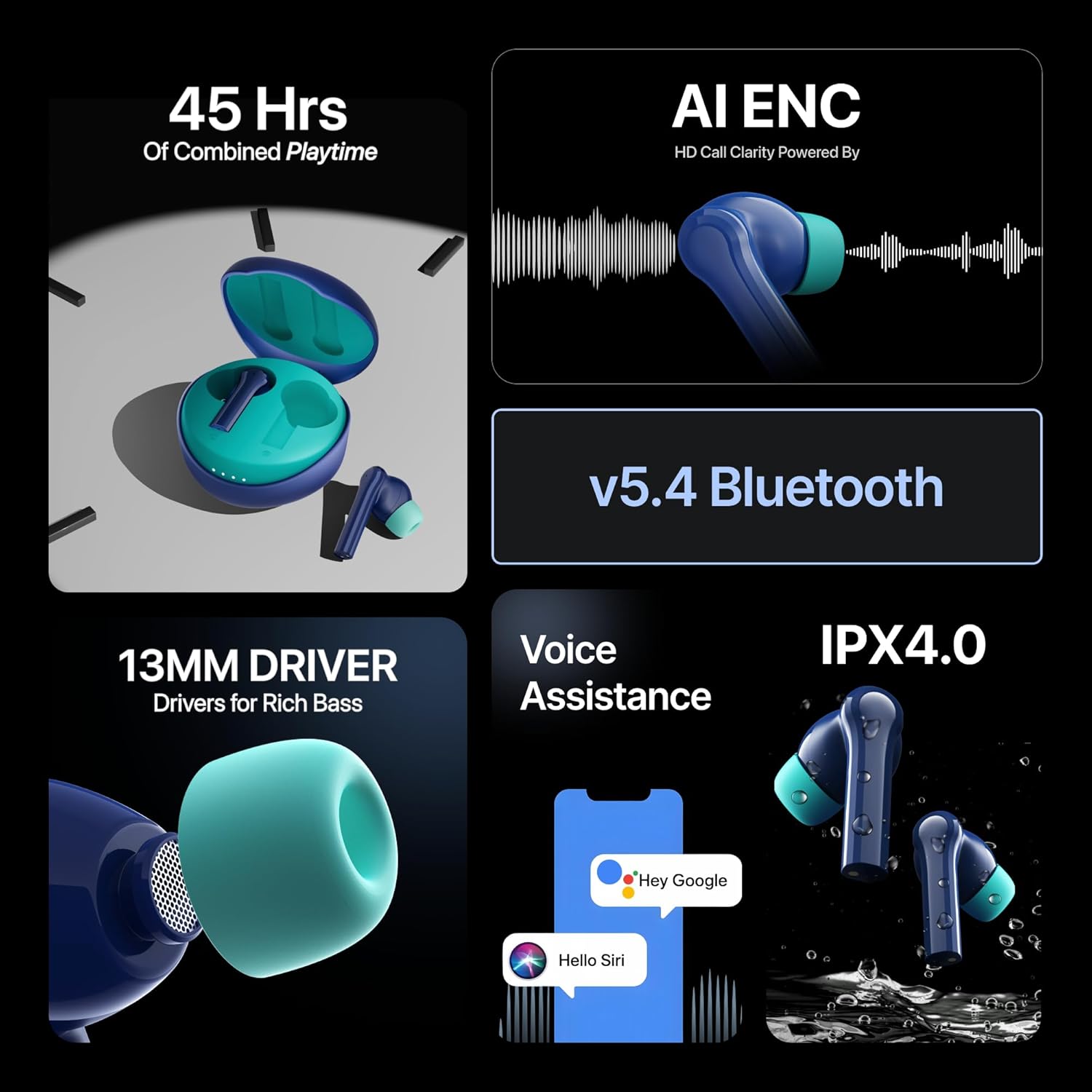
Image showing the Mivi DuoPods Maxx TWS earbuds and their charging case.
3. Configuração
3.1 Cobrança Inicial
Before first use, fully charge your Mivi DuoPods Maxx. Place both earbuds into the charging case and connect the Type-C cable to a power source. The indicator lights on the case will show the charging status.
3.2 Emparelhamento com um dispositivo
- Certifique-se de que os fones de ouvido estejam dentro do estojo de carregamento e que a tampa do estojo esteja aberta.
- No seu dispositivo (smartphone, tablet, laptop), ative o Bluetooth.
- Procurar dispositivos Bluetooth disponíveis.
- Select "Mivi DuoPods Maxx" from the list.
- Once connected, the earbuds will indicate successful pairing (e.g., a voice prompt or LED indicator change).
Os fones de ouvido se conectarão automaticamente ao último dispositivo emparelhado ao serem retirados do estojo, caso o Bluetooth esteja ativado no dispositivo.
4. Instruções de operação
4.1 Controles de toque
The Mivi DuoPods Maxx feature intuitive touch controls on each earbud. Specific functions may vary slightly by device or application.
| Ação | Função |
|---|---|
| Toque único (esquerda/direita) | Reproduzir/Pausar música, atender/encerrar chamada |
| Toque duplo (direita) | Próxima faixa |
| Toque duplo (esquerda) | Faixa anterior |
| Toque triplo (direita) | Ativar modo de jogo |
| Pressione e segure (esquerda/direita) | Ativar assistente de voz (Siri/Google Assistant) |
| Long Press (2 seconds during call) | Rejeitar chamada |
Sobreview of Mivi DuoPods Maxx features, including voice assistance activation.
4.2 Modo de Jogo
Activate Gaming Mode by triple tapping the right earbud. This mode reduces audio latency, providing a more synchronized audio-visual experience for gaming. Triple tap again to exit Gaming Mode.
4.3 AI-ENC Call Clarity
The DuoPods Maxx are equipped with Dual Mic AI-ENC (Environmental Noise Cancellation) technology. This feature enhances call clarity by minimizing background noise, ensuring your voice is heard clearly during conversations.

Illustration of AI-ENC technology for high-definition call clarity.
5. Carregamento
The Mivi DuoPods Maxx offer extended battery life and swift charging capabilities.
- Tempo total de jogo: Até 50 horas com o estojo de carregamento.
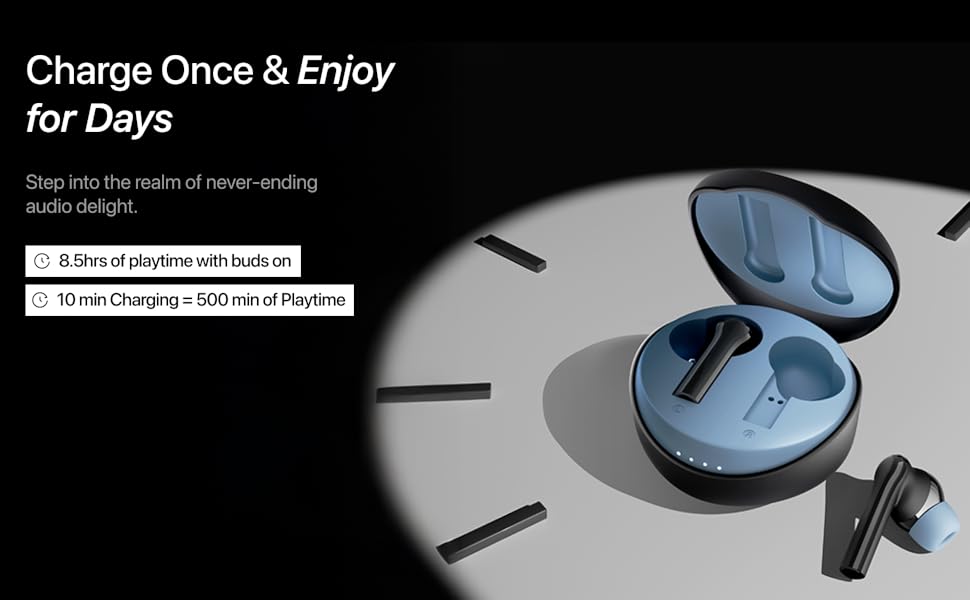
- Tempo de reprodução do fone de ouvido: Approximately 8.5 hours of non-stop music on a single charge.
- Swift Charge: 10 minutes of charging provides approximately 500 minutes of playtime via the Type-C port.
To charge the case, connect the provided USB Type-C cable to the charging port on the case and a compatible power adapter.
Visual representation of 50 hours of combined playtime and fast charging capabilities.
6. Manutenção
6.1 Limpeza
Regularly clean your earbuds and charging case to maintain optimal performance and hygiene. Use a soft, dry, lint-free cloth. Do not use abrasive cleaners or solvents. Remove ear tips and clean them separately with mild soap and water if necessary, ensuring they are completely dry before reattaching.
6.2 Armazenamento
Quando não estiverem em uso, guarde os fones de ouvido no estojo de carregamento para protegê-los contra poeira e danos. Guarde o estojo em local fresco e seco, longe da luz solar direta e de temperaturas extremas.
6.3 Resistência à água
The Mivi DuoPods Maxx feature an IPX4.0 rating, making them resistant to splashes of water from any direction. This means they are suitable for workouts and light rain. However, they are not designed for swimming or submersion in water. Avoid exposing them to excessive moisture.

Image illustrating the IPX4.0 water resistance of the Mivi DuoPods Maxx earbuds.
7. Solução De Problemas
If you encounter issues with your Mivi DuoPods Maxx, refer to the following common solutions:
- Sem som/Volume baixo: Check device volume, earbud volume, and ensure earbuds are properly seated in your ears. Re-pair the earbuds with your device.
- Fones de ouvido não emparelhados: Ensure both earbuds are charged. Place them back in the case, close the lid, wait a few seconds, then open the lid and try pairing again. Ensure Bluetooth is enabled on your device and no other devices are connected.
- Um fone de ouvido não funciona: Place both earbuds in the charging case, close the lid, and then open it again. Check if both earbuds light up. If not, ensure the non-working earbud is clean and making proper contact with the charging pins.
- Problemas de carregamento: Ensure the charging cable is securely connected to both the case and the power source. Try a different charging cable or power adapter. Clean the charging contacts on both the earbuds and the case.
- Má qualidade de chamada: Ensure the earbuds are clean and positioned correctly. Check for strong Bluetooth signal. AI-ENC helps, but extreme noise environments may still affect clarity.
If the issue persists, try resetting the earbuds (refer to the Mivi support website for specific reset instructions for your model) or contact customer support.
8. Especificações
| Recurso | Detalhe |
|---|---|
| Número do modelo | TEWS012 |
| Versão Bluetooth | 5.3 |
| Alcance Bluetooth | 10 metros |
| Tipo de driver de áudio | Driver dinâmico de 13 mm |
| Duração da bateria (fones de ouvido) | Até 8.5 horas |
| Duração da bateria (total com a capa) | Até 50 horas |
| Porta de carregamento | USB Tipo C |
| Carregamento rápido | 10 min charge = 500 min playtime |
| Call Clarity | Dual Mic AI-ENC |
| Resistência à água | IPX4.0 |
| Método de controle | Tocar |
| Peso | 44 gramas |
| País de origem | Índia |
9. Garantia e Suporte
9.1 Informações de garantia
The Mivi DuoPods Maxx TWS Earbuds come with a Garantia do fabricante de 1 anos from the date of purchase. This warranty covers manufacturing defects. Please retain your purchase receipt as proof of purchase.
A garantia não cobre danos causados por uso indevido, acidentes, modificações não autorizadas ou desgaste normal.
9.2 Suporte ao cliente
For any queries, technical assistance, or warranty claims, please contact Mivi customer support through their official website ou as informações de contato fornecidas na embalagem do seu produto.
Manufacturer Contact Information: Mivi, Plot No, 29, Rd Number 76, Jubilee Hills, Hyderabad, Telangana 500033.