
1. Introdução
Thank you for choosing the HTC N15 Wireless Clip-On Earbuds. These open-ear earphones are designed to provide audio while allowing you to remain aware of your surroundings. This manual provides detailed instructions for setup, operation, and maintenance to ensure optimal performance and longevity of your device.

Image 1.1: HTC N15 Wireless Clip-On Earbuds and Charging Case.
2. Conteúdo da embalagem
Por favor, verifique o conteúdo da embalagem ao desembalar. Se algum item estiver faltando ou danificado, entre em contato com o suporte ao cliente.
- 1 Pair HTC N15 Clip-On Earbuds
- 1 estojo de carregamento
- 1 cabo de carregamento USB-C
- 1 Manual do Usuário (este documento)
Video 2.1: Unboxing the HTC N15 Wireless Clip-On Earbuds, showing the earbuds, charging case, and USB-C cable.
3. Produto acabadoview
3.1 Recursos dos fones de ouvido
- Design de ouvido aberto: Permite ter consciência do ambiente ao redor.
- Clip-On Fit: Secure and comfortable for various activities.
- Controle de toque: Intuitive control for audio and calls.
- Microfone embutido: For clear communication.
- Leve: Each earbud weighs approximately 4.7g.
- 13mm Driver: For enhanced sound quality.
3.2 Charging Case Features
- Porta de carregamento USB-C: Para um carregamento prático.
- Indicador de bateria: LEDs show charging status and battery level.

Imagem 3.1: Terminadoview of HTC N15 earbuds and charging case, highlighting battery life and Type-C charging port.
4. Configuração
4.1 Carregando os fones de ouvido e o estojo
Antes da primeira utilização, carregue totalmente os fones de ouvido e o estojo de carregamento.
- Coloque os fones de ouvido no estojo de carregamento.
- Conecte o cabo de carregamento USB-C à porta de carregamento do estojo e a uma fonte de alimentação.
- The LED indicators on the case will illuminate to show charging status. A full charge for the case takes approximately 1.5 hours.
- The earbuds provide up to 8 hours of playback on a single charge, and the charging case extends total playtime to 22 hours.

Image 4.1: Visual representation of charging times and battery life for the HTC N15 earbuds and case.
4.2 Emparelhamento com um dispositivo
The HTC N15 earbuds use Bluetooth 6.0 for fast and stable connections.
- Certifique-se de que os fones de ouvido estejam carregados e dentro do estojo de carregamento.
- Abra o estojo de carregamento. Os fones de ouvido entrarão automaticamente no modo de emparelhamento, indicado pelas luzes LED piscando.
- No seu dispositivo (smartphone, tablet, laptop), acesse as configurações de Bluetooth e ative o Bluetooth.
- Procurar available devices and select "HTC NE15" from the list.
- Assim que estiverem conectados, os LEDs dos fones de ouvido pararão de piscar e você ouvirá um tom de confirmação.
Os fones de ouvido se reconectarão automaticamente ao último dispositivo emparelhado ao serem removidos do estojo, caso o Bluetooth esteja ativado no dispositivo.

Image 4.2: The HTC N15 earbuds offer flexible connectivity with various devices including notebooks, TVs, desktops, watches, phones, and iPads.
5. Instruções de Uso
For optimal sound and comfort, ensure the earbuds are worn correctly.
- Identifique os fones de ouvido esquerdo (E) e direito (D).
- Confirm the direction of the earbud, ensuring the clip is oriented to hook over the top of your ear.
- Gently clip the earbud onto the thinnest part of your ear, sliding it down until it feels secure.
- Adjust the earbud tip to align with your ear canal for the best sound experience and comfort.

Image 5.1: Step-by-step guide on how to properly wear the HTC N15 Clip-On Earbuds for a secure and comfortable fit.

Image 5.2: Illustration of the ergonomic open-ear clip design and wearing tips for optimal sound alignment.
6. Instruções de operação
The HTC N15 earbuds feature smart touch controls for easy management of audio and calls.

Image 6.1: Diagram illustrating the touch control functions for the HTC N15 earbuds.
6.1 Controle de música
- Reproduzir/Pausar: Clique duas vezes em qualquer um dos fones de ouvido.
- Próxima música: Triple-click the Right (R) earbud.
- Música anterior: Triple-click the Left (L) earbud.
- Aumentar o volume: Click the Right (R) earbud.
- Volume baixo: Click the Left (L) earbud.
6.2 Controle de chamadas
- Atender/encerrar chamada: Click either earbud.
- Rejeitar chamada: Pressione e segure um dos fones de ouvido por 2 segundos.
6.3 Voice Assistant & Game Mode
- Ative o Voice Assistant: Mantenha pressionado o fone de ouvido esquerdo (L) por 2 segundos.
- Modo de jogo: Hold the Right (R) earbud for 2 seconds to activate low-latency mode.

Image 6.2: The HTC N15 earbuds feature a low-latency Game Mode, reducing audio delay to 40ms for an improved gaming experience.
7. Manutenção
7.1 Limpeza
- Limpe regularmente os fones de ouvido e o estojo de carregamento com um pano macio, seco e sem fiapos.
- Não utilize produtos de limpeza abrasivos, álcool ou solventes químicos.
- Certifique-se de que os contatos de carregamento dos fones de ouvido e do estojo estejam limpos e secos.
7.2 Armazenamento
- Guarde os fones de ouvido no estojo de carregamento quando não estiverem em uso para protegê-los e mantê-los carregados.
- Evite armazenar em temperaturas extremas ou alta umidade.
7.3 Resistência à água e poeira
The HTC N15 earbuds are rated IP45 for water and dust resistance. This means they are protected against dust ingress and low-pressure water jets from any direction. They are suitable for workouts and light rain but should not be submerged in water.
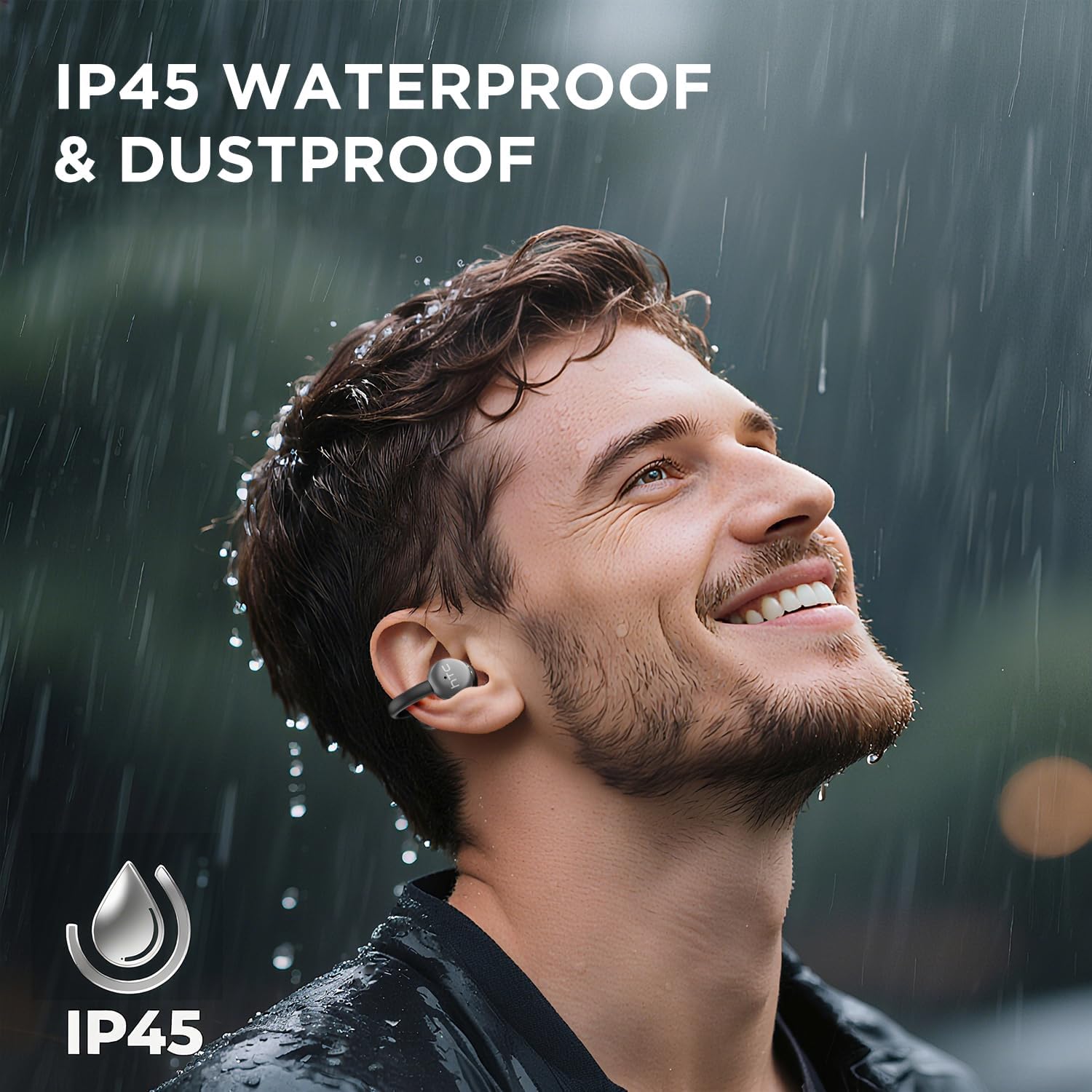
Image 7.1: The HTC N15 earbuds are IP45 rated, offering protection against dust and water splashes, making them suitable for outdoor activities.
8. Solução De Problemas
| Problema | Possível causa | Solução |
|---|---|---|
| Fones de ouvido não emparelham | Bateria fraca; Bluetooth desligado no dispositivo; Fones de ouvido não estão em modo de emparelhamento; Interferência. | Charge earbuds and case. Ensure Bluetooth is enabled on your device. Place earbuds in case, close, then open to re-enter pairing mode. Move closer to your device. |
| Sem som ou baixa qualidade de som | Volume too low; Earbuds not properly seated; Device not connected; Dirty earbuds. | Increase device volume. Adjust earbuds for a proper fit. Reconnect earbuds to your device. Clean earbuds as per maintenance section. |
| Fones de ouvido não carregam | Charging cable not connected properly; Dirty charging contacts; Faulty cable/adapter. | Ensure USB-C cable is securely connected. Clean charging contacts. Try a different USB-C cable or power adapter. |
| Os controles de toque não respondem | Earbuds not active; Moisture on touch surface; Software glitch. | Ensure earbuds are active and connected. Wipe touch surface dry. Place earbuds back in case, close, then reopen to reset. |
9. Especificações
| Recurso | Especificação |
|---|---|
| Nome do modelo | HTC NE15 |
| Versão Bluetooth | 6.0 |
| Tecnologia de Conectividade | Wireless (Bluetooth) |
| Tipo de fone de ouvido | Clip-On, Open-Ear |
| Tamanho do driver | 13 mm |
| Método de controle | Tocar |
| Microfone | Construído em |
| Tempo de reprodução com uma única carga | Até 8 horas |
| Tempo total de reprodução (com estojo) | Até 22 horas |
| Case Fast Charging | Aproximadamente 1.5 horas |
| Porta de carregamento | USB-C |
| Resistência à água | IP45 (Resistente à água e poeira) |
| Peso do fone de ouvido | Aproximadamente 4.7g (cada) |
| Dispositivos compatíveis | Smartphones, Tablets, Bluetooth-enabled Devices (iOS, Android) |
| UPC | 768649989642 |
10. Garantia e Suporte
HTC provides customer support for its products. If you encounter any issues or have questions not covered in this manual, please contact our support team.
- Suporte ao cliente: 7*24 Live Chat Support is available. Refer to the product packaging or official HTC website para detalhes de contato.
- Informações sobre garantia: Please retain your proof of purchase for warranty claims. Specific warranty terms and conditions may vary by region. Refer to the warranty card included in your package or the official HTC website para obter informações detalhadas.