
1. Introdução
This user manual provides detailed instructions for the Tangxi Portable 4G/5G Mobile Hotspot, model Tangxiwbt2r4vmkc. It covers everything from initial setup and operation to maintenance and troubleshooting, ensuring you can maximize your device's potential for reliable, high-speed internet access wherever you are.
2. Informações de segurança
- Não exponha o dispositivo a temperaturas extremas, luz solar direta ou umidade.
- Evite deixar cair ou submeter o dispositivo a impactos fortes.
- Utilize apenas o cabo de carregamento fornecido ou aprovado.
- Mantenha fora do alcance de crianças.
- Não tente desmontar ou reparar o dispositivo por conta própria.
3. Conteúdo da embalagem
Verifique se todos os itens estão presentes no seu pacote:
- 1 x Tangxi Portable 4G/5G Mobile Hotspot
- 1 x USB Supply Cable (Type-C)
- 1 x Manual do Usuário (este documento)
4. Produto acabadoview
The Tangxi Portable 4G/5G Mobile Hotspot is a compact and powerful device designed to provide high-speed internet connectivity on the go. It supports 4G/5G networks, offering speeds up to 300Mbps, and can connect up to 10 devices simultaneously. Its built-in 3200mAh battery ensures over 10 hours of continuous use.
Principais características:
- 4G/5G Connectivity: Enjoy fast internet without broadband, simply by inserting a SIM card.
- Rede de alta velocidade: Supports LTE CAT4 standard with speeds up to 300Mbps.
- Bateria de longa duração: Integrated 3200mAh Lithium-ion battery provides over 10 hours of usage.
- Suporte a vários dispositivos: Connect up to 10 devices simultaneously.
- Conecte e use: Easy setup with USB-C power supply and SIM card insertion.
Componentes do dispositivo:

Figura 1: Frente view of the hotspot highlighting key features like Type-C interface, 4G/5G high-speed internet, and battery capacity.

Figure 2: The mobile hotspot demonstrating its high-performance battery, capable of over 10 hours of continuous use.
5. Configuração
5.1 Inserindo o cartão SIM
- Carefully remove the back cover of the hotspot device.
- Localize o slot do cartão SIM.
- Insert your 4G/5G SIM card into the designated slot, ensuring correct orientation.
- Recoloque a tampa traseira com segurança.
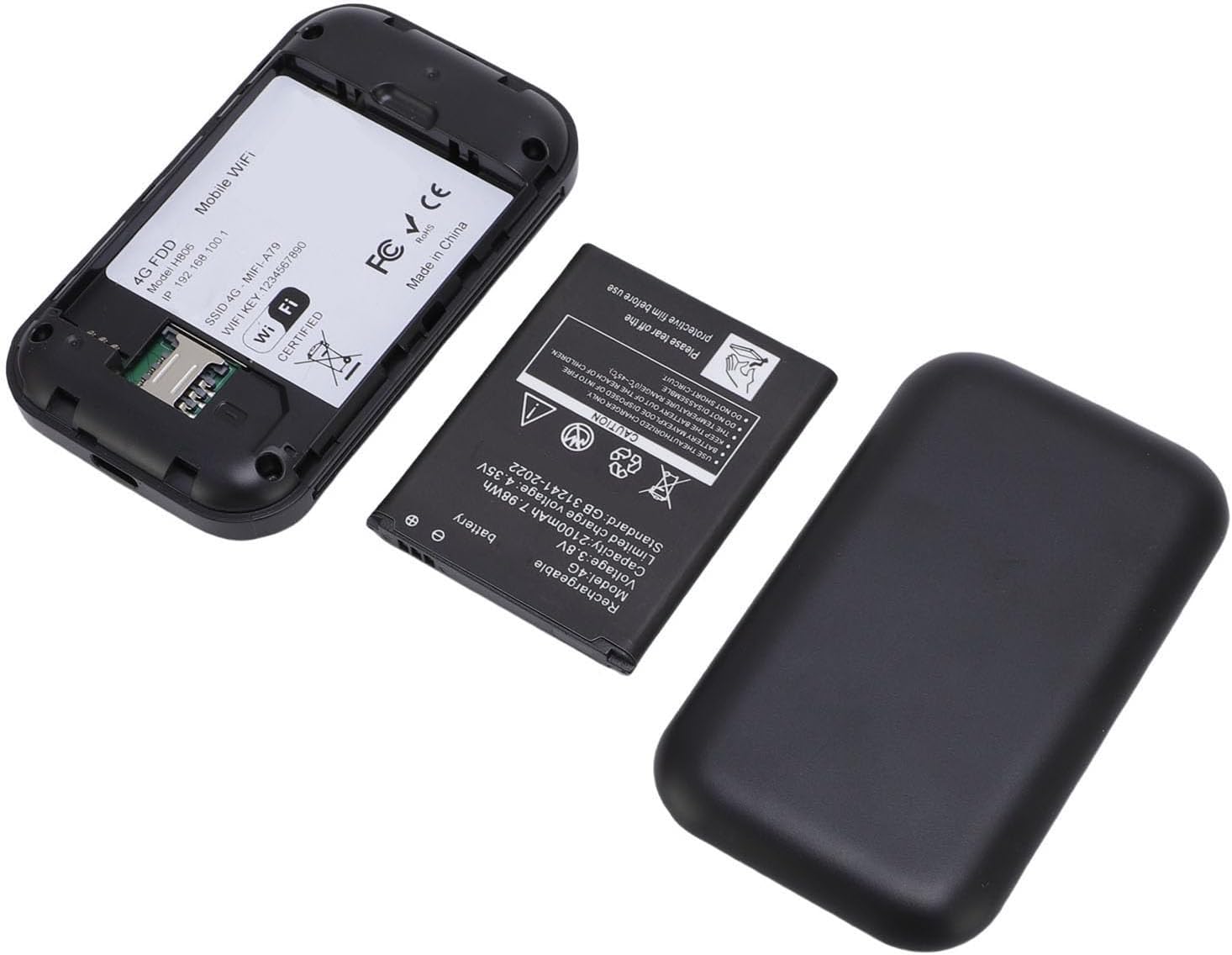
Figura 3: O interno view of the hotspot, showing the battery removed and the SIM card slot for easy insertion.
5.2 Ligar e Conexão Inicial
- Mantenha pressionado o botão liga/desliga do dispositivo até que a tela acenda.
- The device will begin registering with the network. This may take a few moments.
- Once registered, the screen will display network status, remaining data, and Wi-Fi details.
- On your smartphone, tablet, or laptop, search for available Wi-Fi networks.
- Select the network name (SSID) displayed on your hotspot's screen.
- Enter the Wi-Fi password (Key) shown on the hotspot's screen to connect.
Video 1: A short demonstration of unboxing the mobile hotspot and inserting the SIM card, followed by powering on the device.
6. Instruções de operação
6.1 Conectando vários dispositivos
The hotspot supports simultaneous connections for up to 10 devices. Follow the initial connection steps (Section 5.2) for each device you wish to connect.
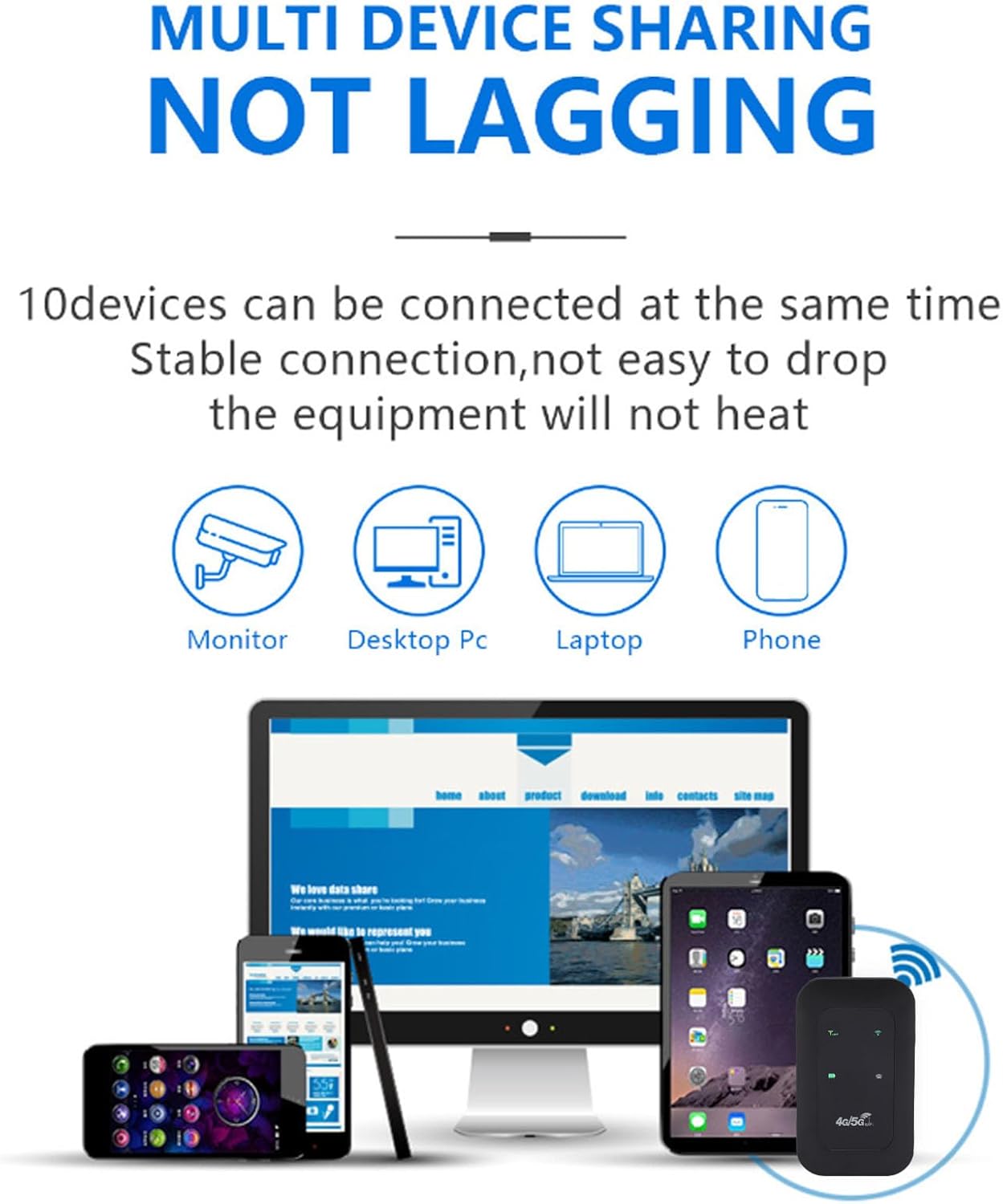
Figure 4: The hotspot providing stable internet to various devices including a monitor, desktop PC, laptop, and smartphone.
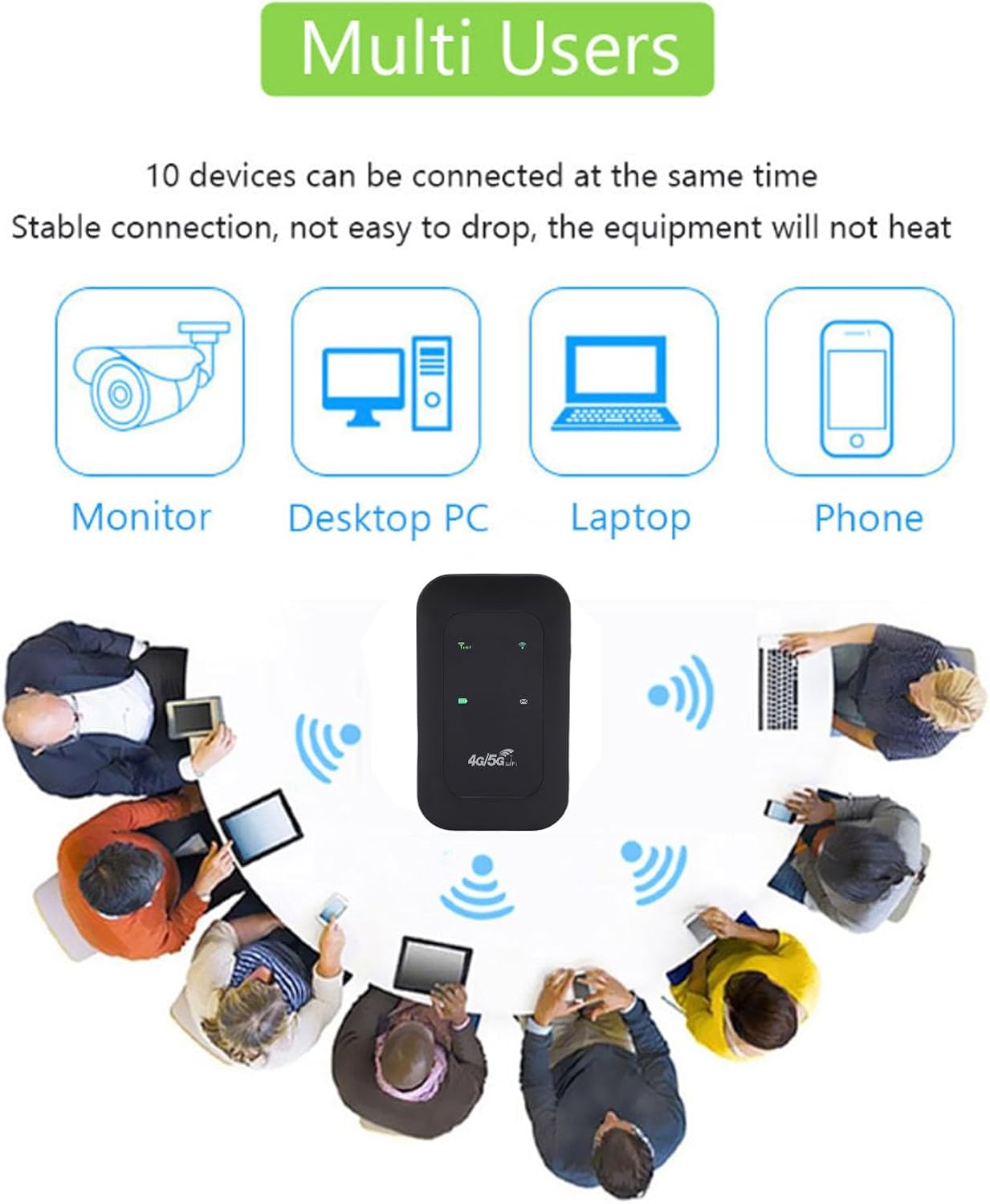
Figure 5: The mobile hotspot facilitating internet access for several individuals and their devices, emphasizing its multi-user capability.
6.2 Compreendendo os indicadores
The device's display provides real-time information about its status:
- Intensidade do sinal: Bars indicate the strength of the 4G/5G cellular signal.
- Status do Wi-Fi: Um ícone indica se o Wi-Fi está ativo e transmitindo.
- Nível da bateria: Um ícone mostra a carga atual da bateria.
- Uso de dados: Displays remaining and total data usage (if applicable to your SIM plan).

Figure 6: The hotspot's ability to provide smooth network speed and accurate reception of high-frequency signals within a home environment.
7. Manutenção
7.1 Cuidados com a bateria
- Carregue totalmente o dispositivo antes da primeira utilização.
- Para prolongar a vida útil da bateria, evite descarregá-la completamente com frequência.
- If storing the device for an extended period, charge it to about 50% and store in a cool, dry place.
7.2 Limpeza e Armazenamento
- Wipe the device with a soft, dry cloth. Do not use liquid cleaners.
- Store the hotspot in a protective pouch or case when traveling to prevent scratches or damage.
8. Solução De Problemas
8.1 Sem conexão com a Internet
- Certifique-se de que o cartão SIM esteja inserido corretamente e ativado com um plano de dados.
- Check the signal strength indicator on the hotspot. If signal is weak, move to an area with better reception.
- Restart the hotspot device and your connected device.
- Verify that your data plan has not been exhausted.
8.2 Velocidade de conexão lenta
- Reduza o número de dispositivos conectados.
- Ensure you are in an area with good 4G/5G coverage.
- Check for any background applications consuming bandwidth on connected devices.
8.3 O dispositivo não liga
- Certifique-se de que a bateria esteja carregada. Conecte o dispositivo a uma fonte de alimentação usando o cabo USB-C.
- Tente usar um cabo USB-C e um adaptador de alimentação diferentes.
Video 2: An instructional video demonstrating how to set up tethering, which can be a useful alternative connection method or troubleshooting step.
9. Especificações
| Recurso | Detalhe |
|---|---|
| Tipo de item | Hotspot portátil |
| Material | ABS + electronic components |
| Bandas de rede | LTE: B1/B3/B5/B40, WCDMA: B1 |
| Suporte Wi-Fi | 802.11 b/g/n Wireless Network |
| Frequência de transmissão | Até 300 Mbps |
| Slot para cartão SIM | 1 (não incluído) |
| Tipo de Bateria | Built-in 3200mAh Lithium-ion Battery |
| Protocolo de conectividade | 4G LTE, 5G |
| Dispositivos compatíveis | Notebooks, Smartphones |
| Protocolo de Segurança | WPA2-PSK |
| Número do modelo | Tangxiwbt2r4vmkc |
10. Informações de garantia
This product comes with a manufacturer warranty for 90 days from the date of purchase. Please retain your proof of purchase for any warranty claims.
11. Suporte
For further assistance, product information, or to explore other Tangxi products, please visit the official Tangxi store:
Visit the Tangxi Store on Amazon
Manufacturer: Tangxi