
Introdução
This manual provides instructions for the Airfrex Bluetooth Audio Transmitter. This device allows you to wirelessly transmit audio from non-Bluetooth audio sources to Bluetooth-enabled headphones or speakers, enhancing your listening experience in various environments.
Produto acimaview
Principais características
- Chipset Bluetooth 5.2: Ensures low latency audio synchronization for a seamless experience.
- Texas Instruments DSP: Enhances audio clarity, widens the soundstage, and delivers rich bass.
- Dual Link Feature: Connects two Bluetooth headphones or speakers simultaneously for shared listening.
- Compatibilidade Universal: Works with a wide range of devices including TVs, airplane entertainment systems, MP3 players, and gym equipment.
- 3.5mm AUX Jack: Standard audio input for broad device compatibility.
Conteúdo da embalagem
Por favor, verifique se todos os itens estão presentes em sua embalagem:
- Airfrex Bluetooth Audio Transmitter
- Adaptador de áudio para avião
- Cabo de carregamento micro USB
Layout do dispositivo
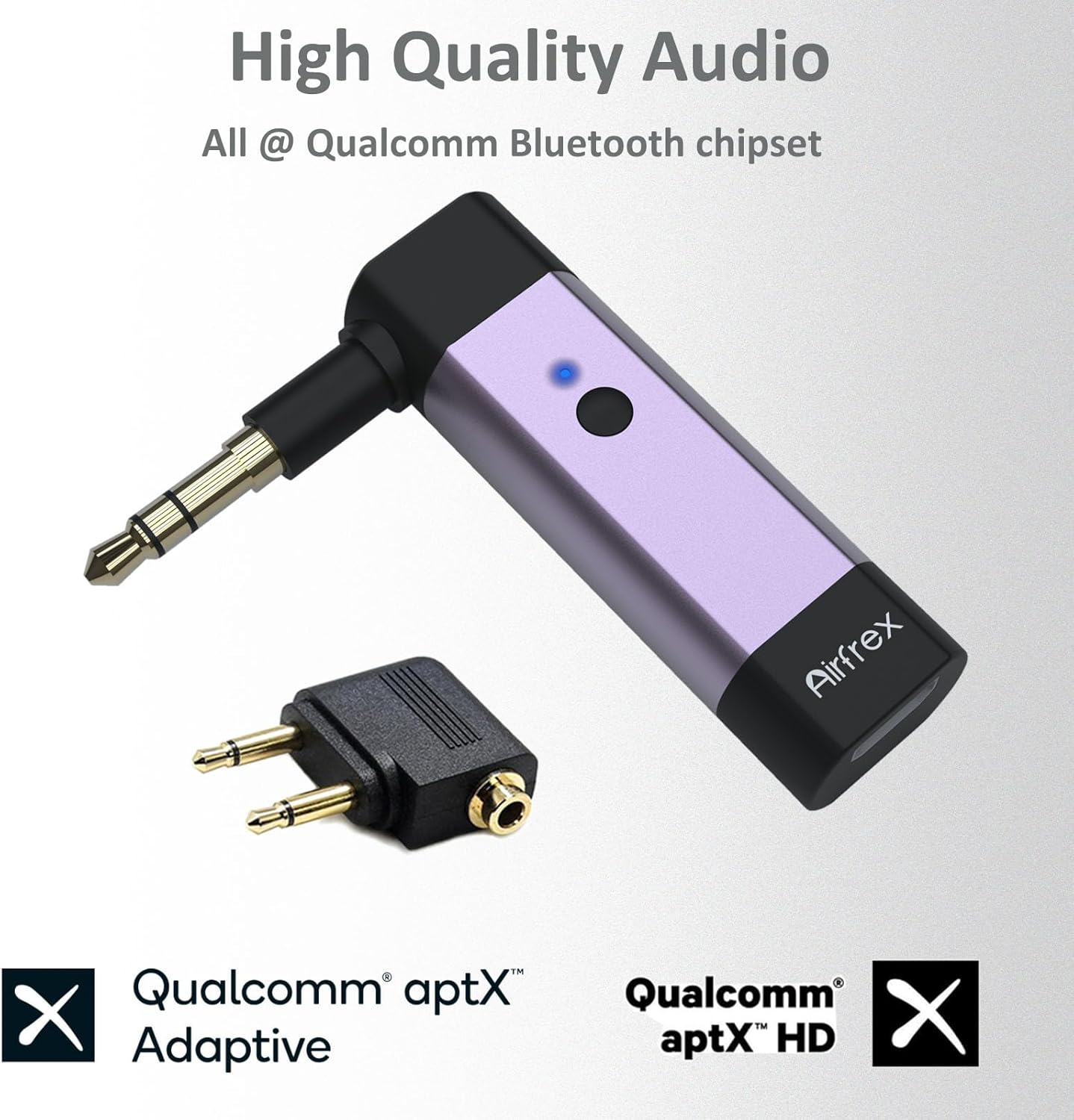
Image: The Airfrex Bluetooth Audio Transmitter, showing its compact design with a built-in 3.5mm audio jack and a separate airplane adapter. The device features a power/pairing button and an LED indicator.
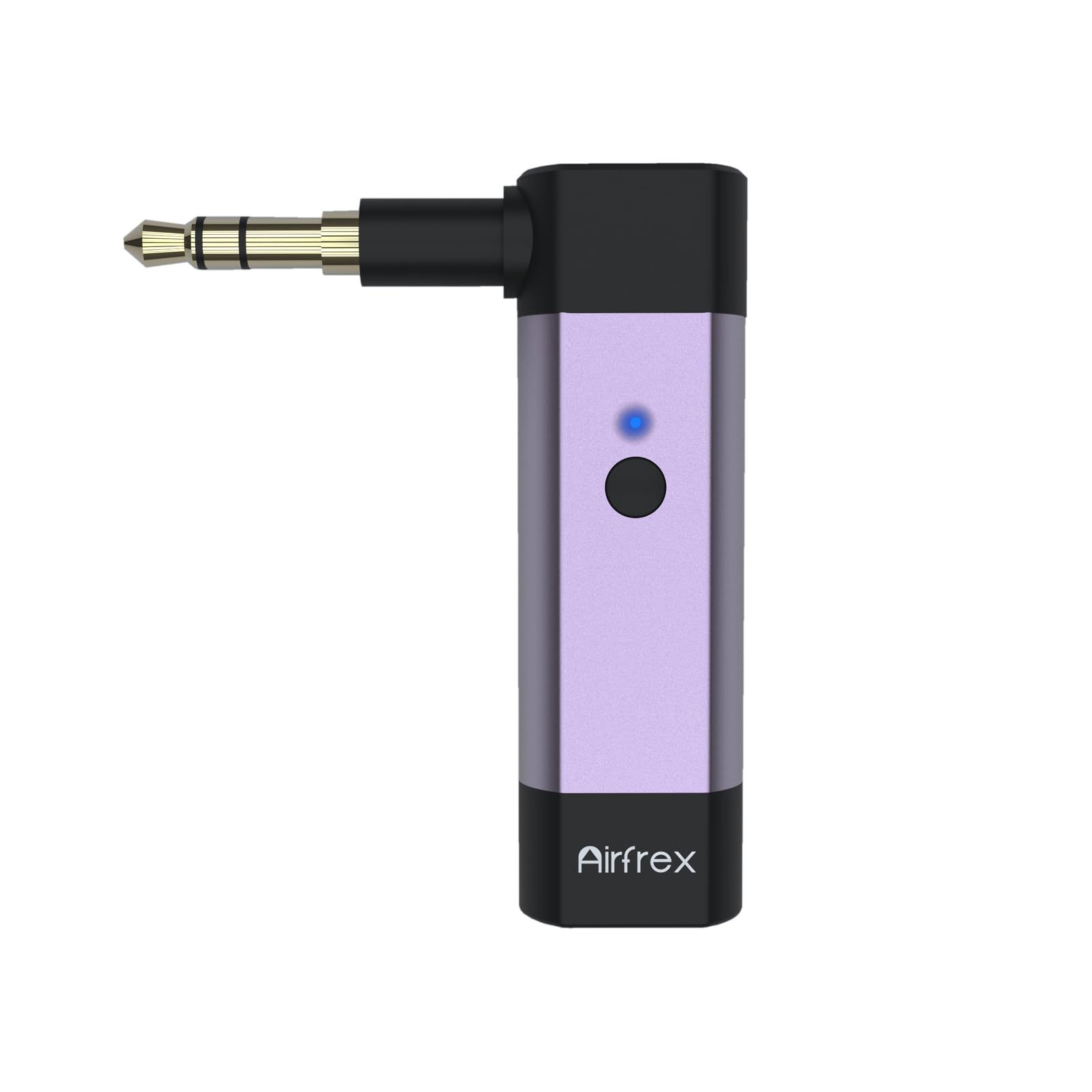
Image: Close-up of the Airfrex Bluetooth Audio Transmitter, highlighting its "High Quality Audio" and "Qualcomm Bluetooth chipset" features, including Qualcomm aptX Adaptive and aptX HD support.
Guia de configuração
Carregando o dispositivo
Before initial use, fully charge the transmitter. Connect the provided Micro USB cable to the charging port on the transmitter and the other end to a standard USB power source (e.g., computer USB port, USB wall adapter). The LED indicator will typically show a red light while charging and turn off when fully charged.
Conectando a uma fonte de áudio
The transmitter features a built-in 3.5mm AUX jack. Plug this jack directly into the 3.5mm audio output port of your audio source (e.g., TV, MP3 player, gym equipment, or a standard airplane entertainment system jack).
For airplane entertainment systems that require a dual-prong adapter, use the included airplane adapter. Insert the 3.5mm jack of the transmitter into the adapter, then plug the adapter into the airplane's audio output ports.
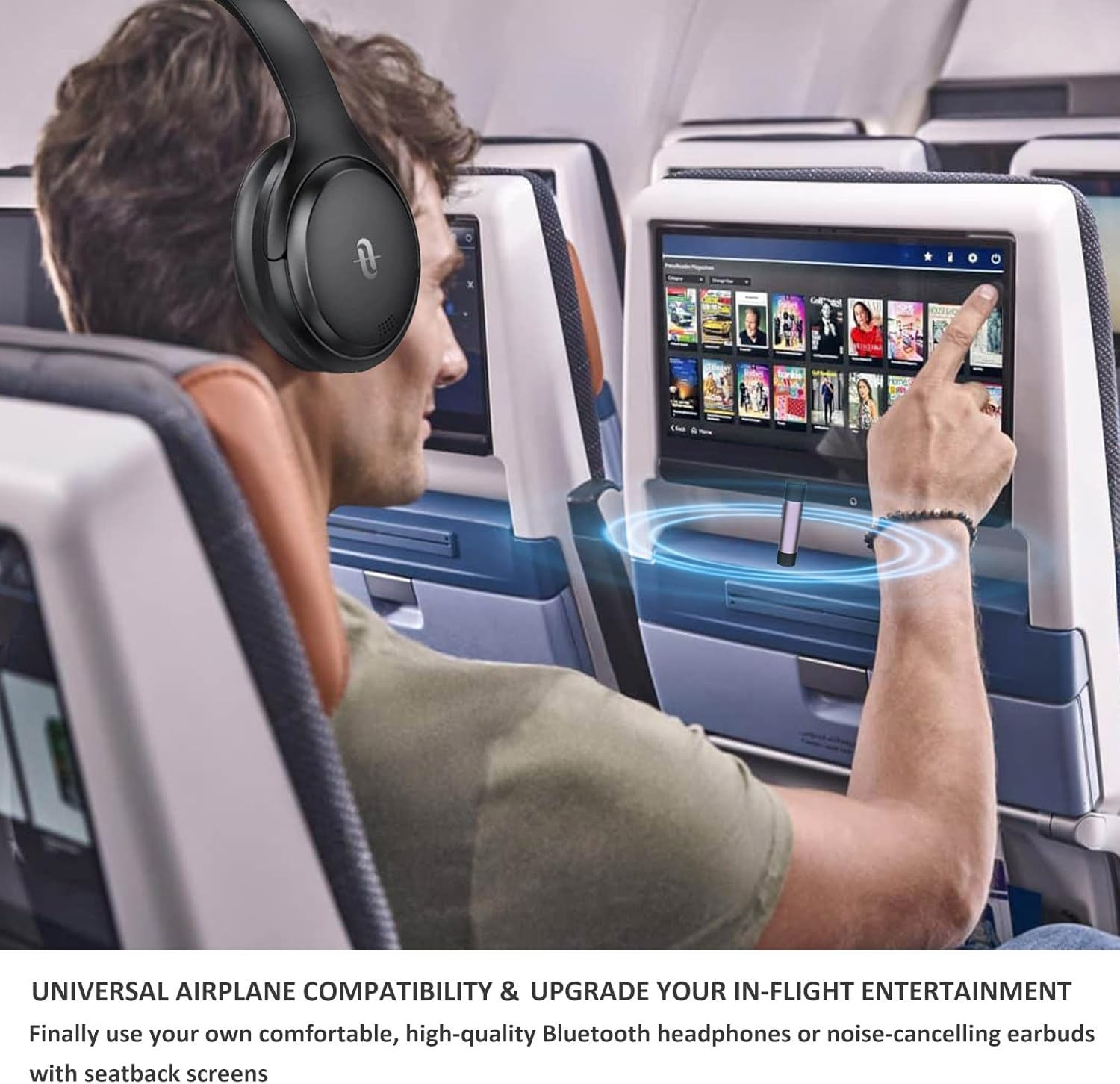
Image: A person using the Airfrex Bluetooth Transmitter with an airplane's in-flight entertainment system, demonstrating its use with Bluetooth headphones.
Instruções de operação
Ligar/desligar
- Ligar: Press and hold the power button for approximately 3 seconds until the LED indicator lights up (e.g., blue).
- Desligar: Pressione e mantenha pressionado o botão liga/desliga por aproximadamente 3 segundos até que o indicador LED se apague.
Emparelhamento com fones de ouvido/alto-falantes Bluetooth
- Certifique-se de que o transmissor esteja desligado.
- Press and hold the power button for approximately 5-7 seconds until the LED indicator flashes rapidly (e.g., blue and red alternately), indicating pairing mode.
- Place your Bluetooth headphones or speaker into pairing mode (refer to your audio device's manual for specific instructions).
- Keep the transmitter and your audio device close to each other (within 1 meter).
- Once successfully paired, the LED indicator on the transmitter will typically show a steady blue light or flash slowly.
Dual Link Function (Connecting Two Devices)
The Airfrex transmitter supports connecting two Bluetooth headphones or speakers simultaneously.
- Pair the first Bluetooth headphone/speaker as described above.
- Once the first device is connected, double-click the power/pairing button on the transmitter. The LED will flash rapidly again, indicating it's searching for a second device.
- Put your second Bluetooth headphone/speaker into pairing mode.
- The transmitter will automatically connect to the second device. Once both are connected, the LED will indicate a successful dual connection (e.g., steady blue light).
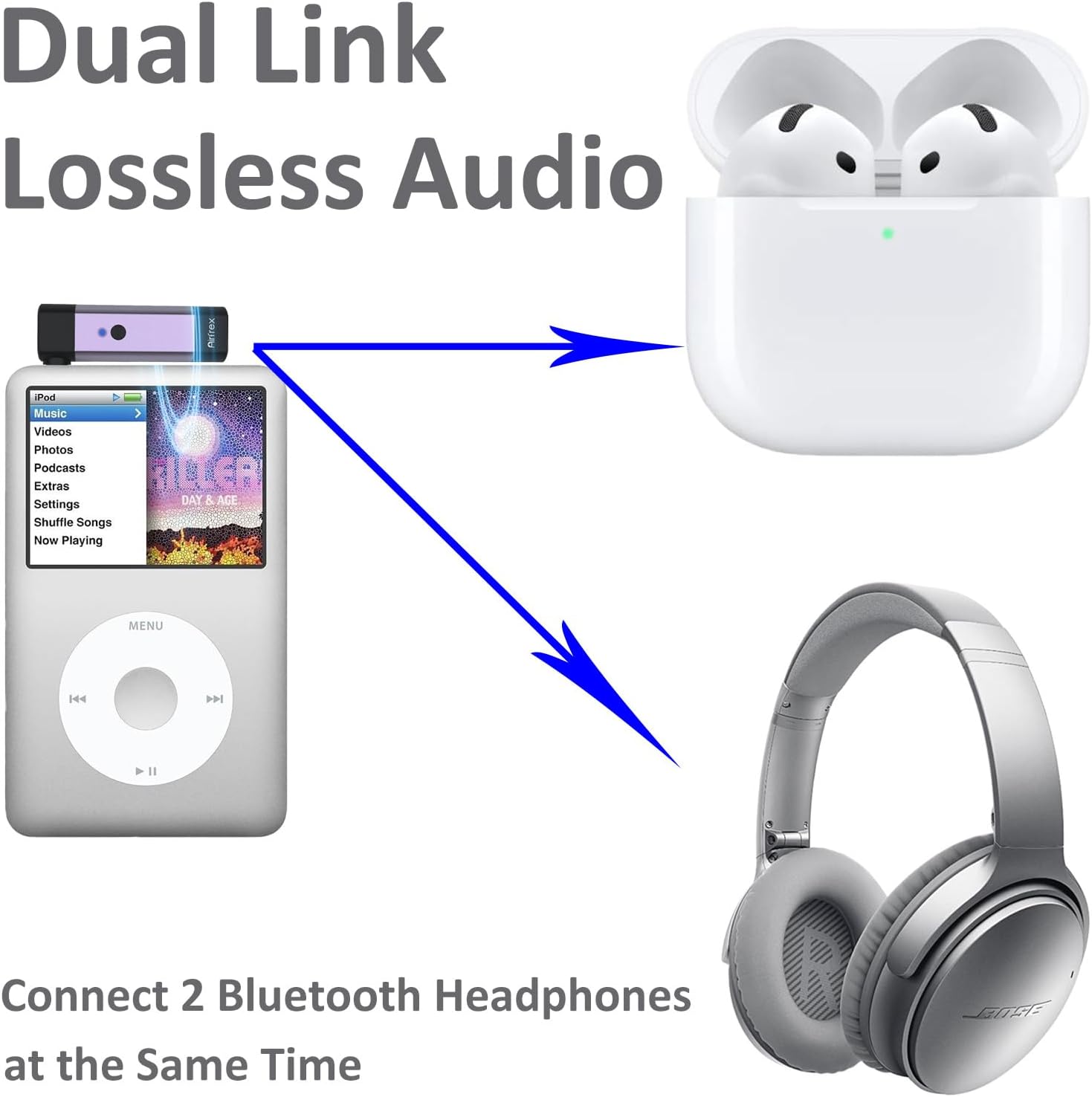
Image: Diagram illustrating the dual link feature, showing the Airfrex transmitter connected to an iPod, simultaneously transmitting audio to a pair of AirPods and over-ear Bluetooth headphones.
Using with Various Devices
- TV: Plug the transmitter into the TV's 3.5mm audio out port.
- Avião: Use the included airplane adapter if needed, then plug the transmitter into the seat's audio jack.
- MP3 Player/iPod: Plug the transmitter directly into the 3.5mm headphone jack.
- Equipamentos de ginástica: Connect to the 3.5mm audio output on treadmills or other machines.

Image: A person watching TV with Bluetooth headphones connected via the Airfrex transmitter, illustrating private listening without disturbing others.

Image: A person using the Airfrex Bluetooth Transmitter with gym equipment, enabling wireless audio during workouts.
Vídeo de demonstração do produto
Video: A short demonstration of the Airfrex Bluetooth Audio Transmitter, showcasing its design and how it can be used with various devices like TVs, airplanes, MP3 players, and gym equipment. This video provides a visual guide to the product's features and functionality.
Manutenção
To ensure the longevity and optimal performance of your Airfrex Bluetooth Audio Transmitter, follow these guidelines:
- Limpeza: Limpe o dispositivo com um pano macio e seco. Evite usar produtos químicos agressivos ou abrasivos.
- Armazenar: Guarde o dispositivo em local fresco e seco, longe da luz solar direta e de temperaturas extremas.
- Cuidados com a bateria: Do not expose the battery to excessive heat. If the device will not be used for an extended period, charge it periodically to maintain battery health.
- Evite umidade: Mantenha o dispositivo longe de água e alta umidade.
Solução de problemas
| Problema | Possível causa | Solução |
|---|---|---|
| O dispositivo não liga. | Bateria fraca. | Carregue totalmente o dispositivo usando o cabo USB fornecido. |
| Cannot pair with headphones. | Transmitter not in pairing mode; headphones not in pairing mode; too far apart. | Ensure both devices are in pairing mode and within close proximity (within 1 meter). Try restarting both devices. |
| Sem áudio ou com qualidade de áudio ruim. | Incorrect audio source connection; volume too low; interference. | Check that the 3.5mm jack is fully inserted into the audio source. Increase volume on both the source and headphones. Move away from potential interference sources (e.g., Wi-Fi routers). |
| Atraso de áudio (problemas de sincronização labial). | Receiving device does not support aptX Low Latency. | While the transmitter supports aptX LL, your receiving device must also support it for minimal delay. Ensure your headphones are aptX LL compatible for best results. |
| Cannot connect a second pair of headphones. | Second headphones not in pairing mode; dual link not activated correctly. | After connecting the first device, double-click the power button to activate dual link pairing mode for the second device. Ensure the second device is in pairing mode. |
Especificações
- Modelo: Airfrex Bluetooth Audio Transmitter
- Versão Bluetooth: 5.2
- Codecs de áudio: aptX Adaptive, aptX HD, aptX Low Latency (LL)
- Conectividade: 3.5 mm AUX
- Dimensões: 0.63 x 0.43 x 2.56 polegadas (1.6 x 1.1 x 6.5 cm)
- Peso: 1.44 onças (40.8 gramas)
- Bateria: 1 bateria não padrão (incluída)
- Fonte de energia: Alimentado por bateria
- Material: Alumínio
- Características especiais: Automatic On/Off, Fast Charging, Low Latency, Noise Cancellation
Informações de segurança
Leia e siga estas diretrizes de segurança para garantir uma operação segura e evitar danos:
- Always use headphones at safe volumes to prevent hearing damage.
- Do not dispose of the battery in regular trash; follow local regulations for proper battery disposal.
- Mantenha o dispositivo fora do alcance de crianças.
- Não tente desmontar, reparar ou modificar o dispositivo.
- Avoid exposure to extreme temperatures, direct sunlight, and humid environments.
Garantia e Suporte
Airfrex products come with a standard manufacturer's warranty. For detailed warranty information, technical support, or service inquiries, please refer to the official Airfrex website ou entre em contato com o suporte ao cliente.
Website: www.airfrex.com
E-mail: suporte@airfrex.com