
1. Introdução
This manual provides detailed instructions for the safe and effective operation of your HelloBaby HB6081 Baby Monitor system. Please read this manual thoroughly before use and retain it for future reference. The system includes a 5.5-inch 720P HD monitor unit and two 1080P cameras, designed to provide secure and reliable monitoring of your baby without requiring a Wi-Fi connection.
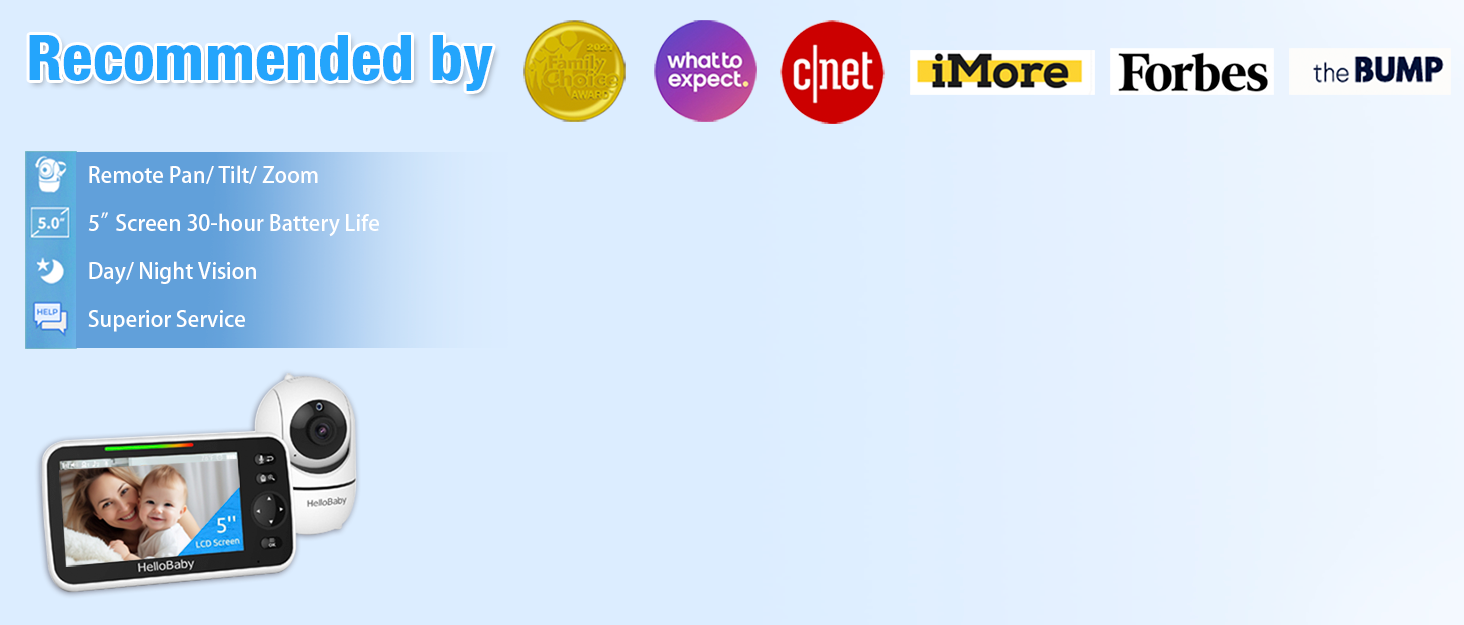
The HelloBaby HB6081 Baby Monitor system, featuring a parent unit and a camera, is designed for secure baby monitoring.
2. Informações importantes de segurança
- Risco de estrangulamento: Keep all cords out of reach of children. Never place the camera or cords within 3 feet (1 meter) of the crib or playpen. Secure cords to a wall or floor using clips or ties.
- Risco de asfixia: Este produto contém peças pequenas. Mantenha fora do alcance de crianças.
- Superaquecimento: Do not cover the monitor or camera with clothing, blankets, or any other material. Ensure proper ventilation.
- Água e Umidade: Do not expose the product to water or moisture. Do not use near bathtubs, sinks, or other wet areas.
- Fontes de energia: Use only the AC power adapters provided. Using other adapters may damage the device and void the warranty.
- Segurança da bateria: The monitor unit contains a rechargeable battery. Do not attempt to replace it yourself. Contact customer support for battery service.
3. Conteúdo da embalagem
Verifique se todos os itens estão presentes no seu pacote:
- 720P 5.5" HD Baby Monitor (Parent Unit) x 1
- 1080P Plug-In Baby Camera x 2
- Charger x 3 (for monitor and cameras)
- Manual do usuário x 1
- Extra Wall Mounting Screws x 2
4. Produto acabadoview
4.1 Unidade dos Pais (Monitor)
The parent unit features a 5.5-inch 720P HD display for clear viewing of your baby. It includes controls for camera functions, two-way talk, and menu navigation.
4.2 Unidade do bebê (câmera)
Each baby unit is a 1080P camera equipped with pan, tilt, and zoom capabilities, as well as infrared night vision and a microphone for two-way audio. The cameras connect wirelessly to the parent unit using a secure 2.4GHz FHSS encrypted technology, ensuring privacy and preventing hacking.

The HelloBaby HB6081 system includes one parent unit and two baby cameras.
4.3 Principais Características
- Conexão segura: No Wi-Fi, no internet, no app required. Private, closed transmission system.
- 5.5" HD Split-Screen Display: View up to two cameras simultaneously.
- Duas câmeras 1080P: High-definition video feed.
- Panorâmica, inclinação e zoom: Remote control of camera angle (355° pan, 120° tilt) and 2x digital zoom.
- Conversa bidirecional: Communicate with your baby or partner.
- Visão noturna infravermelha automática: Claro viewem condições de pouca luz ou escuridão.
- Bateria de 4000mAh: Extended battery life for the parent unit.
- Características adicionais: Adjustable lullabies, soothing night light, room temperature monitoring, feeding timer, VOX (Voice Operated Exchange) mode.

Key features of the HelloBaby HB6081 monitor, including pan-tilt-zoom, long range, night vision, and two-way audio.
This video demonstrates the features and ease of use of the HelloBaby baby monitor, including its secure connection, pan-tilt-zoom, and night vision capabilities.
5. Configuração
5.1 Carregando a unidade dos pais
- Connect the small end of one power adapter to the parent unit's charging port.
- Conecte a outra extremidade do adaptador a uma tomada elétrica.
- Carregue a unidade principal por pelo menos 4 horas antes da primeira utilização para garantir o desempenho ideal da bateria. O ícone da bateria no ecrã indicará o estado do carregamento.
5.2 Powering the Baby Units (Cameras)
- Connect the small end of the remaining power adapters to each baby unit's power port.
- Plug the other end of each adapter into a power outlet.
- The baby units will power on automatically when connected to power.
5.3 Positioning the Baby Units (Cameras)
- Place the baby unit on a flat surface, such as a dresser or shelf, or mount it to a wall or crib using the provided screws.
- Ensure the camera is at least 3 feet (1 meter) away from your baby to prevent strangulation hazards from the power cord.
- Position the camera to provide a clear view of your baby's crib or play area.
- Evite colocar a câmera sob luz solar direta ou perto de fontes de calor.
5.4 Emparelhamento inicial (se necessário)
Your cameras are pre-paired to the parent unit. If a camera loses connection or you add an additional camera (up to 4 total), follow these steps to pair:
- Turn on the parent unit and the baby unit you wish to pair.
- Na unidade principal, pressione o Menu botão.
- Navegue até o Câmera ícone e selecione-o.
- Choose an available camera slot (e.g., Camera 2, Camera 3, Camera 4) and select Par.
- Dentro de 10 segundos, pressione e segure o Par button on the back of the baby unit until the parent unit displays the camera's video feed.
6. Instruções de operação
6.1 Ligar/Desligar
- To turn on the parent unit, press and hold the Poder button until the HelloBaby logo appears.
- To turn off the parent unit, press and hold the Poder Pressione o botão até que a tela desligue.
- Baby units power on automatically when connected to an electrical outlet.
6.2 Menu de Navegação
Use o Menu button to access settings and features. Use the directional arrows (Cima/Baixo/Esquerda/Direita) to navigate and the OK botão para confirmar as seleções.
6.3 Panorâmica, inclinação e zoom (PTZ)
- Enquanto viewing a camera, use the directional arrows on the parent unit to remotely pan (move horizontally) and tilt (move vertically) the camera.
- Pressione o Ampliar button (magnifying glass icon) to activate 2x digital zoom. Use the directional arrows to move the zoomed image. Press Ampliar again to exit zoom mode.

The parent unit allows remote control of camera pan, tilt, and zoom functions.
6.4 Comunicação Bidirecional
- Pressione e segure o Microfone button on the parent unit to speak to your baby through the camera's speaker.
- Release the button to stop speaking and listen to your baby.

The two-way talk feature allows communication between the parent unit and the baby unit.
6.5 Visão noturna
The baby unit automatically activates infrared night vision in low-light conditions, providing a clear black and white image on the parent unit. No manual adjustment is required.

The monitor provides clear day and night imaging with automatic infrared night vision.
6.6 Tela dividida View
- If you have multiple cameras, access the Câmera menu.
- Selecione o Tela dividida opção para view feeds from two cameras simultaneously.
- The system supports up to four cameras, allowing for multi-child monitoring.

The split-screen function allows monitoring of multiple cameras simultaneously.
6.7 VOX (Voice Operated Exchange) / ECO Mode
- VOX mode conserves battery by turning off the screen when no sound is detected from the baby unit. The screen will automatically turn on when sound is detected.
- To activate or adjust VOX sensitivity, go to the Menu e selecione o Sensibilidade VOX option. Choose from low, medium, or high sensitivity levels.
6.8 Canções de Ninar e Luz Noturna
- Acesse o Canção de ninar option in the menu to play soothing melodies through the baby unit. You can select individual lullabies or a continuous loop.
- The baby unit features a gentle night light. This can be controlled via the menu on the parent unit.
6.9 Temperature Monitoring and Feeding Timer
- The current room temperature is displayed on the parent unit screen. You can set temperature alerts in the menu to be notified if the room temperature goes above or below a set range.
- O Temporizador de alimentação feature allows you to set reminders for feeding times, helping you maintain a consistent schedule.
7. Manutenção
- Limpeza: Use a soft, dry cloth to clean the surfaces of the parent unit and baby units. Do not use cleaning sprays or liquid cleaners.
- Cuidados com a bateria: To prolong battery life, avoid fully discharging the parent unit battery frequently. Charge it regularly. If storing the unit for an extended period, charge it to about 50% and store in a cool, dry place.
- Armazenar: Store the monitor system in a clean, dry environment away from extreme temperatures.
8. Solução De Problemas
| Problema | Solução possível |
|---|---|
| Nenhuma imagem na unidade principal |
|
| Baixa qualidade de imagem |
|
| Sem som ou som distorcido |
|
| A bateria da unidade dos pais descarrega rapidamente. |
|
9. Especificações
| Recurso | Detalhe |
|---|---|
| Número do modelo | HB6081 |
| Tamanho da tela | 5.5 polegadas |
| Resolução do monitor | 720P HD |
| Resolução da câmera | 1080P |
| Tecnologia de Conectividade | 2.4 GHz FHSS (Sem Wi-Fi) |
| Pan Angle | 355 graus |
| Ângulo de inclinação | 120 graus |
| Zoom Digital | 2x |
| Bateria da Unidade dos Pais | 4000 mAh (recarregável) |
| Fonte de energia | Battery Powered (Monitor), Plug-In (Cameras) |
| Temperatura de operação | 0°C - 40°C (32°F - 104°F) |
| Dimensões (Monitor) | 8.5 x 4.2 x 5.2 polegadas (aproximadamente) |
| Peso | 2.07 pounds (total package approximate) |
10. Garantia e Suporte
HelloBaby products are designed for reliability and performance. For warranty information, technical support, or customer service inquiries, please refer to the contact details provided on the HelloBaby official website ou a embalagem do produto. Guarde o comprovante de compra como prova de compra para solicitações de garantia.