
1. Introdução
The Amazfit T-Rex 3 Pro is a rugged outdoor smartwatch designed for durability and advanced tracking capabilities. It features a sapphire AMOLED display, titanium alloy components, and comprehensive health and fitness monitoring. This manual provides essential information for setting up, operating, and maintaining your device.
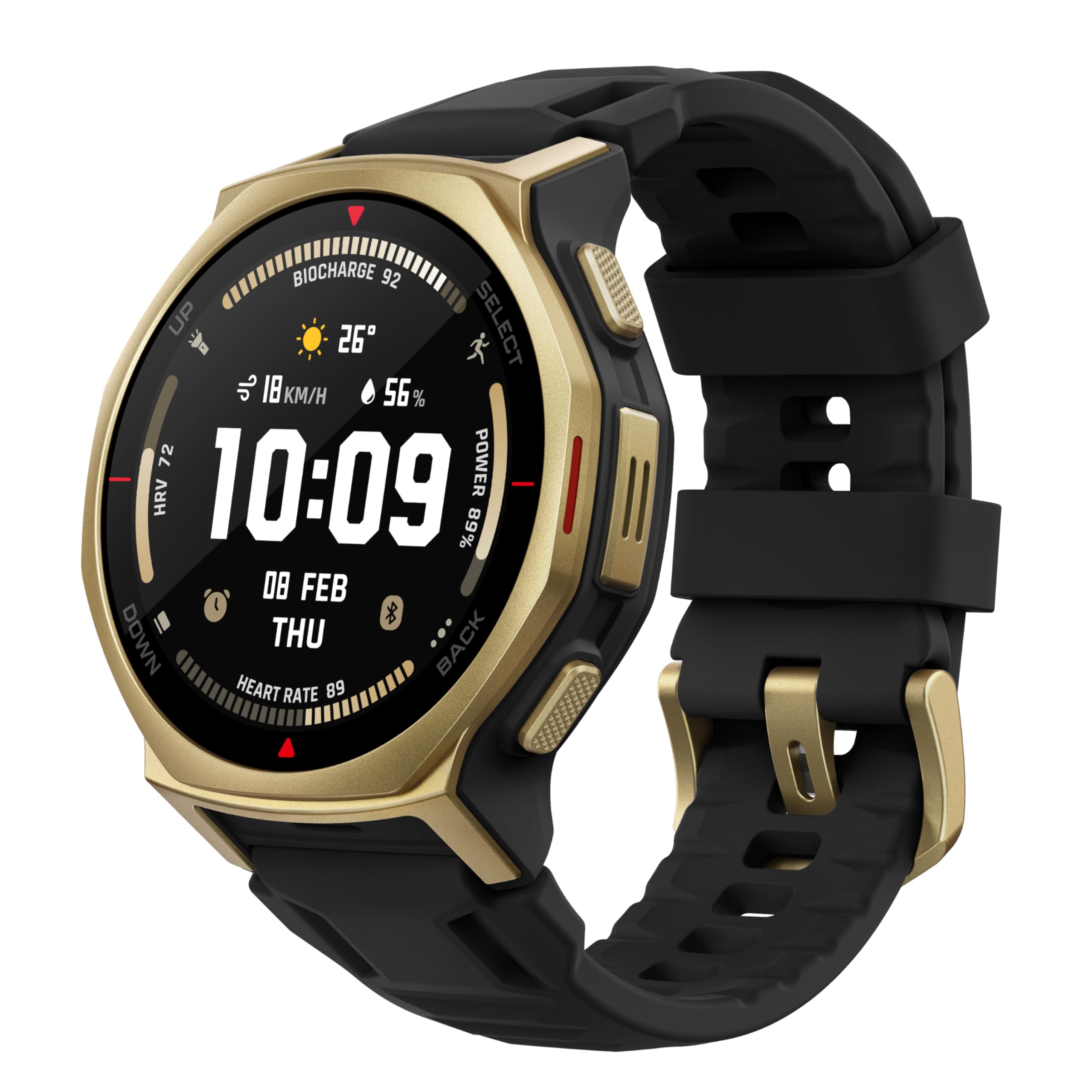
Imagem: Frente view of the Amazfit T-Rex 3 Pro Smart Watch, showcasing seu visor e design robusto.
2. O que está na caixa
- Relógio Inteligente Amazfit T-Rex 3 Pro
- Base de carregamento magnética (compatível com USB Tipo-C, cabo não incluído)
- Manual do usuário
3. Configuração
3.1 Attaching the Watch Bands
The watch bands are designed for easy attachment and removal. To attach a band, align the spring bar with the lug holes on the watch body. Push the small lever on the spring bar inwards, insert one end into the lug hole, then release the lever to secure the other end. Ensure both ends are firmly seated.
3.2 Carregamento Inicial
Before first use, fully charge your Amazfit T-Rex 3 Pro. Connect the magnetic charging base to a USB power source (adapter and USB Type-C cable not included). Place the watch onto the charging base, ensuring the magnetic pins align correctly. The watch display will indicate charging status.
3.3 Ligar e emparelhar
To power on the watch, press and hold the 'UP' button located on the top right side. Follow the on-screen instructions to select your language. To pair with your smartphone, download the Zepp app from the Google Play Store or Apple App Store. Open the app, create an account (if you don't have one), and follow the in-app instructions to scan the QR code displayed on your watch or manually search for the device.
Vídeo: Um excessoview of the Amazfit T-Rex 3 Pro Smart Watch, demonstrating its features and design. This video is provided by a seller.
4. Operando o Relógio
Navegação por tela sensível ao toque de 4.1 polegadas
The Amazfit T-Rex 3 Pro features a responsive AMOLED touchscreen. Swipe up, down, left, or right to navigate through menus, notifications, and widgets. Tap to select an option or open an application.
4.2 Funções dos botões
- Botão PARA CIMA: Press to access the app list or return to the watch face. Long press to power on/off or activate the flashlight.
- Botão SELECIONAR: Press to confirm selections or open specific functions depending on the context.
- Botão PARA BAIXO: Press to scroll down through menus or access quick settings.
- Botão "voltar: Press to return to the previous screen or exit an application.
5. Principais características
5.1 Design Robusto
The T-Rex 3 Pro is built with tough, premium materials including sapphire glass for scratch resistance, a vibrant 3000-nit AMOLED display for clear visibility in any environment, and a titanium alloy bezel and buttons for extreme durability. It is designed to withstand harsh conditions.
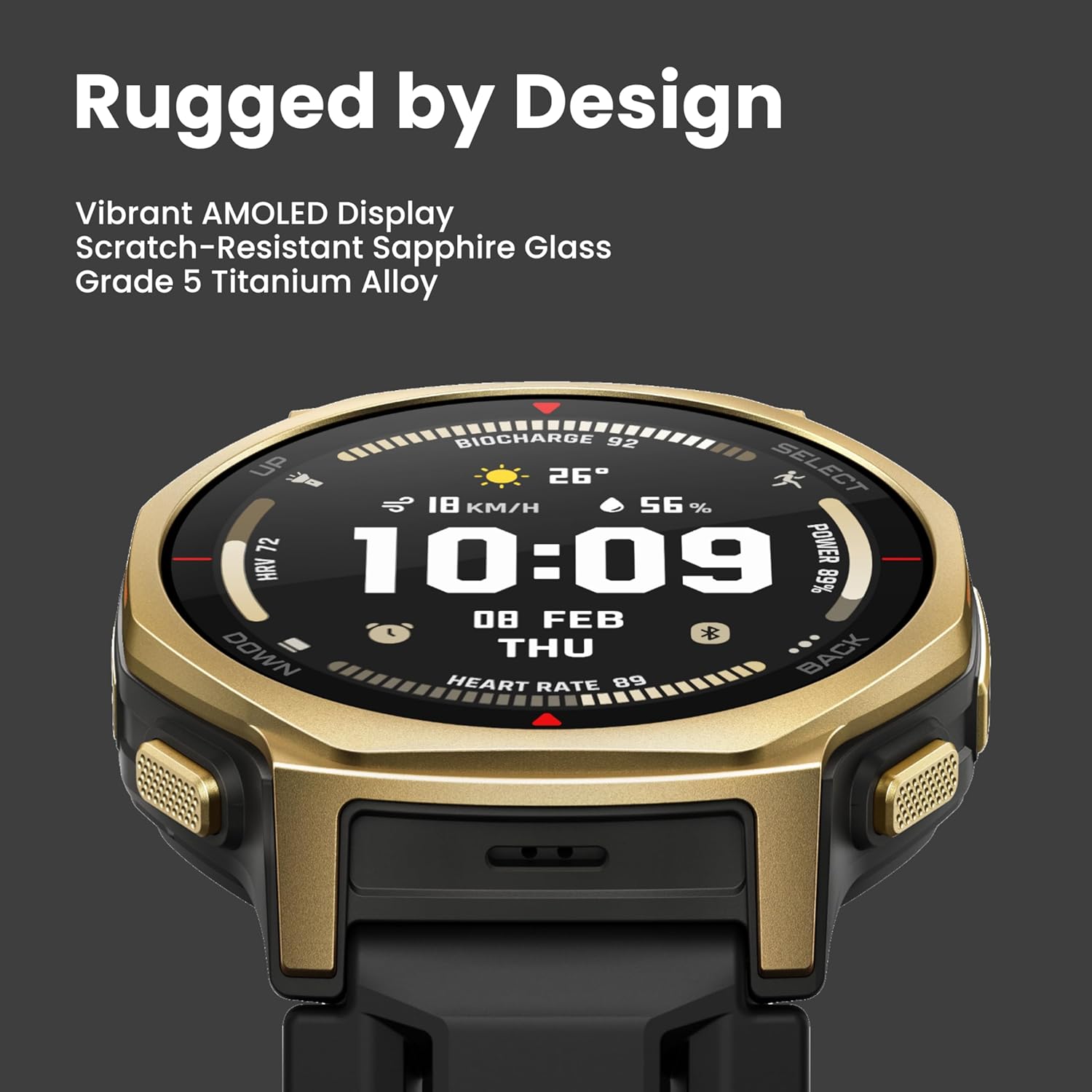
Image: Close-up of the Amazfit T-Rex 3 Pro Smart Watch display, highlighting its robust construction and clear screen.
5.2 Tela e Interface
The 1.32-inch Sapphire AMOLED display offers exceptional brightness and clarity. The Zepp OS provides a fast and reactive user interface, allowing for smooth navigation through various functions and applications.
5.3 GPS e Navegação
Equipped with industry-leading dual-band GPS supporting six satellite systems, the watch provides accurate location tracking even in challenging environments. It supports offline maps with features like Point of Interest (POI) search, auto rerouting, round-trip route creation, and detailed ski maps, making it an ideal companion for outdoor adventures.
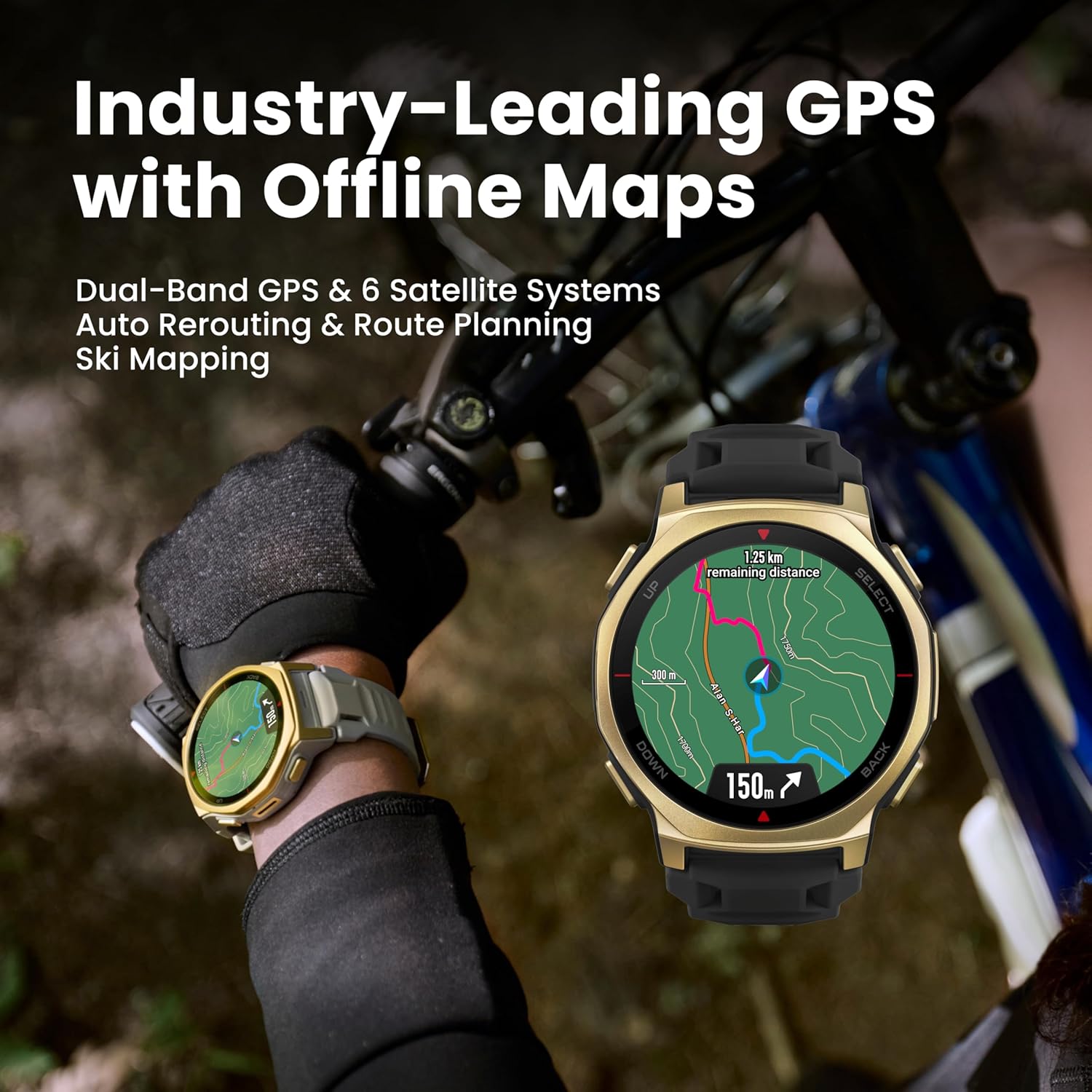
Image: A person wearing the Amazfit T-Rex 3 Pro Smart Watch while cycling, with the watch displaying an offline map route.
5.4 Monitoramento de Esportes e Atividades
The watch offers over 180 sport modes, including specialized HYROX training modes. With 10 ATM water resistance and diving certification up to 45 meters, it is suitable for a wide range of activities from swimming to mountain climbing.

Image: A person wearing the Amazfit T-Rex 3 Pro Smart Watch while mountain biking through a forest, illustrating its use in various sports modes.
5.5 Monitoramento de Saúde
The BioTracker sensor provides precise heart-rate tracking. The watch supports 24/7 training and recovery monitoring, and can be paired with the Helio Strap for enhanced data reliability.
5.6 Duração da bateria
Experience extended usage with up to 17 days of battery life on a single charge, allowing you to focus on your activities without frequent recharging.
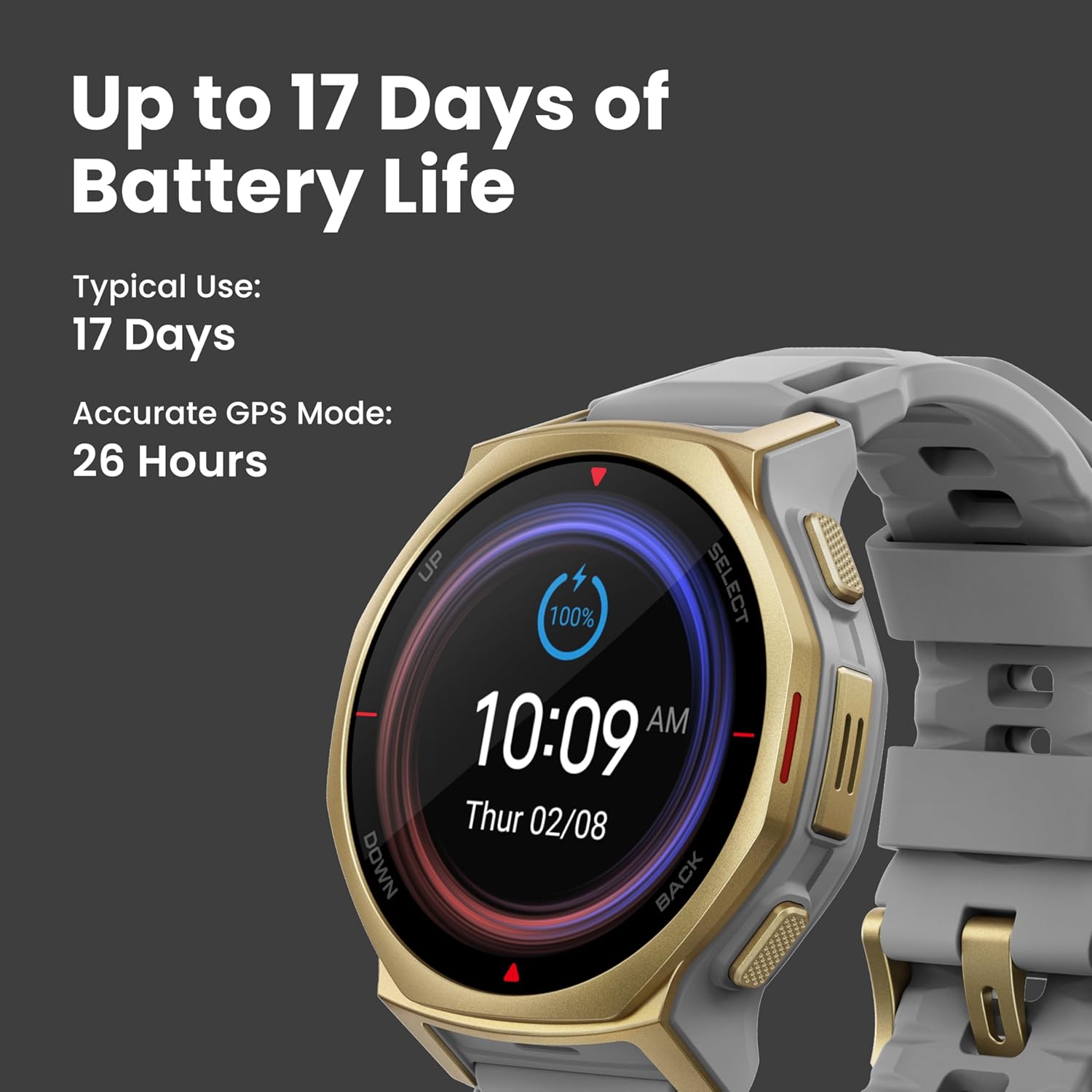
Image: Close-up of the Amazfit T-Rex 3 Pro Smart Watch display showing battery life (100%) and current time, emphasizing its long battery duration.
5.7 Lanterna Embutida
A convenient two-color LED flashlight is integrated into the watch. Switch between soft red for low interference, bright white for clarity, or Turbo Mode for maximum visibility. An SOS signal feature is also available for emergencies.
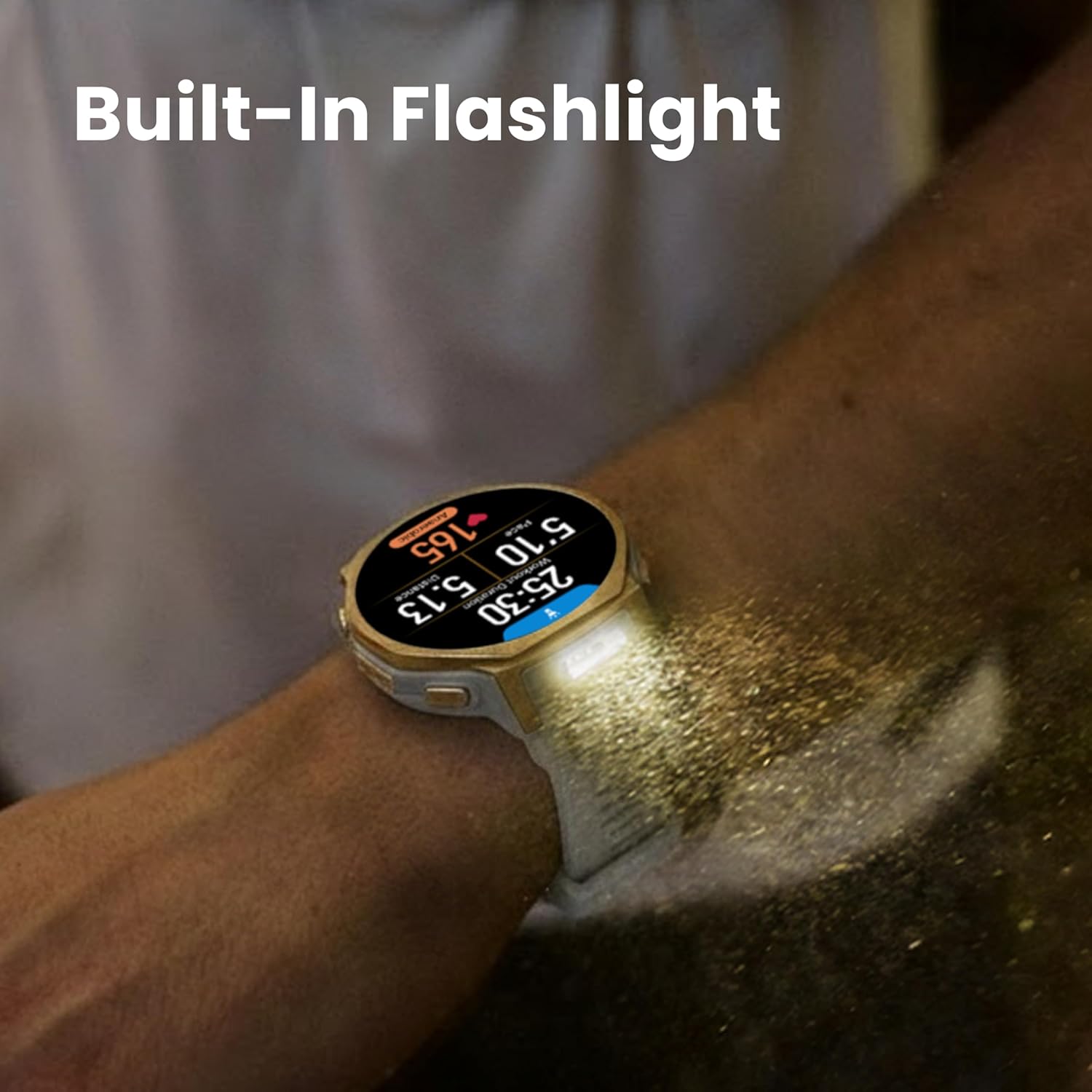
Image: A person wearing the Amazfit T-Rex 3 Pro Smart Watch with its built-in flashlight illuminated, casting light forward.
5.8 Connectivity and Communication
The watch supports Bluetooth calls and features a built-in speaker and microphone. Zepp Flow allows for hands-free replies to instant messages (Android phone required) and provides training notifications.
6. Manutenção
6.1 Limpeza do Relógio
Regularly clean your watch and bands to prevent skin irritation and maintain optimal performance. Use a soft, lint-free cloth to wipe the screen and watch body. For the bands, use mild soap and water, then rinse thoroughly and dry completely before wearing.
6.2 Resistência à água
The Amazfit T-Rex 3 Pro is water-resistant up to 10 ATM and certified for diving to 45m. It is suitable for showering, swimming, and recreational diving. Avoid using the watch in hot water or steam, as this may compromise the water seal.
7. Solução De Problemas
7.1 O relógio não liga
Ensure the watch is fully charged. If the battery is completely depleted, it may take a few minutes on the charger before it powers on.
7.2 Problemas de emparelhamento
Make sure Bluetooth is enabled on your smartphone and the watch is within range. Restart both your phone and watch, then try pairing again through the Zepp app. Ensure the Zepp app is updated to the latest version.
7.3 Leituras de dados imprecisas
For accurate heart rate and activity tracking, ensure the watch is worn snugly on your wrist, but not too tight. Keep the sensor clean and dry. For GPS, ensure you are in an open area with a clear view do céu.
8. Especificações
| Recurso | Detalhe |
|---|---|
| Número do modelo | A2549 |
| Mostrar | 1.32-inch Sapphire AMOLED, 3000-nit brightness |
| Sistema operacional | Zepp OS |
| Capacidade da bateria | 500 Miliamp Horas |
| Duração da bateria (uso típico) | Até 17 dias |
| Resistência à água | 10 ATM (Diving certified to 45m) |
| GPS | Dual-band, 6 Satellite Systems, Built-in GPS |
| Conectividade | Bluetooth |
| Capacidade de armazenamento de memória | 32 GB |
| Tamanho da memória RAM instalada | 64 MB |
| Peso do item | 1.65 onças |
9. Garantia e Suporte
For warranty information and customer support, please refer to the warranty card included in your product packaging or visit the official Amazfit website. Guarde o recibo de compra para reclamações de garantia.