
Introdução
Thank you for choosing the Wantek BT-186 Wireless Headset. This manual provides essential information for setting up, operating, and maintaining your headset. Designed for clear communication and comfort, the BT-186 features a noise-canceling microphone, multiple connection options, and long battery life, making it ideal for business, school, and personal use.
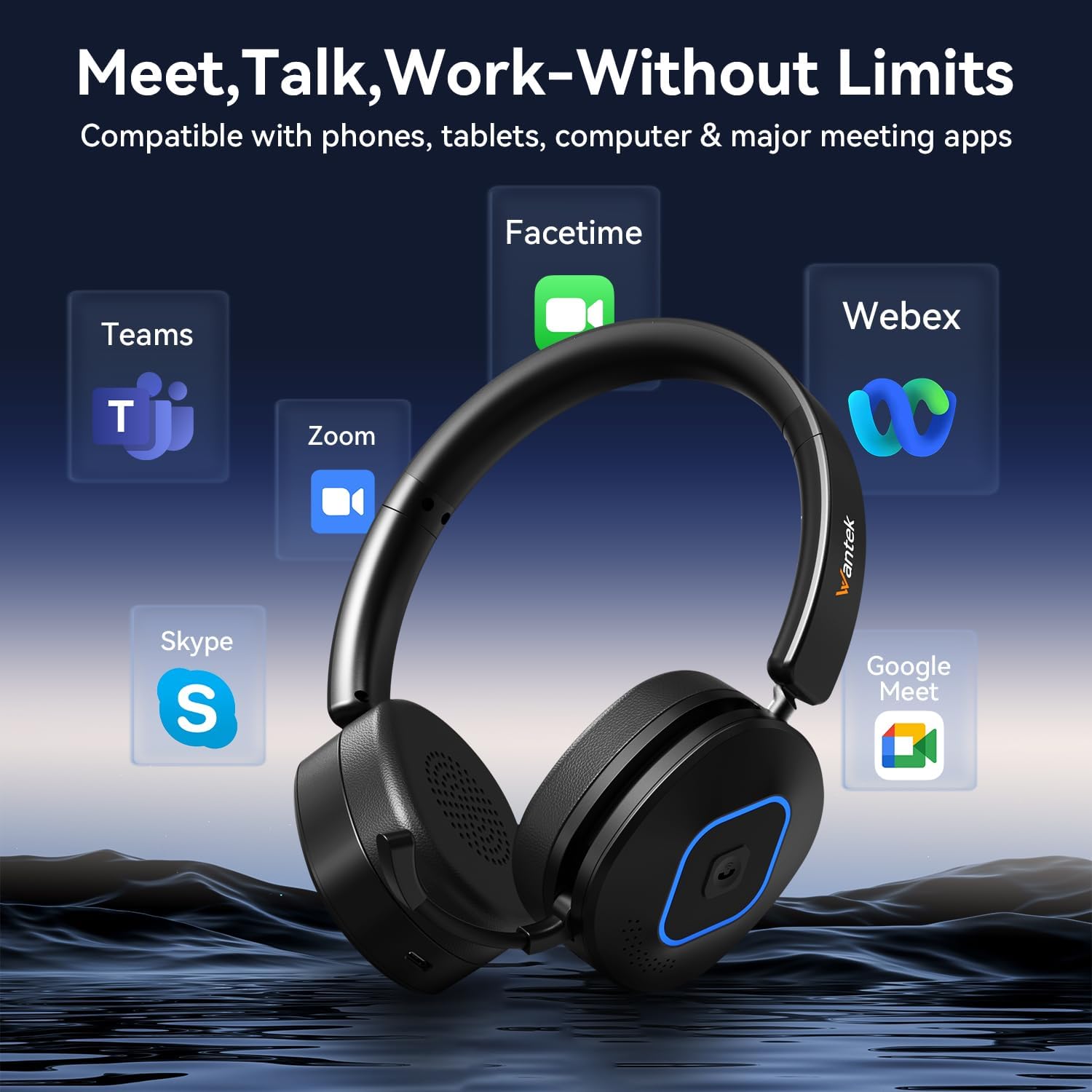
Image: The Wantek BT-186 headset is compatible with popular communication platforms like Zoom, Microsoft Teams, Google Meet, Facetime, and Skype, enabling seamless integration into your workflow.
O que está na caixa
Por favor, verifique o conteúdo da embalagem para garantir que todos os itens estejam presentes:
- Wantek BT-186 Wireless Headset
- Dongle USB
- Cabo de carregamento tipo C
- Cabo de áudio de 3.5 mm
- Manual do usuário (este documento)

Image: A visual representation of the Wantek BT-186 Wireless Headset and its included accessories: the headset, USB dongle, Type-C charging cable, 3.5mm cable, and instruction manual.
Produto acimaview
Principais características:
- Microfone com cancelamento de ruído: Eliminates up to 96% of background noise for clear voice transmission.
- Portable Retractable Mic: Microphone neatly retracts when not in use for a streamlined profile.
- 180° Rotating Ear Cups: Fold flat for compact storage and adjust for comfort.
- Modos de conexão 3 em 1: Supports USB dongle, Bluetooth 6.0, and wired (3.5mm) connections.
- Bateria de longa duração: Up to 40 hours of music playback or 35 hours of talk time.
- Design confortável: Lightweight with adjustable headband and soft earmuffs for all-day wear.
Controles e componentes:

Imagem: Uma imagem detalhada view of the headset highlighting key components: Volume +/-, Previous/Next Song buttons, MFB (Multi-Function Button), Power Button, Retractable Microphone, Soft Breathable Earmuffs, and Adjustable Headband.
Configurar
1. Ligar/desligar
- To Power On: Slide the Power switch to the "ON" position.
- To Power Off: Slide the Power switch to the "OFF" position.
2. Bluetooth Pairing (for Cellphones/Tablets)
- Verifique se o fone de ouvido está desligado.
- Press and hold the MFB button until the LED indicator flashes blue and red alternately, indicating pairing mode.
- On your device (phone/tablet), enable Bluetooth and search for "BT-186" in the list of available devices.
- Select "BT-186" to connect. The LED indicator will turn solid blue once connected.
3. USB Dongle Connection (for PC/Laptops)
- Insira o dongle USB em uma porta USB disponível no seu computador.
- Ligue o fone de ouvido. Ele tentará se conectar automaticamente ao dongle.
- The LED indicator on the dongle and headset will turn solid blue when successfully connected.
- You may need to select "Wantek BT-186" as the audio input/output device in your computer's sound settings.
4. Conexão com fio (cabo de áudio de 3.5 mm)
- Conecte uma extremidade do cabo de áudio de 3.5 mm à entrada de 3.5 mm do fone de ouvido.
- Conecte a outra extremidade à porta de áudio de 3.5 mm do seu dispositivo.
- The headset will function as a wired headset, even if the battery is depleted.
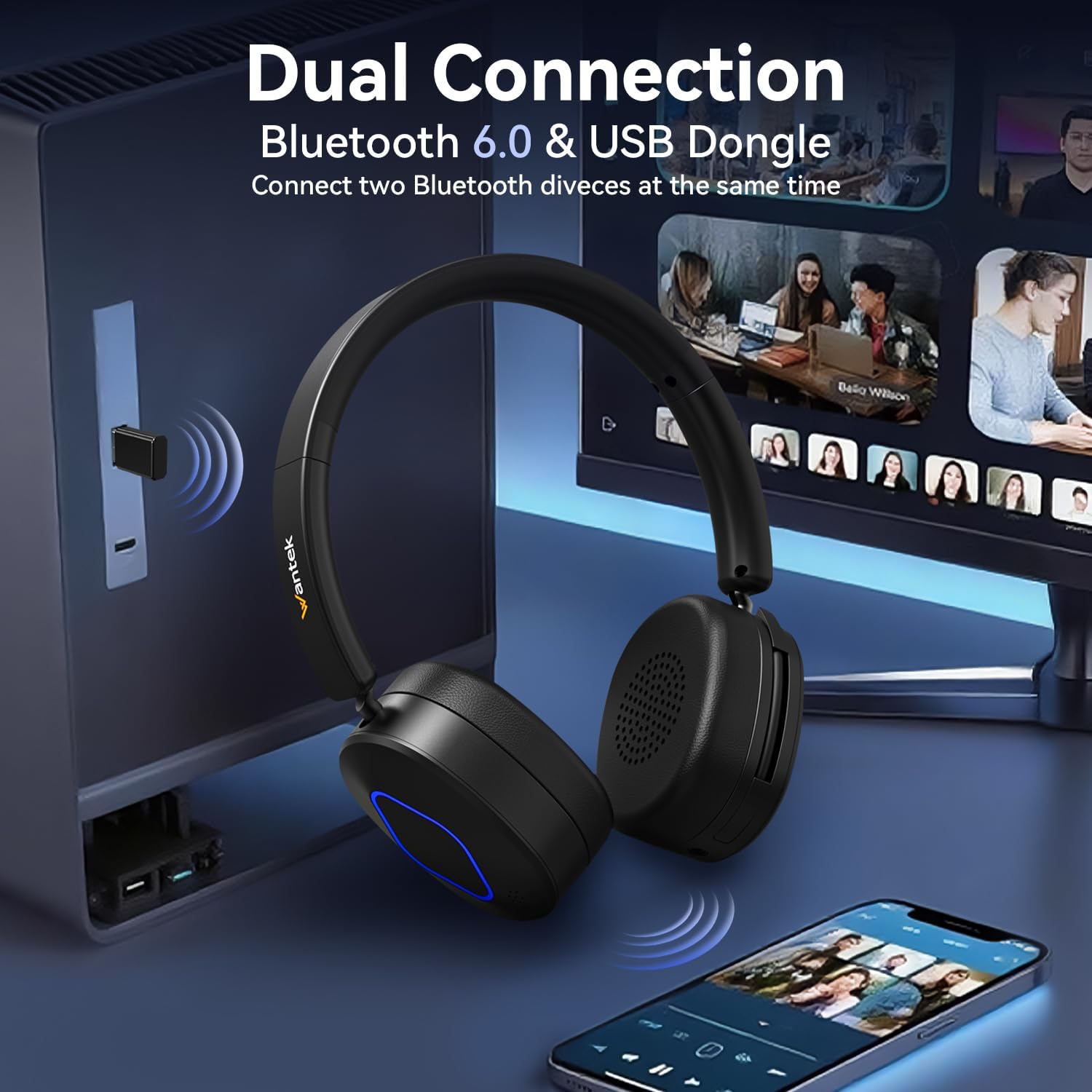
Image: The Wantek BT-186 headset demonstrating its dual connection capabilities, showing both Bluetooth connectivity to a smartphone and USB dongle connection to a computer.
Video: A demonstration of the Wantek Wireless Headset, showcasing its features and ease of use for work environments.
Instruções de operação
1. Call Management (via MFB button)
- Answer Call: Press the MFB button once.
- End Call: Press the MFB button once during a call.
- Reject Call: Press and hold the MFB button for 2 seconds.
2. Reprodução de música
- Play/Pause: Press the MFB button once.
- Next Song: Press the "+" button once.
- Previous Song: Press the "-" button once.
3. Controle de volume
- Increase Volume: Press and hold the "+" button.
- Decrease Volume: Press and hold the "-" button.
4. Uso do microfone
- To use the microphone, gently pull it down from its retracted position.
- Adjust the microphone's angle to position it close to your mouth for optimal call quality.
- To retract, push the microphone back into its housing until it clicks into place.
5. Função Mute
- During a call, press the dedicated Mute button (often indicated by a microphone icon) to mute or unmute your microphone.
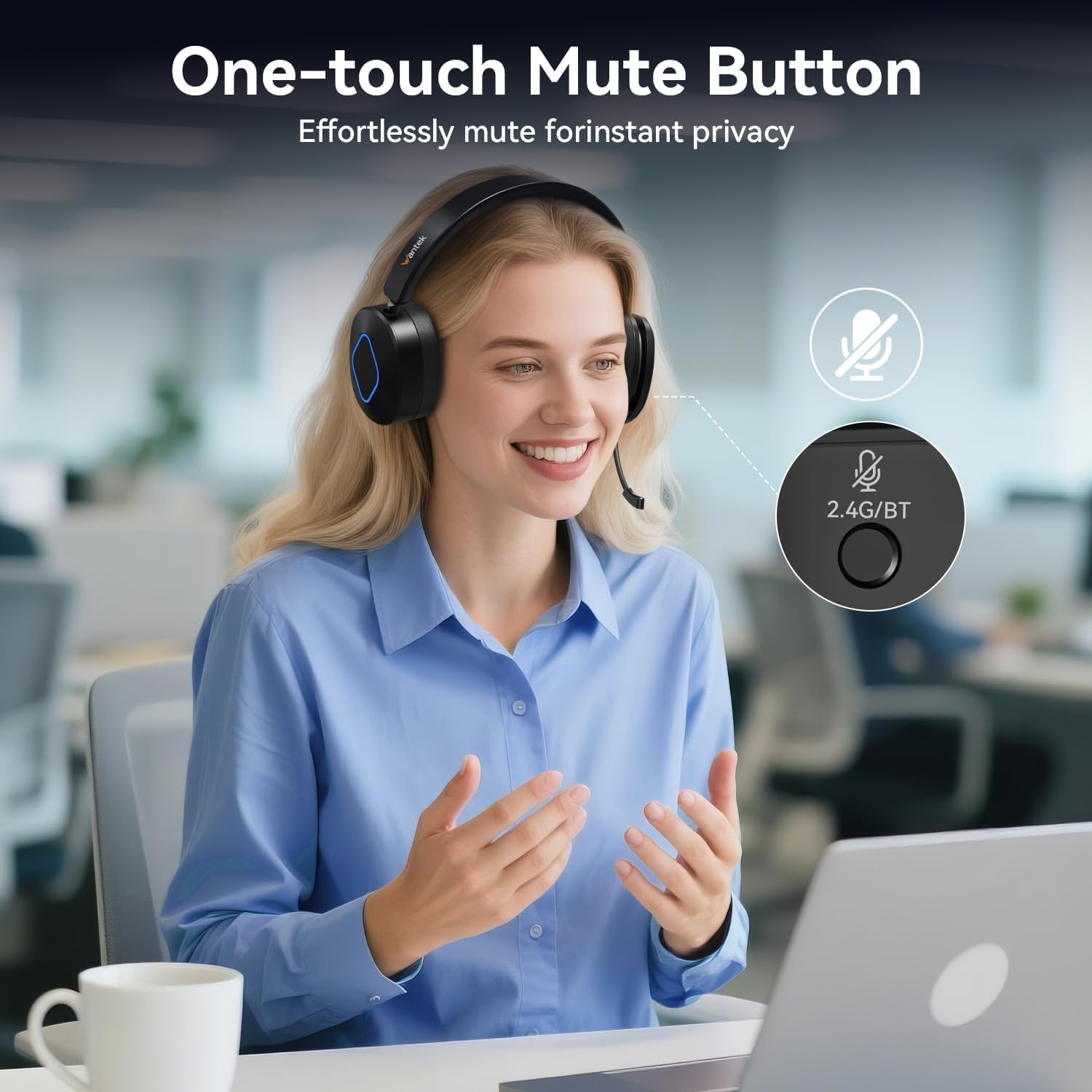
Image: The Wantek BT-186 headset featuring a prominent one-touch mute button on the earcup, allowing for effortless privacy during calls.
Carregando
The Wantek BT-186 headset is equipped with a rechargeable battery providing up to 40 hours of music playback or 35 hours of talk time on a single charge. A full charge takes approximately 2 hours.
- Conecte o cabo de carregamento Tipo C à porta de carregamento do fone de ouvido.
- Conecte a outra extremidade do cabo a uma fonte de alimentação USB (por exemplo, porta USB do computador, adaptador de parede).
- The LED indicator will show red during charging and turn off or change color (depending on model) when fully charged.
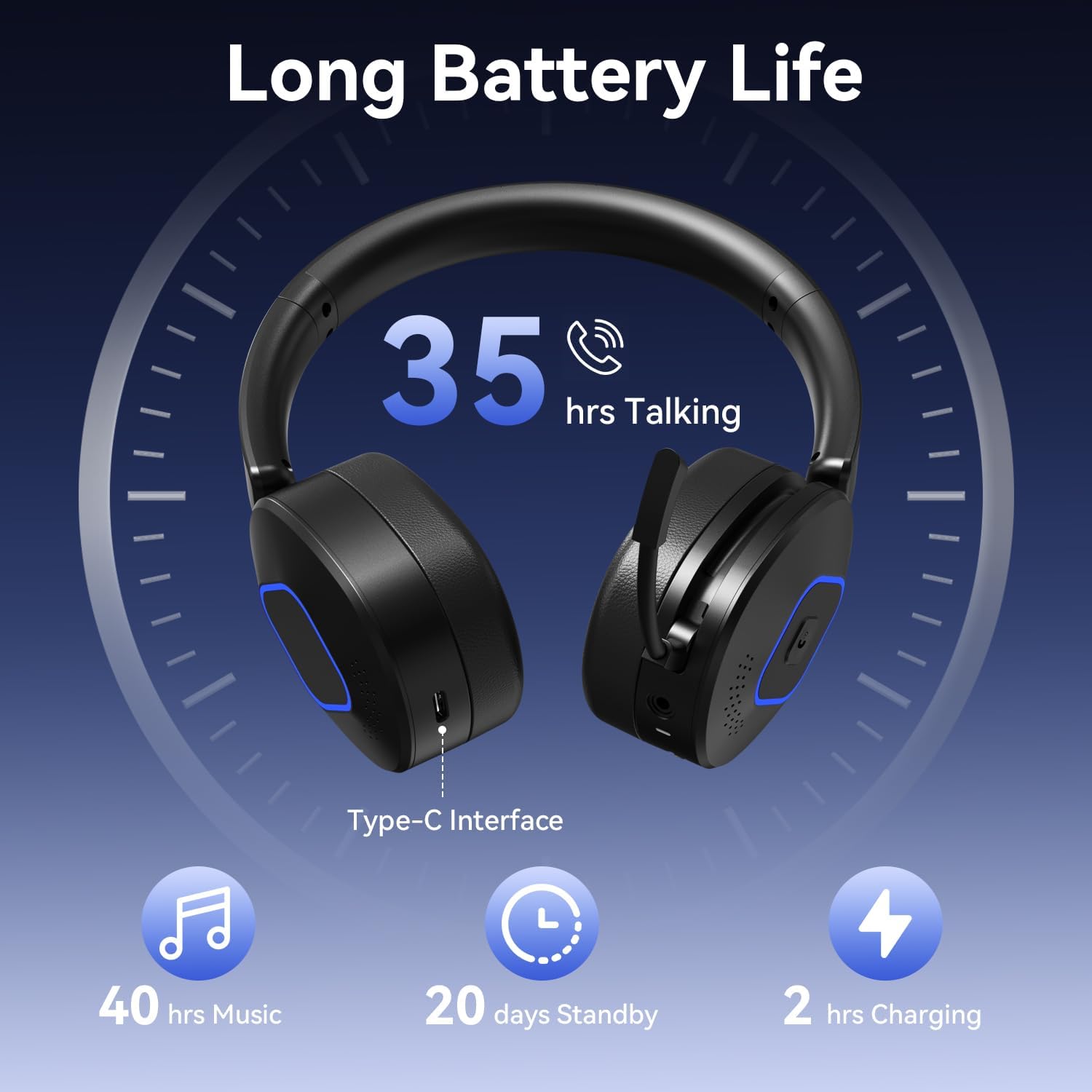
Image: A visual graphic illustrating the impressive battery life of the Wantek BT-186 headset, showing 35 hours of talk time, 40 hours of music, 20 days standby, and 2 hours charging time via its Type-C interface.
Manutenção
To ensure the longevity and optimal performance of your Wantek BT-186 headset, follow these maintenance guidelines:
- Limpeza: Use um pano macio e seco para limpar o fone de ouvido. Evite usar produtos químicos agressivos ou materiais abrasivos.
- Armazenar: Store the headset in a cool, dry place away from direct sunlight and extreme temperatures. Use the provided velvet carrying case for protection when traveling or not in use.
- Cuidados com a bateria: Para otimizar a vida útil da bateria, evite descarregar completamente os fones de ouvido com frequência. Carregue-os regularmente, mesmo que não estejam em uso constante.
- Evite umidade: Não exponha os fones de ouvido à água ou umidade excessiva.
Solução de problemas
| Problema | Solução possível |
|---|---|
| Headset won't power on | Ensure the battery is charged. Connect to the Type-C charging cable and try again. |
| Não é possível emparelhar via Bluetooth. | Make sure the headset is in pairing mode (flashing blue/red LED). Ensure your device's Bluetooth is enabled and within range. Forget previous pairings on your device and try again. |
| Sem som ou baixa qualidade de som | Check volume levels on both the headset and your connected device. Ensure the headset is selected as the default audio output device on your computer. For wired connection, ensure the 3.5mm cable is fully inserted. |
| Microfone não funciona | Ensure the microphone is pulled down and positioned correctly. Check if the microphone is muted. Verify that the headset is selected as the default audio input device on your computer. |
| USB dongle not connecting | Try inserting the dongle into a different USB port. Ensure the headset is powered on and within range of the dongle. |
Especificações
| Recurso | Detalhe |
|---|---|
| Nome do modelo | BT-186 (WK186BT) |
| Tecnologia de Conectividade | Wireless (Bluetooth 6.0), Wired (3.5 mm Jack), USB Dongle |
| Controle de Ruído | Cancelamento ativo de ruído (microfone) |
| Microphone Noise Reduction | 96% Background Noise Elimination |
| Duração da bateria | 40 Hours (Music), 35 Hours (Talk Time) |
| Tempo de carregamento | 2 horas |
| Alcance Bluetooth | 20 metros |
| Formato do fone de ouvido | Na orelha |
| Material | Acrilonitrila Butadieno Estireno (ABS) |
| Peso do item | 13.4 onças |
| Dimensões do produto | 7 x 5.5 x 2 polegadas |
Garantia e Suporte
Wantek products are designed for durability and performance. For specific warranty details and support, please refer to the information provided with your purchase or visit the official Wantek website.
- Garantia: Typically includes a 12-month warranty against manufacturing defects.
- Suporte ao cliente: For technical assistance, troubleshooting, or warranty claims, please contact Wantek customer service through their official channels.
- Recursos on-line: Additional FAQs and support documents may be available on the Wantek website.