
Magcubic L018
Magcubic L018 Mini Portable Projector User Manual
Modelo: L018
Marca: Magcubic
Introdução
Thank you for choosing the Magcubic L018 Mini Portable Projector. This device is designed to provide a high-quality home cinema experience with its advanced features and portable design. Please read this manual carefully to ensure proper setup and operation.
Principais características:
- Suporte nativo para 1080p e 4K: Enjoy crystal-clear images with native 1080p resolution and 4K decoding capabilities for a cinematic visual experience.
- 400 ANSI Lumens: Bright and vivid projections suitable for various lighting conditions.
- Sistema operacional Android 14: Access a wide range of streaming apps and content directly from the projector.
- Suporte giratório 180°: Flexible projection angles, allowing you to project onto walls, ceilings, or screens with ease.
- Dual-Band WiFi 6 & Bluetooth 5.2: Ensures ultra-fast, stable wireless connectivity for streaming and audio.
- Correção automática de distorção trapezoidal e foco elétrico: Automatically adjusts image shape and sharpness for a perfect picture every time.
- Alto-falante embutido: Integrated audio for an immersive experience.
O que está na caixa
- Magcubic L018 Mini Portable Projector
- Cabo de energia
- Controle remoto
- Manual do usuário
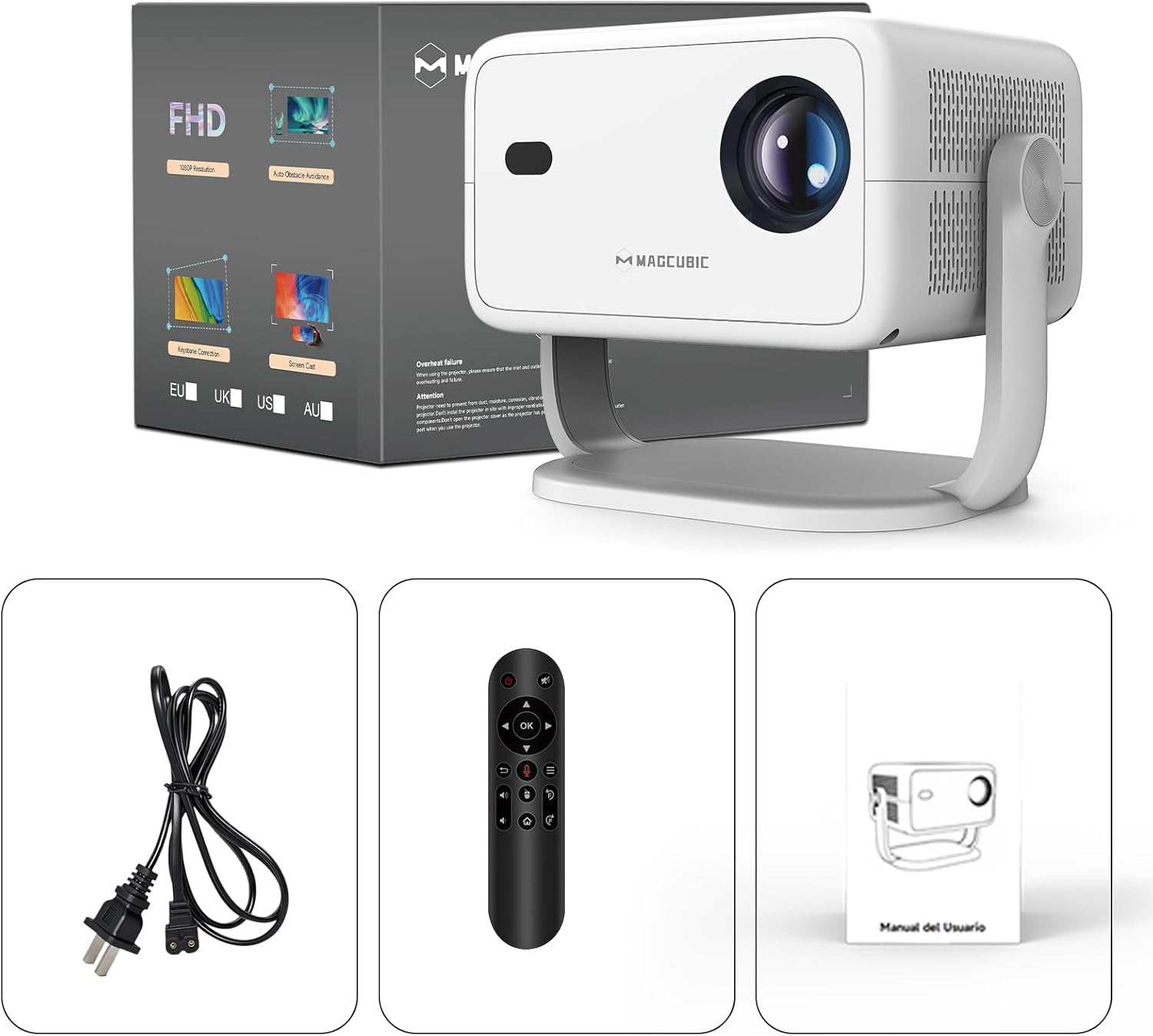
Image: The Magcubic L018 projector, power cable, remote control, and user manual are shown, illustrating the package contents.
Configurar
- Conexão de energia: Connect the provided power cable to the projector's power input and then to a power outlet.
- Colocação: Place the projector on a stable surface (floor mount or tabletop stand) or mount it as desired. The 180° rotatable stand allows for flexible positioning, including ceiling projection.
- Ligar: Pressione o botão liga/desliga no projetor ou no controle remoto para ligar o dispositivo.
- Ajustes Automáticos: The projector features automatic keystone correction and electric focus. It will automatically adjust the image shape and sharpness. If needed, use the remote control for fine-tuning the focus.
- Initial Setup (Android OS): Siga as instruções na tela para concluir a configuração inicial, incluindo a seleção do idioma, a conexão Wi-Fi e as configurações de fuso horário.
- Conectividade:
- Wi-fi: Connect to your home Wi-Fi network (2.4G or 5G) via the settings menu for internet access and streaming.
- Bluetooth: Pair Bluetooth devices like external speakers or headphones through the Bluetooth settings.
- HDMI: Connect external devices (e.g., laptop, game console) using an HDMI cable to the HDMI port.
- USB: Insert a USB drive into the USB port to play local media files.
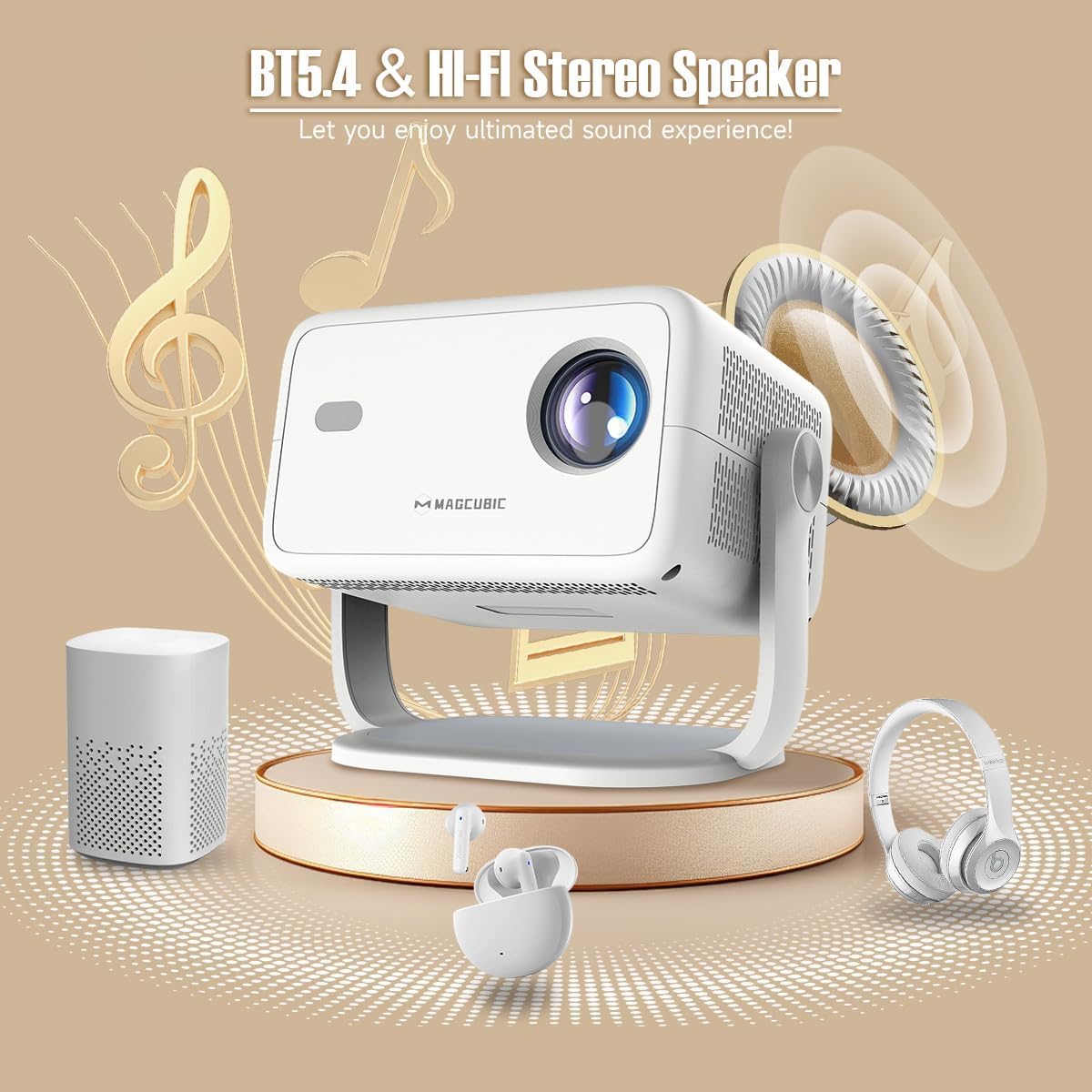
Image: The rear panel of the projector displays the HDMI, USB, and 3.5mm audio ports for connecting various devices.

Image: The projector is shown on a coffee table, projecting an image onto a wall, with on-screen indicators for auto keystone correction and auto focus.
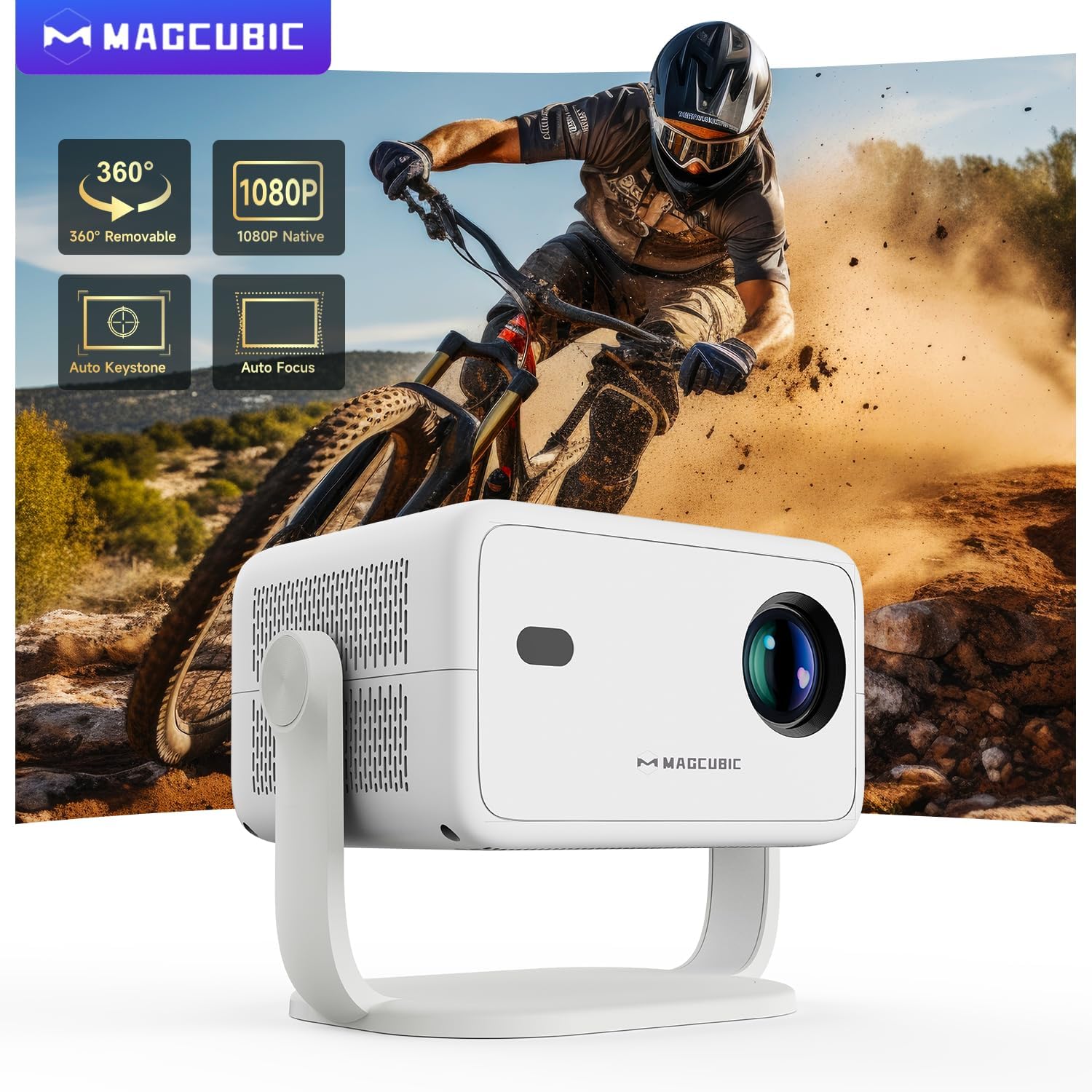
Image: The projector is shown rotating 180 degrees on its integrated stand, demonstrating its flexible projection capabilities.
Instruções de operação
- Navegação: Use the remote control to navigate the Android 14 OS interface. The remote supports both standard button navigation and an air mouse function for easier control.
- Acesso ao aplicativo: From the home screen, select your desired streaming apps (e.g., Netflix, YouTube, Prime Video) or browse the app store to download more.
- O espelhamento de tela: Use the built-in screen mirroring function (compatible with Android and iOS devices) to project content from your smartphone or tablet wirelessly.
- Reprodução de mídia: Play videos, photos, or music from connected USB drives or HDMI sources.
- Saída de áudio: The projector has a built-in speaker. For enhanced audio, connect external Bluetooth speakers or headphones.
- Configurações de imagem: Adjust brightness, contrast, color, and sharpness through the projector's settings menu to optimize your viewexperiência.
Video: This video demonstrates the features of the Mini Projector HY350Max Black, including its design, performance, auto-focus, auto-keystone, wireless mirroring, and audio capabilities.
Video: This video showcases the Portable Projector with 4K support and 180° rotatable stand, highlighting its versatility and ease of use for various projection scenarios.
Video: This video presents the Android 11 L018 projector, demonstrating its native 1080P resolution, 650 ANSI lumens, and 4K capabilities.
Video: This video highlights the WiMiUS P61 Pro Portable Projector with Official Netflix support, showcasing its smart features and entertainment options.
Video: This video features the Magcubic HY310 Portable Projector, demonstrating its compact design and projection capabilities.
Manutenção
- Limpeza da lente: Gently wipe the projector lens with a soft, lint-free cloth. Do not use abrasive cleaners or solvents.
- Ventilação: Certifique-se de que as aberturas de ventilação do projetor estejam desobstruídas para evitar o superaquecimento.
- Armazenar: Quando não estiver em uso, guarde o projetor em local fresco e seco, longe da luz solar direta e de temperaturas extremas.
- Proteção contra poeira: Use a dust cover when the projector is not in use for extended periods.
Solução de problemas
| Problema | Possível causa | Solução |
|---|---|---|
| Nenhuma imagem projetada | Power cable disconnected, projector off, input source not selected. | Check power connection, turn on projector, select correct input source (HDMI, USB, Screen Mirroring). |
| A imagem está borrada | Imagem fora de foco, distância de projeção incorreta. | Use the remote control to adjust electric focus. Ensure the projector is within the recommended projection distance (1.05m - 4m). |
| A imagem está distorcida (formato trapezoidal). | O projetor não está perpendicular à tela. | The projector has auto keystone correction. If manual adjustment is needed, check settings. |
| Sem som | Volume too low, external speaker not connected/paired, incorrect audio output selected. | Increase volume. Check Bluetooth connection for external speakers. Ensure internal speaker is selected or correct audio output is chosen. |
| Problemas de conexão Wi-Fi | Senha incorreta, fora do alcance, problemas com o roteador. | Verify Wi-Fi password. Move projector closer to the router. Restart router. |
Especificações
- Marca:
- Magcúbico
- Nome do modelo:
- L018
- Usos recomendados:
- Cinema em casa
- Características especiais:
- Automatic screen alignment, Built-in speaker, Digital keystone correction, Auto focus, Wi-Fi enabled
- Tecnologia de conectividade:
- HDMI, USB, Wi-Fi
- Resolução da tela:
- 1920 x 1080 (Nativo)
- Resolução máxima de exibição:
- 3840 x 2160 (4K Supported)
- Tipo de exibição:
- LIDERADO
- Fator de forma:
- Portátil
- Tipo de montagem:
- Floor mount, Tabletop stand
- Brilho:
- 400 lm (ANSI)
- Cor:
- Branco
- O quetage:
- 80 watts
- Control Unit Type:
- Controle por voz, controle remoto
- Dispositivos compatíveis:
- Television (and other HDMI/USB devices)
- Taxa de contraste:
- 10000 : 1
- Distância máxima de projeção:
- 4 metros
- Distância mínima de projeção:
- 1.05 metros
- Interface de hardware:
- 3.5mm Audio, Bluetooth 5, HDMI, USB 2.0
- Codificação de vídeo:
- H.264 ou H.265
- Peso do item:
- 1.3 quilos
- País de origem:
- China
Garantia e Suporte
Your Magcubic L018 Mini Portable Projector comes with a Garantia do produto de 2 anos. We are committed to providing excellent customer service.
- Transparência verificada: Each item has a unique code verified before shipment.
- Devolução ou troca em 30 dias: Para sua tranquilidade.
- Suporte técnico vitalício: Our professional support team is available to assist you.
- Serviço profissional disponível 24 horas por dia, 7 dias por semana: Dedicated support for any inquiries or issues.
For further assistance, please refer to the contact information provided with your purchase or visit the official Magcubic support website.
Ask a question about this manual
Ask about setup, troubleshooting, compatibility, parts, safety, or missing instructions. Manuals+ will review the question and use this page’s manual context to help answer it.