Introdução
The TYLT VU Solo is a single-coil Qi wireless charging pad designed to provide convenient and efficient wireless charging for compatible smartphones and devices. This manual provides instructions for setting up, operating, maintaining, and troubleshooting your VU Solo charging pad.
Os principais recursos incluem:
- Carregamento sem fio Qi: Wirelessly charges any Qi-enabled phone without the need for direct cable connections to the device.
- Alignment Ledge: Features an adjustable alignment ledge to ensure optimal device placement for consistent charging.
- Design antiderrapante: A vibrant silicone surface prevents your phone from slipping, and a micro-suction base secures the pad to surfaces.
- Compatibilidade do caso: Designed to charge through most phone cases and covers.
Conteúdo da embalagem
- TYLT VU Solo Qi Wireless Charging Pad
- Cabo de carregamento USB
- Manual do usuário (este documento)
Note: A wall power adapter (USB-A to AC) is not included and must be supplied by the user. For optimal performance, a 2.0A or higher output USB power adapter is recommended.
Instruções de configuração
- Conecte a base de carregamento: Insert the micro USB end of the provided USB charging cable into the port on the back of the TYLT VU Solo charging pad.

Image: TYLT VU Solo charging pad connected to its USB cable.
- Conectar à energia: Plug the standard USB-A end of the cable into a compatible USB power adapter (not included) and then plug the adapter into a wall outlet. Alternatively, you can plug the USB-A end into a powered USB port on a computer or other device, though charging speed may vary.
- Colocação: Place the TYLT VU Solo on a flat, stable surface. The micro-suction base will help secure it.
Instruções de operação
- Initial Device Alignment: For the first use with a new device, place your Qi-enabled smartphone or device onto the charging pad. Adjust its position until the charging indicator on your phone activates.
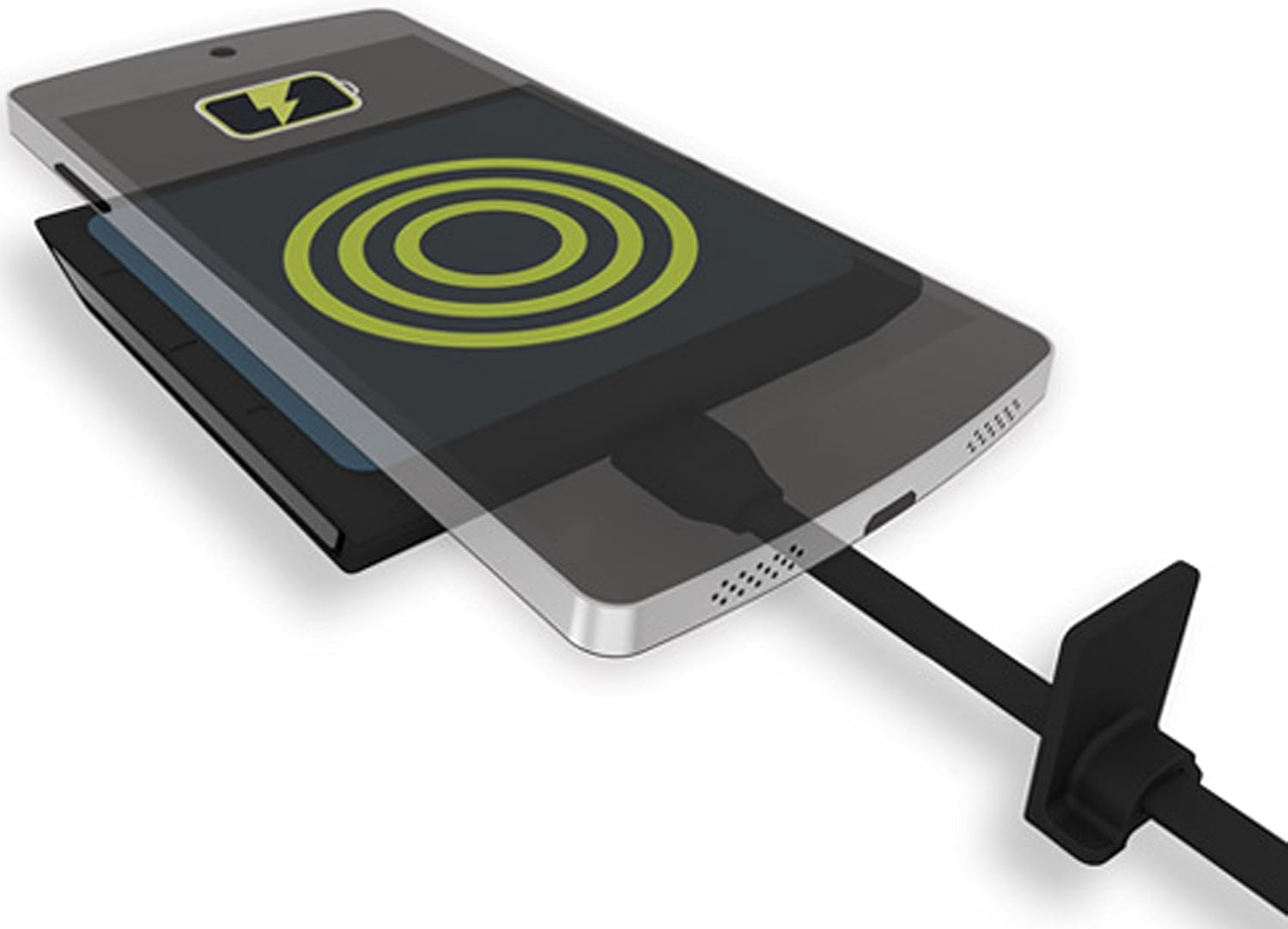
Image: A smartphone wirelessly charging on the TYLT VU Solo pad, indicated by a charging icon.
- Set Alignment Ledge: Once optimal charging is achieved, slide the adjustable alignment ledge on the charging pad to touch the top edge of your device. This will help ensure consistent placement for future charging sessions.
- Indicação de carregamento: The TYLT VU Solo features an LED indicator. A solid green light indicates that the device is charging at full capacity. A blinking light may indicate charging below capacity or an alignment issue.
- Charging Through Cases: The VU Solo is designed to charge through most non-metallic phone cases. If charging is inconsistent, try removing your phone case.
Manutenção
- Limpeza: Disconnect the charging pad from power before cleaning. Use a soft, dry, or slightly damp cloth to wipe the surface. Do not use harsh chemicals or abrasive cleaners.
- Armazenar: Store the charging pad in a cool, dry place when not in use.
- Evite danos: Do not drop the device or expose it to extreme temperatures or moisture.
Solução de problemas
- O dispositivo não está carregando ou está carregando lentamente:
- Certifique-se de que seu dispositivo seja compatível com Qi.
- Verify the charging pad is properly connected to a working power source.
- Adjust the device's position on the pad to ensure proper coil alignment. Use the alignment ledge.
- Remova quaisquer capas de celular grossas ou metálicas que possam interferir no carregamento sem fio.
- Ensure your power adapter provides sufficient output (recommended 2.0A or higher). Lower amperage adapters may result in slower charging.
- Avoid placing metal objects (e.g., credit cards, keys) between your phone and the charging pad.
- LED indicator is blinking:
- A blinking light often indicates an issue with device alignment or insufficient power input. Re-position your device or check your power adapter.
- Device or charging pad feels warm during charging:
- It is normal for wireless charging to generate some heat. If the device or pad becomes excessively hot, discontinue use and contact support.
Especificações
| Número do modelo: | VUSOLOGY-T |
| Dimensões do produto: | 3.36 x 0.54 x 3.39 polegadas |
| Peso do item: | 2.56 onças |
| Vol de entradatage: | 9 Volts (via USB) |
| O quetage: | 5 watts |
| Conectividade: | Sem fio (padrão Qi) |
| Dispositivos compatíveis: | Qi-enabled Cellular Phones (e.g., iPhone 8/X/later, Samsung Galaxy S7/S8/S9/later, Google Nexus, LG G6) |

Image: Detailed compatibility chart for the TYLT VU Solo, listing various manufacturers and models with integrated Qi or requiring a back shell.
Garantia e Suporte
TYLT warrants this product to be free of defects in design, assembly, material, or workmanship for a period of um ano a partir da data da compra.
During the warranty period, TYLT will repair or replace, at its option, any defective product free of charge, excluding shipping charges for the product.
For warranty claims or technical support, please refer to the official TYLT webVisite o site ou entre em contato diretamente com o serviço de atendimento ao cliente. Guarde o comprovante de compra para validação da garantia.


