Introdução
Thank you for choosing the KOCASO GPCT723 Fitness Bracelet. This manual provides detailed instructions on how to set up, operate, and maintain your new fitness tracker. Please read this manual thoroughly before using the device to ensure proper functionality and to maximize your experience.
O que está na caixa
- KOCASO GPCT723 Fitness Bracelet
- Cabo de carregamento USB
- Manual do usuário (este documento)

Image: The KOCASO GPCT723 Fitness Bracelet in blue, alongside its black USB charging cable.
Produto acimaview
The KOCASO GPCT723 is a sleek fitness bracelet designed to track your daily activity and provide smart notifications. It features a compact OLED display and a comfortable silicone band.
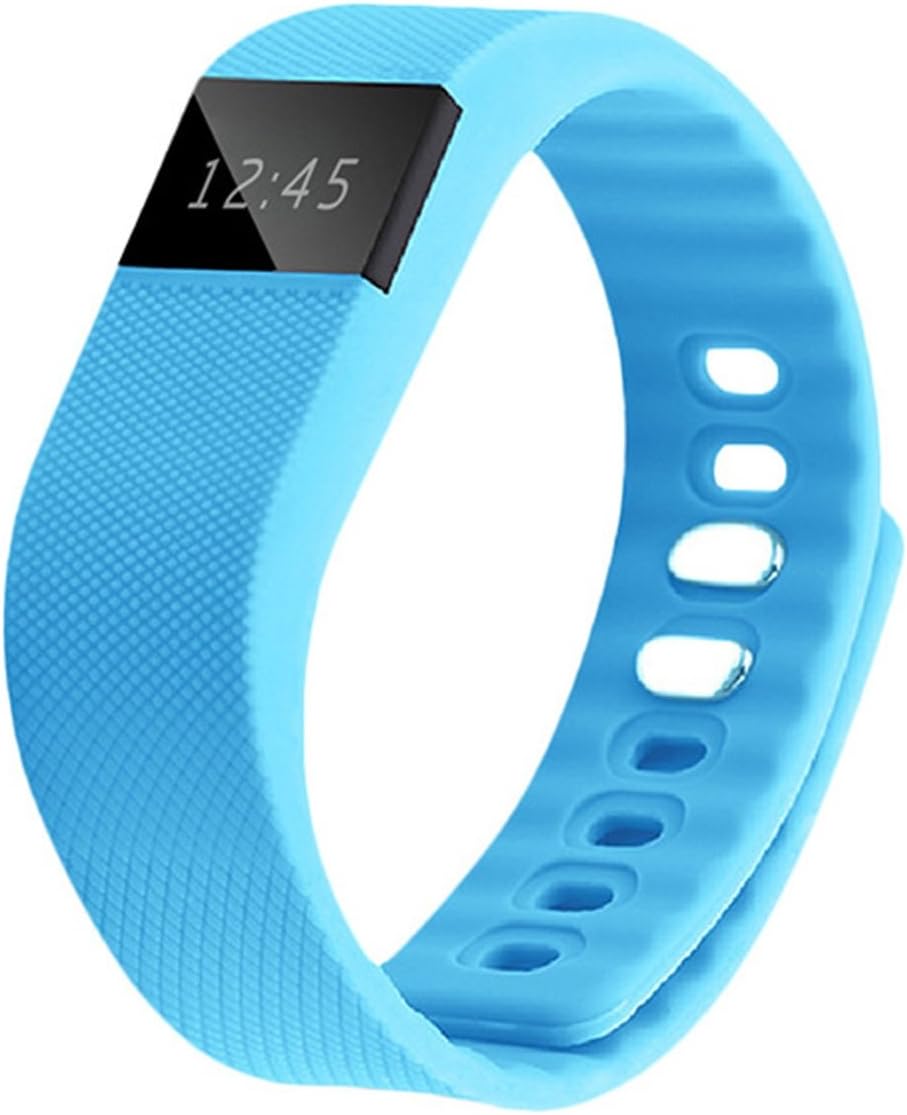
Imagem: Frente view of the KOCASO GPCT723 Fitness Bracelet, showing the OLED screen displaying "12:45".
Componentes:
- Display OLED: Shows time, activity data, and notifications.
- Botão lateral: Used to cycle through display modes and activate the screen.
- Contatos de carregamento: Located on the underside for connecting the USB charging cable.
- Alça ajustável: Securely fits various wrist sizes.

Image: Close-up of the underside of the fitness bracelet, highlighting the three gold charging contact points.
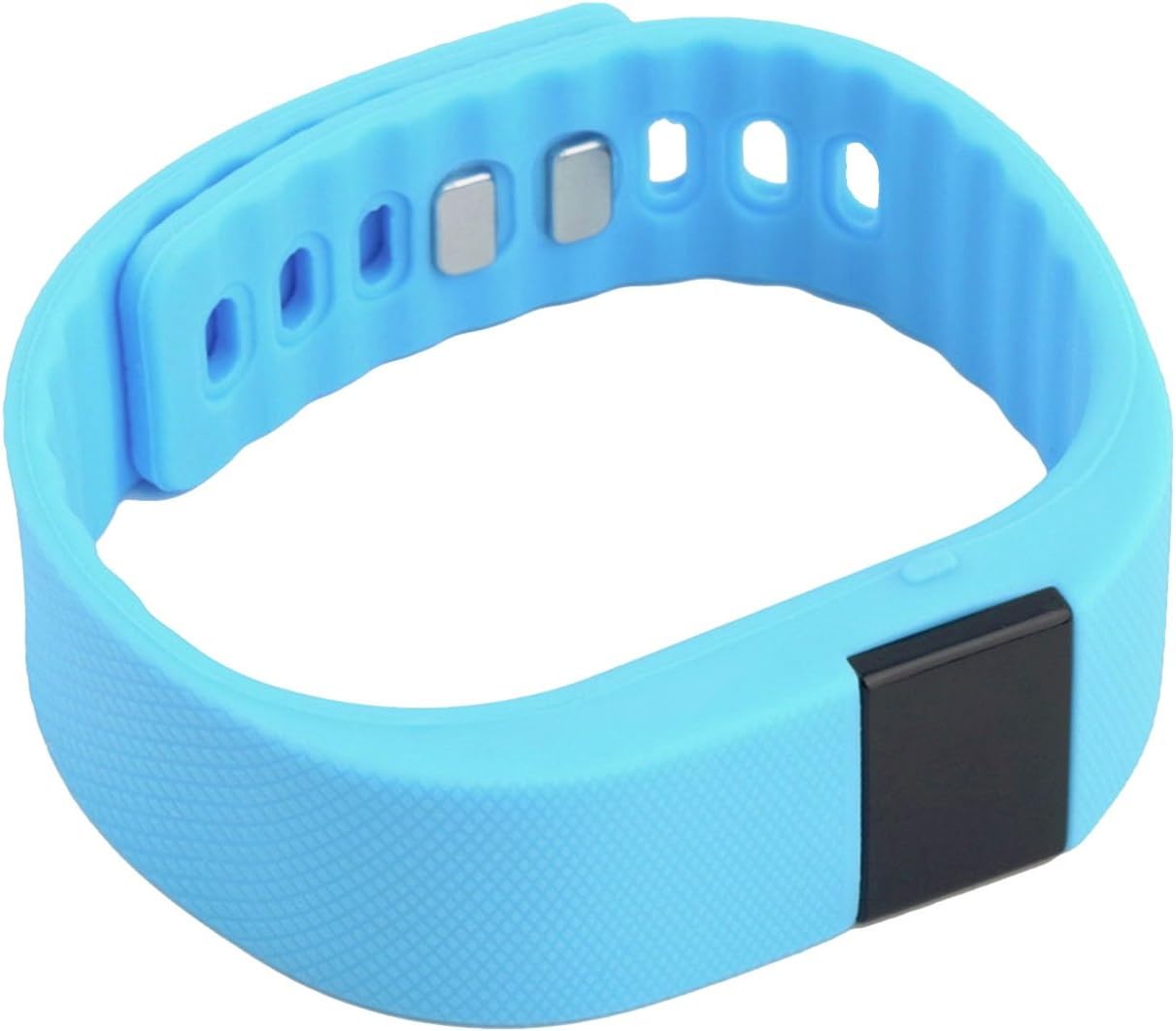
Imagem: View of the fitness bracelet showing the adjustable strap and the metal clasp mechanism.
Configurar
1. Carregando o dispositivo
Before first use, fully charge your fitness bracelet. Connect the USB charging cable to the charging contacts on the underside of the bracelet and plug the USB end into a power source (e.g., computer USB port or USB wall adapter).
Image: The fitness bracelet and its dedicated USB charging cable, illustrating how they connect.
2. Instalação do aplicativo
To unlock the full features of your KOCASO GPCT723, download the "Dayday Band" application on your smartphone. You can find it by scanning the QR code provided in the product packaging or by searching for "Dayday Band" in the Google Play Store (for Android 4.3 and later with Bluetooth 4.0) or Apple App Store (for iOS 7.0 and later with Bluetooth 4.0).
3. Emparelhando com seu smartphone
- Certifique-se de que o Bluetooth esteja ativado em seu smartphone.
- Open the "Dayday Band" app.
- Follow the in-app instructions to search for and pair with your KOCASO GPCT723. The connection range is approximately 10 meters (33 feet).
Operando o dispositivo
Displaying Time and Activity Data
The screen remains dark to conserve power. To illuminate the display and view the time or cycle through activity data (distance, calories burned), simply press the side button once.
Image: The fitness bracelet showing the current time on its OLED display.

Image: The fitness bracelet displaying an activity icon (running person) and "0.0", likely indicating steps or distance.
Notificações inteligentes
When connected to your smartphone via Bluetooth, the bracelet will vibrate to alert you of incoming SMS messages, social media notifications, and other reminders configured through the "Dayday Band" app.
App Features (via "Dayday Band" app)
The "Dayday Band" app provides access to advanced features:
- Real-time activity statistics (distance, calories burned, sleep quality).
- Smart alarm clock.
- Lembrete sedentário.
- Exercise statistics sharing.
- Remote camera control.
- E mais.

Image: A person wearing the blue fitness bracelet on their wrist while holding a basketball, demonstrating its use during activity.

Image: A woman wearing the blue fitness bracelet on her wrist, appearing to be engaged in a running or exercise activity.
Manutenção
- Mantenha o dispositivo limpo e seco. Limpe com um pano macio e seco.amp pano se necessário.
- Avoid exposing the bracelet to extreme temperatures or direct sunlight for prolonged periods.
- Não tente desmontar o dispositivo, pois isso anulará a garantia.
- Regularly clean the charging contacts to ensure proper charging.

Imagem: Detalhada view of the fitness bracelet's strap texture, adjustment holes, and the metal clasp components.
Solução de problemas
Device not turning on/displaying:
- Certifique-se de que o dispositivo esteja totalmente carregado.
- Press the side button firmly to activate the display.
Não foi possível emparelhar com o smartphone:
- Certifique-se de que o Bluetooth esteja habilitado em seu telefone.
- Ensure the "Dayday Band" app is installed and open.
- Check if your phone meets the minimum OS requirements (Android 4.3+/iOS 7.0+ with Bluetooth 4.0).
- Restart both the bracelet (if possible) and your smartphone.
- Ensure the bracelet is within 10 meters (33 feet) of your phone.
Rastreamento de atividades impreciso:
- Ensure the bracelet is worn snugly on your wrist.
- Calibrate the device through the "Dayday Band" app if an option is available.
Especificações
| Recurso | Detalhe |
|---|---|
| Número do modelo | GPCT723-azul |
| Mostrar | OLED de 0.49" |
| Bateria | 3.7 V 50 mAh Li-ion |
| Entrada | 5 V / 5 mA |
| Conectividade | Bluetooth 4.0 |
| Alcance Bluetooth | Aproximadamente 10 metros / 33 pés |
| Requisitos do sistema operacional | Android 4.3+ (Bluetooth 4.0), iOS 7.0+ (Bluetooth 4.0) |
| Dimensões (C×L×A) | 8.86" x 0.79" x 0.83" / 22 x 2 x 2.1 cm |
| Peso | 0.95 oz / 26.9 g |
| Cor | Azul |
Garantia e Suporte
For warranty information and customer support, please refer to the documentation included with your purchase or contact KOCASO customer service through their official webGuarde seu comprovante de compra para eventuais solicitações de garantia.


