1. Introdução
This manual provides detailed instructions for the SF Xtreme Gear Analog-Digital Watch, model NP77070PP02. This timepiece features both analog and digital displays, quartz movement, and a durable plastic strap. Please read this manual thoroughly to ensure proper use and maintenance of your watch.
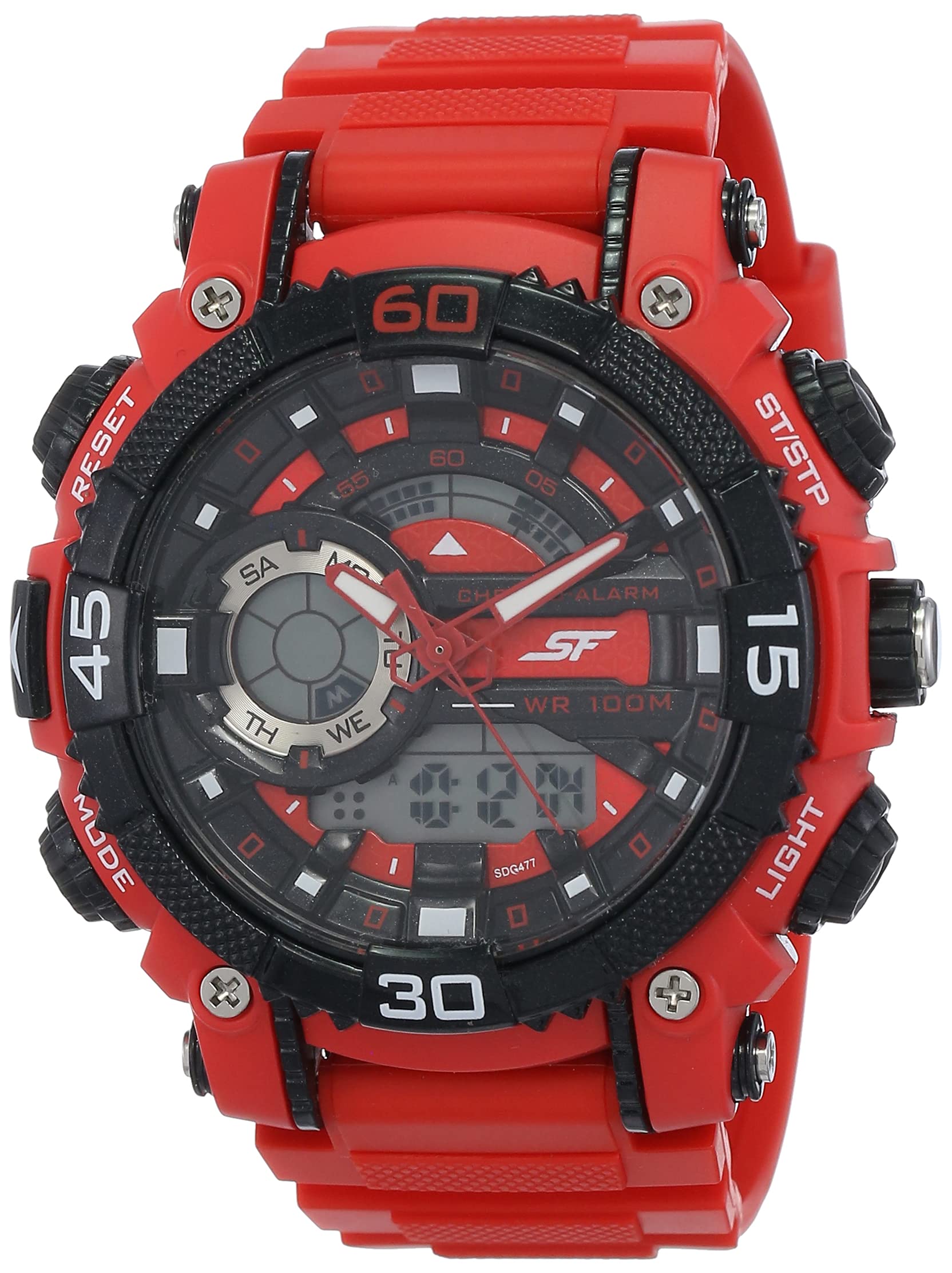
Figura 1: Frente view of the SF Xtreme Gear Analog-Digital Watch.
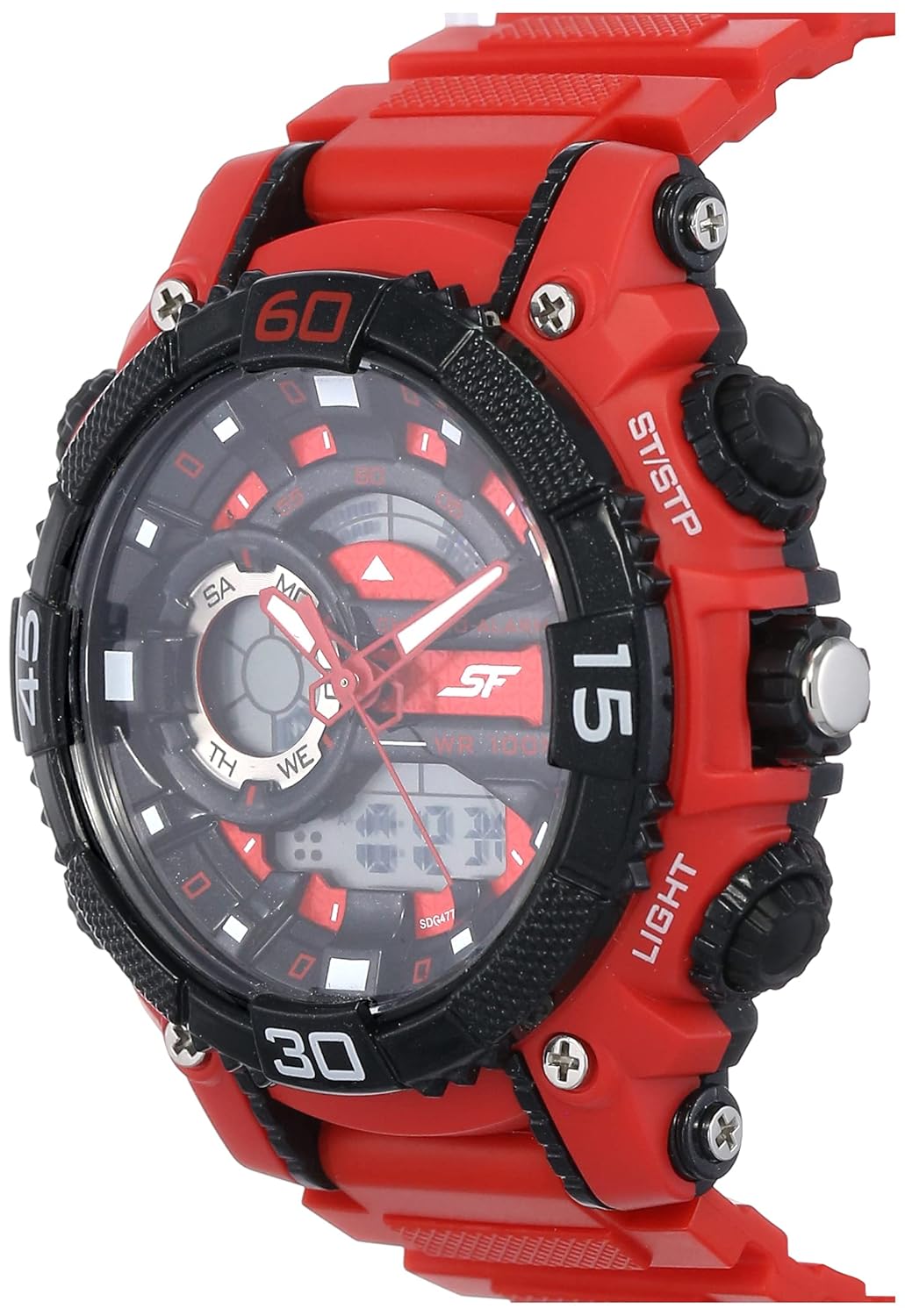
Figure 2: The SF Xtreme Gear watch as worn on a wrist.
2. Componentes do relógio
Familiarize-se com os principais componentes do seu relógio:
- Visor analógico: Ponteiros tradicionais de horas, minutos e segundos.
- Tela digital: Exibe hora, data e outras funções digitais.
- Coroa: Utilizado para ajustar a hora analógica.
- Buttons (Mode, Reset, ST/STP, Light): Used for operating digital functions and backlight.
- Plastic Strap: Durável e confortável para uso diário.

Figura 3: Lateral view illustrating watch buttons and crown.
3. Configuração e Configuração Inicial
3.1 Ajustando a Hora Analógica
- Puxe a coroa para a primeira posição.
- Gire a coroa para ajustar os ponteiros das horas e dos minutos para a hora correta.
- Empurre a coroa de volta para a posição normal para iniciar a medição analógica do tempo.
3.2 Configurando a hora e a data digitais
- Pressione o MODO button repeatedly until the digital time display flashes.
- Use o REINICIAR button to select the digit or setting you wish to change (e.g., hours, minutes, month, day).
- Use o ST / STP botão para ajustar o valor selecionado.
- Continuar pressionando MODO to cycle through settings (12/24-hour format, year, month, date).
- Assim que todas as configurações estiverem corretas, pressione o MODO botão novamente para sair do modo de configuração.
4. Instruções de operação
Seleção de 4.1 modos
Pressione o MODO button to cycle through the different digital functions:
- Exibição de hora (hora, minuto, segundo, dia, data)
- Função de alarme
- Função de cronômetro
4.2 Utilizando o alarme
- Imprensa MODO until the alarm display appears.
- Imprensa REINICIAR Para selecionar a configuração de hora ou minuto.
- Usar ST / STP para ajustar a hora do alarme.
- Imprensa MODO para confirmar e sair.
- Para ativar/desativar o alarme, pressione ST / STP while in alarm mode. An alarm icon will indicate activation.
4.3 Utilizando o cronômetro
- Imprensa MODO until the stopwatch display appears (00:00:00).
- Imprensa ST / STP para iniciar o cronômetro.
- Imprensa ST / STP novamente para pausar/retomar.
- Imprensa REINICIAR para zerar o cronômetro.
4.4 Usando a luz de fundo
Pressione o LUZ Botão para iluminar o visor digital por alguns segundos em condições de pouca luz.
4.5 Resistência à água
This watch is rated for 30 meters (3 ATM) water resistance. It is suitable for everyday use and can withstand splashes or brief immersion in water. It is not recommended for swimming, diving, or prolonged water exposure. Do not operate buttons while the watch is wet.
5. Manutenção
5.1 Limpeza
Limpe a caixa e a pulseira do relógio com um pano macio e seco. Para sujeira mais persistente, use um pano levemente umedecido.amp cloth can be used, followed by immediate drying. Avoid using chemical cleaners or solvents, as these can damage the watch materials.
5.2 Substituição da bateria
The watch requires one product-specific battery. When the display dims or functions become erratic, the battery may need replacement. Battery replacement should be performed by a qualified watch technician to ensure proper sealing and water resistance.
5.3 Armazenamento
Store your watch in a cool, dry place away from direct sunlight, extreme temperatures, and strong magnetic fields when not in use.
6. Solução De Problemas
- Os ponteiros analógicos não se movem: Check if the crown is pushed in completely. If not, pull out and reset. If the issue persists, the battery may need replacement or there could be a mechanical issue.
- O visor digital está em branco ou com brilho reduzido: A bateria pode estar fraca ou descarregada. Substitua a bateria.
- Digital time is incorrect: Follow the "Setting Digital Time and Date" instructions in Section 3.2.
- Os botões não respondem: Ensure the watch is dry. If wet, dry thoroughly. If the issue persists, there may be internal damage.
7. Especificações
| Recurso | Especificação |
|---|---|
| Número do modelo | NP77070PP02 |
| Tipo de movimento | Quartzo |
| Tipo de exibição | Analógico para digital |
| Diâmetro da caixa | 49.59 milímetros |
| Material da banda | Plástico |
| Cor da Banda | Vermelho |
| Resistência à água | 30 metros (3 ATM) |
| Peso do item | 122 gramas |
| Requisitos de bateria | 1 bateria específica do produto |
| Fabricante | Titan Company Limitada |
| País de origem | Índia |

Figure 4: Watch dimensions compared to common objects.
8. Informações de garantia
This SF Xtreme Gear watch comes with a Garantia limitada. A limited warranty typically covers manufacturing defects in materials and workmanship under normal use for a specified period from the date of purchase. It generally does not cover:
- Danos resultantes de manuseio impróprio, falta de cuidado, acidentes ou desgaste normal.
- Water damage if the watch was used beyond its specified water resistance rating or if buttons were operated underwater.
- Substituição da bateria.
- Reparos ou modificações não autorizadas.
For specific terms and conditions of your warranty, please refer to the warranty card included with your purchase or contact customer support.
9. Suporte ao cliente
If you require further assistance or have questions not covered in this manual, please contact SF customer support or visit the official brand store.
- Fabricante: Titan Company Limited, Sipcot Industrial Complex, Hosur, Tamil Nadu - 635129, India
- SF Brand Store: Visit the SF Store on Amazon
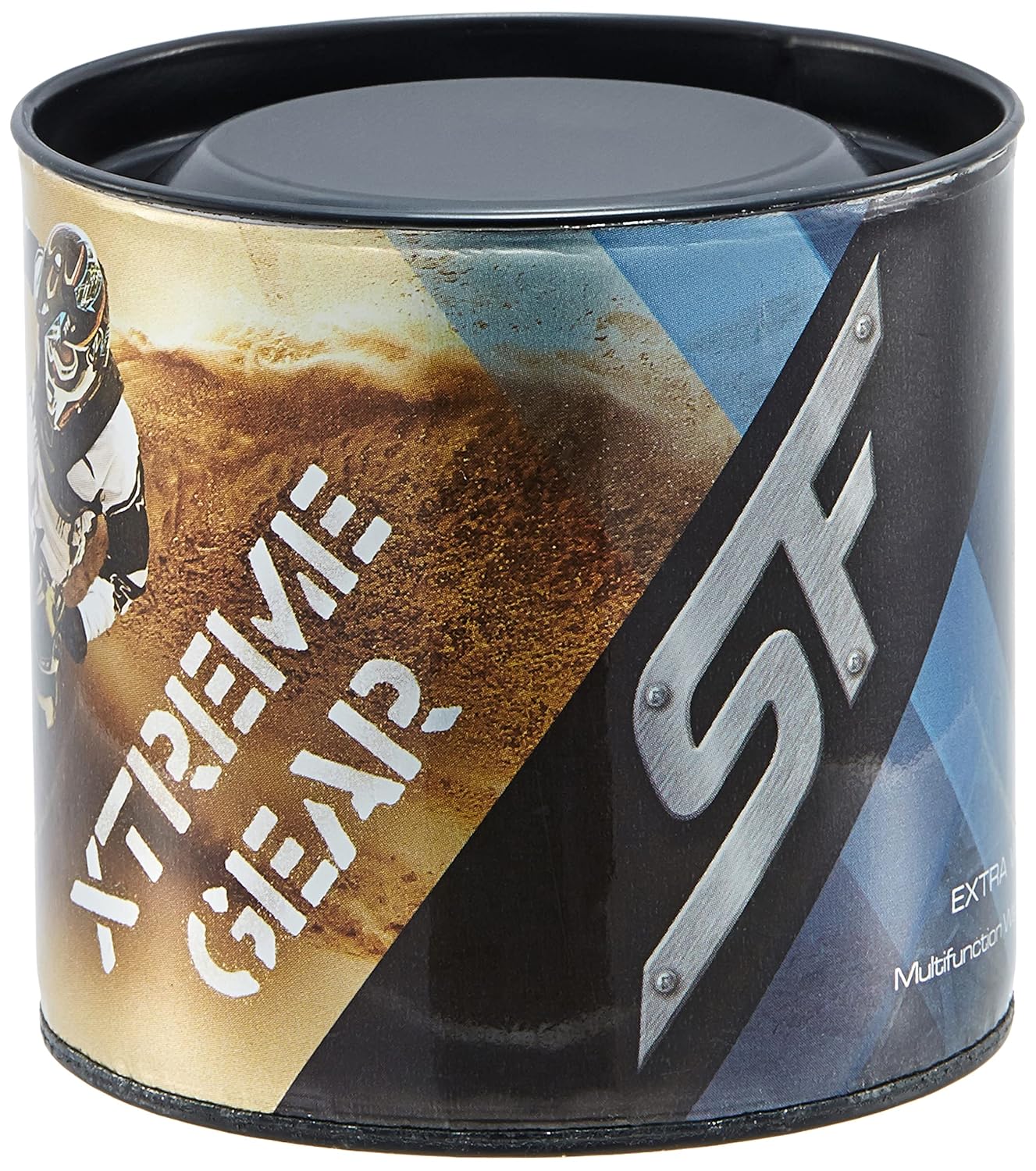
Figure 5: Product packaging for the SF Xtreme Gear watch.