1. Introdução
This manual provides detailed instructions for the setup, operation, and maintenance of your One For All URC4811 Universal Replacement Learning Remote Control. This remote is designed to be compatible with all LG Televisions, including LCD, LED, OLED, and Plasma models, offering a seamless replacement for your original LG remote.
2. Produto acabadoview
The One For All URC4811 remote control is engineered for ease of use and broad compatibility with LG televisions. Key features include:
- Compatibilidade direta: Functions like your original LG television remote. For most LG TVs, no setup is required; simply insert batteries and it is ready to use.
- Recurso de aprendizagem: Allows customization of the remote to your specific needs by copying functions from your original remote.
- Teclas de atalho do aplicativo: Provides direct access to your favorite streaming services.
- Número de chaves: 50.
- Tecnologia de controle remoto: Infrared (IR).
Imagens de produtos


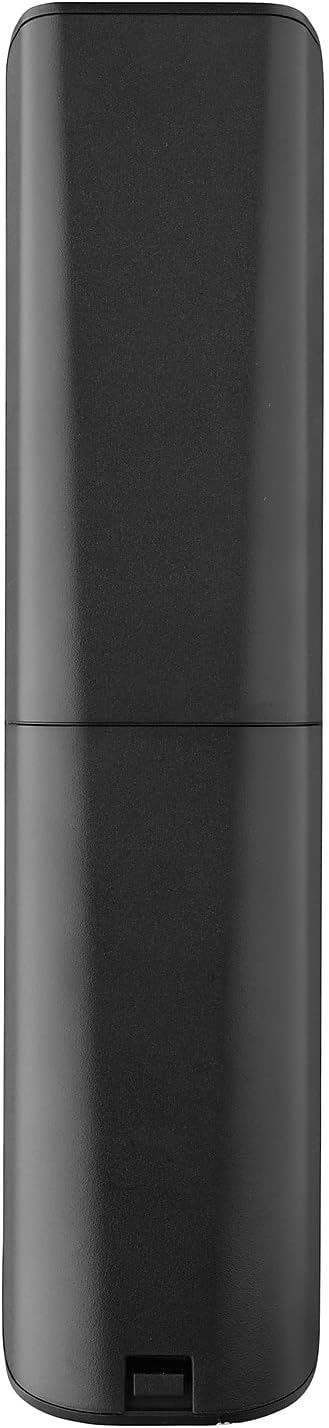


3. Configuração
3.1. Instalação da bateria
The remote requires 2 AAA batteries (not included). To install the batteries:
- Remove the battery compartment cover located on the back of the remote.
- Insira 2 pilhas AAA, certificando-se da polaridade correta (terminais + e -).
- Recoloque a tampa do compartimento da bateria até que ela se encaixe firmemente no lugar.
3.2. Initial Pairing / Codeless Setup
For most LG Televisions, the One For All URC4811 remote control is ready to use immediately after battery installation, requiring no additional setup. Simply point the remote at your LG TV and begin using it. If your TV does not respond, refer to the 'Learning Feature' section for advanced setup options.
4. Instruções de operação
4.1. Funções básicas
The remote provides all standard functions of an LG TV remote, including:
- Ligar/desligar: Use the dedicated power button to turn your TV on or off.
- Controle de volume: Adjust volume up or down using the +/- buttons.
- Navegação no canal: Change channels using the CH +/- buttons or direct number input.
- Atalhos do aplicativo: Dedicated buttons provide quick access to popular streaming services.
4.2. Recurso de Aprendizagem
The learning feature allows you to copy specific functions from your original LG remote control to your One For All URC4811 remote. This is useful if a particular function is not pre-programmed or if you prefer a custom button layout. Refer to the Quick Setup Guide included with your remote for detailed steps on using the learning feature.
4.3. Vídeo oficial do produto
5. Manutenção
Para garantir a longevidade e o desempenho ideal do seu controle remoto:
- Limpeza: Limpe o controle remoto com um pano macio e seco. Evite usar produtos de limpeza líquidos ou materiais abrasivos.
- Cuidados com a bateria: Replace batteries when the remote's performance degrades. Remove batteries if the remote will not be used for an extended period to prevent leakage.
- Armazenar: Guarde o controle remoto em local fresco e seco, longe da luz solar direta e de temperaturas extremas.
6. Solução De Problemas
If you encounter issues with your remote control, try the following steps:
- O controle remoto não está respondendo: Verifique se as pilhas estão inseridas corretamente e se têm carga suficiente. Substitua-as, se necessário.
- Linha de visão: Certifique-se de que não haja obstruções entre o controle remoto e o receptor de infravermelho da TV.
- Funções específicas não estão funcionando: Use the learning feature to re-program the affected buttons from your original LG remote.
- TV Not Responding After Battery Change: For some LG models, the remote may require re-pairing or a quick setup process after battery replacement. Refer to the Quick Setup Guide.
7. Especificações
| Recurso | Especificação |
|---|---|
| Dimensões do produto | 8.03 x 2.01 x 0.94 polegadas |
| Peso do item | 2.72 onças |
| Número do modelo do item | URC4811 |
| Pilhas necessárias | 2 pilhas AAA (não incluídas) |
| Marca | Um por todos |
| Recurso especial | Universal, função de aprendizagem |
| Cor | Preto |
| Número máximo de dispositivos compatíveis | 1 (specifically for LG TVs) |
| Dispositivos compatíveis | LG Televisions (LCD, LED, OLED, Plasma) |
8. Garantia e Suporte
For warranty information and technical support, please refer to the documentation included with your product or visit the official One For All webGuarde o comprovante de compra como prova para eventuais solicitações de garantia.


