Introdução
The Logitech K400 Plus Wireless Touch Keyboard is designed for comfortable control of your entertainment from a distance. Featuring a full-size keyboard layout and a large, integrated touchpad, it offers seamless navigation for your PC-connected TV, media center, or other compatible devices. This manual provides essential information for setting up, operating, and maintaining your keyboard.
Configurar
1. Instalação da bateria
The Logitech K400 Plus requires two AAA batteries (included). To install them:
- Locate the battery compartment cover on the underside of the keyboard.
- Deslize a tampa aberta.
- Insira duas pilhas AAA, certificando-se da polaridade correta (+/-).
- Feche bem a tampa do compartimento da bateria.
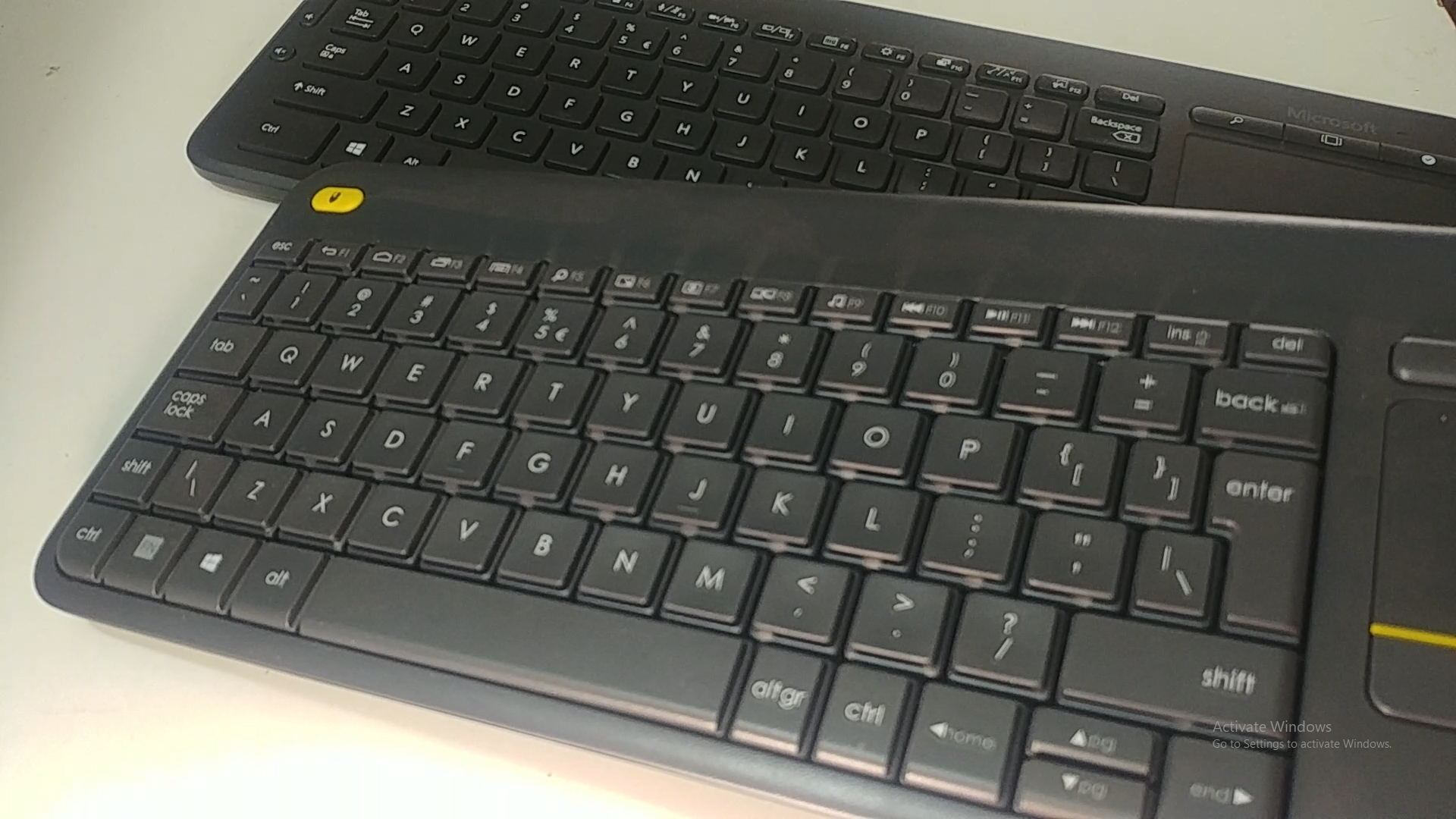
Image: Underside of the Logitech K400 Plus keyboard with the battery compartment open, showing two AAA batteries.
2. Connecting the Keyboard (USB Unifying Receiver)
The K400 Plus connects wirelessly via a small USB Unifying receiver. This receiver is typically stored inside the battery compartment for safekeeping.
- Open the battery compartment cover and remove the USB Unifying receiver.
- Plug the USB Unifying receiver into an available USB port on your PC, smart TV, or other compatible device.
- Turn on the keyboard using the On/Off switch located on the top right edge of the keyboard. A green indicator light will appear.
- Your keyboard should automatically connect. If not, refer to the troubleshooting section or visit the Logitech support website for the Unifying software.

Image: The Logitech K400 Plus Wireless Touch Keyboard, showing its compact design with integrated touchpad.
Instruções de operação
Layout do teclado
The K400 Plus features a standard QWERTY layout with additional function keys and an integrated touchpad.
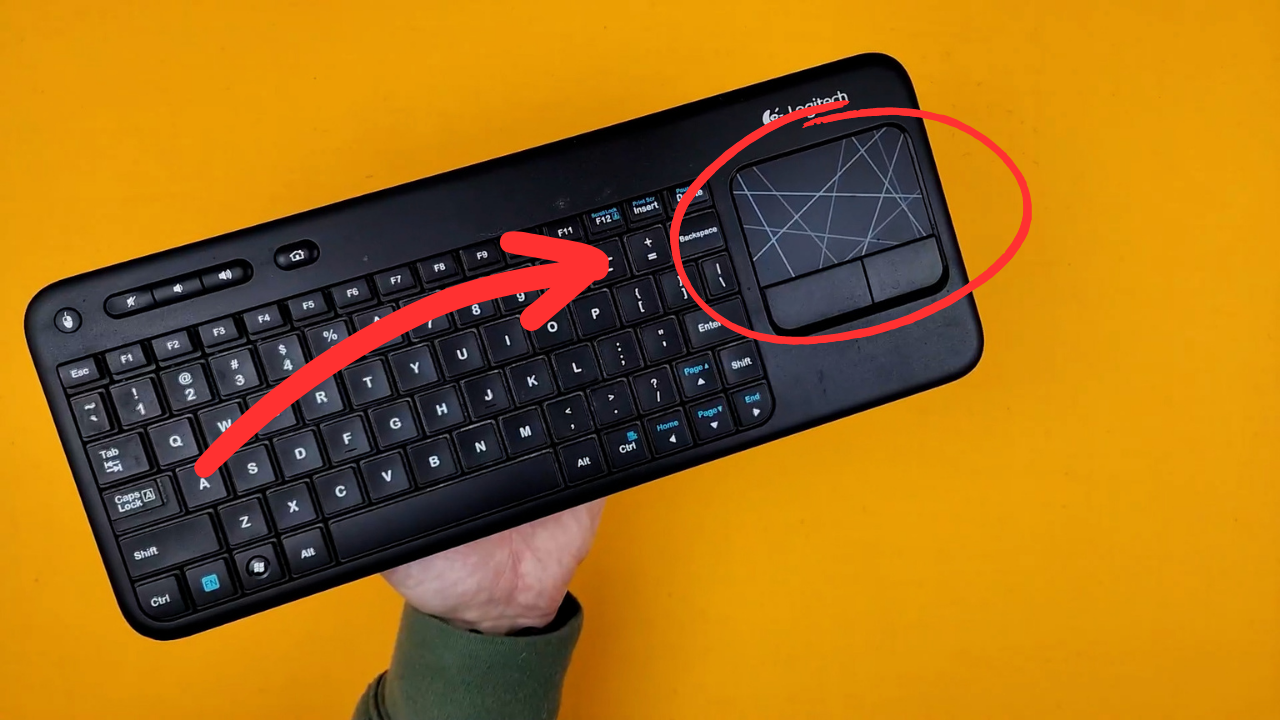
Imagem: Uma imagem detalhada view of the Logitech K400 Plus keyboard keys, highlighting the QWERTY layout.
Uso do touchpad
The large 3.5-inch touchpad allows for intuitive navigation. It supports multi-touch gestures for enhanced control.
- Toque com um dedo: Clique esquerdo.
- Toque com dois dedos: Clique com o botão direito.
- Rolagem com dois dedos: Scroll vertically or horizontally.
- Aperte para ampliar: Aumentar ou diminuir o zoom (se o aplicativo for compatível).
- Dedicated left and right-click buttons are located below the touchpad for traditional mouse button functionality.
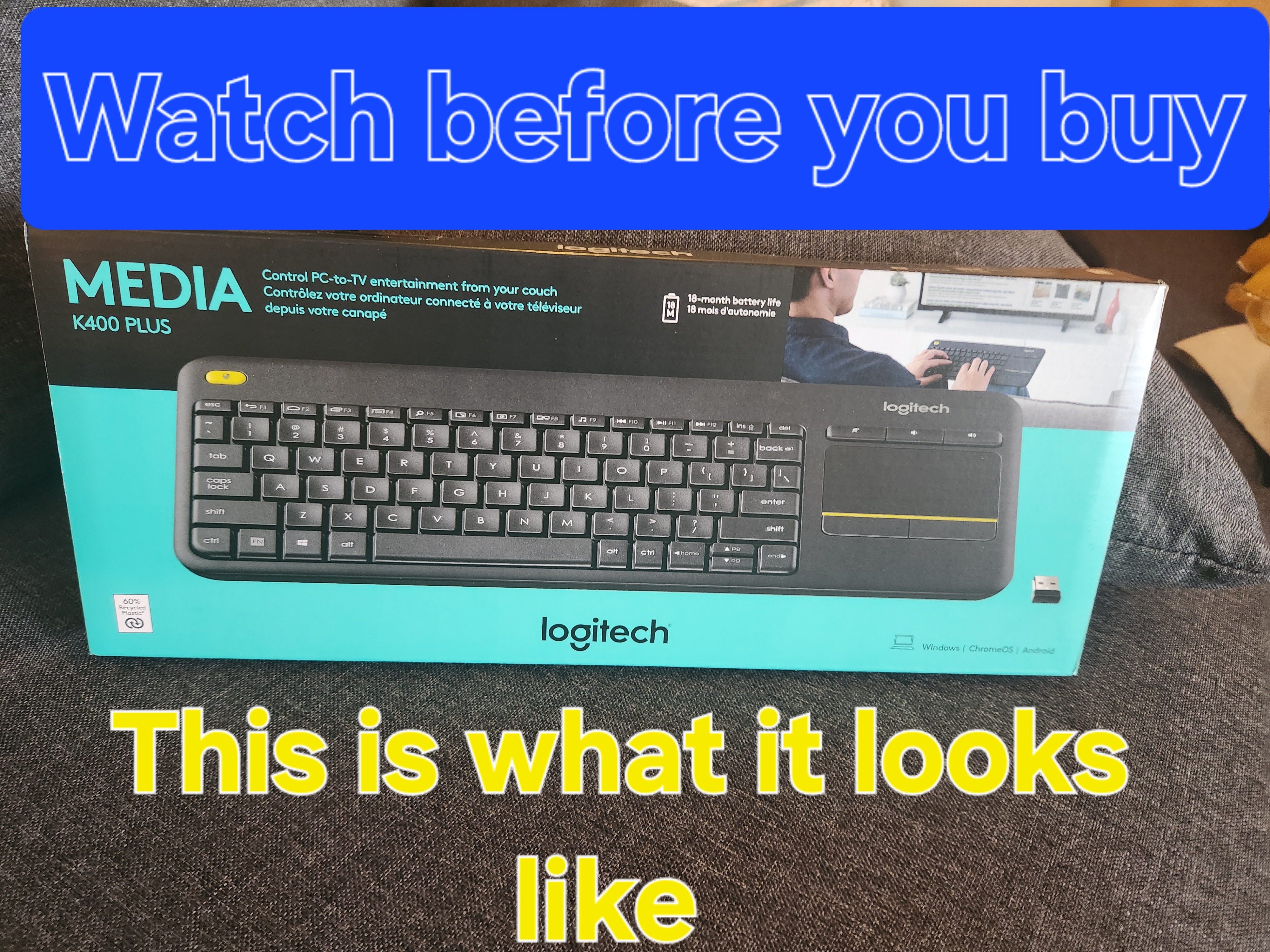
Image: A hand demonstrating the use of the integrated touchpad on the Logitech K400 Plus.
Teclas multimídia e de função
The top row of keys includes dedicated multimedia controls and function keys (F1-F12) with secondary actions. To activate the secondary actions (indicated by blue icons), press and hold the Fn key (located near the left Ctrl key) while pressing the desired function key.
- Controles de volume: Dedicated buttons for mute, volume down, and volume up are located above the touchpad.
- Botão Home: Access your device's home screen or browser home page.
- Page Up/Down, End: Navegue pelos documentos e web páginas.
- Left Mouse Button (top left): An additional left-click button is located on the top left corner of the keyboard for convenient two-hand operation.
Manutenção
Limpeza
Para limpar seu teclado:
- Turn off the keyboard using the On/Off switch.
- Use um pano macio e sem fiapos levementeampcom água ou uma solução de limpeza suave.
- Avoid excessive moisture and do not immerse the keyboard in liquid.
- For stubborn dirt between keys, use compressed air.
Substituição da bateria
When the battery indicator light (usually located near the On/Off switch) turns red or the keyboard becomes unresponsive, it's time to replace the batteries. Follow the "Battery Installation" steps in the Setup section to replace the two AAA batteries.
Solução de problemas
Teclado não responde
- Verifique a potência: Ensure the keyboard is turned on and the battery indicator light is green. Replace batteries if necessary.
- Verificar receptor: Make sure the USB Unifying receiver is securely plugged into a working USB port on your device. Try a different USB port.
- Distância: Ensure the keyboard is within the operating range (up to 10 meters or 33 feet) of the USB receiver.
- Interferência: Move the keyboard and receiver away from other wireless devices or large metal objects that might cause interference.
- Reparar: If issues persist, you may need to re-pair the keyboard with the Unifying receiver using the Logitech Unifying software, available for download from the official Logitech support website.
O touchpad não está funcionando corretamente.
- Superfície limpa: Ensure the touchpad surface is clean and free of debris.
- Atualização de driver: Check your device's operating system for updated drivers for the Logitech Unifying receiver or touchpad.
- Configurações: Verify touchpad settings in your device's control panel or system preferences.
Especificações
| Marca | Logitech |
| Número do modelo | 920-009280 |
| Tecnologia de Conectividade | Wireless (2.4 GHz via USB Unifying Receiver) |
| Distância wireless | Até 10 metros (33 pés) |
| Baterias | Pilhas 2 x AAA (incluídas) |
| Duração da bateria | Up to 18 months (may vary based on usage) |
| Touchpad integrado | 3.5-inch multi-touch touchpad |
| Dispositivos compatíveis | PC (Windows 7, 8, 10 or later), Android TV, Chrome OS |
| Dimensões (C x L x A) | Aproximadamente 13.9 x 5.5 x 0.9 polegadas (354 x 139.9 x 23.5 mm) |
| Peso | Approximately 13.76 oz (390 g) with batteries |
Garantia e Suporte
Logitech provides a limited hardware warranty for this product. For detailed warranty information, technical support, and driver downloads, please visit the official Logitech support website:
You can also find FAQs and community forums for additional assistance.


