Introdução
This manual provides detailed instructions for the SF Chrome Analog-Digital Black Dial Men's Watch, model 77103PP01. Please read this manual carefully to ensure proper use and to maximize the lifespan of your watch. This watch features both analog and digital time displays, a stopwatch, alarm, and backlight functions, along with 100-meter water resistance.
Configurar
1. Inspeção inicial
Upon unboxing, inspect the watch for any visible damage. Ensure all buttons are functional and the display is clear.

Imagem: Frente view of the SF Chrome Analog-Digital Watch, showing both analog hands and digital display. This view highlights the watch face and overall design.
2. Ajustando a Hora Analógica
- Pull the crown (the knob on the right side of the watch case) out to the first click position.
- Gire a coroa para ajustar os ponteiros analógicos de horas e minutos para a hora desejada.
- Empurre a coroa de volta para a posição normal para iniciar a medição analógica do tempo.
3. Configurar a hora e a data digitais
The digital display typically has multiple modes (Time, Date, Alarm, Stopwatch). Refer to the button functions in the 'Operating' section to navigate these modes.
- Press the 'MODE' button (usually bottom-left) repeatedly until the digital time display starts flashing, indicating it's in setting mode.
- Use the 'ADJUST' button (usually top-left) to cycle through the settings (seconds, hour, minute, year, month, day).
- Use the 'SET' or 'START/STOP' button (usually top-right or bottom-right) to increase or decrease the flashing value.
- Após todas as configurações estarem corretas, pressione o botão 'MODE' novamente para sair do modo de configuração.
Operacional
Funções dos botões

Imagem: Lado view of the SF Chrome Analog-Digital Watch, clearly showing the various control buttons on the watch case. These buttons are used for mode selection and adjustments.
- MODE Button (Bottom-Left): Cycles through different digital display modes (Time, Alarm, Stopwatch, Date). Also used to confirm settings.
- ADJUST Button (Top-Left): Used to select items to be adjusted in setting mode.
- START/STOP Button (Top-Right): Used to increase values during setting, start/stop the stopwatch, or turn the alarm on/off.
- Botão LIGHT (canto inferior direito): Ativa a luz de fundo do visor digital.
Usando o cronômetro
- Press the MODE button until the stopwatch display appears (usually '00:00:00').
- Pressione o botão START/STOP para começar a cronometrar.
- Press the START/STOP button again to pause the timing.
- To resume, press START/STOP again.
- To reset the stopwatch to zero, press the ADJUST button while the stopwatch is paused.
Configurando e Usando o Alarme
- Press the MODE button until the alarm display appears (e.g., 'AL 12:00').
- Press the ADJUST button to select the hour or minute to set.
- Use the START/STOP button to adjust the hour or minute.
- Press the MODE button to exit alarm setting.
- To turn the alarm on or off, press the START/STOP button while in the alarm display mode. An alarm icon will typically appear when activated.
Usando a luz de fundo
Press the LIGHT button (bottom-right) to illuminate the digital display for a few seconds, allowing visibility in low-light conditions.
Manutenção
Como limpar seu relógio
Limpe regularmente a caixa e a pulseira do relógio com um pano macio e seco. Para sujidade mais persistente, utilize um pano ligeiramente seco.amp Pode-se usar um pano e secar imediatamente o relógio. Evite usar produtos de limpeza químicos, pois podem danificar o acabamento ou as vedações.
Resistência à água
This watch is water resistant up to 100 meters. This means it is suitable for swimming and snorkeling, but not for scuba diving. Do not operate any buttons while the watch is submerged in water. Ensure the crown is fully pushed in before exposing the watch to water.

Imagem: Costas view of the SF Chrome Analog-Digital Watch, showing the stainless steel case back with engravings for water resistance (WR100M) and model number. This area is crucial for understanding the watch's durability and specifications.
Substituição da bateria
When the digital display becomes dim or the watch stops functioning, the battery may need replacement. Battery replacement should be performed by a qualified watch technician to ensure the water resistance seal is properly maintained.
Armazenar
When not in use, store your watch in a cool, dry place away from direct sunlight and extreme temperatures. The original packaging can be used for safe storage.
Solução de problemas
- Os ponteiros analógicos não se movem: Check if the crown is fully pushed in. If it is, the battery may be depleted.
- O visor digital está em branco ou com brilho reduzido: A bateria pode estar fraca ou descarregada. Substitua a bateria.
- Digital time is incorrect: Re-enter the digital time setting mode and adjust the time as per the 'Setup' section.
- Alarme não soa: Ensure the alarm function is activated (check for the alarm icon on the display). Verify the alarm time is set correctly.
- Água dentro do relógio: Immediately take the watch to a professional watch repair service. Do not attempt to open the watch yourself, as this will void the warranty and likely cause further damage.
Especificações
| Recurso | Especificação |
|---|---|
| Número do modelo | 77103PP01 |
| Tipo de exibição | Analógico para digital |
| Tipo de movimento | Quartzo |
| Material da caixa | Plástico |
| Diâmetro da caixa | 54.5 milímetros |
| Espessura da caixa | 16 milímetros |
| Tipo de material da banda | Sintético |
| Cor da Banda | Azul |
| Largura de banda | 27 milímetros |
| Material do vidro do mostrador | Acrílico |
| Profundidade de resistência à água | 100 metros |
| Peso do item | 120 g |
| Fabricante | Titan Company Ltd |
Garantia e Suporte
This SF watch is covered by a manufacturer's warranty against defects in materials and workmanship. The specific terms and duration of the warranty may vary by region and purchase date. Please refer to the warranty card included with your purchase or contact SF customer support for detailed information.
For technical assistance, service, or warranty claims, please contact the authorized service center or the retailer from whom you purchased the watch. Keep your proof of purchase for warranty validation.
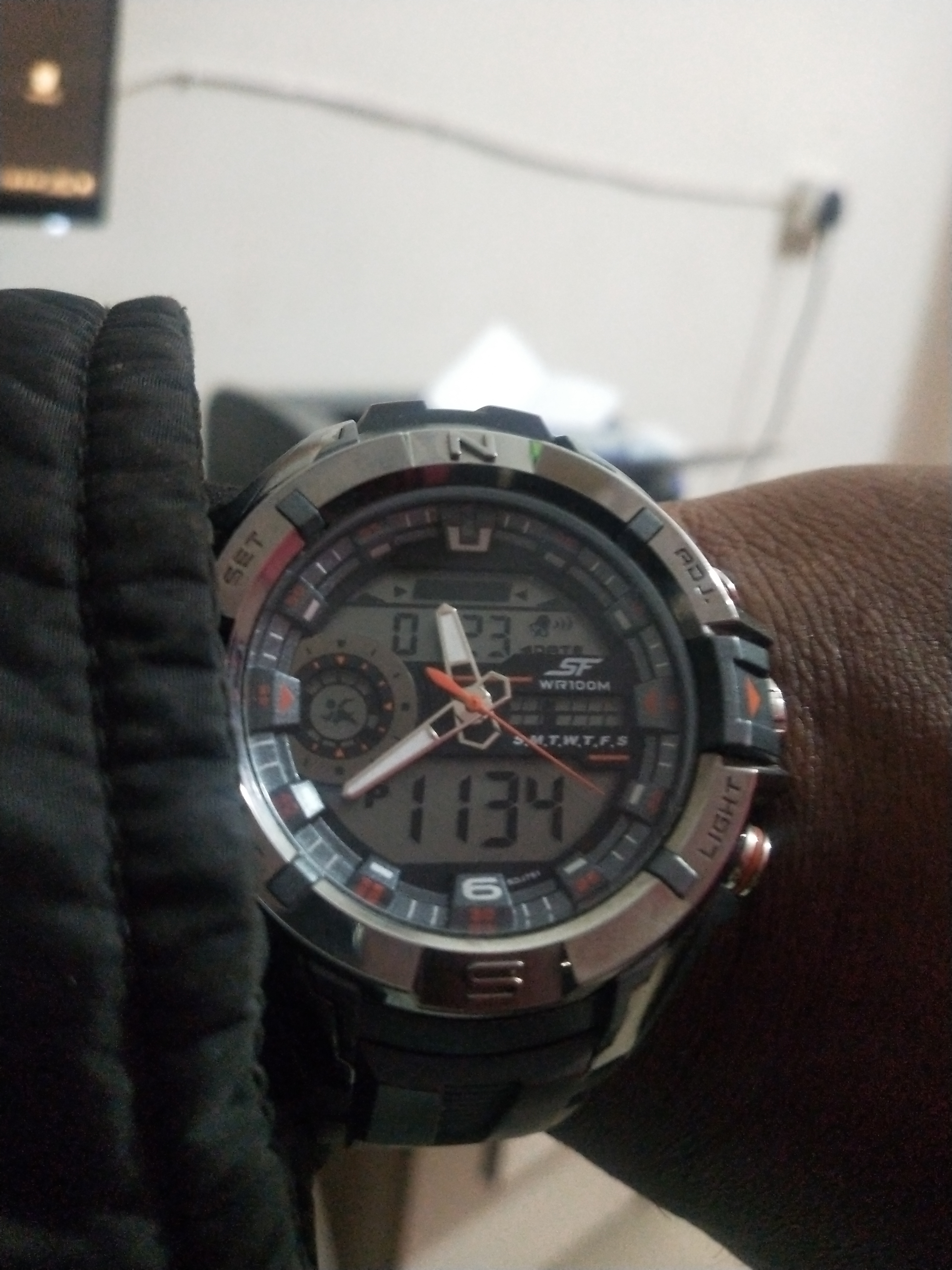
Image: Product packaging for the SF watch, featuring the brand logo and additional product information. This packaging often contains warranty details and user guides.