1. Produto acabadoview
The BoomPods BOOMBUDS XR are wireless in-ear earphones designed for active lifestyles. They feature Bluetooth 5.0 connectivity for stable audio transmission and an IPX7 waterproof rating, making them suitable for various environments including workouts and outdoor activities. The earbuds are engineered for a secure and comfortable fit, and offer customizable sound profiles.

Figura 1.1: BoomPods BOOMBUDS XR Earbuds and Charging Case. The image displays the black earbuds and their compact charging case, highlighting their sleek design.
2. O que está na caixa
Upon unboxing your BoomPods BOOMBUDS XR, verify that all the following components are included:
- BoomPods BOOMBUDS XR in-ear earphones (Left and Right)
- Estojo de carregamento
- Cabo de carregamento micro USB
- Spare ear cups (multiple sizes for optimal fit)
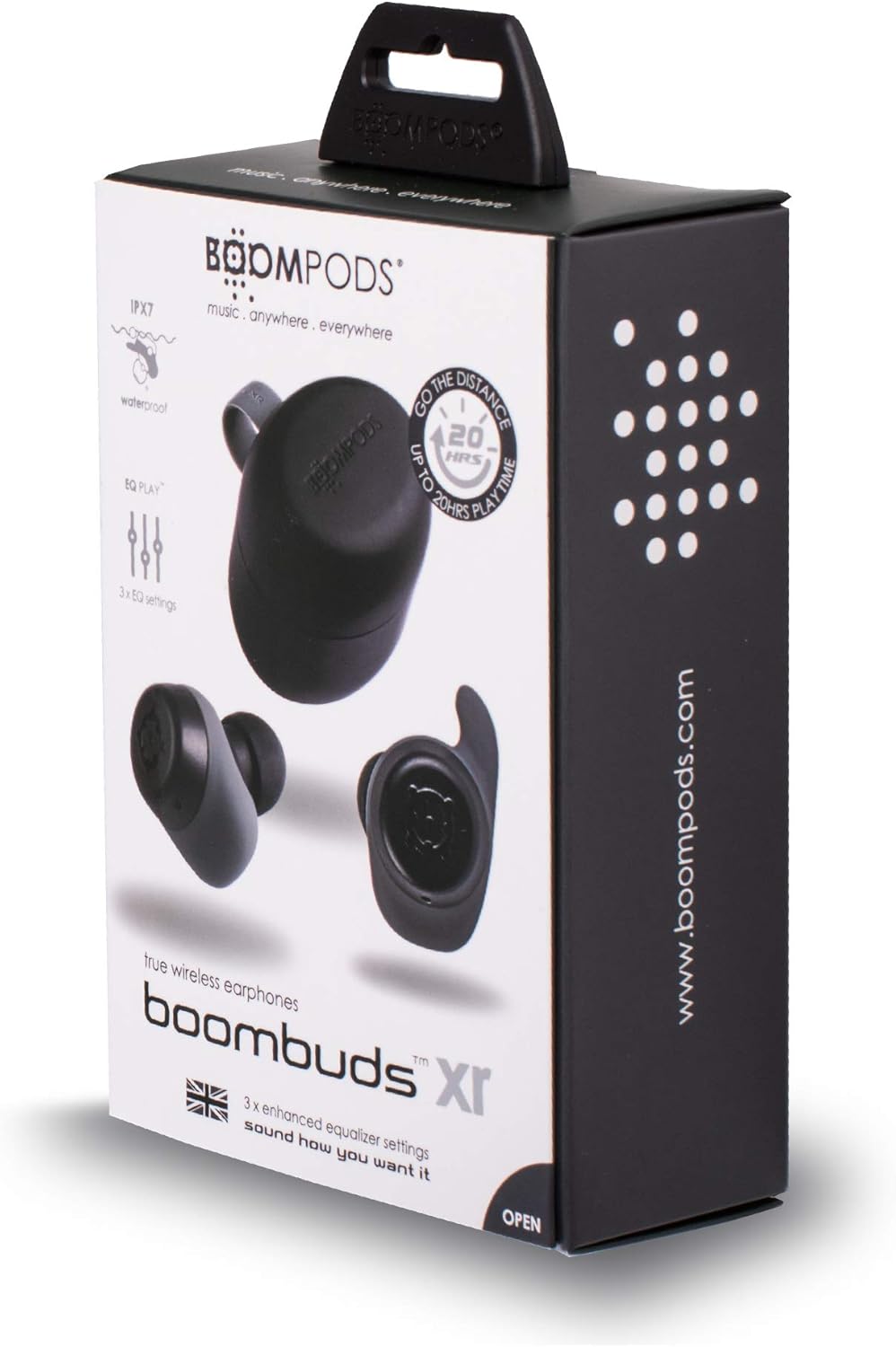
Figura 2.1: BoomPods BOOMBUDS XR Retail Packaging. The image shows the product box, indicating the contents and key features like IPX7 waterproof rating and EQ settings.
3. Guia de configuração
3.1. Carregando os fones de ouvido e o estojo
Before first use, fully charge the earbuds and the charging case. The charging case provides approximately 20 hours of additional playback time, while the earbuds offer up to 4.5 hours on a single charge. A full charge takes approximately 1.5 hours.
- Coloque os fones de ouvido em seus respectivos compartimentos no estojo de carregamento. Certifique-se de que estejam encaixados corretamente para que os contatos de carregamento se alinhem.
- Connect the Micro USB charging cable to the charging port on the case and plug the other end into a USB power source (e.g., wall adapter, computer USB port).
- Indicator lights on the case will show the charging status. Refer to the product's specific LED indicators for detailed information (not provided in source).
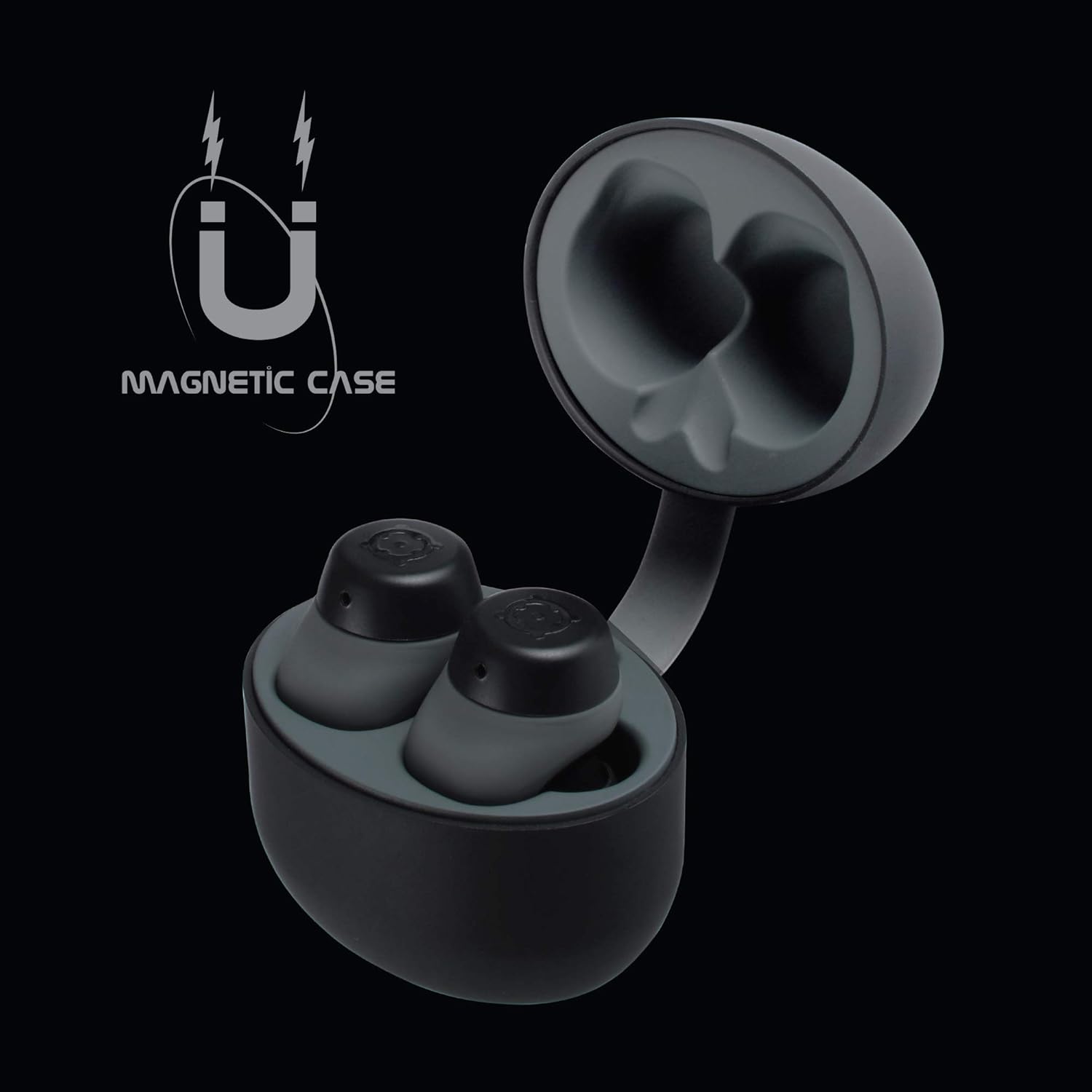
Figura 3.1: Charging Case with Earbuds. The image shows the open charging case with the earbuds placed inside, ready for charging.

Figura 3.2: Magnetic Case. This graphic illustrates the magnetic feature of the charging case, ensuring earbuds are securely held in place during charging and transport.
3.2. Emparelhamento com um dispositivo
The BOOMBUDS XR utilize Bluetooth 5.0 for a quick and stable connection.
- Certifique-se de que os fones de ouvido estejam carregados e removidos do estojo de carregamento. Eles devem entrar automaticamente no modo de emparelhamento.
- No seu smartphone ou dispositivo com Bluetooth, acesse as configurações de Bluetooth.
- Procurar available devices and select "BOOMBUDS XR" from the list.
- Once connected, the earbuds will indicate successful pairing (e.g., an audio prompt or LED change).

Figura 3.3: Bluetooth 5.0 Connectivity. This graphic highlights the instant and secure connection provided by Bluetooth 5.0 technology.
3.3. Achieving the Perfect Fit
A proper fit is crucial for both comfort and optimal sound quality, especially for bass response and noise isolation. The BOOMBUDS XR come with multiple sizes of ear cups to ensure a secure fit for various ear shapes.
- Experiment with the different sizes of ear cups provided.
- Gently insert the earbud into your ear canal and twist slightly to secure it. The ergonomic design (Ergofit) helps keep them in place during activity.
- Test the fit by moving your head and performing light activities. If the earbuds feel loose or the sound quality is poor, try a different size ear cup.
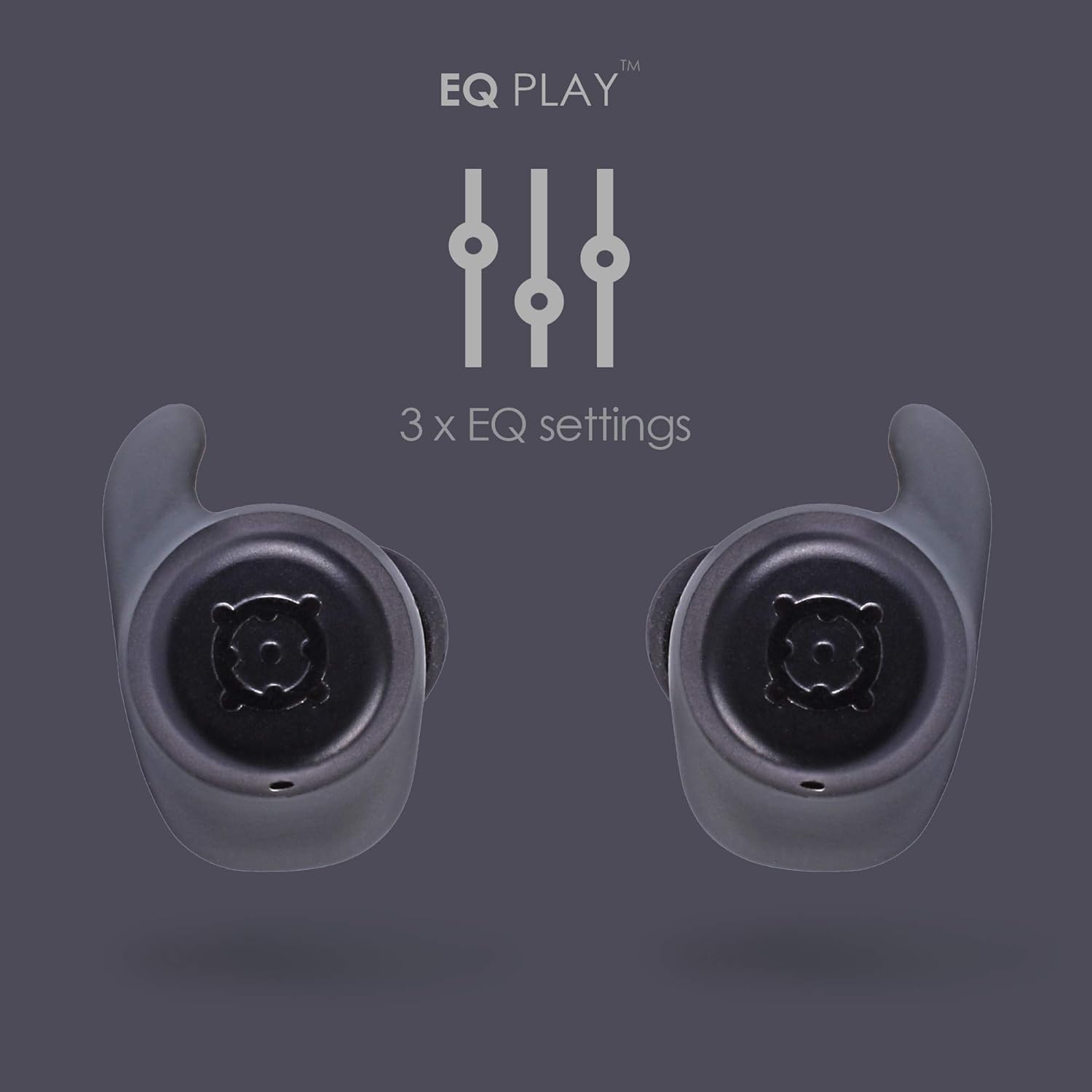
Figura 3.4: Ergofit Design. This graphic illustrates the ergonomic design of the earbuds, engineered for a secure and comfortable fit within the ear.
4. Instruções de operação
4.1. Controles de música e chamadas
The BOOMBUDS XR feature integrated controls on the earbuds for managing audio playback and calls. These controls include volume adjustment, play/pause, and track skipping.
| Ação | Controlar |
|---|---|
| Reproduzir/Pausar | Double-click the earbud button. |
| Próxima faixa | (Specific control not detailed in source, typically triple-click or long press) |
| Faixa anterior | (Specific control not detailed in source) |
| Aumentar o volume | (Specific control not detailed in source, but volume control is present) |
| Diminuir volume | (Specific control not detailed in source, but volume control is present) |
| Atender/encerrar chamada | (Specific control not detailed in source) |
| Ativar assistente de voz (Siri/Google Assistant) | (Specific control not detailed in source) |
| Desligar | Hold button for five seconds. |
Note: For detailed control gestures, refer to the full user manual provided with your product.
4.2. EQ Play Settings
The BOOMBUDS XR allow you to customize your listening experience with three distinct equalizer (EQ) settings:
- Reforço de graves: Aprimora os sons de baixa frequência para graves mais potentes.
- Reforço vocal: Optimizes mid-range frequencies to make vocals clearer and more prominent.
- BoomPods Studio: Fornece um som profissional equilibradofile, designed for general listening.
To switch between EQ settings, use the designated control on the earbuds (specific control not detailed in source).

Figura 4.1: EQ Play Settings. This graphic illustrates the three available equalizer settings for customized audio output.
5. Cuidados e Manutenção
5.1. Waterproofing (IPX7 Rating)
The BOOMBUDS XR are rated IPX7 waterproof, meaning they can withstand immersion in water up to 1 meter for 30 minutes. This makes them resistant to sweat, rain, and splashes, and suitable for use in showers or by the pool.
Nota importante: While the earbuds are waterproof, Bluetooth technology has limitations when transmitting through water. Therefore, continuous audio streaming underwater is not recommended as the connection may be interrupted.

Figura 5.1: IPX7 Waterproofing in Use. The image shows a person showering while wearing the earbuds, demonstrating their water-resistant capabilities.
5.2. Limpeza e armazenamento
- Limpe regularmente os fones de ouvido e o estojo de carregamento com um pano macio, seco e sem fiapos.
- Remove the ear cups and clean them separately with mild soap and water if necessary. Ensure they are completely dry before reattaching.
- Evite usar produtos de limpeza abrasivos, solventes ou sprays aerossóis.
- Guarde os fones de ouvido no estojo de carregamento quando não estiverem em uso para protegê-los e mantê-los carregados.
- Keep the charging contacts on both the earbuds and the case clean and free of debris to ensure proper charging.
6. Solução De Problemas
If you encounter issues with your BoomPods BOOMBUDS XR, refer to the following common troubleshooting steps:
| Problema | Possível causa/solução |
|---|---|
| Fones de ouvido não carregam |
|
| Earbuds not pairing / connecting |
|
| Qualidade de som ruim / Volume baixo |
|
| Microphone issues / Call quality poor |
|
| Os fones de ouvido estão caindo. |
|
7. Especificações técnicas
| Recurso | Detalhe |
|---|---|
| Nome do modelo | BXRBLK |
| Tecnologia de Conectividade | Bluetooth 5, Sem fio |
| Tecnologia de comunicação sem fio | Bluetooth |
| Material | Silicone |
| Usos específicos para o produto | Esportes e Exercícios, Estúdio |
| Tempo de carregamento | 1.5 horas |
| Dispositivos compatíveis | Smartphones |
| Tipo de controle | Volume Control, Remote with Mic |
| Peso do item | 48 gramas (1.69 onças) |
| Nível de resistência à água | IPX7 (resistente à água) |
| Faixa de frequência | 50Hz-15kHz |
| Duração da bateria (fones de ouvido) | 4.5 horas |
| Duração da bateria (com estojo de carregamento) | Up to 20 Hours additional playback |
| Versão Bluetooth | 5.0 |
| Características especiais | Microphone Included, Sweatproof, USB connectivity, Volume Control, Ergonomic Design, EQ Play (3 settings) |
| Dimensões do produto | 0.2 x 3.11 x 1.34 polegadas |
| Fabricante | Boompods |
| Cor | Preto |
| Colocação da orelha | No ouvido |
| Fator de forma | No ouvido |
8. Garantia e Suporte
8.1. Garantia limitada
The BoomPods BOOMBUDS XR are covered by a Garantia limitada de 2 ano A garantia é válida a partir da data da compra. Esta garantia cobre defeitos de fabricação e mão de obra em condições normais de uso. Não cobre danos causados por uso indevido, acidentes, modificações não autorizadas ou desgaste normal.
For specific terms and conditions of the warranty, please refer to the warranty card included with your product or visit the official BoomPods website.
8.2. Suporte ao cliente
For further assistance, technical support, or warranty claims, please contact BoomPods customer service through their official channels. You can typically find contact information on the product packaging, the official BoomPods website, or the brand store on Amazon.
Visite o site oficial Loja BoomPods na Amazon Para obter mais informações sobre o produto e recursos de suporte.


