1. Introdução
Thank you for choosing the DEERC D20 Mini Drone. This compact and versatile drone is designed for users aged 14 and up, offering an engaging flight experience with its 720P HD FPV camera, intuitive controls, and various intelligent flight modes. Please read this manual thoroughly before operating the drone to ensure safe and optimal performance.
2. O que está na caixa
- Customer version quadcopter (1)
- Controle remoto (1)
- Fuselage battery (2)
- Cabo de carregamento USB (1)
- Spare propeller (1 set)
- Protective cover (1 set)
- Chave de fenda (1)
- Manual de instruções (1)
3. Produto acabadoview
The DEERC D20 Mini Drone is engineered for ease of use and durability, making it suitable for beginners while offering advanced features for experienced pilots. Its foldable design ensures portability, and the included 720P HD camera allows for capturing aerial photos and videos.

Figure 1: DEERC D20 Mini Drone, remote controller, and two batteries.
3.1. Principais características
- HD Pictures and Live Videos: Equipped with a 720P HD Wi-Fi camera for aerial photos and videos, with FPV transmission via smartphone app.
- Controle fácil: One Key Start/Landing button, Altitude Hold for stable hovering, Headless Mode for simplified orientation.
- Potente e seguro: Features low power alarm, Emergency stop, and 4 propeller guards for safe flight. Includes 2 rechargeable batteries for up to 20 minutes of flight time.
- Manobras 3D e voos com pontos de referência: Perform impressive 3D flips and draw custom flight paths on your smartphone for automated flight.
- Voice Control and Gesture Selfie: Control the drone with voice commands (e.g., "Take off," "Landing") and capture photos/videos with hand gestures.

Figure 2: D20's 720P HD FPV Camera for real-time viewindo.
The drone's camera provides a first-person view (FPV) directly to your smartphone, enhancing the immersive flight experience.

Figure 3: Voice Control and Waypoints Fly features for advanced operation.
Utilize voice commands for basic operations and draw flight paths on your phone for automated flight routes.
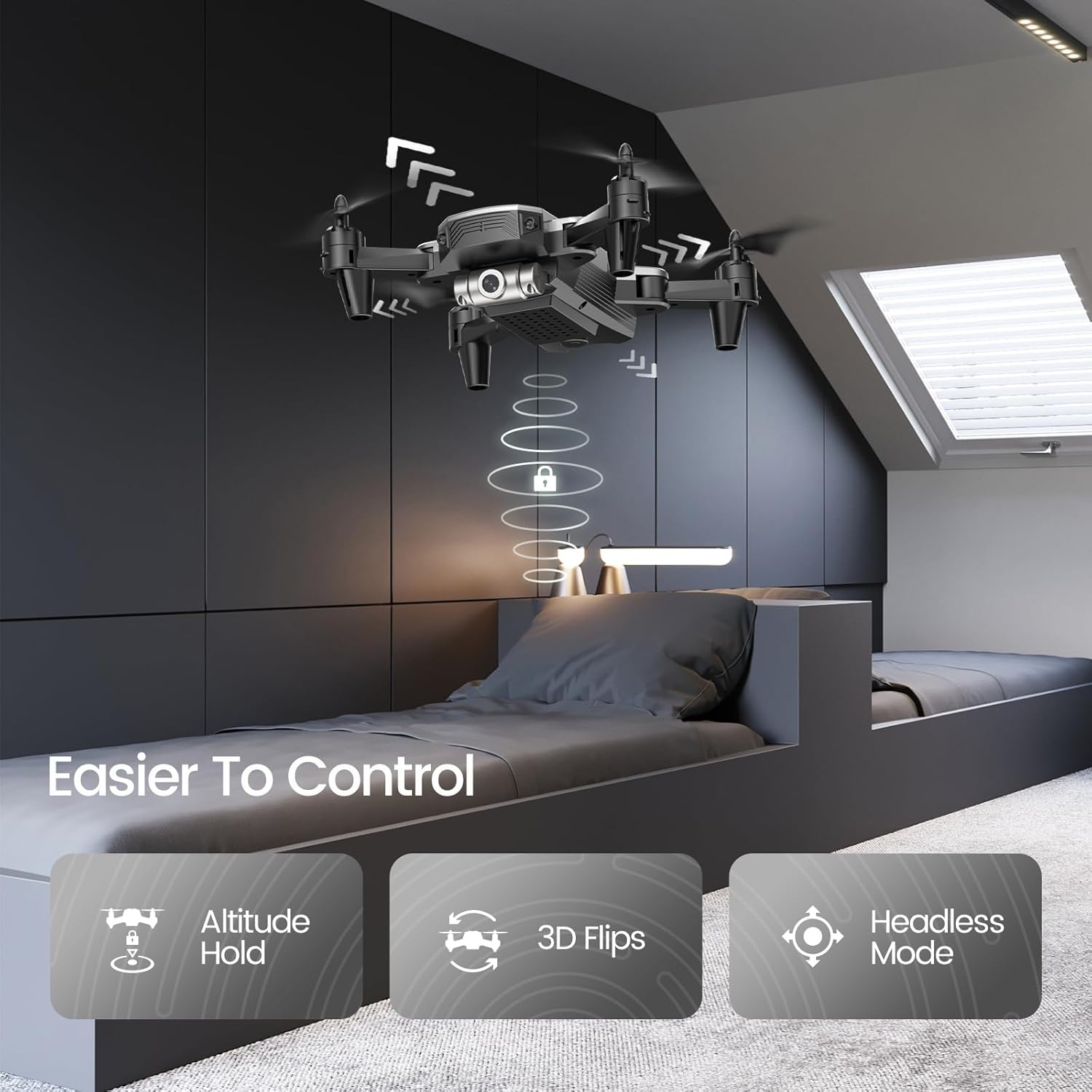
Figure 4: Features like Altitude Hold, 3D Flips, and Headless Mode make the drone easier to control.
Altitude Hold maintains the drone's height, simplifying control, while 3D Flips add excitement to your flights.
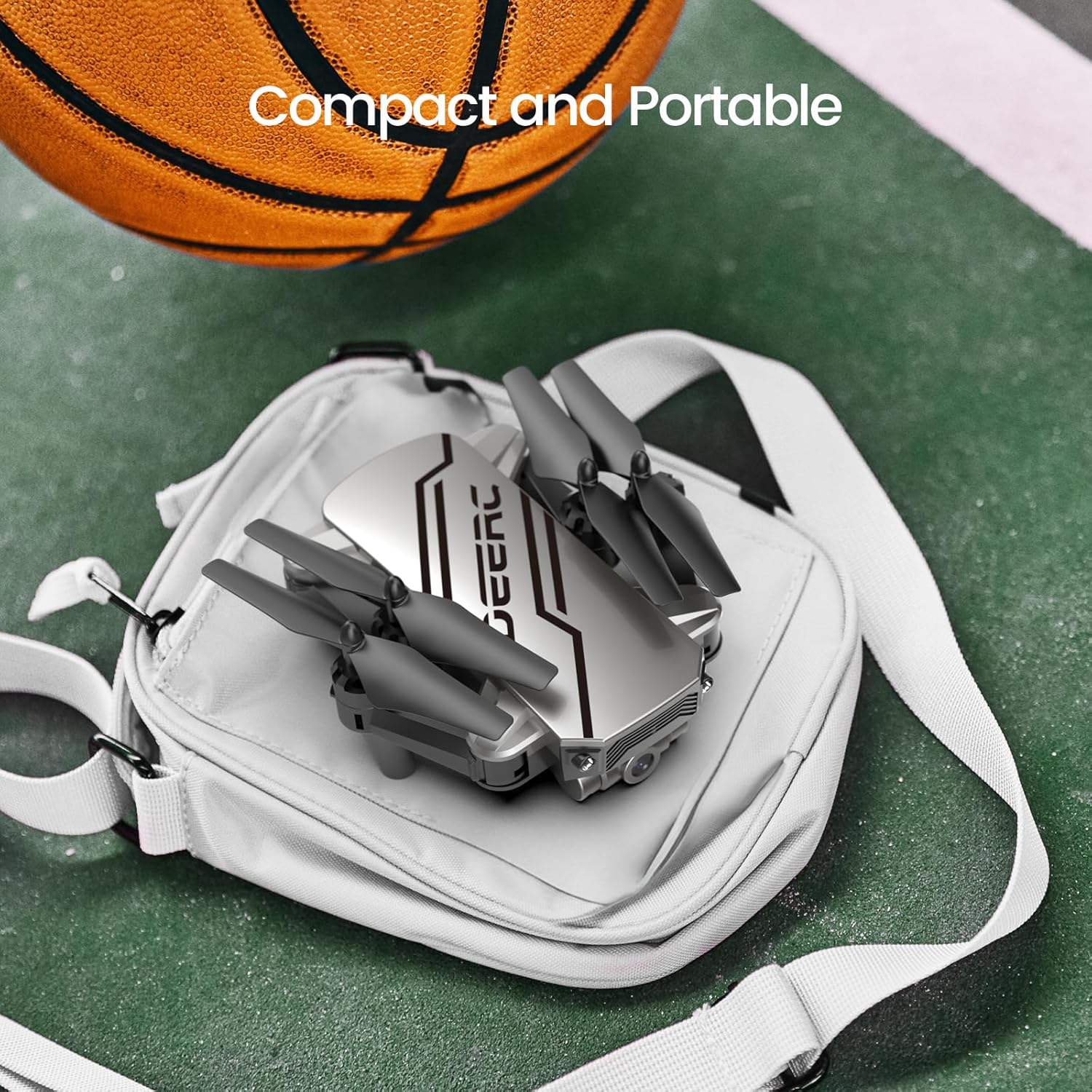
Figure 5: The drone's compact and portable design allows for easy transport.
Its lightweight and foldable design ensures you can take it anywhere.
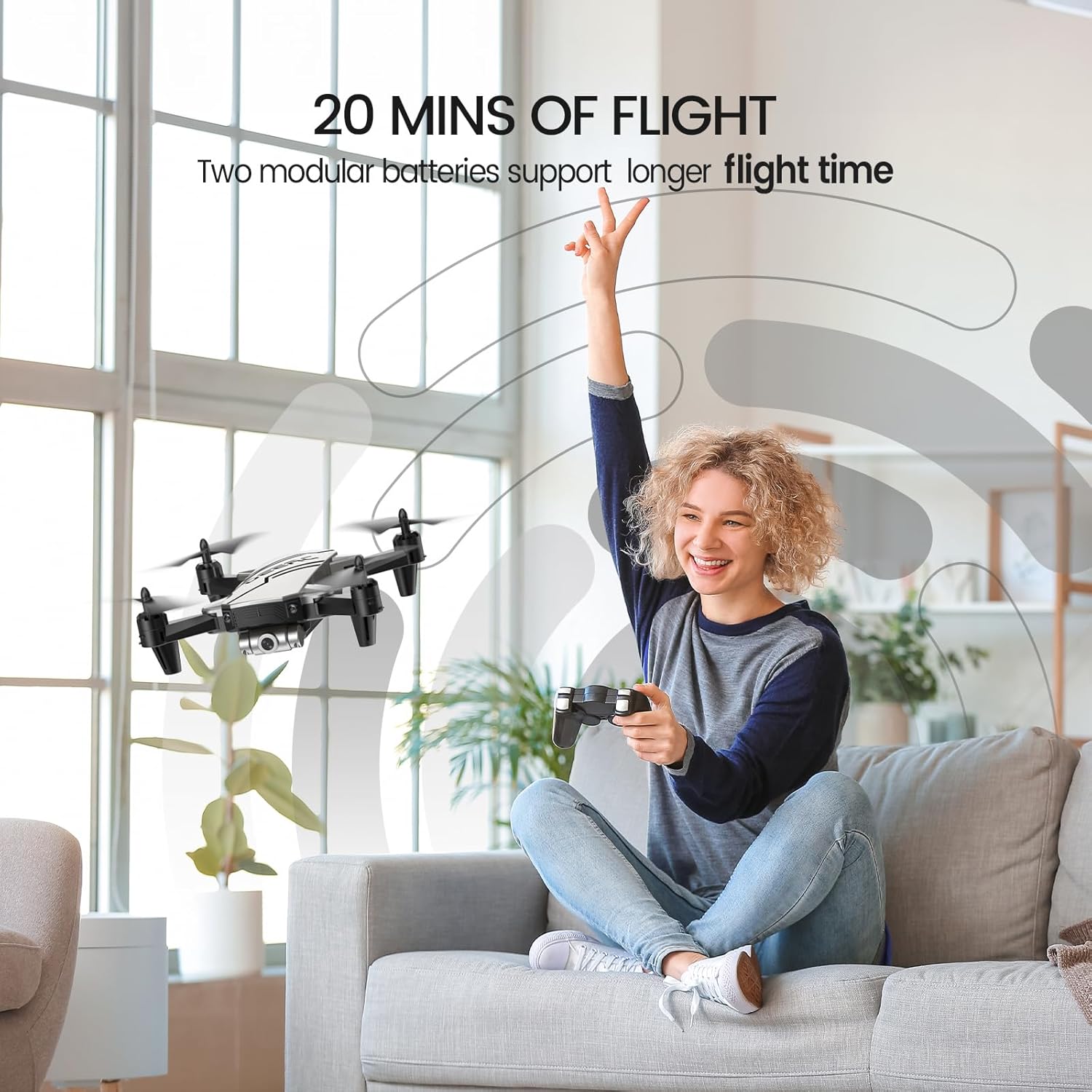
Figure 6: Enjoy extended flight sessions with two included batteries, providing up to 20 minutes of flight time.
The modular batteries are easy to swap, extending your flying fun.
4. Configuração
4.1. Carregando as baterias
Before first use, fully charge both drone batteries. Connect the USB charging cable to a USB power adapter (not included) and then to the drone battery. The charging indicator will show the charging status. A full charge takes approximately 60-80 minutes per battery.
4.2. Installing Batteries and Propeller Guards
- Insert a charged battery into the drone's battery compartment until it clicks into place.
- Attach the propeller guards to each arm of the drone for added protection, especially for beginners.
- Insert 3 AAA batteries (not included) into the remote controller.
4.3. Pairing the Drone and Controller
- Coloque o drone em uma superfície plana e nivelada.
- Ligue o drone. As luzes indicadoras irão piscar.
- Ligue o controle remoto.
- Push the left joystick up and then pull it down. The drone lights will become solid, indicating successful pairing.
5. Instruções de operação
5.1. Controles básicos de voo
- Uma chave de partida/aterrissagem: Press the dedicated button on the controller to automatically take off or land.
- Manter altitude: The drone will automatically maintain its current altitude when the throttle stick is released.
- Ajuste de velocidade: Use the speed button on the controller to cycle through low, medium, and high-speed modes.
- Modo sem cabeça: Press the Headless Mode button. The drone will orient itself relative to the pilot, regardless of its actual front direction.
- Viradas em 3D: While flying, press the 3D Flip button and then move the right joystick in any direction to perform a flip.
5.2. Advanced Features (via Smartphone App)
Download the official DEERC FPV app from your device's app store. Connect your smartphone to the drone's Wi-Fi network (usually named "DEERC-D20-XXXX").
- FPV View: See real-time video feed from the drone's camera on your smartphone.
- Controle de voz: Use simple voice commands like "Take off" or "Landing" to control the drone.
- Selfie por gestos: Make a "V" sign or show your palm to the camera to trigger photo or video recording automatically.
- Pontos de referência de voo: Desenhe a trajetória de voo desejada na tela do seu smartphone e o drone a seguirá automaticamente.
6. Manutenção
- Regularly inspect propellers for damage. Replace any bent or broken propellers using the included spare parts and screwdriver.
- Keep the drone and controller clean. Wipe with a soft, dry cloth.
- Store the drone and batteries in a cool, dry place away from direct sunlight when not in use.
- Não sobrecarregue as baterias. Desconecte-as quando estiverem totalmente carregadas.
7. Solução De Problemas
| Problema | Possível causa | Solução |
|---|---|---|
| O drone não responde ao controle remoto. | Não emparelhado; bateria fraca. | Re-pair drone and controller; charge batteries. |
| O drone deriva durante o voo. | Needs calibration; windy conditions. | Calibre o drone em uma superfície plana; voe em condições de calmaria. |
| Poor camera feed/lag. | Sinal Wi-Fi fraco; interferência. | Ensure close proximity to drone; avoid areas with strong Wi-Fi interference. |
| Tempo de voo curto. | Bateria não está totalmente carregada; bateria antiga. | Carregue totalmente as baterias; considere substituir as baterias antigas. |
8. Especificações
- Marca: DEERC
- Nome do modelo: D20
- Cor: Prata
- Peso do item: 69 gramas (2.43 onças)
- Dimensões do produto: 7.72"C x 6.38"L x 1.69"A
- Resolução de captura de vídeo: 720p
- Resolução Estática Efetiva: 0.92 MP
- Tecnologia de conectividade: Wi-fi
- Capacidade da bateria: 0.51 Watt Hours (2 Lithium Polymer batteries included)
- Nível de Habilidade: Novato
- Idade recomendada: 14 anos ou mais
9. Garantia e suporte
For warranty information and customer support, please refer to the official DEERC website or contact their customer service directly. You can also find additional resources and a downloadable PDF user manual aqui.
Documentos relacionados - D20
 |
Drone DEERC D70: Instruções de uso e diretrizes de segurança Guia completo para operar o drone DEERC D70, abrangendo configuração, controles de voo, precauções de segurança e manutenção. Aprenda a voar, capturar fotos e vídeos e utilizar recursos avançados como o Modo Headless e giros de 360°. |
 |
Drone DEERC D20: Instruções de uso e guia de segurança Instruções completas, diretrizes de segurança e especificações para o drone DEERC D20. Aprenda a operar, instalar e fazer a manutenção do seu drone. |
 |
Drone DEERC D10: Instruções de uso e guia de operação Um guia completo para o drone DEERC D10, abrangendo configuração, operação, diretrizes de segurança, funções, especificações e informações de contato. Aprenda a pilotar seu drone DEERC D10 com segurança e eficácia com este manual intuitivo. |
 |
Drone DEERC D10: Instruções de uso e guia de operação Guia completo para o drone DEERC D10, abrangendo diretrizes de segurança, instalação, operação, carregamento e funções. Aprenda a pilotar e fazer a manutenção do seu drone com segurança e eficiência. |
 |
Drone DEERC D50: Instruções de uso, diretrizes de segurança e especificações Guia completo para o drone DEERC D50, abrangendo configuração, operação, precauções de segurança, manutenção e especificações técnicas. Inclui informações sobre cuidados com a bateria, modos de voo e solução de problemas. |
 |
Drone DEERC D70: Manual do Usuário e Guia de Voo Guia completo para operar o drone DEERC D70, abrangendo configuração, controles de voo, funções, diretrizes de segurança e especificações. |