Introdução
The INSTAX SQUARE SQ1 camera offers a minimalist, clean, and versatile design. It is available in three trendy colors: Glacier Blue, Terracotta Orange, and Chalk White. The simple design enhances its square format appeal and broadens its user base. Improved ergonomics are provided by the grip, ensuring comfortable use. The large 86 x 72 mm square format allows for unlimited creative expression. Brighter photos are achieved through automatic exposure control, ensuring perfect pictures in various conditions. A precise selfie mode helps capture self-portraits successfully and is also recommended for close-up shots (30 to 50 cm distance).
This manual provides essential information for the safe and effective use of your INSTAX Square SQ1 camera. Please read it thoroughly before use and keep it in a safe place for future reference.
O que está na caixa
Upon opening your INSTAX Square SQ1 package, you should find the following items:
- INSTAX Square SQ1 Camera (Glacier Blue)
- 2 x CR2 Lithium Batteries
- Alça de pulso
- Manual do usuário

Image: Contents of the INSTAX Square SQ1 package, including the camera, batteries, and strap.
Video: Unboxing and initial setup of the INSTAX Square SQ1 camera, showing all included items.
Configurar
1. Instale as baterias
The INSTAX Square SQ1 requires two CR2 Lithium batteries. Ensure correct polarity when inserting them.
- Open the battery compartment cover located on the side of the camera.
- Insert the two CR2 Lithium batteries, matching the positive (+) and negative (-) terminals as indicated inside the compartment.
- Feche bem a tampa do compartimento da bateria.
Video: Demonstrates how to open the battery compartment and correctly insert the CR2 Lithium batteries.
2. Load Film Pack
Use only INSTAX SQUARE instant film. Do not open the film pack until you are ready to load it into the camera.
- Open the film compartment door on the back of the camera.
- Align the yellow mark on the film pack with the yellow mark on the camera.
- Insert the film pack straight into the compartment. Do not press down on the film pack.
- Close the film compartment door. The film counter will display "S" (Start) and then "10" after the dark slide is ejected.

Imagem: Traseira view of the INSTAX Square SQ1 camera with the film compartment open, ready for film loading.
3. Attach Wrist Strap
For secure handling, attach the included wrist strap to your camera.
- Passe a argola fina da alça de pulso pelo ilhó na lateral da câmera.
- Passe a alça principal pela argola e puxe-a firmemente para prendê-la.
Video: Instructions on how to attach the wrist strap to the INSTAX Square SQ1 camera.
Operando a câmera
Ligar/Desligar
- To turn on the camera, rotate the lens ring from "OFF" to "ON". The lens will extend.
- To turn off the camera, rotate the lens ring back to "OFF". The lens will retract.
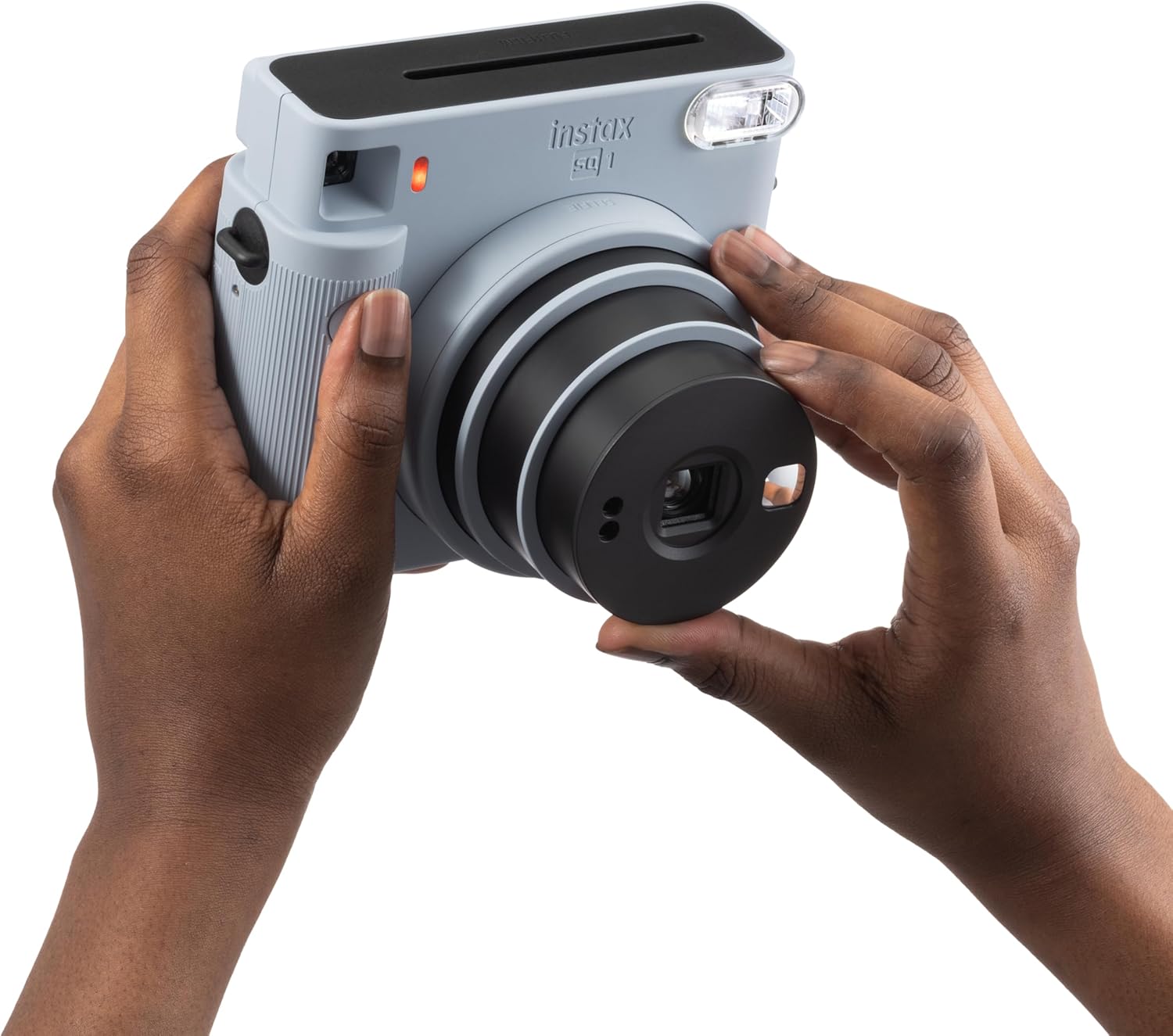
Image: A user's hands demonstrating how to rotate the lens to turn on the INSTAX Square SQ1 camera.
Video: Shows the process of turning the camera on by rotating the lens.
Tirando uma foto
The INSTAX Square SQ1 features automatic exposure control for optimal brightness.
- Turn the camera on by rotating the lens ring to "ON".
- Enquadre sua foto usando o viewlocalizador.
- Press the shutter button to take a picture. The photo will automatically eject from the top slot.
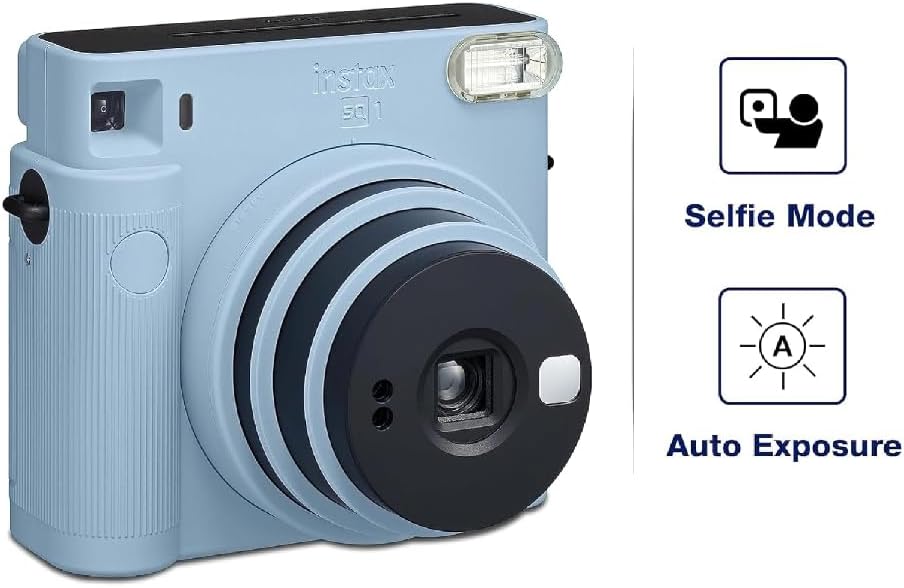
Image: The INSTAX Square SQ1 camera highlighting its Selfie Mode and Auto Exposure features.
Selfie Mode / Close-up Shooting
For selfies or close-up shots (30-50 cm), activate Selfie Mode.
- With the camera on, rotate the lens ring further from "ON" to "SELFIE".
- A small mirror next to the lens helps with framing selfies.
- For close-ups, ensure your subject is within 30-50 cm for best results.
Manutenção
- Limpeza: Use a soft, dry cloth to clean the camera body. For the lens, use a lens cleaning cloth. Avoid abrasive cleaners or solvents.
- Armazenar: Guarde a câmera em local fresco e seco, longe da luz solar direta e de temperaturas extremas. Remova as pilhas se a câmera não for usada por um longo período.
- Manuseio de filme: Keep film packs in their original packaging until ready to use. Store film in a cool, dry place.
Solução de problemas
| Problema | Solução |
|---|---|
| A câmera não liga. | Check if batteries are correctly inserted and have sufficient charge. Replace if necessary. Ensure the lens ring is rotated to "ON". |
| No photo ejects after pressing shutter. | Check if a film pack is loaded. If so, check the film counter; it might be empty. Ensure the dark slide was ejected upon loading a new pack. |
| As fotos estão muito escuras ou muito claras. | The camera has automatic exposure. Ensure the flash is not covered and that you are shooting within appropriate lighting conditions. Avoid shooting directly into very bright light sources or in extremely dark environments without adequate flash range. |
| As fotos estão desfocadas. | Hold the camera steady when shooting. For close-ups, ensure Selfie Mode is activated and the subject is within 30-50 cm. |
Especificações
- Marca: INSTAX
- Modelo: SQ1
- Cor: Azul Glaciar
- Formato do filme: INSTAX SQUARE Film (86 x 72 mm)
- Lente: 2 componentes, 2 elementos, f = 65.75 mm, 1:12.6
- Viewlocalizador: Inverted Galilean finder, 0.4x, with target spot
- Alcance de Tiro: 0.3 m and beyond (0.3 m to 0.5 m in Selfie Mode)
- Obturador: Programmed electronic shutter, 1/2 to 1/400 sec.
- Controle de exposição: Automático, Lv 5.0 a 15.5 (ISO 800)
- Film Ejection: Automático
- Clarão: Constant firing flash (automatic light adjustment), effective range: 0.3 to 2.2 m
- Fonte de energia: Duas baterias de lítio CR2
- Dimensões: 130.7 mm × 118.6 mm × 57.5 mm
- Peso: 390 g (sem pilhas, alça e filme)
Garantia e Suporte
Your INSTAX Square SQ1 camera comes with a Garantia do fabricante de 2 anosGuarde seu comprovante de compra para eventuais solicitações de garantia.
For technical support, service, or further inquiries, please refer to the official INSTAX website or contact their customer service department. Contact information can typically be found in the included user manual or on the manufacturer's website.
Para mais informações, visite o site oficial INSTAX Store on Amazon.


