Introdução
This manual provides essential information for setting up, operating, and maintaining your Sony X90J 75-inch BRAVIA XR Full Array LED 4K Ultra HD Smart Google TV. Please read this manual thoroughly before using your television to ensure proper and safe operation. Keep this manual for future reference.

The Sony X90J 75-inch TV offers a stunning visual experience with its BRAVIA XR processor.
O que está na caixa
Verifique se todos os itens listados abaixo estão incluídos em seu pacote:
- Televisão
Principais características
- COGNITIVE PROCESSOR XR: Revolutionary TV processing technology that understands how humans see and hear to deliver intense contrast with pure blacks, high peak brightness, and natural colors.
- XR TRILUMINOS PRO: Rediscover everything you watch with billions of accurate colors and see impressive picture quality that is natural and beautiful to the human eye.
- FULL ARRAY LED & XR CONTRAST BOOSTER: Precisely controlled backlighting brings out real-life depth and detail with deep blacks and high peak brightness.
- Compatibilidade com montagem em parede: Designed to hang flush to the wall with compatible brackets.
- Funcionalidade giratória: Allows adjustment of screen angle from left to right.
- Magnetic Lock System and Lateral Shift Bracket: For safe and easy installation.
Configurar
Desembalagem e posicionamento inicial
Carefully remove the television from its packaging. It is recommended that two or more people handle the 75-inch model due to its size and weight. Place the TV on a stable, flat surface or proceed with stand/wall mount installation.
Wall Mounting (SU-WL855 Bracket)
The Sony X90J is compatible with the SU-WL855 Ultra Slim Wall-Mount Bracket (sold separately) for a flush wall-mounted appearance. This bracket allows you to swivel your TV left to right to adjust the screen angle and features a magnetic lock system and lateral shift bracket for secure installation.

The TV can be angled for optimal viewing when wall-mounted.

Achieve a sleek, flush-to-wall installation with the compatible wall mount.
Conectando dispositivos
Your Sony X90J TV features multiple connectivity options:
- HDMI: Connect external devices such as Blu-ray players, gaming consoles, and sound systems.
- USB: Para reprodução de mídia a partir de unidades USB.
- Wi-fi: For internet connectivity and smart TV features.

Connect your devices using the conveniently located ports on the back of the TV.
Operando a TV
Ligar/Desligar
Press the power button on the remote control or on the TV itself to turn the television on or off.
Remote Control and Voice Search
The included remote control provides intuitive navigation. Utilize the voice search feature for quick access to content, apps, and information. Simply press the microphone button on the remote and speak your command.
Interface do Google TV
Your Sony X90J runs on Google TV, offering a personalized content experience. Navigate through recommended content, live TV, apps, and your library using the remote. Chromecast built-in allows you to cast content from your mobile devices directly to the TV. The TV also works with Apple AirPlay 2 and Apple HomeKit for seamless integration with Apple devices.
Learn about new features available on Google TV, enhancing your viewexperiência.
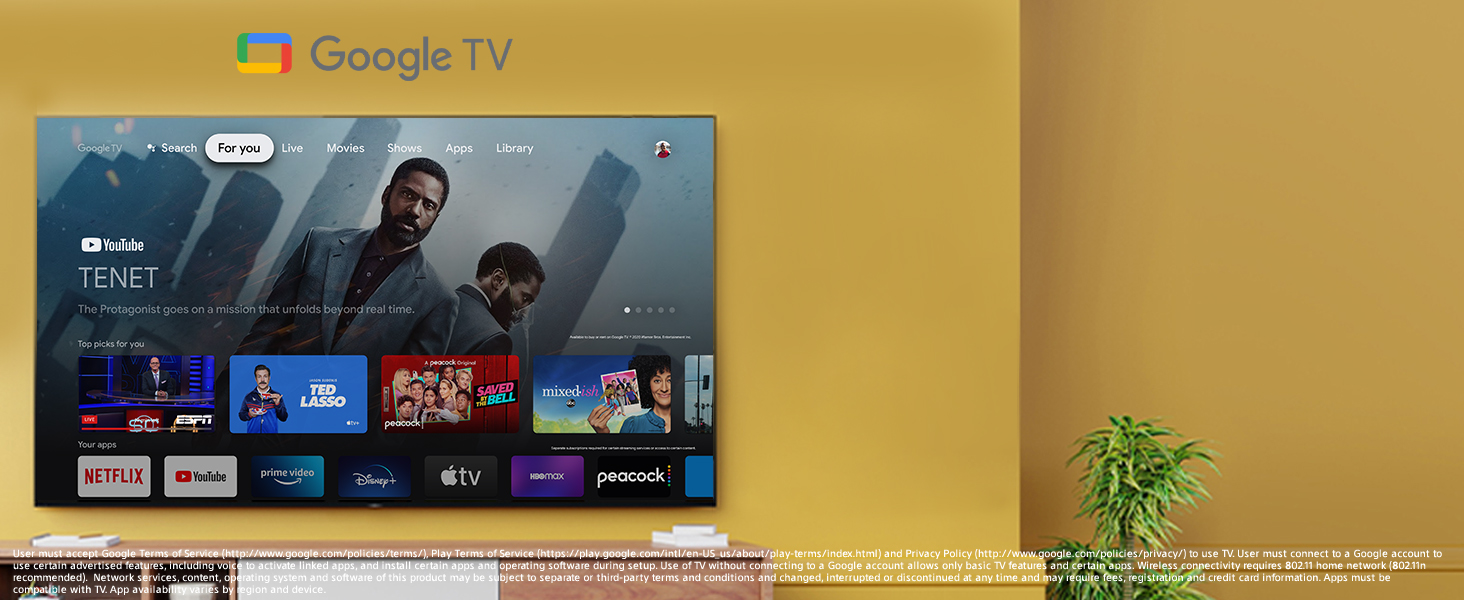
The Google TV interface provides easy access to all your favorite content and apps.
Qualidade da imagem
The Sony X90J is engineered for exceptional visual performance:
- BRAVIA XR with Cognitive Processor XR: Processes images similar to the human brain, optimizing elements like contrast, color, and clarity for a natural viewexperiência.
- XR Triluminos Pro: Delivers a wide spectrum of colors, reproducing every shade with subtle differences.
- Full Array LED & XR Contrast Booster: Backlight zones are independently controlled for precise contrast, making bright areas brighter and dark areas darker.
- 4K Ultra HD with Dolby Vision HDR: Provides stunning detail and vibrant colors with enhanced contrast and brightness.
- Taxa de atualização de 120 Hz: Garante movimentos suaves para conteúdo e jogos de ritmo acelerado.
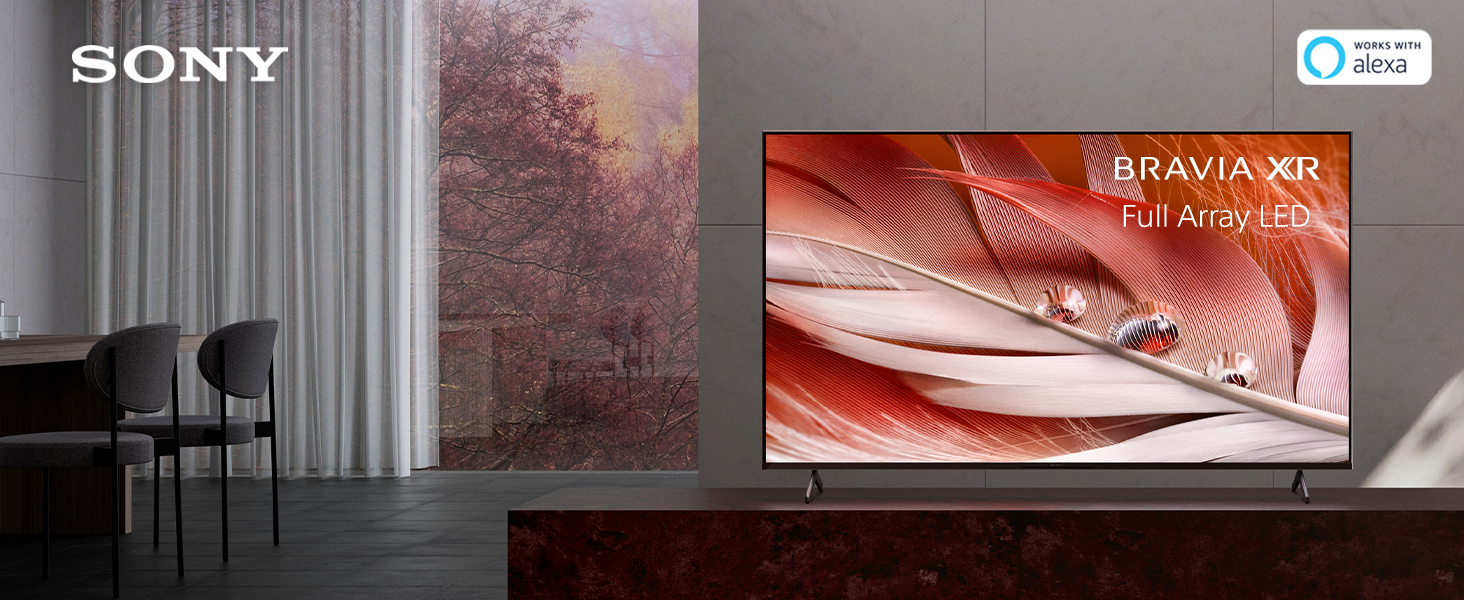
Experience lifelike images with the BRAVIA XR Full Array LED display.
Recursos de jogos
The X90J is designed to enhance your gaming experience:
- Taxa de atualização de 120 Hz: Provides smooth and responsive gameplay.
- Baixo atraso de entrada: Ensures minimal delay between your controller input and on-screen action.
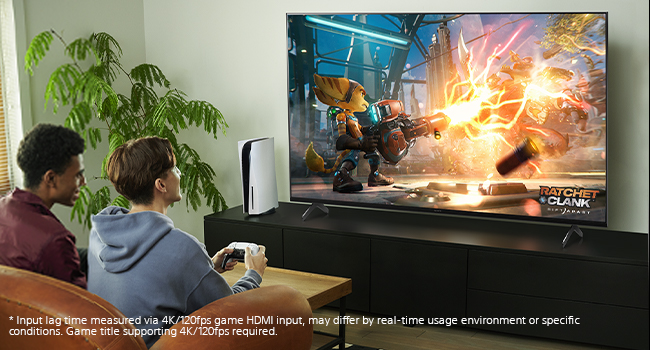
Enjoy immersive gaming with the TV's high refresh rate and low input lag.
Recursos inteligentes
Beyond stunning visuals, the X90J offers advanced smart capabilities:
- Smart TV do Google: Access a vast library of movies, shows, and apps.
- Compatibilidade com Alexa: Control your TV and smart home devices using voice commands through Alexa.
- Chromecast integrado: Stream content from your smartphone, tablet, or laptop directly to the TV.
- Works with Apple AirPlay 2 and Apple HomeKit: Seamlessly integrate your Apple devices for streaming and smart home control.
Manutenção
Limpando a tela
Limpe suavemente a tela com um pano de microfibra macio e seco. Para manchas persistentes, esfregue levemente.ampLimpe o pano com água ou com uma solução de limpeza específica para telas (evite produtos químicos agressivos).
Cuidados Gerais
Avoid placing heavy objects on the TV. Ensure proper ventilation around the TV to prevent overheating. Keep the TV away from direct sunlight and heat sources.
Solução de problemas
Sem energia
- Verifique se o cabo de alimentação está firmemente conectado tanto à TV quanto a uma tomada elétrica em funcionamento.
- Verifique se a tomada está funcionando testando-a com outro aparelho.
Sem imagem/som
- Verifique se a entrada correta está selecionada na TV.
- Check all cable connections (HDMI, audio) between the TV and external devices.
- Ensure external devices are powered on.
Controle remoto não funciona
- Substitua as pilhas do controle remoto.
- Certifique-se de que não haja obstruções entre o controle remoto e o sensor infravermelho da TV.
Especificações
| Recurso | Detalhe |
|---|---|
| ASIN | B093L8C5F5 |
| Tamanho de exibição da tela em pé | 75 polegadas |
| Proporção da tela | 16:9 |
| Tecnologia de exibição | Full Array LED (as per product title and features) |
| Resolução | 4K |
| Taxa de atualização | 120 Hz |
| Características especiais | Cognitive Intelligence with the Cognitive Processor XR; XR HDR Remaster; XR Contrast; 4K XR Super Resolution; XR 4K Upscaling; 4K XR Smoothing; XR Sound Position; Voice Search; Smart Remote; Chromecast Built-in; Works with Apple AirPlay 2 and Apple HomeKit |
| Tecnologia de Conectividade | HDMI, USB, Wi-Fi |
| Serviços de Internet suportados | Amazon Instant Video, Hulu Plus, Pandora |
| Fabricante | Sony |
| Data da primeira disponibilidade | 29 de abril de 2021 |
Garantia e Suporte
For warranty information and technical support, please refer to the documentation provided with your television or visit the official Sony support website. Guarde o recibo de compra como comprovante para solicitações de garantia.


