1. Introdução
This manual provides instructions for the Lexon MINO+ Portable Bluetooth Mini Speaker. The MINO+ is a compact, rechargeable speaker designed for high-definition audio playback, hands-free calling, and remote selfie functionality. It features True Wireless Stereo (TWS) technology for pairing two speakers.
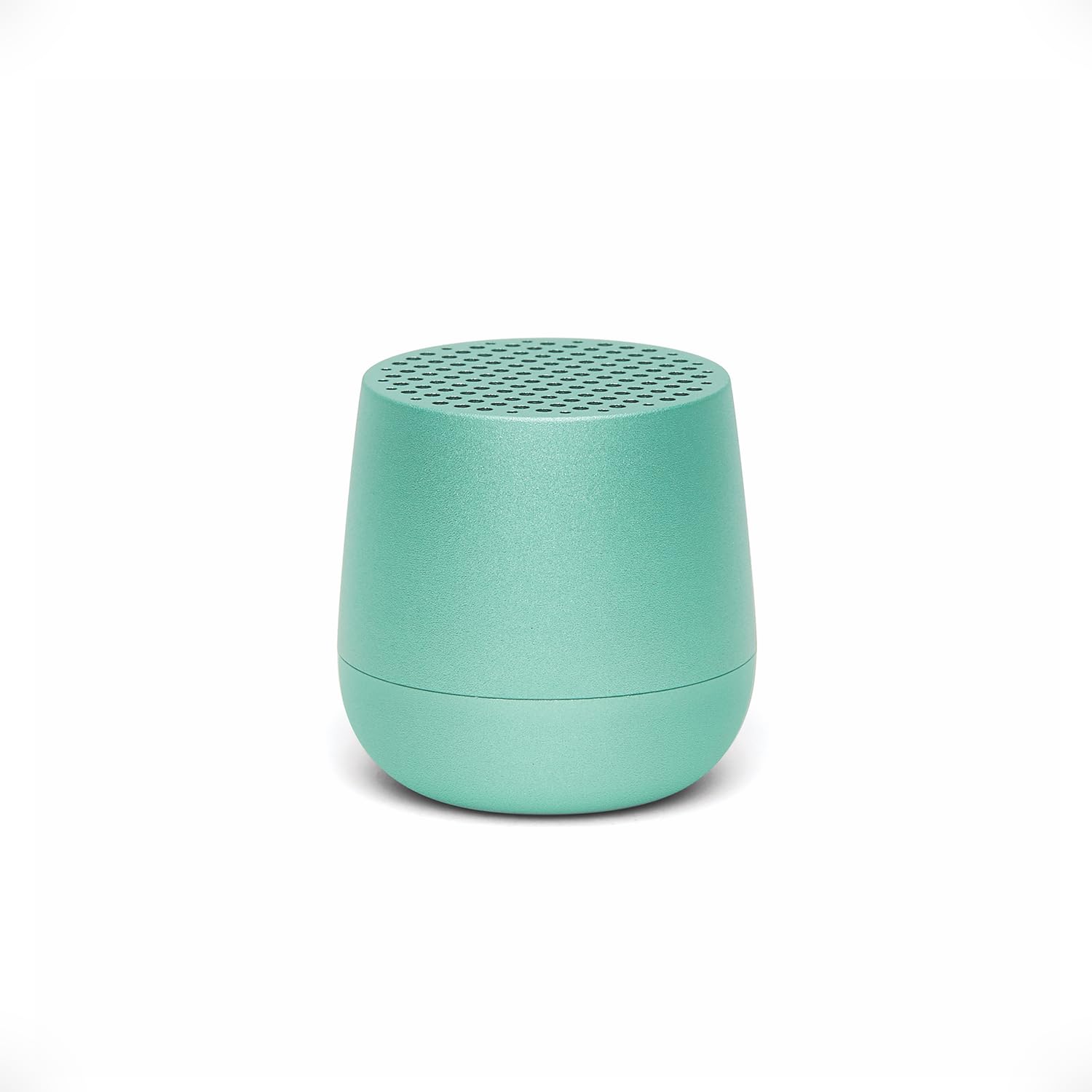
Image: The Lexon MINO+ speaker, showcasingraças ao seu design compacto.
Vídeo: Um excessoview of the Lexon MINO+ Bluetooth speaker, highlighting its features and design.
2. O que está na caixa
- Lexon MINO+ Portable Bluetooth Mini Speaker
- Cabo USB-C
3. Recursos do Produto
- Design compacto: Fits in the palm of your hand.
- Saída de áudio: Delivers 3W high-quality sound.
- Bateria recarregável: Até 3 horas de tempo de jogo.
- Opções de carregamento: Supports wireless charging (Qi-enabled pad not included) and USB-C charging.
- Estéreo sem fio verdadeiro (TWS): Allows pairing of two MINO+ speakers for stereo sound.
- Microfone viva-voz: Microfone embutido para chamadas.
- Controle remoto para selfies: Use the speaker button to trigger your phone's camera.
- Material: Construção metálica.
- Conectividade: Bluetooth wireless technology (range up to 10 meters / 32.8 feet).

Image: The MINO+ speaker comfortably held in a hand, illustrating its compact form factor.
4. Configuração
4.1 Ligar/Desligar
- To power on: Press and hold the button located on the bottom of the speaker until you hear an audible cue or see an indicator light.
- To power off: Press and hold the button again until the speaker powers down.
4.2 Emparelhamento Bluetooth inicial
- Ensure the MINO+ speaker is powered on and within 10 meters (32.8 feet) of your device.
- O alto-falante entrará automaticamente no modo de emparelhamento, indicado por uma luz LED piscando.
- No seu smartphone, tablet ou computador, acesse as configurações de Bluetooth.
- Select "MINO+" from the list of available devices.
- Once connected, the LED indicator will typically show a solid light, and you may hear a confirmation tone.
5. Instruções de operação
5.1 Reproduzindo Áudio
After successful pairing, audio played on your connected device will stream through the MINO+ speaker. Control playback (play/pause, skip tracks) directly from your connected device.
5.2 Ajustando o Volume
Ajuste o volume diretamente do seu dispositivo Bluetooth conectado (smartphone, tablet, etc.).
5.3 Chamadas em modo mãos-livres
- When a call comes in, the speaker will ring. Press the button on the bottom of the speaker once to answer the call.
- To end a call, press the button once again.
- Para rejeitar uma chamada recebida, pressione e segure o botão por alguns segundos.
5.4 Selfie Remote Control
With your phone's camera app open and the MINO+ connected via Bluetooth, press the button on the bottom of the speaker to remotely trigger the camera shutter and take a photo.
6. Carregamento
The MINO+ speaker can be charged using the included USB-C cable or wirelessly with a Qi-enabled charging pad (sold separately).
6.1 Carregamento USB-C
- Conecte o cabo USB-C à porta de carregamento do alto-falante.
- Conecte a outra extremidade do cabo USB-C a um adaptador de energia USB compatível (não incluído) ou a uma porta USB do computador.
- The LED indicator will show charging status (e.g., solid red for charging, off or green for fully charged).
6.2 Carregamento sem fio
- Place the MINO+ speaker on a Qi-enabled wireless charging pad.
- Ensure the speaker is centered on the charging pad for optimal contact.
- O indicador LED mostrará o status do carregamento.

Image: The MINO+ speaker being charged wirelessly on a compatible charging pad.
7. Emparelhamento True Wireless Stereo (TWS)
To achieve a stereo sound experience, you can pair two MINO+ speakers together.
- Ensure both MINO+ speakers are powered off.
- Ligue as duas caixas de som simultaneamente. Elas entrarão no modo de emparelhamento.
- Double-press the button on the bottom of one of the speakers. This speaker will become the primary unit.
- The two speakers will automatically connect to each other. You will hear a confirmation tone once connected.
- Now, connect your device to the primary MINO+ speaker via Bluetooth as described in Section 4.2. Audio will play in stereo through both speakers.

Image: Two MINO+ speakers positioned to illustrate their True Wireless Stereo (TWS) pairing function.
8. Manutenção
- Limpeza: Use um pano macio e seco para limpar o alto-falante. Não use produtos de limpeza abrasivos ou solventes.
- Armazenar: Guarde a caixa de som em local fresco e seco, longe da luz solar direta e de temperaturas extremas.
- Resistência à água: Este produto não é à prova d'água. Evite a exposição à água ou à alta umidade.
9. Solução De Problemas
| Problema | Solução |
|---|---|
| A caixa de som não liga. | Ensure the speaker is charged. Connect it to a power source using the USB-C cable or a wireless charging pad. |
| Não foi possível emparelhar com um dispositivo Bluetooth. |
|
| Sem som ou volume muito baixo. |
|
| O emparelhamento TWS falha. | Ensure both speakers are powered off before attempting TWS pairing. Follow the steps in Section 7 carefully. Make sure no other devices are connected to either speaker during TWS pairing. |
10. Especificações
| Recurso | Detalhe |
|---|---|
| Nome do modelo | MINO+ |
| Número do modelo do item | LA125M1 |
| Marca | Lexon |
| Tipo de alto-falante | Construído em |
| Potência máxima de saída do alto-falante | 3 Watts |
| Tecnologia de Conectividade | Bluetooth |
| Alcance Bluetooth | 10 Metros (32.8 Pés) |
| Fonte de energia | Alimentado por bateria (é necessária 1 bateria de polímero de lítio) |
| Hora de brincar | Até 3 horas |
| Carregando | USB-C, Wireless (Qi-compatible) |
| Características especiais | Built-In Microphone, Stereo Pairing (TWS), USB Port, Selfie Remote |
| Material | Metal |
| Dimensões do produto | 1.45"P x 1.45"L x 1.45"A |
| Peso do item | 33 gramas (1.16 onças) |
| Nível de resistência à água | Não resistente à água |
11. Informações de segurança
- Não exponha o alto-falante a temperaturas extremas, luz solar direta ou alta umidade.
- Evite deixar cair ou submeter o alto-falante a impactos fortes.
- Não tente desmontar, reparar ou modificar a caixa de som. Isso pode anular a garantia e representar riscos à segurança.
- Mantenha o alto-falante longe de crianças e animais de estimação.
- Descarte o produto e sua bateria de forma responsável, de acordo com as normas locais.
12. Garantia e Suporte
For warranty information or technical support, please refer to the official Lexon website or contact Lexon customer service directly. Keep your proof of purchase for warranty claims.


