Introdução
This manual provides essential information for setting up, operating, maintaining, and troubleshooting your iFFALCON 43-inch 4K Ultra HD Smart LED Google TV, model iFF43U62. Please read this manual thoroughly before using your television to ensure proper functionality and safety.
O que está na caixa
Ao desembalar, verifique se todos os seguintes itens estão incluídos:
- 1 x iFFALCON 43-inch LED TV
- 1 x Suporte de Mesa
- 1 x Manual do Usuário
- 1 x Cartão de garantia
- 1 x Controle Remoto
- 2 pilhas AAA
Configurar
1. Instalação em suporte ou montagem na parede
Carefully place the TV face down on a soft, flat surface to prevent screen damage. Attach the provided table-top stand using the screws, ensuring it is securely fastened. If wall mounting, follow the instructions provided with your wall mount kit (sold separately) and ensure proper ventilation around the TV.

Image: TV dimensions for stand installation or wall mounting.
2. Dispositivos de conexão
Connect your external devices such as set-top boxes, Blu-ray players, or gaming consoles to the HDMI ports. Use the USB port for external storage devices. For wired internet, connect an Ethernet cable to the LAN port. The TV also supports in-built Wi-Fi (2.4GHz/5GHz) for wireless connectivity.

Imagem: Lado view Exibindo várias portas de conectividade.
3. Ligar e configuração inicial
Plug the power cord into an electrical outlet. Press the power button on the TV or remote control. Follow the on-screen instructions to complete the initial setup, including language selection, network connection, and Google account sign-in.
Operando sua TV
1. Google TV Interface and Smart Features
Your iFFALCON TV runs on Google TV, offering a personalized experience with content recommendations. Access pre-installed apps like Netflix, Prime Video, Disney+Hotstar, and YouTube. Use Google Assistant for voice control to search for content, control smart home devices, and more.

Image: Google TV interface with streaming apps.
2. Recursos de exibição
Experience stunning visuals with 4K Ultra HD resolution (3840 x 2160) and a 60Hz refresh rate. The TV features an A+ Grade Panel, AI Picture Engine 2.0, HDR 10 support, 4K Upscaling, Dynamic Color Enhancement, and Micro Dimming Technology for enhanced contrast and vibrant colors. The Edgeless Design provides an immersive viewexperiência.
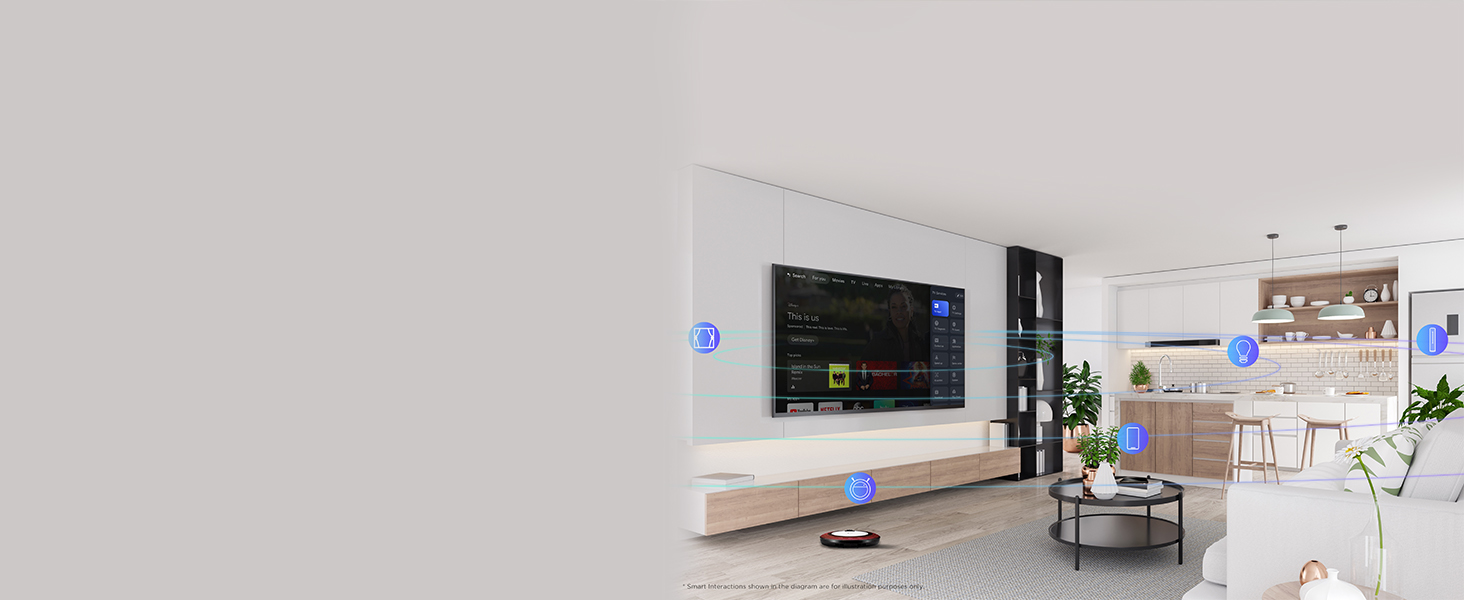
Image: 4K Ultra HD resolution detail.
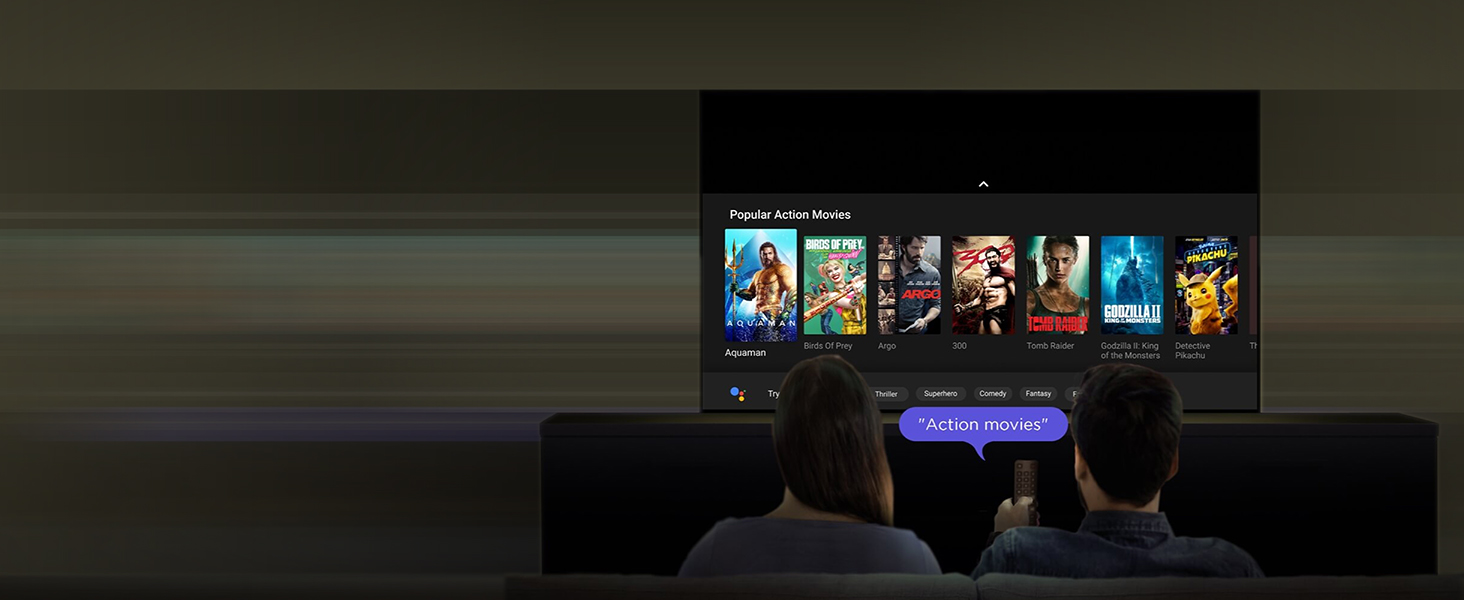
Image: HDR 10 contrast and color enhancement.
Image: Dynamic Color Enhancement.
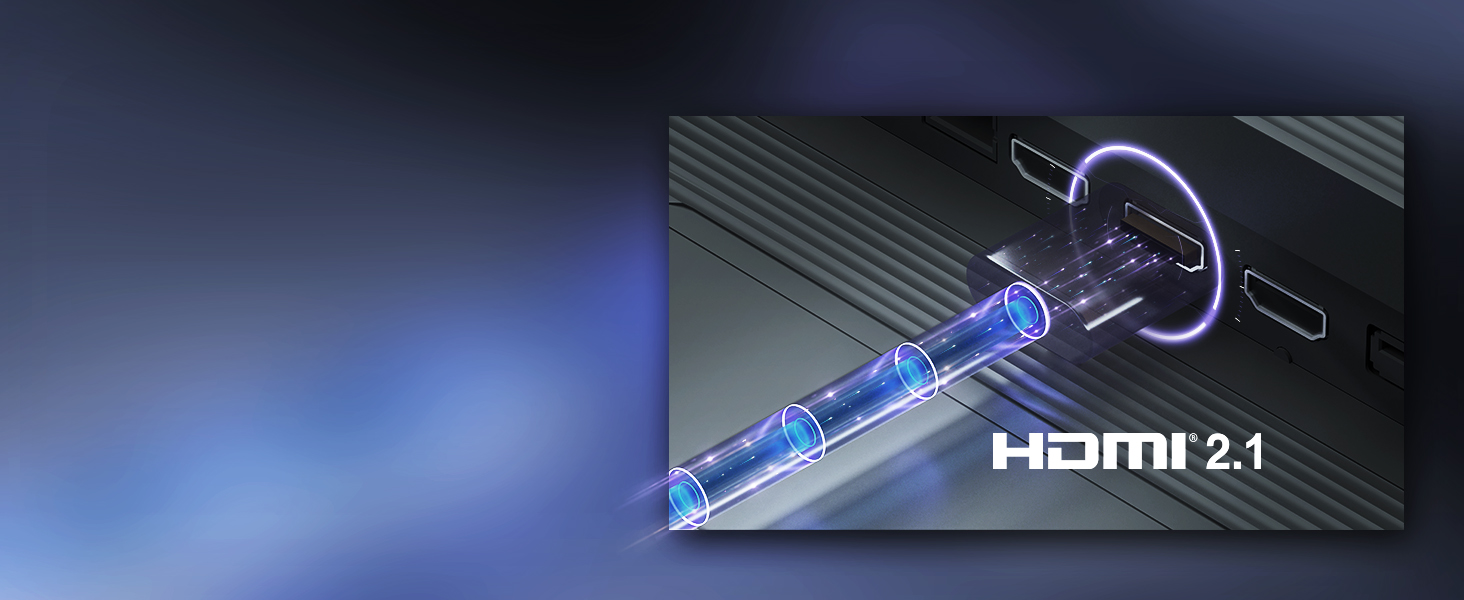
Image: Micro Dimming technology for enhanced contrast.
3. Recursos de áudio
The TV delivers powerful audio with 24 Watts output and Dolby Audio technology, providing rich, clear, and immersive sound for all your entertainment.
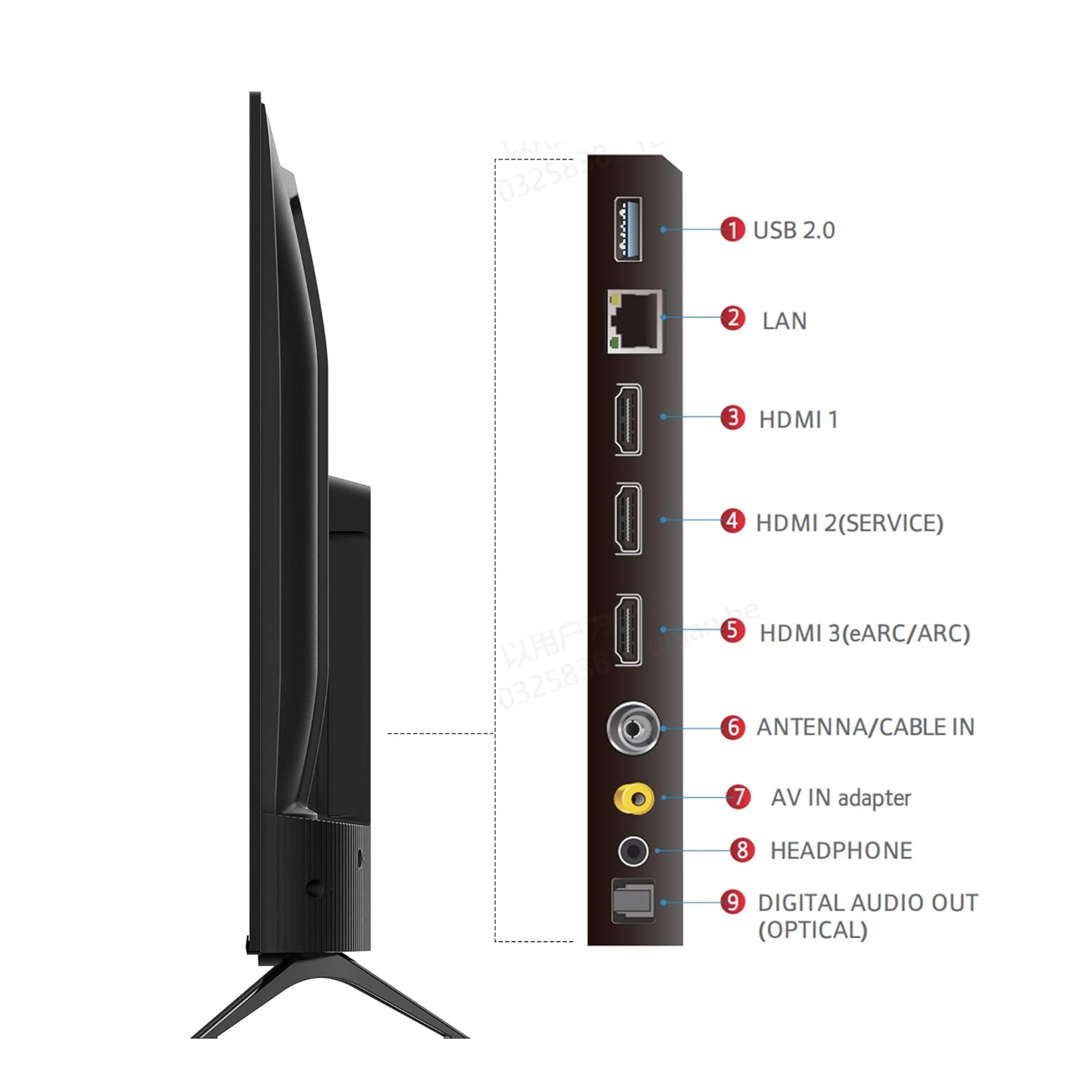
Image: Dolby Audio for immersive sound.
4. Vídeo oficial do produto
Vídeo: Apresentação oficial do vídeo do produtoasing the iFFALCON U62 Series 4K HDR TV features, including Dolby Audio, 4K Ultra HD resolution, Micro Dimming, Dynamic Color Enhancement, Google TV, and HDMI 2.1 connectivity.
Manutenção
1. Limpando sua TV
Para limpar a tela, limpe-a suavemente com um pano macio e sem fiapos. Para manchas persistentes, esfregue levementeampen the cloth with water or a screen cleaner specifically designed for TVs. Avoid using harsh chemicals, abrasive materials, or direct spraying of liquids onto the screen. For the TV body, use a soft, dry cloth.
2. Cuidados Gerais
Keep the TV away from direct sunlight, heat sources, and excessive dust. Ensure adequate ventilation around the TV to prevent overheating. Unplug the TV during lightning storms or when it will be unused for extended periods.
Solução de problemas
Se você tiver problemas com sua TV, consulte os problemas e soluções comuns a seguir:
- Sem energia: Ensure the power cord is securely plugged into both the TV and the electrical outlet. Check if the outlet is working by plugging in another device. Try pressing the power button on the TV itself, not just the remote.
- Sem imagem/som: Verify that the correct input source is selected (e.g., HDMI 1, HDMI 2). Check all cable connections between the TV and external devices. If using a set-top box, ensure it is powered on.
- Qualidade de imagem ruim: Adjust picture settings (brightness, contrast, color) in the TV menu. Ensure the input source is providing a high-quality signal. For 4K content, ensure your source device and cables support 4K.
- Sem conexão com a Internet: For Wi-Fi, check your router and ensure the TV is within range. Re-enter the Wi-Fi password. For wired connection, ensure the Ethernet cable is properly connected and your router is working.
- Controle remoto não funciona: Substitua as pilhas AAA do controle remoto. Certifique-se de que não haja obstruções entre o controle remoto e o sensor infravermelho da TV.
Se o problema persistir após seguir esses passos, entre em contato com o suporte ao cliente.
Especificações
| Recurso | Especificação |
|---|---|
| Marca | iFFALCON |
| Modelo | iFF43U62 |
| Tamanho da tela | 43 polegadas (108 cm) |
| Resolução | 4K Ultra HD (3840 x 2160) |
| Taxa de atualização | 60 hertz |
| Sistema operacional | Google TV |
| BATER | 2 GB |
| ROM | 16 GB |
| Processador | Processador Quad Core de 64 bits |
| Conectividade | 3 HDMI Ports, 1 USB Port, Headphone Output, Wi-Fi (2.4Ghz/5GHz), Ethernet, Bluetooth |
| Saída de som | 24 Watts |
| Tecnologia de Áudio | Áudio Dolby |
| Recursos de exibição | A+ Grade Panel, 178 Degree Wide Viewing Angle, AI Picture Engine 2.0, HDR 10, 4K Upscaling, Dynamic Color Enhancement, Micro Dimming Technology, Edgeless Design |
| Dimensões do produto (com suporte) | 95.7 x 18.5 x 61 cm |
| Peso do item | 6.3 kg |
Garantia e Suporte
Informações de garantia
Your iFFALCON iFF43U62 TV comes with a Garantia de 1 ano Garantia fornecida pelo fabricante a partir da data da compra. Guarde o comprovante de compra e o certificado de garantia para eventuais solicitações de garantia.
Suporte ao cliente
For technical assistance, service requests, or any inquiries regarding your iFFALCON TV, please refer to the contact information provided on your warranty card or visit the official iFFALCON support website. Ensure you have your TV's model number (iFF43U62) and serial number ready when contacting support.


