1. Introdução
Thank you for choosing the Soundcore by Anker Space Q45 Adaptive Active Noise Cancelling Headphones. These headphones are designed to provide an immersive audio experience with advanced noise cancellation, high-resolution sound, and extended battery life. This manual will guide you through the setup, operation, and maintenance of your new headphones.
2. O que está na caixa
- Soundcore Space Q45 Noise Cancelling Headphones
- Cabo USB-C
- Cabo AUX 3.5mm
- Estojo de viagem

3. Produto acabadoview
The Soundcore Space Q45 headphones feature a foldable design for portability and intuitive controls for ease of use. Key components include:
- Botão de energia: Located on the right earcup, used for turning the headphones on/off.
- Botão NC: Located on the left earcup, cycles through Noise Cancellation, Normal, and Transparency modes.
- Botões de aumentar / diminuir o volume: Ajusta o volume do áudio.
- Botão Reproduzir/Pausar: Controla a reprodução de mídia e o gerenciamento de chamadas.
- Porta de carregamento USB-C: Para carregar os fones de ouvido.
- Porta AUX de 3.5 mm: Para conexão de áudio com fio.

Video demonstrating the operation and functions of the Soundcore Space Q45 headphones, including button usage and features.
4. Configuração
4.1. Ligar / desligar
- Para ligar: Pressione e segure o botão Liga/Desliga por 3 segundos. O indicador LED acenderá.
- Para desligar: Pressione e segure o botão Liga/Desliga por 3 segundos. O indicador LED se apagará.
4.2. Emparelhamento Bluetooth
- With the headphones powered off, press and hold the Power button for 5 seconds until the LED indicator flashes blue. This indicates pairing mode.
- On your device (smartphone, tablet, laptop), enable Bluetooth and search for "Soundcore Space Q45".
- Select the headphones from the list to connect. Once connected, the LED indicator will turn solid blue.
- The headphones support multipoint connection, allowing simultaneous connection to two devices. To connect a second device, repeat the pairing process.

4.3. Instalação do aplicativo Soundcore
Download the Soundcore app from your device's app store to unlock full features, customize settings, and update firmware.
- Procurar "Soundcore" in the App Store (iOS) or Google Play Store (Android).
- Install the app and follow the on-screen instructions to connect your Space Q45 headphones.
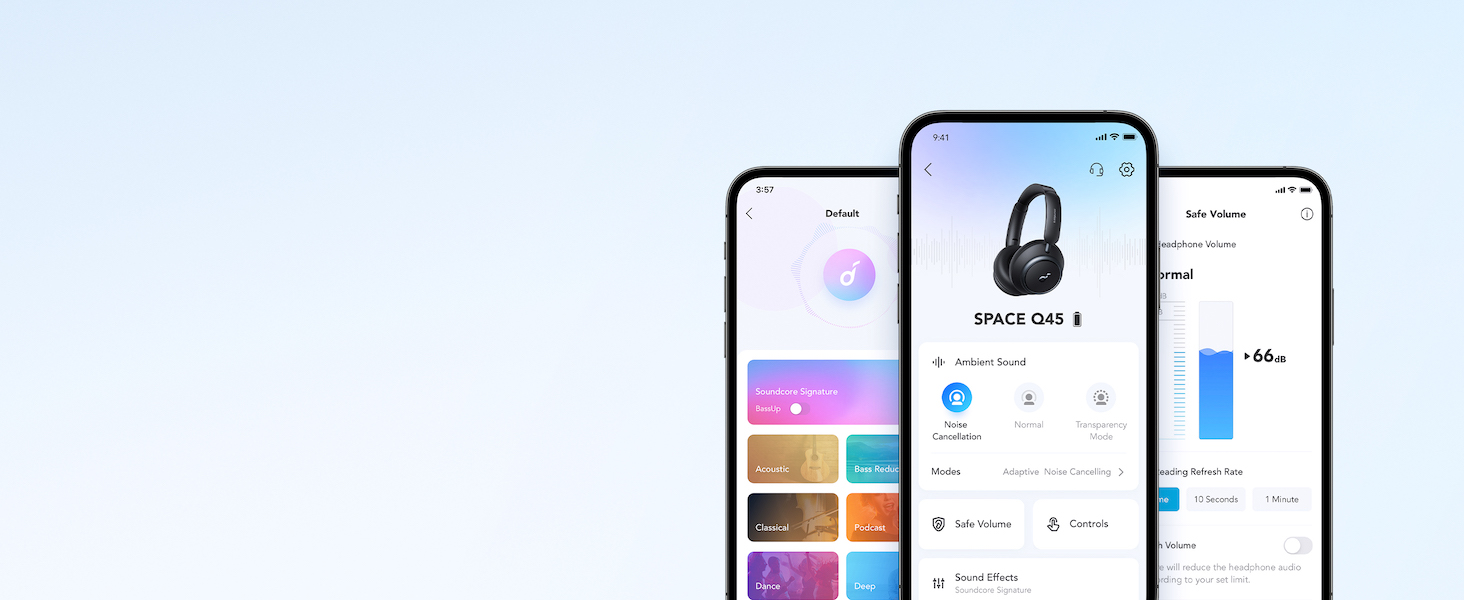
Apresentação de vídeoasing the features and listening controls available through the Soundcore app for the Space Q45 headphones.
5. Instruções de operação
5.1. Controles Básicos
- Aumentar/diminuir volume: Pressione os botões '+' ou '-'.
- Reproduzir/Pausar: Pressione o botão Reproduzir/Pausar uma vez.
- Próxima faixa: Pressione e mantenha pressionado o botão '+' por 2 segundos.
- Faixa anterior: Pressione e mantenha pressionado o botão '-' por 2 segundos.
5.2. Gerenciamento de chamadas
- Atender/encerrar chamada: Pressione o botão Reproduzir/Pausar uma vez.
- Rejeitar chamada: Pressione e segure o botão Reproduzir/Pausar por 2 segundos.
5.3. Switching Noise Cancellation Modes
Press the NC button on the left earcup to cycle through the following modes:
- Cancelamento de ruído: Bloqueia o ruído ambiente.
- Normal: Reprodução de áudio padrão sem cancelamento ativo de ruído ou transparência.
- Transparência: Permite que você ouça o que está ao seu redor enquanto escuta áudio.
6. Adaptive Noise Cancellation
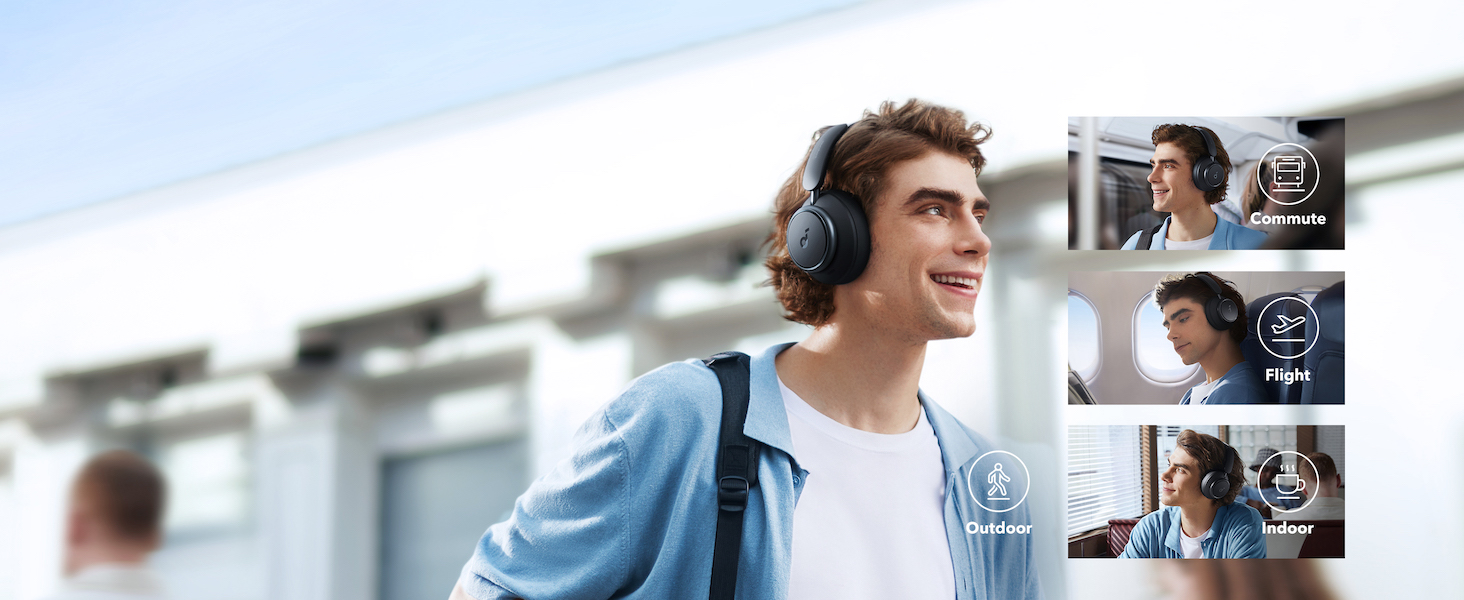
The Space Q45 headphones feature an advanced noise-cancelling system that reduces up to 98% of ambient noise. The adaptive noise cancellation automatically selects a suitable level based on your environment, whether you are indoors, outdoors, commuting, or on a flight. You can also manually select from 5 noise-cancelling levels via the Soundcore app.
7. Qualidade de áudio
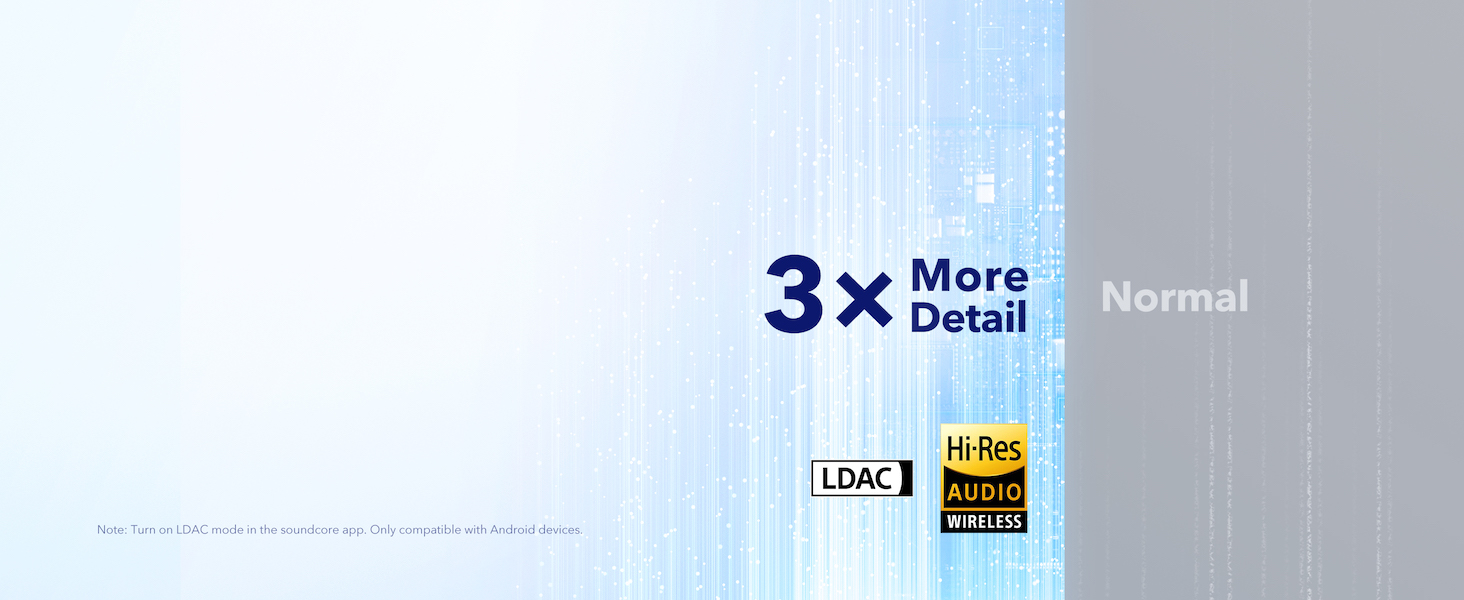
The Space Q45 headphones are equipped with 40mm double-layer diaphragm drivers, crafted from silk and ceramic materials. This innovative design produces sound with intense bass and crisp treble, ensuring every detail of your audio is heard. The headphones also support LDAC for Hi-Res Audio Wireless sound, delivering 3 times more detail than standard Bluetooth codecs.

8. Duração da bateria e carregamento
The Space Q45 headphones offer impressive battery performance:
- Up to 50 hours of playtime with Noise Cancellation mode activated.
- Up to 65 hours of playtime in Normal mode.
- Carregamento rápido: Uma carga de 5 minutos proporciona aproximadamente 4 horas de reprodução.
- Tempo de carga total: Aproximadamente 2 horas.

9. Manutenção
9.1. Limpeza
- Use um pano macio e seco para limpar os fones de ouvido e a faixa de cabeça.
- Evite usar produtos químicos agressivos ou materiais abrasivos.
- Não mergulhe os fones de ouvido na água.
9.2. Armazenamento
- When not in use, store the headphones in their protective travel case to prevent damage.
- Evite armazenar em temperaturas extremas ou alta umidade.
10. Solução De Problemas
If you encounter any issues with your Soundcore Space Q45 headphones, please refer to the following common solutions:
- Sem energia: Certifique-se de que os fones de ouvido estejam totalmente carregados. Conecte-os a uma fonte de energia usando o cabo USB-C.
- Sem som: Check the volume levels on both the headphones and your connected device. Ensure the headphones are properly paired via Bluetooth or the 3.5mm AUX cable is securely connected.
- Problemas de emparelhamento: Turn off Bluetooth on all other devices, then try re-pairing the headphones with your desired device. If issues persist, reset the headphones (refer to the Soundcore app or online support for specific reset instructions).
- O cancelamento de ruído não funciona: Ensure the Noise Cancellation mode is activated. Adjust the noise cancellation levels via the Soundcore app.
For further assistance, consult the Soundcore app or visit the official Soundcore support website.
11. Especificações
| Nome do modelo | A3040 |
| Controle de Ruído | Cancelamento de ruído ativo adaptativo |
| Tecnologia de Conectividade | Sem fio (Bluetooth 5.3) |
| Alcance Bluetooth | 10 metros |
| Tamanho do driver de áudio | 40 milímetros |
| Duração da bateria (ANC ativado) | 50 horas |
| Duração da bateria (modo normal) | 65 horas |
| Tempo de carregamento | 2 horas |
| Peso do item | 295 gramas (10.4 onças) |
| Dimensões do produto | 6.34 x 3.46 x 7.44 polegadas |
| Entrada para fones de ouvido | 3.5 mm Jack |
| Método de controle | Botões de controle de aplicativos e mídia |
12. Garantia e Suporte
Soundcore products are backed by a limited warranty. For detailed warranty information, frequently asked questions, and customer support, please visit the official Soundcore website or contact their customer service team. You can also find support resources within the Soundcore app.
Website: www.soundcore.com
E-mail: service@soundcore.com


