Introdução
This manual provides detailed instructions for the setup, operation, and maintenance of your VTech CS2000 DECT Cordless Home Phone. Please read this manual thoroughly before using your new phone to ensure proper functionality and to take full advantage de suas características.
The VTech CS2000 is designed for home use, offering reliable long-range communication, essential call management features, and user-friendly design.

Figure 1: VTech CS2000 DECT Cordless Home Phone, showing the handset docked in its base unit.
Configurar
Conteúdo da embalagem
Verifique se todos os itens estão presentes em sua embalagem:
- Telefone VTech CS2000
- VTech CS2000 Base Unit
- Adaptador de energia para a unidade base
- Cabo de linha telefônica
- Rechargeable NiMH Battery (1 included)
Instalação e carregamento da bateria
The VTech CS2000 uses a rechargeable NiMH battery. Proper installation and initial charging are crucial for optimal performance.
- Localize o compartimento da bateria na parte de trás do monofone.
- Insert the supplied NiMH battery, ensuring the polarity matches the diagram inside the compartment.
- Feche bem a tampa do compartimento da bateria.
- Place the handset on the base unit. The charging indicator on the handset should illuminate.
- Allow the handset to charge for at least 16 hours before initial use, even if the display indicates a full charge sooner. This ensures maximum battery capacity.
Conectando a Unidade Base
- Conecte uma extremidade do cabo da linha telefônica à entrada TEL LINE na parte traseira da unidade base.
- Conecte a outra extremidade do cabo da linha telefônica a uma tomada telefônica de parede.
- Connect the small end of the power adapter to the POWER jack on the back of the base unit.
- Conecte a extremidade maior do adaptador de energia a uma tomada elétrica padrão.
- Certifique-se de que todas as conexões estejam seguras.
Operando seu telefone
Fazendo e recebendo chamadas
Fazer uma chamada:
- Pressione o FALAR button (green receiver icon) or lift the handset from the base.
- Disque o número de telefone desejado.
- Pressione o FIM button (red receiver icon) or place the handset back on the base to end the call.
Recebendo uma chamada:
Quando o telefone tocar, pressione o FALAR button or lift the handset from the base to answer.
Viva-voz
The VTech CS2000 features a hands-free speakerphone function, allowing you to talk without holding the handset.
- Durante uma chamada, pressione o PALESTRANTE botão (ícone de alto-falante).
- Para voltar ao aparelho, pressione o FALAR botão novamente.
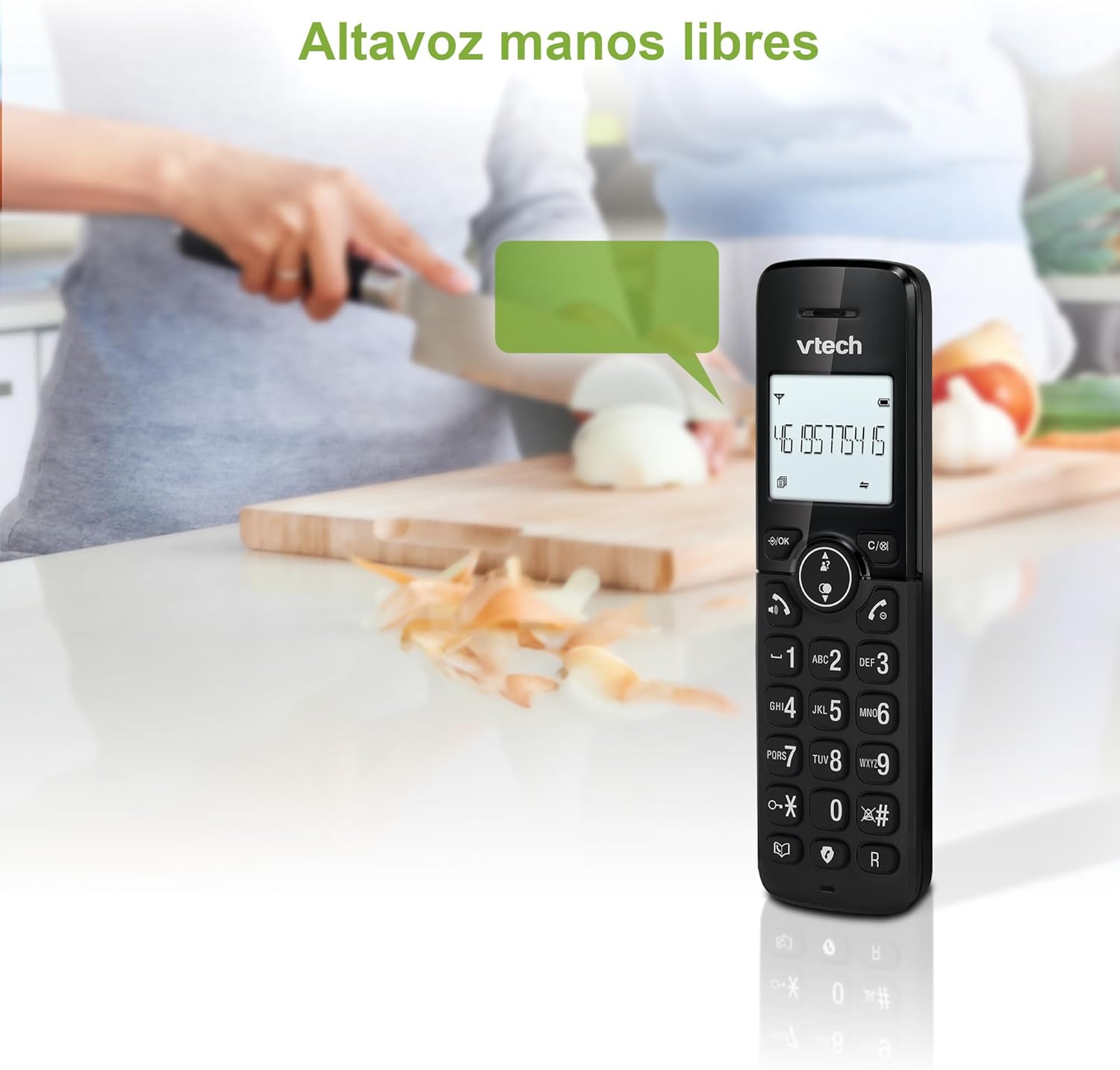
Figure 2: Using the hands-free speakerphone function.
Bloqueio de Chamadas
The call blocking feature allows you to prevent unwanted calls. You can block up to 30 numbers.
- Para bloquear um número durante uma chamada, pressione a tecla BLOCO DE CHAMADA botão.
- To add a number to the block list manually, navigate to the Call Block menu in the phone settings.
- Follow the on-screen prompts to add or remove numbers from the block list.
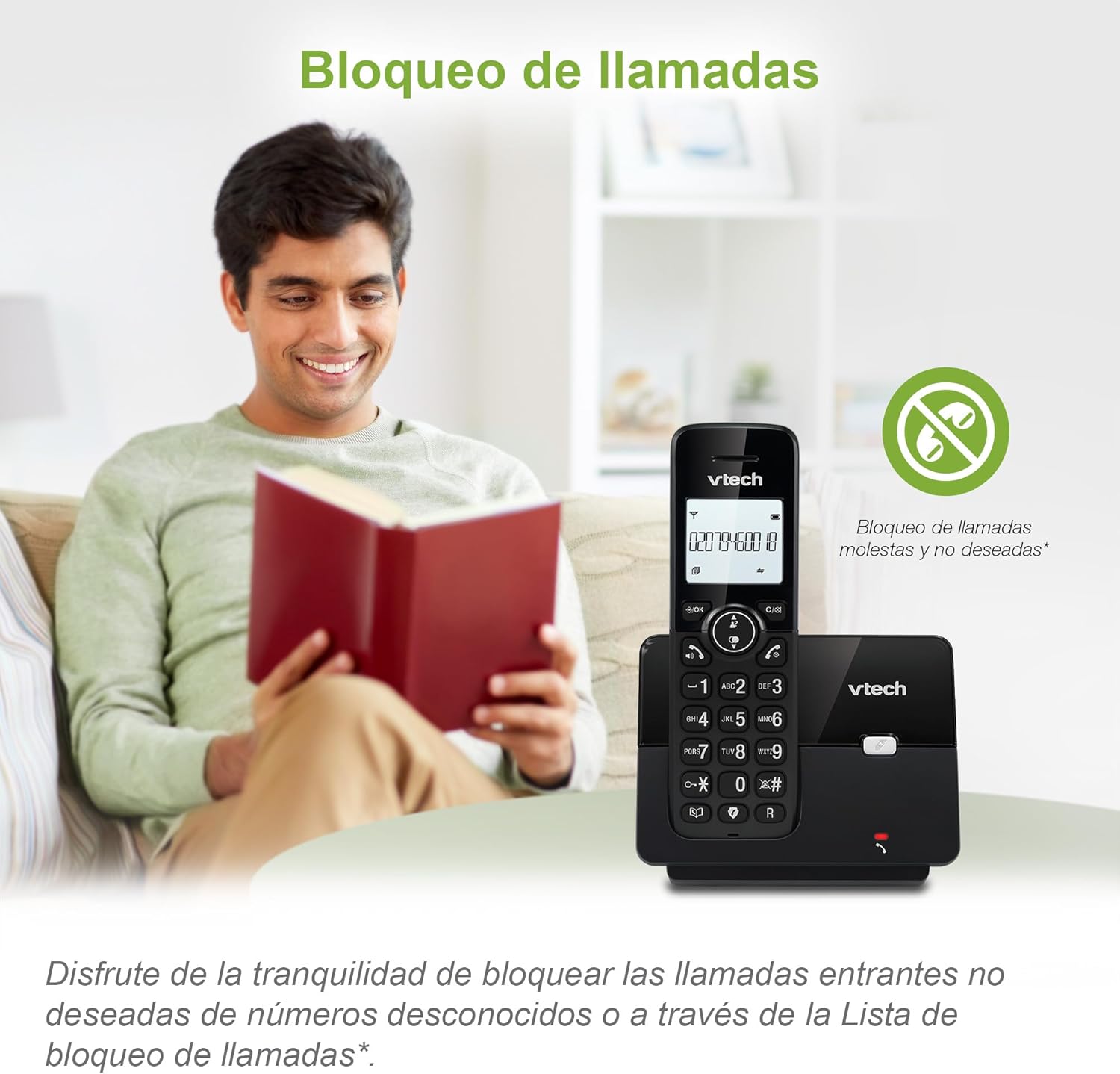
Figure 3: The call blocking feature helps manage unwanted calls.
Lista telefônica (Diretório)
Armazene até 30 nomes e números na agenda telefônica para discagem rápida.
- Pressione o MENU / OK botão.
- Navigate to the "Phonebook" or "Directory" option.
- Select "Add New Entry" and follow the prompts to enter the name and number.
- To dial from the phonebook, press the DIRETÓRIO button and scroll to the desired entry, then press FALAR.

Figure 4: Managing contacts in the phonebook.
Identificador de chamadas e chamada em espera
The phone stores up to 20 caller ID records with name and number (service subscription may be required).
When a new call comes in while you are on another call, the call waiting feature alerts you (service subscription may be required).
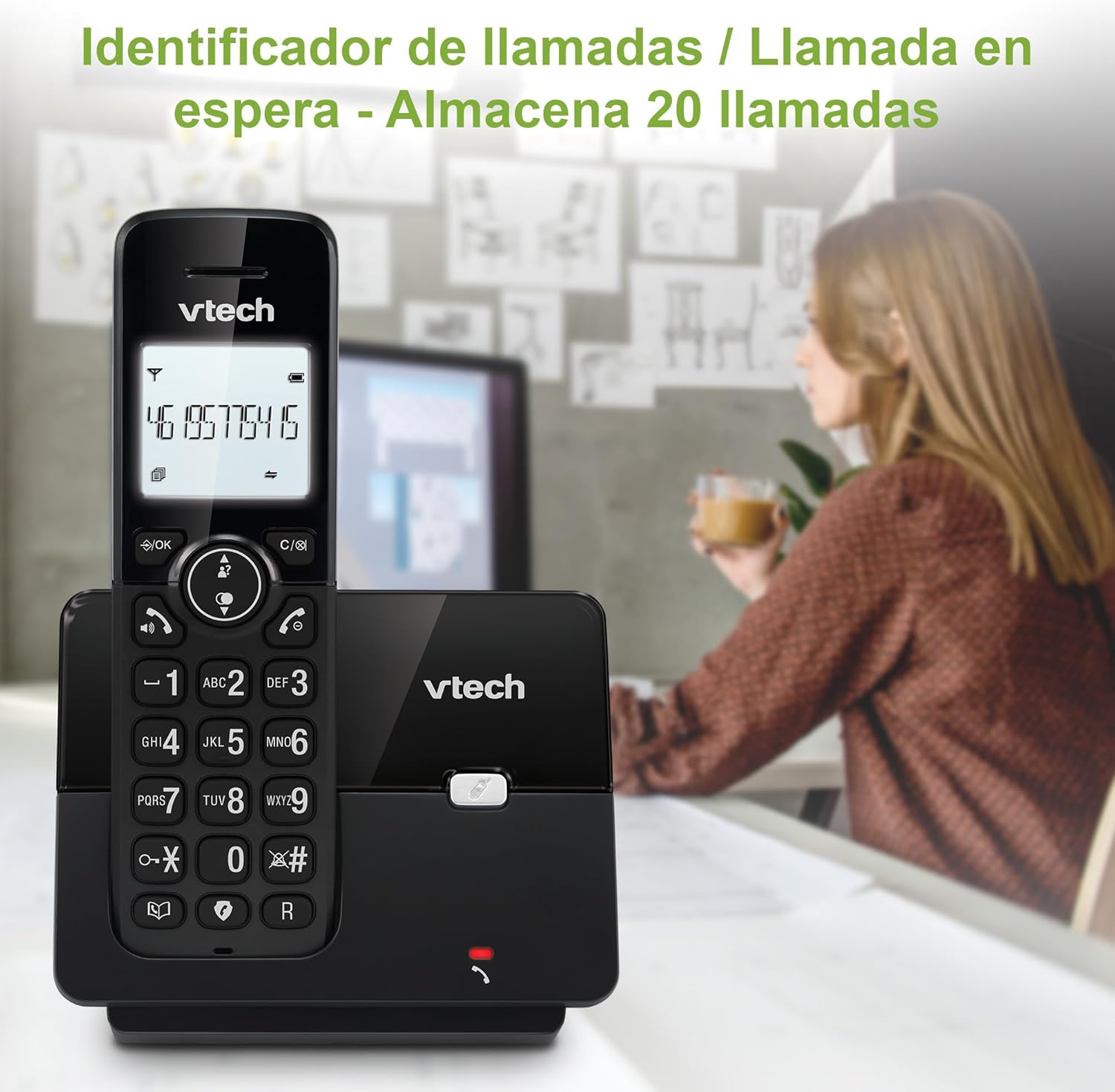
Figure 5: Caller ID display on the handset.
Lista de rediscagem
The phone stores the last 10 dialed numbers for quick redialing.
- Pressione o REDISCAR botão.
- Scroll through the list using the navigation keys.
- Imprensa FALAR to redial the selected number.

Figure 6: Accessing the redial list.
Modo Eco
The ECO mode automatically adjusts the radio frequency power based on the distance between the handset and the base unit, helping to conserve energy.
Adjusting Ring Volume and Melody
You can customize the ring volume and melody of your handset.
- Pressione o MENU / OK botão.
- Navigate to "Settings" or "Ring Settings".
- Select "Ring Volume" or "Ring Melody" and choose your preference.
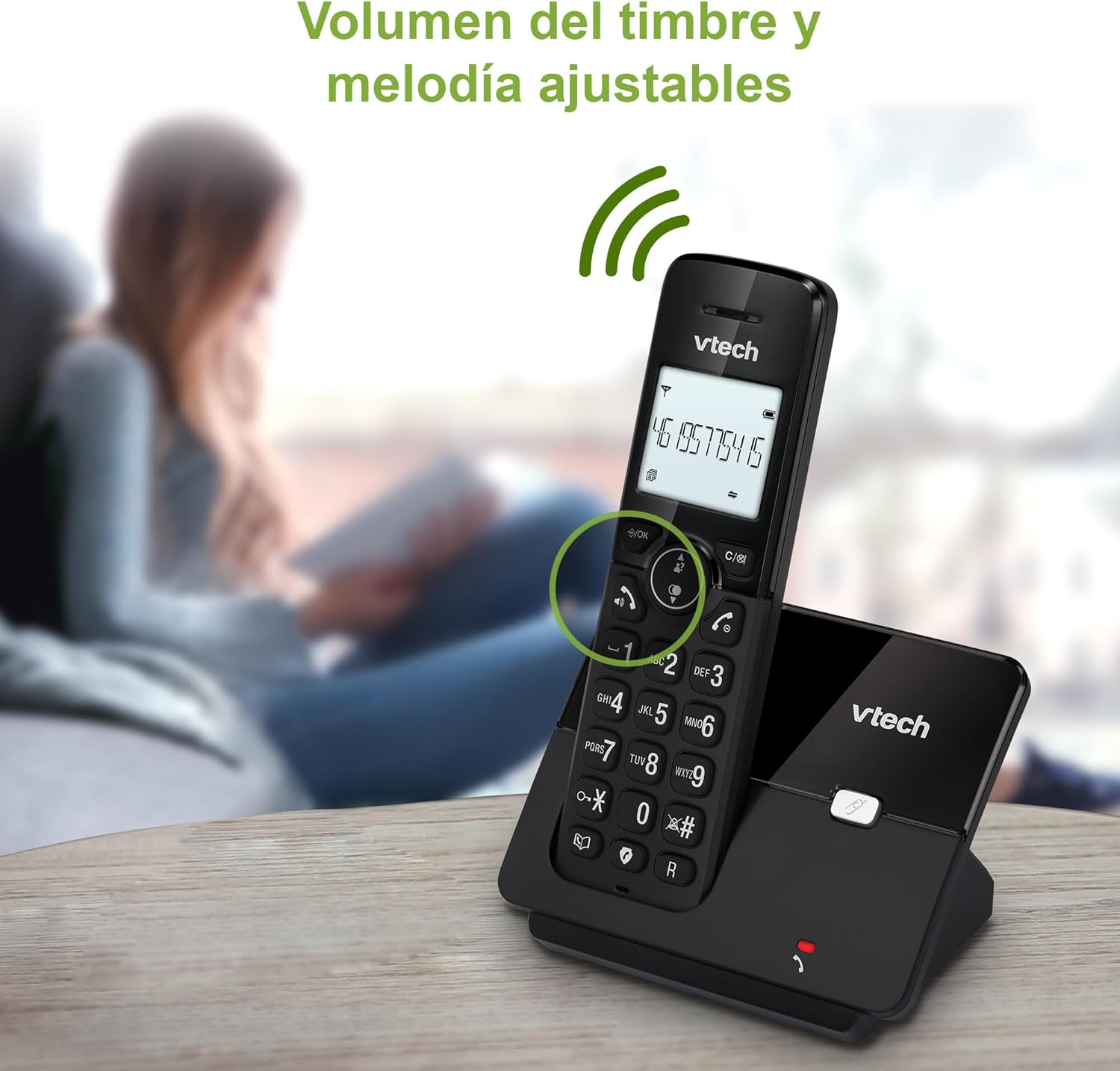
Figure 7: Adjusting ring volume and melody.
Alarm and Silence Function
The phone includes an alarm function and a silence mode for convenience.
- To set an alarm, navigate to the "Alarm" option in the menu and follow the prompts.
- To activate silence mode, typically press and hold the MUDO button or access the "Silence" option in the settings.

Figure 8: Alarm and silence functions.
Exibição retroiluminada
The 1.8-inch backlit display provides clear visibility, especially in low-light conditions.

Figure 9: The 1.8-inch backlit display for clear viewindo.
Long Range Capability
The VTech CS2000 utilizes DECT technology to provide a stable operating range of up to 300 meters outdoors, ensuring clear communication throughout your home and property.

Figure 10: The phone offers reliable long-range coverage.
Manutenção
Limpeza
Limpe o telefone e a base com um pano macio e seco.amp cloth. Do not use cleaning sprays or abrasive cleaners, as they can damage the finish or electrical components.
Cuidados com a bateria
- Only use the supplied rechargeable NiMH battery or an approved replacement.
- Se o telefone não for usado por um longo período, remova a bateria para evitar vazamentos.
- Descarte as baterias de forma responsável, de acordo com as normas locais.
Solução de problemas
If you experience issues with your VTech CS2000 phone, try the following solutions:
| Problema | Solução |
|---|---|
| Não esta dando sinal. | Ensure the telephone line cord is securely connected to both the base unit and the wall jack. Check if the power adapter is properly connected and plugged into a working outlet. |
| O aparelho não carrega. | Ensure the handset is correctly placed on the base unit. Clean the charging contacts on both the handset and base unit with a dry cloth. Verify the power adapter is connected. |
| Qualidade de som ruim ou estática. | Move closer to the base unit. Ensure there are no large metal objects or other electronic devices interfering with the signal. Check for loose telephone line connections. |
| Não consigo fazer nem receber chamadas. | Check if the phone line is active. Ensure the handset is registered to the base unit (refer to the full manual for registration steps if needed). Temporarily unplug the base unit's power adapter, wait a few seconds, then plug it back in. |
| O identificador de chamadas não está sendo exibido. | Certifique-se de ter assinado o serviço de identificação de chamadas com sua operadora de telefonia. |
Especificações
| Marca | VTech |
| Número do modelo | CS2000 |
| Cor | Preto |
| Tipo de telefone | Telefone sem fio DECT |
| Tamanho da tela | 1.8 polegadas |
| Composição da Bateria | NiMH |
| Número de baterias | 1 (Específico do produto - Incluído) |
| Material | Plástico |
| Fonte de energia | Alimentado por bateria |
| Tipo de discador | Teclado único |
| Tipo de sistema de atendimento | Sem fio |
| Peso do item | 300 gramas |
| Operação com múltiplas linhas | Operação de linha única |
| Características especiais | Cordless, Call Blocking, Hands-Free Speakerphone, Backlit Display, ECO Mode, Caller ID, Phonebook, Redial |
Garantia e Suporte
Para informações sobre garantia e suporte técnico, consulte a documentação incluída na sua compra ou visite o site oficial da VTech. webGuarde o comprovante de compra como prova de aquisição.
Fabricante: VTECH TELECOMMUNICATIONS LTD
País de origem: China


