1. Introdução
Thank you for choosing the Baseus Bowie H2 True Wireless Earphones. This manual provides detailed instructions on how to set up, operate, maintain, and troubleshoot your earphones to ensure optimal performance and longevity. Please read this manual thoroughly before using the product.
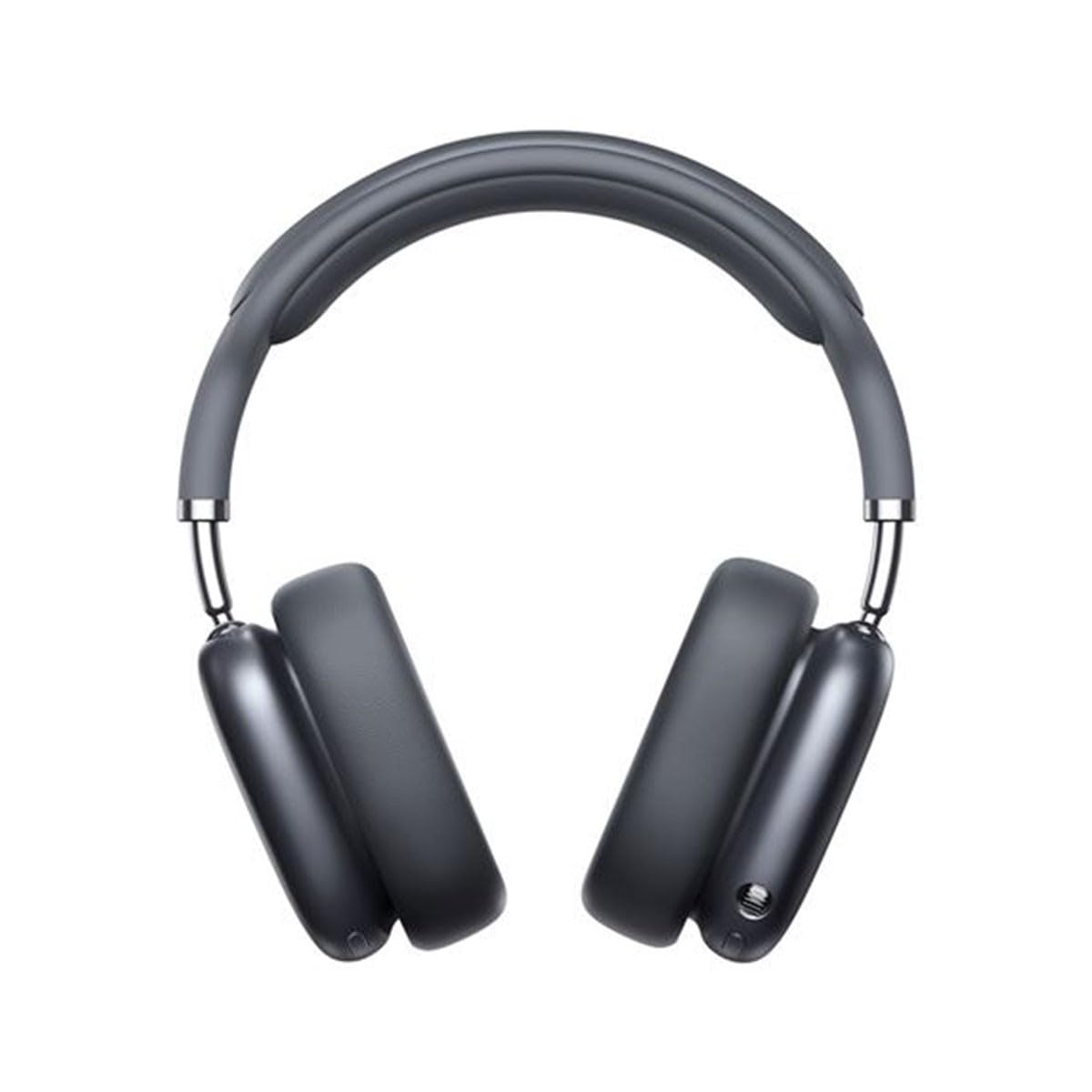
Image 1.1: Baseus Bowie H2 product overview. Please note that while this image displays over-ear headphones, the product described in this manual is the Baseus Bowie H2 True Wireless Earphones (in-ear type).
2. O que está na caixa
Carefully unpack the product and ensure all items are present and in good condition. The package should contain:
- Baseus Bowie H2 True Wireless Earphones (Left and Right)
- Estojo de carregamento sem fio
- Cabo de carregamento USB
- Manual do usuário

Imagem 2.1: Example of Baseus headphones in a case. The Baseus Bowie H2 True Wireless Earphones come with a compact wireless charging case.
3. Configuração
3.1 Carregando os fones de ouvido e o estojo
Before first use, fully charge the earphones and the charging case. Place the earphones into the charging case. Connect the USB charging cable to the charging port on the case and plug the other end into a USB power adapter (not included) or a computer's USB port. The indicator light on the case will show charging status and turn off or change color when fully charged.
3.2 Emparelhamento Bluetooth
- Certifique-se de que os fones de ouvido estejam carregados.
- Open the charging case. The earphones will automatically enter pairing mode, and an indicator light (usually on the earphones or case) will flash, indicating they are ready to pair.
- No seu dispositivo (smartphone, tablet, laptop), ative o Bluetooth.
- Procurar available Bluetooth devices. Select "Baseus Bowie H2" from the list.
- Once connected, the indicator light will stop flashing, and you may hear a confirmation tone.
- Se o emparelhamento falhar, coloque os fones de ouvido de volta no estojo, feche-o e abra-o novamente para entrar no modo de emparelhamento.
4. Operando os fones de ouvido
4.1 Como usar os fones de ouvido
Gently insert the earphones into your ear canals. Adjust them for a comfortable and secure fit to ensure optimal sound quality and noise isolation. The left (L) and right (R) earphones are marked.

Imagem 4.1: Frente view of Baseus headphones. For the Bowie H2 earphones, ensure a snug fit in the ear canal.
4.2 Controles de toque
The Baseus Bowie H2 earphones feature touch controls for various functions. The specific touch gestures may vary slightly, but common functions include:
- Reproduzir/Pausar: Um único toque em qualquer um dos fones de ouvido.
- Próxima faixa: Toque duas vezes no fone de ouvido direito.
- Faixa anterior: Toque duas vezes no fone de ouvido esquerdo.
- Atender/encerrar chamada: Um único toque em qualquer um dos fones de ouvido.
- Rejeitar chamada: Long press on either earphone.
- Ative o Voice Assistant: Toque três vezes em qualquer um dos fones de ouvido.
Refer to the quick start guide included in your package for precise touch control mapping.

Imagem 4.2: Topo view of Baseus headphones. The touch control areas are typically located on the outer surface of the earphones.
5. Manutenção
Proper maintenance ensures the longevity and performance of your Baseus Bowie H2 earphones.
- Limpeza: Use um pano macio, seco e sem fiapos para limpar os fones de ouvido e o estojo de carregamento. Não use produtos de limpeza abrasivos, álcool ou solventes químicos.
- Armazenar: When not in use, always store the earphones in their charging case to protect them from dust, dirt, and damage.
- Evite água: While the earphones may have some water resistance, avoid submerging them in water or exposing them to excessive moisture.
- Temperatura: Do not expose the earphones to extreme temperatures (hot or cold) or direct sunlight for extended periods.
6. Solução De Problemas
If you encounter issues with your Baseus Bowie H2 earphones, try the following solutions:
| Problema | Solução |
|---|---|
| Os fones de ouvido não estão emparelhando. |
|
| Nenhum som de um fone de ouvido |
|
| Problema de carregamento |
|
| Volume baixo ou má qualidade de som |
|
7. Especificações
Key technical specifications for the Baseus Bowie H2 True Wireless Earphones (Model: NGTW260013):
- Número do modelo:
- NGTW260013
- Marca:
- Baseus
- Tecnologia de conectividade:
- Wireless (Bluetooth)
- Versão Bluetooth:
- 5.2
- Colocação da orelha:
- No ouvido
- Fator de forma:
- No ouvido
- Tipo de controle:
- Controle de toque
- Tipo de driver de áudio:
- Driver Dinâmico
- Componentes incluídos:
- Estojo de carregamento sem fio
- Material:
- Plástico
- Peso do item:
- 582 g (Note: This weight is unusually high for in-ear earphones and may refer to the package weight or a different product variant.)
- Dimensões do produto:
- 50 x 50 x 28 cm (Note: These dimensions are unusually large for in-ear earphones and may refer to the package dimensions or a different product variant.)
- Dispositivos compatíveis:
- Smartphones, tablets, laptops, alto-falantes inteligentes
8. Garantia e Suporte
Baseus products are designed with quality and reliability in mind. For specific warranty information, please refer to the warranty card included with your purchase or visit the official Baseus webSe precisar de suporte técnico ou tiver dúvidas que não sejam abordadas neste manual, entre em contato com o serviço de atendimento ao cliente da Baseus por meio de seus canais oficiais.
Guarde o comprovante de compra para reclamações de garantia.


