Produto acimaview
The Baseus Bowie EZ10 TWS Earbuds are designed for a seamless audio experience with advanced Bluetooth 5.3 technology. These wireless in-ear headphones offer ultra-low latency, premium sound quality, and extended battery life, making them suitable for various activities including gaming, music listening, and calls. Their compact and ergonomic design ensures a comfortable and secure fit.
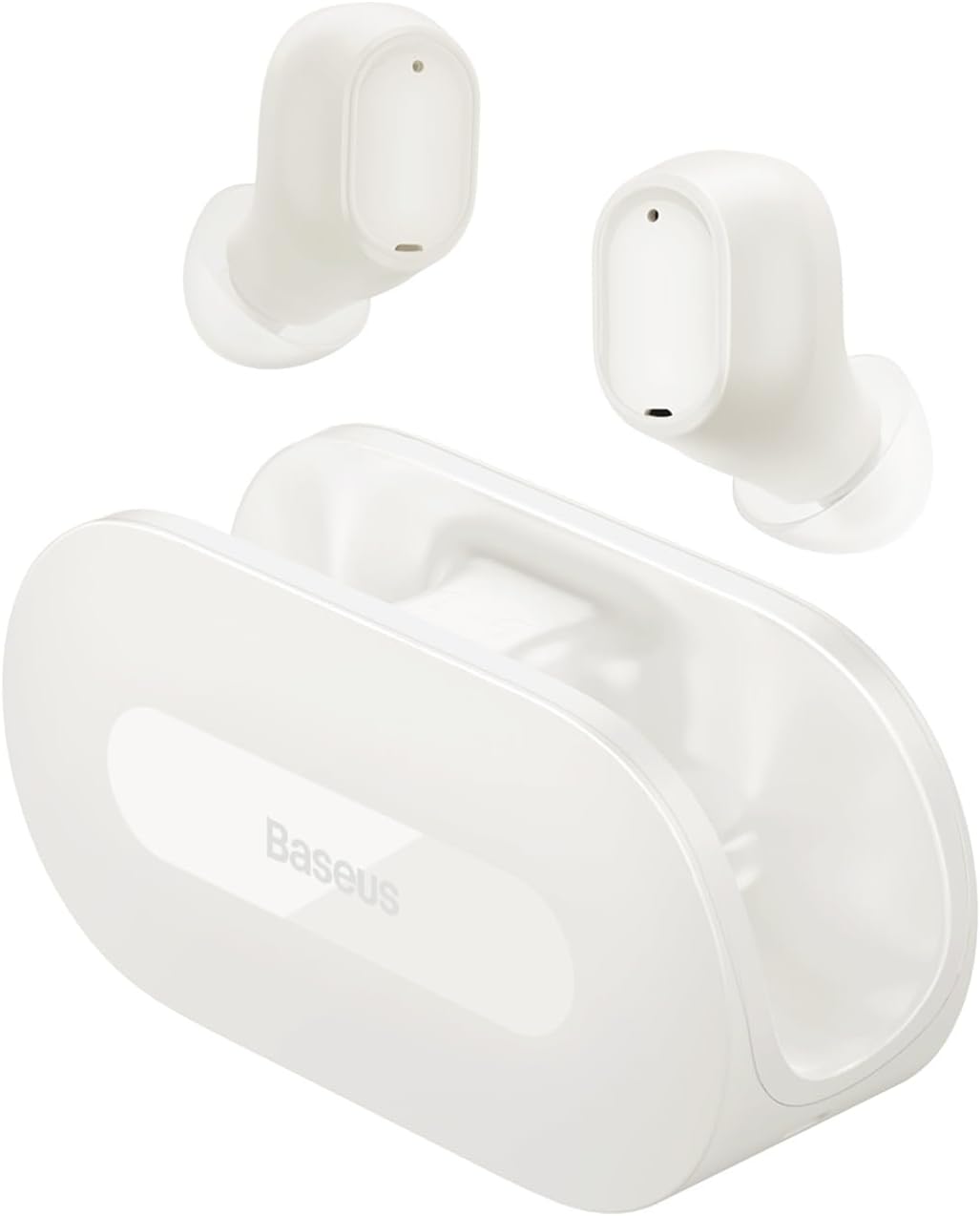
Image: Baseus Bowie EZ10 TWS Earbuds in white, with their open-style charging case. The earbuds are shown resting above the case, highlighting their compact design.
Conteúdo da embalagem
Por favor, verifique se a embalagem contém os seguintes itens:
- Baseus Bowie EZ10 TWS Earbuds (Left and Right)
- Estojo de carregamento
- Cabo de carregamento USB
- Vários tamanhos de pontas auriculares (P, M, G)
- Manual do usuário (este documento)
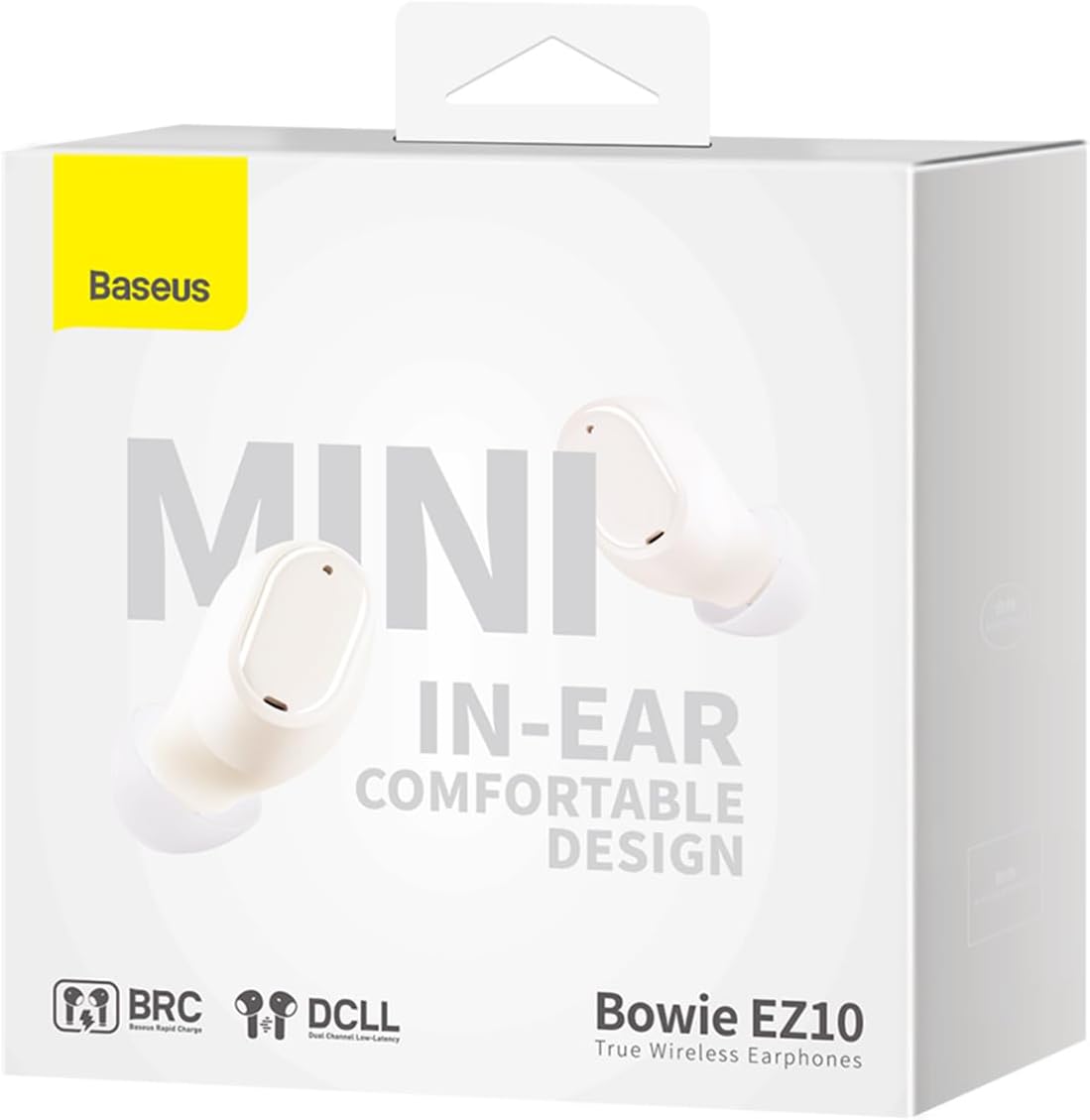
Image: All components included in the Baseus Bowie EZ10 package: the two earbuds, the charging case, a USB-C charging cable, and three pairs of silicone ear tips of different sizes.
Configurar
1. Carregamento inicial
Before first use, fully charge the earbuds and the charging case. Place the earbuds into the charging case. Connect the USB charging cable to the case and a power source. The indicator light on the case will show charging status.

Image: An illustration showing the Baseus Bowie EZ10 earbuds magnetically snapping into their charging case for power transfer, emphasizing the "Hood-less case with powerful magnets" feature.
2. Emparelhamento com um dispositivo
- Certifique-se de que os fones de ouvido estejam carregados e dentro do estojo de carregamento.
- Abra o estojo de carregamento. Os fones de ouvido entrarão automaticamente no modo de emparelhamento.
- No seu dispositivo (smartphone, tablet, etc.), ative o Bluetooth.
- Procurar "Baseus Bowie EZ10" in the list of available Bluetooth devices.
- Select "Baseus Bowie EZ10" to connect. A voice prompt will confirm successful pairing.

Image: A graphic representation of the Bluetooth 5.3 technology, highlighting its role in providing a fast and stable wireless connection for the earbuds.
3. Usando os fones de ouvido
Gently insert the earbuds into your ears. Adjust them to ensure a snug and comfortable fit for optimal sound quality and stability. You may try different sizes of ear tips to find the best fit.
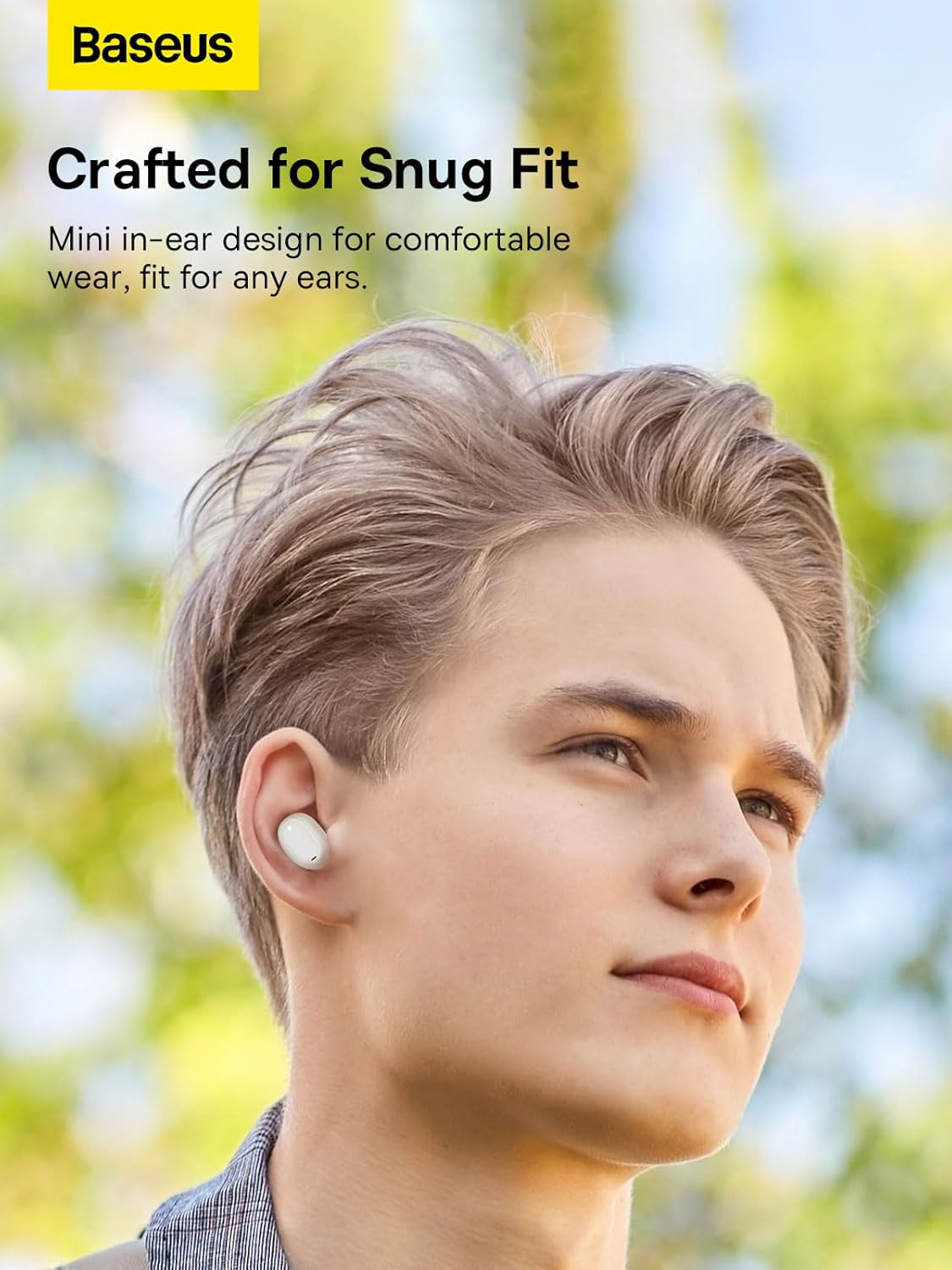
Image: A person wearing one Baseus Bowie EZ10 earbud, demonstrating its mini in-ear design and comfortable fit for daily use.
Instruções de operação
The Baseus Bowie EZ10 earbuds feature intuitive touch controls for various functions.
Controles de toque:
| Ação | Função |
|---|---|
| Um toque (fone de ouvido esquerdo/direito) | Reproduzir/Pausar música, atender/encerrar chamada |
| Toque duplo (fone de ouvido direito) | Próxima faixa |
| Toque duplo (fone de ouvido esquerdo) | Faixa anterior |
| Toque triplo (fone de ouvido esquerdo/direito) | Ativar Assistente de Voz |
| Long Press (Left/Right Earbud, 2s) | Rejeitar chamada |
| Long Press (Left/Right Earbud, 3s) | Toggle Gaming Mode (Ultra-Low Latency) |
Gaming Mode (Ultra-Low Latency):
The earbuds feature an ultra-low latency mode, ideal for gaming, reducing audio delay to as low as 0.06 seconds. Activate this mode by long-pressing the touch area for 3 seconds.

Image: A visual demonstrating the ultra-low latency feature of the Baseus Bowie EZ10 earbuds, showing a mobile phone displaying a first-person shooter game with the earbuds and case in the foreground, indicating excellent audio-video synchronization.
Manutenção
Proper maintenance ensures the longevity and optimal performance of your Baseus Bowie EZ10 earbuds.
- Limpeza: Regularly clean the earbuds and charging case with a soft, dry, lint-free cloth. Do not use harsh chemicals or abrasive materials. Gently remove any earwax or debris from the ear tips and speaker mesh.
- Armazenar: When not in use, store the earbuds in their charging case to protect them and keep them charged. Avoid exposing them to extreme temperatures, humidity, or dust.
- Cuidados com a bateria: To preserve battery life, avoid fully discharging the earbuds and case frequently. Charge them regularly, even if not used for extended periods. The earbuds offer up to 25 hours of total playback with the charging case, and 2 hours of playtime with just 10 minutes of charge.

Image: A graphic highlighting the 25-hour long battery life of the Baseus Bowie EZ10 earbuds, showing the earbuds and case alongside a large number "25" and "Hrs", indicating extended usage time.
Solução de problemas
If you encounter any issues with your Baseus Bowie EZ10 earbuds, please refer to the following common solutions:
| Problema | Solução possível |
|---|---|
| Fones de ouvido não emparelham |
|
| Sem som de um fone de ouvido |
|
| Volume baixo ou má qualidade de som |
|
| Fones de ouvido não carregam |
|
Especificações
Key technical specifications for the Baseus Bowie EZ10 TWS Earbuds:
| Recurso | Detalhe |
|---|---|
| Número do modelo | A00054300226-Z1 |
| Tecnologia de Conectividade | Sem fio (Bluetooth 5.3) |
| Colocação da orelha | Intra-auricular |
| Tipo de controle | Controle de toque |
| Nível de resistência à água | Impermeável |
| Peso do item | 150 gramas |
| Dispositivos compatíveis | Smartphones, tablets, laptops, computadores de mesa, alto-falantes inteligentes |
| Material | Plástico |
| Características especiais | Sem fio |

Image: A detailed close-up of an earbud's internal speaker component, illustrating the "Premium Sound Quality" tuned by the Baseus Acoustics Lab for rich sound and powerful bass.
Garantia e Suporte
Information regarding product warranty and customer support for the Baseus Bowie EZ10 TWS Earbuds is typically provided with your purchase documentation or on the official Baseus website. Please refer to those resources for detailed warranty terms, registration, and contact information for technical support.
Para obter mais assistência, você pode visitar o Oficial Baseus Website.


