Introdução
This manual provides comprehensive instructions for the installation, operation, maintenance, and troubleshooting of your Sharp 40-inch Full HD Smart LED Roku TV. Please read this manual thoroughly before using your television to ensure proper setup and functionality. Keep this manual for future reference.

Imagem: Frente view of the Sharp 40-inch Full HD Smart LED Roku TV.
Configurar
1. Desembalando e Conteúdo da Embalagem
Retire cuidadosamente todos os componentes da embalagem. Verifique se todos os itens listados abaixo estão presentes:
- Sharp 40-inch Full HD Smart LED Roku TV
- Controle remoto (requer 2 pilhas AAA, não incluídas)
- Table Stand with Screws
- Manual do usuário (este documento)
- Informações de garantia
2. Fixando o suporte de TV
If you are placing the TV on a table or entertainment unit, you will need to attach the included stand. Place the TV screen-down on a soft, clean surface to prevent scratches. Align the stand legs with the mounting holes on the bottom of the TV and secure them using the provided screws.

Image: The Sharp Roku TV displayed on its table stand in a room.
3. Conectando dispositivos externos
Your Sharp Roku TV offers various ports for connecting external devices such as cable boxes, gaming consoles, and USB drives.
- Portas HDMI: Connect high-definition devices using HDMI cables. This TV features 3 HDMI inputs.
- Porta USB: Connect USB storage devices for media playback. This TV features 1 USB input.
- Entrada de vídeo composto: For older devices, use the composite video (AV) input.
- Saída de áudio óptica: Para conexão a sistemas de som externos.

Image: Rear panel of the TV illustrating the power connector and various input/output ports (HDMI, USB, Optical, AV).
4. Conexão de energia
Connect the power cord to the TV's power input and then plug it into a standard electrical outlet (120V AC, 60Hz).
5. Configuração inicial e conexão de rede
Upon first power-on, the TV will guide you through the initial setup process. This includes selecting your language, connecting to your Wi-Fi network, and activating your Roku account. A stable Wi-Fi connection is required to access smart TV features and streaming content.
Instruções de operação
1. Funções de controle remoto
The included remote control uses infrared technology. Ensure there is a clear line of sight between the remote and the TV's IR receiver. Insert two AAA batteries into the remote control, observing polarity.
2. Roku OS Interface
Your TV operates on the Roku OS, providing a user-friendly interface for accessing streaming channels, live TV, and connected devices. The home screen displays your installed channels and input selections.

Image: The Roku TV home screen interface and a smartphone displaying the Roku mobile app remote control with voice search functionality.
3. Controle de voz
The Sharp Roku TV supports voice control through compatible devices like Amazon Alexa or Google Assistant. You can use voice commands to search for movies, change channels, switch inputs, and more.
4. Streaming and Apps
Access a wide variety of streaming services and applications through the Roku Channel Store. Many popular apps are pre-installed, and you can download additional ones to customize your viewexperiência.
5. Áudio Dolby
This television features Dolby Audio technology, which enhances sound quality for a more immersive listening experience. Ensure your audio settings are configured to utilize this feature for optimal performance.
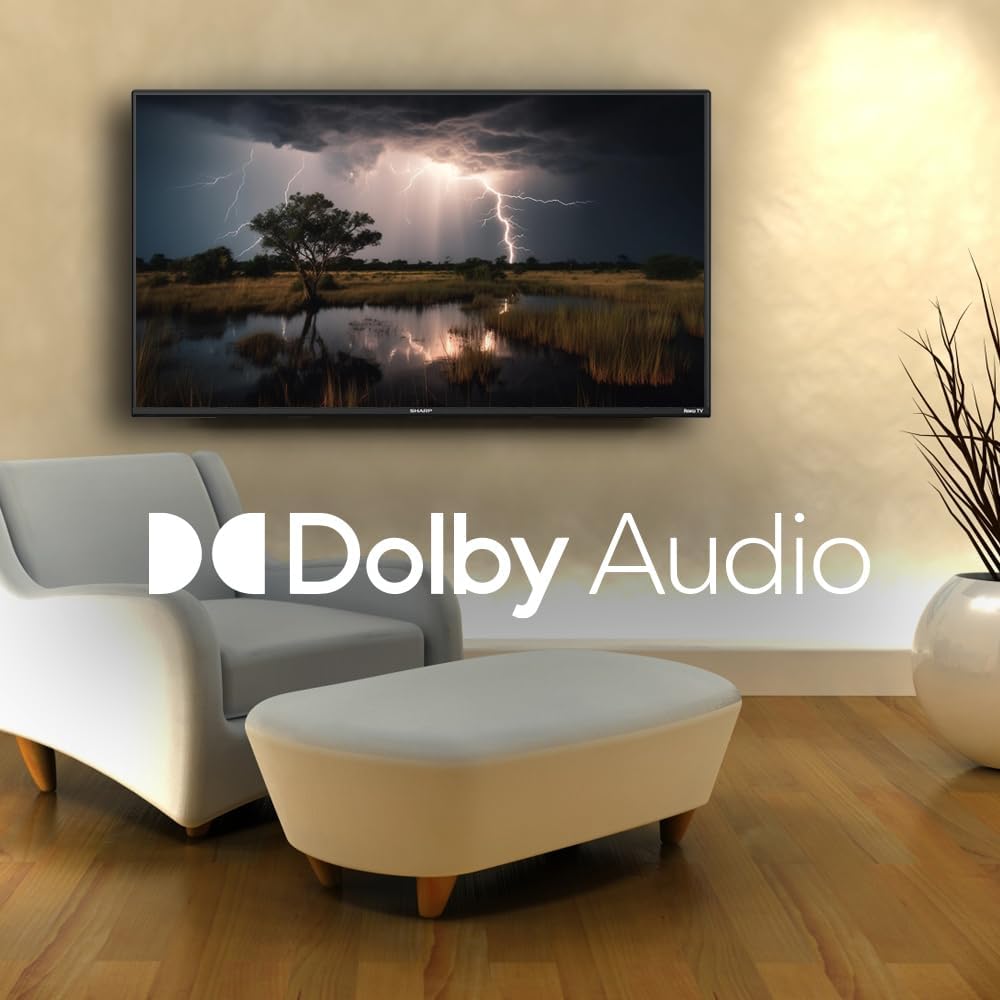
Image: A television screen displaying a dramatic scene with the Dolby Audio logo prominently featured.
Manutenção
1. Cleaning the TV Screen
Para limpar a tela, limpe-a suavemente com um pano macio e sem fiapos. Para manchas persistentes, esfregue levemente.ampen the cloth with water or a screen-specific cleaning solution. Avoid using harsh chemicals, abrasives, or direct spraying onto the screen.
2. Limpeza da TV Casing
Limpe a TV casing com um pano macio e seco. Não utilize produtos de limpeza líquidos diretamente sobre o casing.
3. Ventilação
Ensure that the ventilation openings on the back of the TV are not blocked. Proper airflow is essential to prevent overheating.
Solução de problemas
Se você tiver problemas com sua TV, consulte os problemas e soluções comuns a seguir:
| Problema | Solução possível |
|---|---|
| Sem energia | Check if the power cord is securely connected to both the TV and the electrical outlet. Ensure the outlet is functional. |
| Sem imagem, mas com som. | Verifique se a fonte de entrada correta está selecionada. Verifique as conexões de dispositivos externos. |
| Sem som, mas com imagem. | Check the volume level and mute status. Ensure external audio systems are properly connected and powered on. |
| Controle remoto não funciona | Replace the batteries in the remote control. Ensure no obstructions are between the remote and the TV. |
| Não consigo conectar ao Wi-Fi. | Verifique a senha do seu Wi-Fi. Reinicie o roteador e a TV. Certifique-se de que a TV esteja dentro do alcance da sua rede Wi-Fi. |
| As funcionalidades inteligentes não estão respondendo. | Check your internet connection. Restart the TV by unplugging it for 30 seconds and plugging it back in. |
Especificações
| Recurso | Detalhe |
|---|---|
| Número do modelo | 2TC40EF4UR |
| Tamanho da tela | 40 polegadas (102 cm na diagonal visível) |
| Tecnologia de exibição | LIDERADO |
| Resolução | Full HD (1920 x 1080) |
| Taxa de atualização | 60 Hz |
| Sistema operacional | Roku OS |
| BATER | 512 MB |
| Potência de saída de áudio | 16 Watts (2.0 Dolby) |
| Portas HDMI | 3 |
| Portas USB | 1 |
| Conectividade | HDMI, USB, Wi-Fi, Composite Video |
| Compatibilidade com controle de voz | Amazon Alexa, Assistente Google |
| Power Consumption (On Mode) | 65 Watts |
| Volumetage | 120 Volts (CA) |
| Dimensões (com suporte) | 99 cm (L) x 12 cm (D) x 57 cm (H) |
| Peso | 5.7 kg |
| Tecnologia de controle remoto | Infravermelho |
| Suporte Bluetooth | Não |

Image: The Sharp Roku TV with its width, depth, and height dimensions indicated.
Garantia e Suporte
Informações de garantia
Your Sharp 40-inch Full HD Smart LED Roku TV comes with a manufacturer's warranty. Please refer to the warranty document included in your product packaging for detailed terms, conditions, and registration information. Keep your proof of purchase for warranty claims.
Suporte ao cliente
For technical assistance, troubleshooting beyond this manual, or warranty service, please contact Sharp customer support. Contact information can typically be found on the Sharp official webno site ou na documentação da sua garantia.


