Introdução
Thank you for choosing the Roberts Radio Digital Play11. This portable radio offers high-quality audio with DAB, DAB+, and FM reception. Designed for ease of use, it features a headphone jack for personal listening and flexible power options. This manual provides essential information for setting up, operating, and maintaining your device.
Informações de segurança
Leia e compreenda todas as instruções de segurança antes de usar este produto. Guarde estas instruções para futuras consultas.
- Não exponha o rádio à chuva, umidade ou temperaturas extremas.
- Evite colocar o aparelho perto de fontes de calor ou sob luz solar direta.
- Use only the specified power supply (USB-C cable) or 4 x AA batteries.
- Não tente desmontar ou modificar a unidade. Encaminhe todos os serviços de manutenção para pessoal qualificado.
- Assegure uma ventilação adequada; não obstrua as aberturas de ventilação.
- Descarte as baterias de forma responsável, de acordo com as normas locais.
O que está na caixa
Ao desembalar, verifique se todos os seguintes itens estão presentes:
- Roberts Radio Digital Play11
- Guia de início rápido
- Cabo de alimentação USB-C
- Folheto de segurança e garantia
Produto acimaview
Familiarize yourself with the main components and controls of your Play11 radio.

Imagem: Frente view of the Roberts Play11 radio with labels indicating the On/Off button, Volume knob, Antenna, LCD Display, Select knob, Favourites button, Info/Menu button, Mode button, and Next/Previous buttons.
- Botão liga/desliga: Liga ou desliga a unidade.
- Botão de volume: Ajusta o nível de saída de áudio.
- Antena: Estenda para obter a melhor recepção de rádio.
- Tela LCD: Exibe informações da estação, horário e opções de menu.
- Selecione o botão: Navega pelos menus e confirma as seleções.
- Favourites (2 sec) Button: Press and hold to save a favourite station; short press to recall.
- Info | Menu Button: Displays station information; press and hold to access the main menu.
- Botão de modo: Switches between DAB, DAB+, and FM modes.
- Next | Previous Buttons: Navigates through stations or menu options.
- Plug do fone de ouvido: For private listening (3.5mm AUX Out Port).
- Porta USB-C: Para alimentação.

Imagem: Close-up view of the Roberts Play11 radio, highlighting the 3.5mm headphone jack on the side for personal listening.
Configurar
1. Fonte de alimentação
The Play11 can be powered by either batteries or the included USB-C power cable.

Imagem: Traseira view of the Roberts Play11 radio, illustrating the battery compartment for 4x AA batteries (not included) and the USB-C power input port.
- Operação com bateria: Open the battery compartment on the rear of the radio. Insert 4 x AA (LR6) batteries, ensuring correct polarity. Close the compartment securely. Batteries are not included.
- Operação de rede: Connect the supplied USB-C power cable to the USB-C port on the radio and plug the other end into a suitable USB power adapter (not supplied).
2. Antena
Extend the telescopic antenna fully for optimal reception in both DAB/DAB+ and FM modes.
3. Ligação inicial
Pressione o Ligado/Desligado button to power on the radio. If this is the first time using the radio, it will automatically perform a full scan for DAB/DAB+ stations.
Instruções de operação
Switching Modes (DAB/DAB+/FM)
Pressione o Modo button repeatedly to cycle between DAB, DAB+, and FM radio modes.
DAB / DAB + Rádio
- Procurando estações: After initial power-on, the radio will automatically scan. To perform a manual scan, press and hold the Info | Cardápio button, navigate to "Full Scan" using the Selecione botão e pressione Selecione para confirmar.
- Selecionando estações: Gire o Selecione knob to browse available stations. Press the Selecione knob to tune into the desired station.
- Saving Presets (Favourites): Sintonize a estação desejada. Pressione e segure o botão. Favourites (2 sec) button until "Preset Store" appears. Rotate the Selecione knob to choose a preset number (1-10) and press Selecione para salvar.
- Recuperando Predefinições: Pressione brevemente o Favourites (2 sec) botão. Gire o Selecione knob to choose the desired preset and press Selecione para sintonizar.
Rádio FM
- Procurando estações: No modo FM, pressione e segure o Next | Previous botões para buscar automaticamente a próxima estação disponível.
- Sintonia manual: Gire o Selecione knob to manually tune to a specific frequency.
- Saving Presets (Favourites): Sintonize a estação desejada. Pressione e segure o botão. Favourites (2 sec) button until "Preset Store" appears. Rotate the Selecione knob to choose a preset number (1-10) and press Selecione para salvar.
- Recuperando Predefinições: Pressione brevemente o Favourites (2 sec) botão. Gire o Selecione knob to choose the desired preset and press Selecione para sintonizar.
Usando fones de ouvido
Connect standard 3.5mm headphones to the headphone jack on the side of the radio for private listening. The internal speaker will automatically mute when headphones are connected.
Manutenção
- Limpeza: Limpe o rádio com um pano macio e seco. Não utilize produtos de limpeza abrasivos ou solventes.
- Substituição da bateria: When using batteries, replace all four AA batteries simultaneously when the low battery indicator appears on the display. Ensure correct polarity.
- Armazenar: Se for guardar o rádio por um longo período, remova as pilhas para evitar vazamentos.
Solução de problemas
| Problema | Possível causa | Solução |
|---|---|---|
| Sem energia | Batteries are flat or incorrectly inserted; USB-C cable not connected properly. | Replace batteries, ensuring correct polarity. Check USB-C cable connection and power adapter. |
| Recepção DAB/FM ruim | Antenna not fully extended; weak signal area; interference. | Fully extend the telescopic antenna. Try repositioning the radio. Perform a full scan for DAB stations. |
| Sem som | Volume too low; headphones connected; unit muted. | Increase volume. Disconnect headphones. Check if the unit is muted (though this model doesn't have a dedicated mute button, ensure volume is not at zero). |
| Botões que não respondem | Falha temporária de software. | Turn the radio off and on again. If problem persists, remove power source (batteries/USB-C) for a few minutes, then reconnect. |
Especificações
| Modelo | PLAY11BK |
| Tipo de afinador | DAB, DAB+, FM |
| Predefinições | 10 DAB, 10 FM |
| Fonte de energia | 4 x AA batteries (not included) or USB-C (4.5 Volts) |
| interface de hardware | USB Tipo C |
| Entrada para fone de ouvido | 3.5 mm |
| Tipo de exibição | LCD |
| Dimensões (CxLxA) | 17.4 x 6 x 11 cm |
| Peso | 357 g |
| Material | Plástico, Policarbonato (PC) |
Garantia e Suporte
Your Roberts Radio Digital Play11 comes with a 2-year warranty. Please refer to the included Safety and Warranty leaflet for detailed terms and conditions. For technical support or service inquiries, please visit the official Roberts Radio website ou entre em contato com o departamento de atendimento ao cliente.
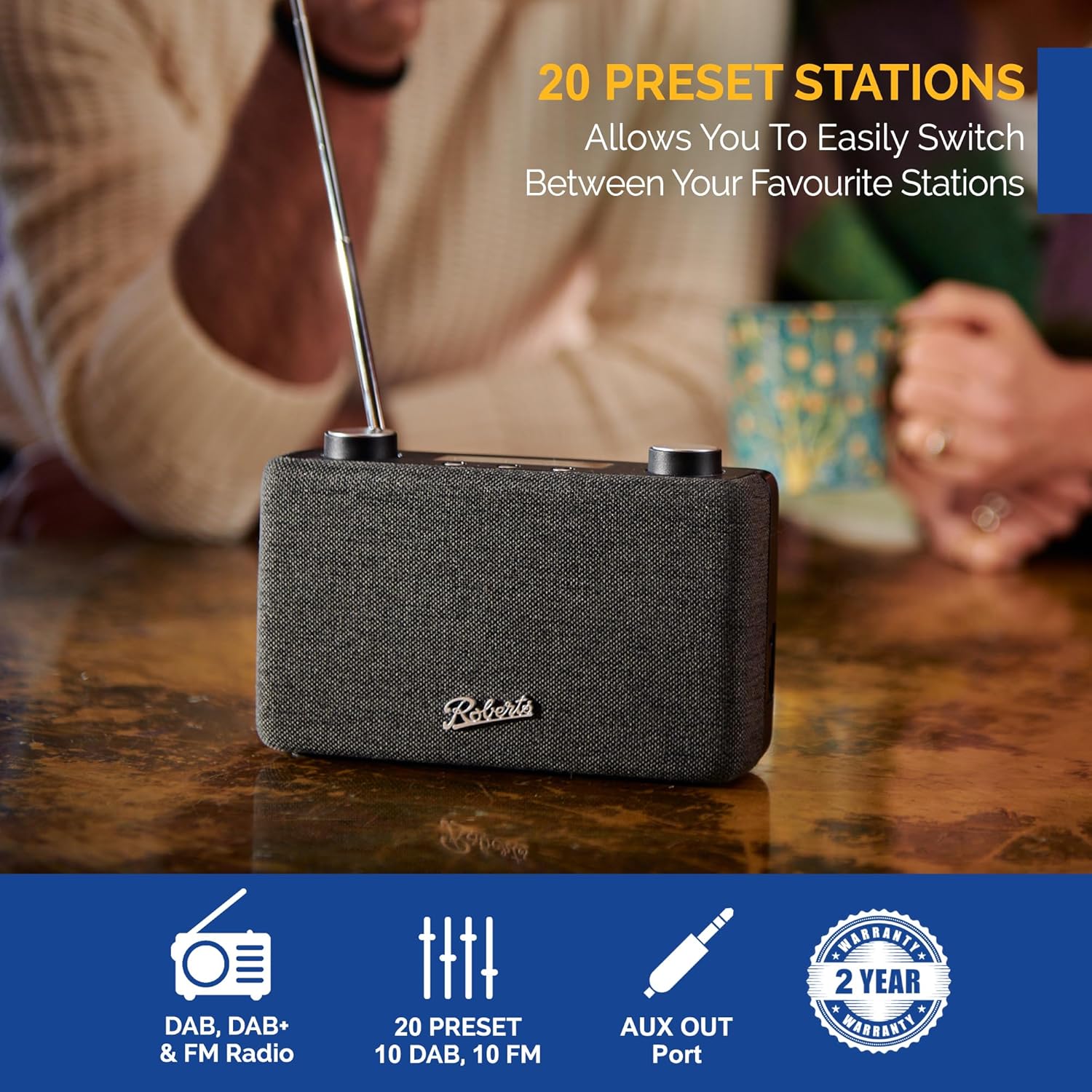
Image: The Roberts Play11 radio displayed alongside icons indicating DAB/DAB+ & FM Radio, 20 Presets, AUX Out Port, and a 2-Year Warranty badge.


