Introdução
This manual provides detailed instructions for the setup, operation, and maintenance of your VTech CS1550 DECT Cordless Phone with Answering Machine. Please read this manual thoroughly to ensure proper use and to take full advantage de todos os recursos.

Image: The VTech CS1550 DECT Cordless Phone, featuring a white handset and black base unit.
Conteúdo da embalagem
Before beginning installation, ensure all items are present in your package:
- Telefone sem fio
- Unidade Base
- Adaptador de energia para a unidade base
- Cabo de linha telefônica
- Rechargeable NiMH Batteries (4x AAA size, typically)
- Manual do usuário (este documento)
Configurar
1. Instalação da bateria
- Localize o compartimento da bateria na parte de trás do monofone.
- Abra a tampa do compartimento da bateria.
- Insert the supplied NiMH rechargeable batteries, observing the correct polarity (+ e -).
- Feche bem a tampa do compartimento da bateria.
2. Conexão da unidade base
- Connect the power adapter to the base unit and plug it into a wall outlet.
- Conecte uma extremidade do cabo da linha telefônica à unidade base e a outra extremidade à tomada telefônica de parede.
- Place the base unit in a central location for optimal signal range.
3. Initial Handset Charging
Place the handset on the base unit to charge. The VTech CS1550 features a dual-charging design, allowing you to place the handset face down or face up. For initial use, charge the handset for at least 16 hours to ensure full battery capacity.
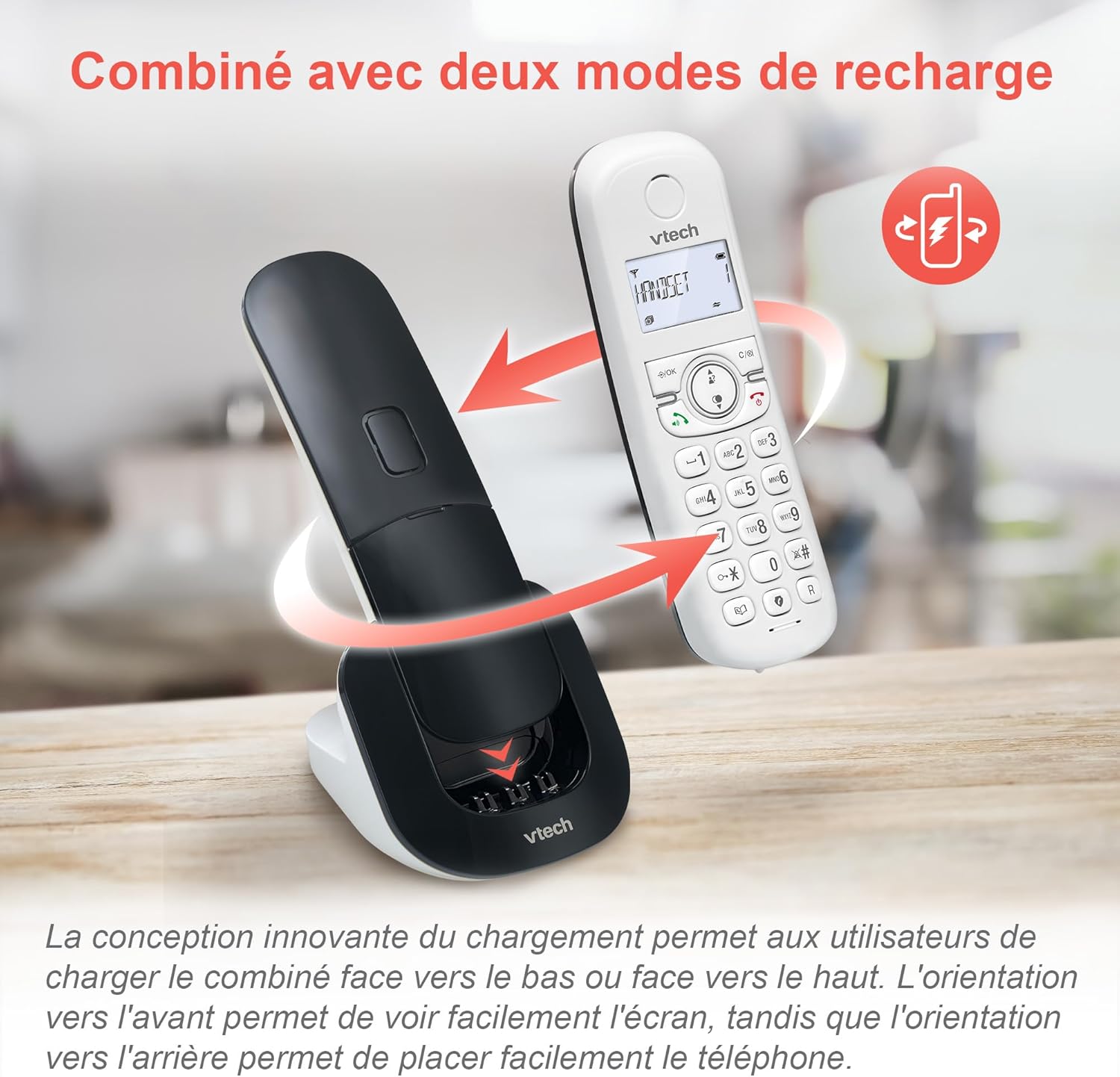
Image: The VTech CS1550 handset can be charged face down or face up on its base unit, offering flexible placement options.
4. Configuração de Data e Hora
After initial charging, the handset will prompt you to set the date and time. Follow the on-screen instructions using the navigation and OK buttons.
Instruções de operação
Fazendo e recebendo chamadas
- Fazer uma ligação: Pressione o Falar botão e, em seguida, disque o número.
- Para atender uma chamada: Pressione o Falar botão quando o telefone tocar.
- Para encerrar uma chamada: Pressione o Fim botão.
Função de viva-voz
Durante uma chamada, pressione o Viva-voz button to activate hands-free communication. Press it again to return to handset mode.
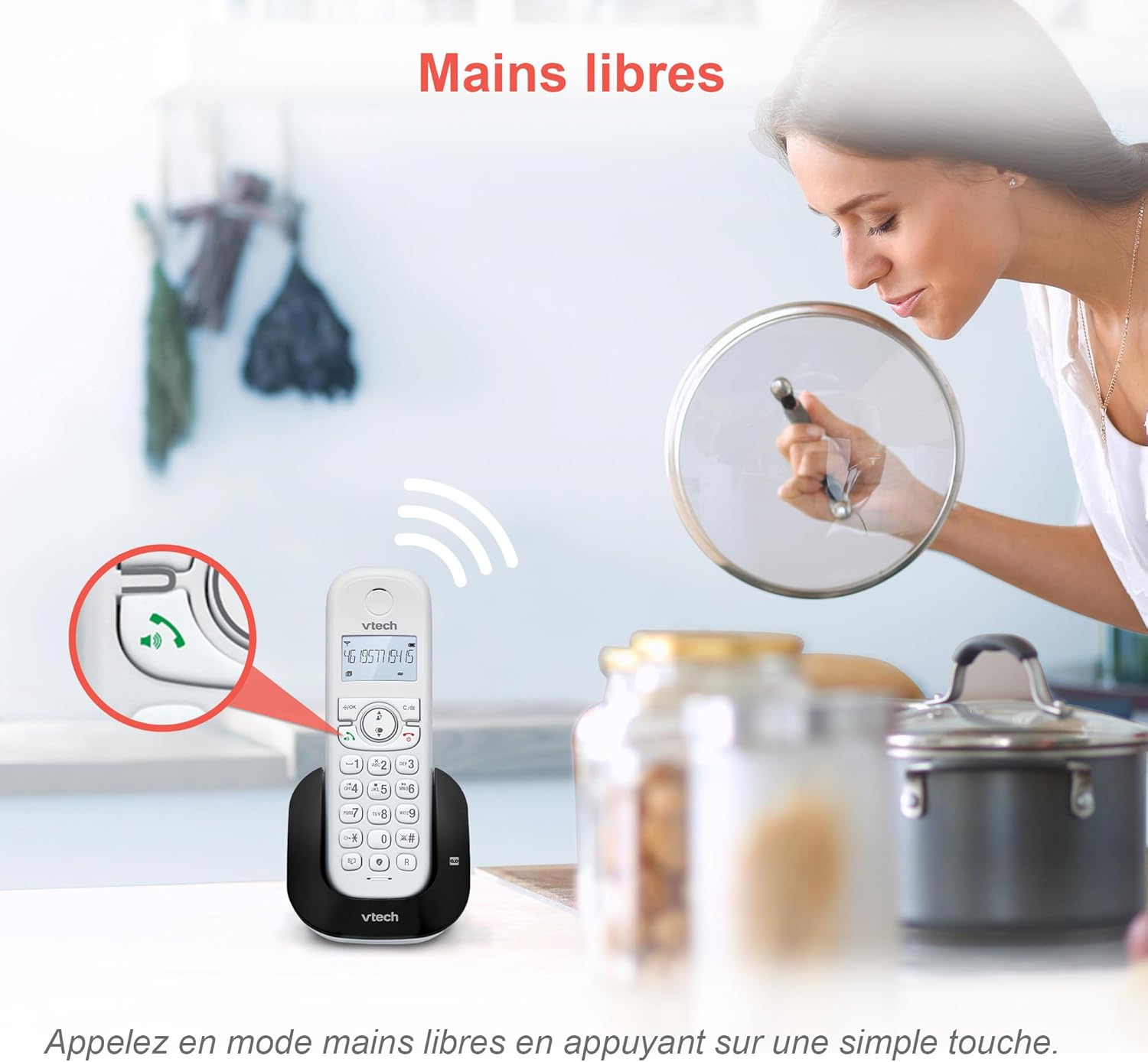
Image: The speakerphone button on the VTech CS1550 handset allows for hands-free calling.
Identificador de chamadas e chamada em espera
The phone displays the name, number, time, and date of incoming calls. It stores up to 20 caller ID records. If you have Call Waiting service, the phone will alert you to a second incoming call.

Image: The handset display shows incoming caller ID details, including number, name, time, and date.
Função de rediscagem
To redial one of the last 10 numbers called, press the Rediscagem button and select the desired number from the list.
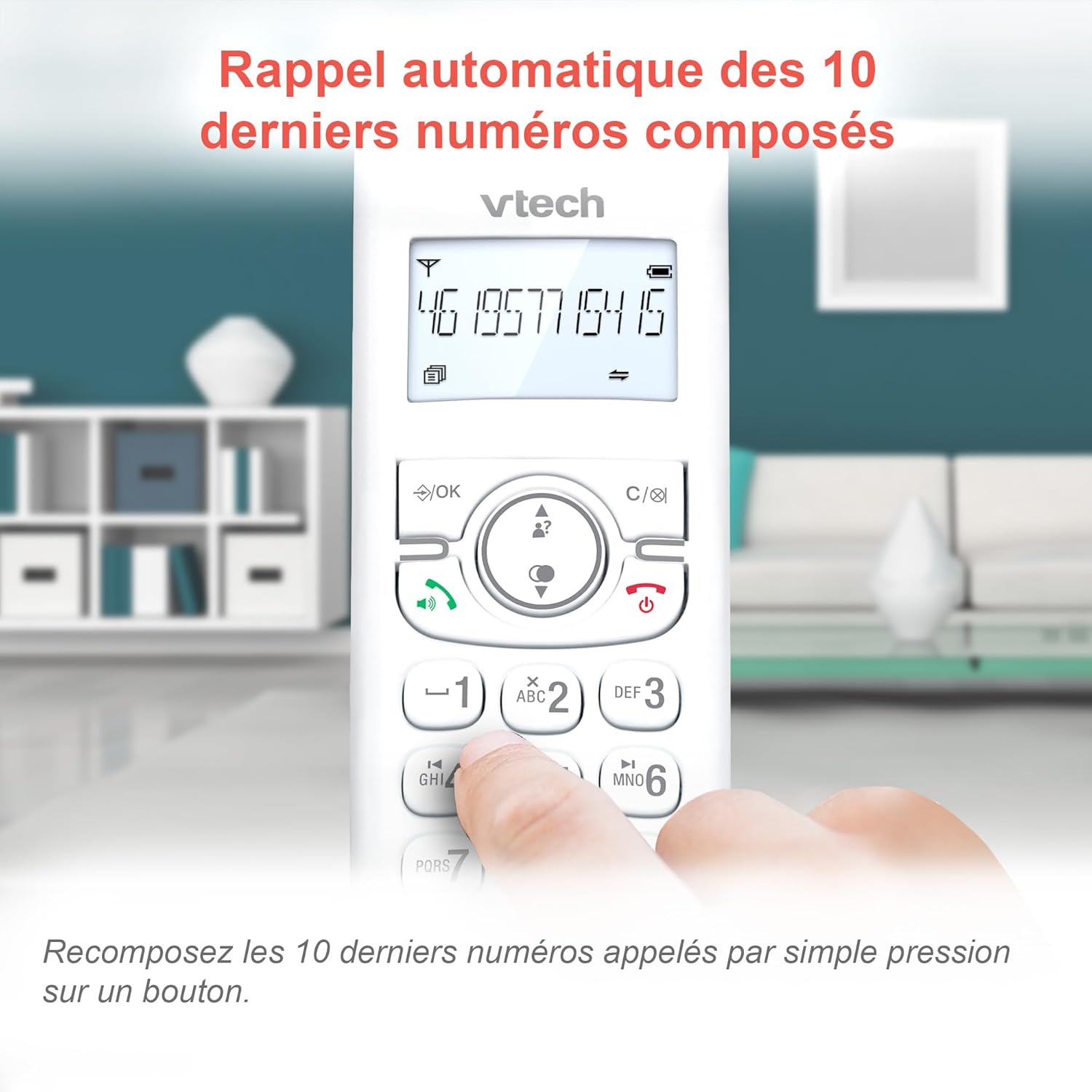
Image: Easily redial the last 10 numbers by pressing the dedicated redial button on the handset.
Lista telefônica
The phonebook can store up to 60 names and numbers. Refer to the on-screen menu for instructions on adding, editing, and deleting entries.
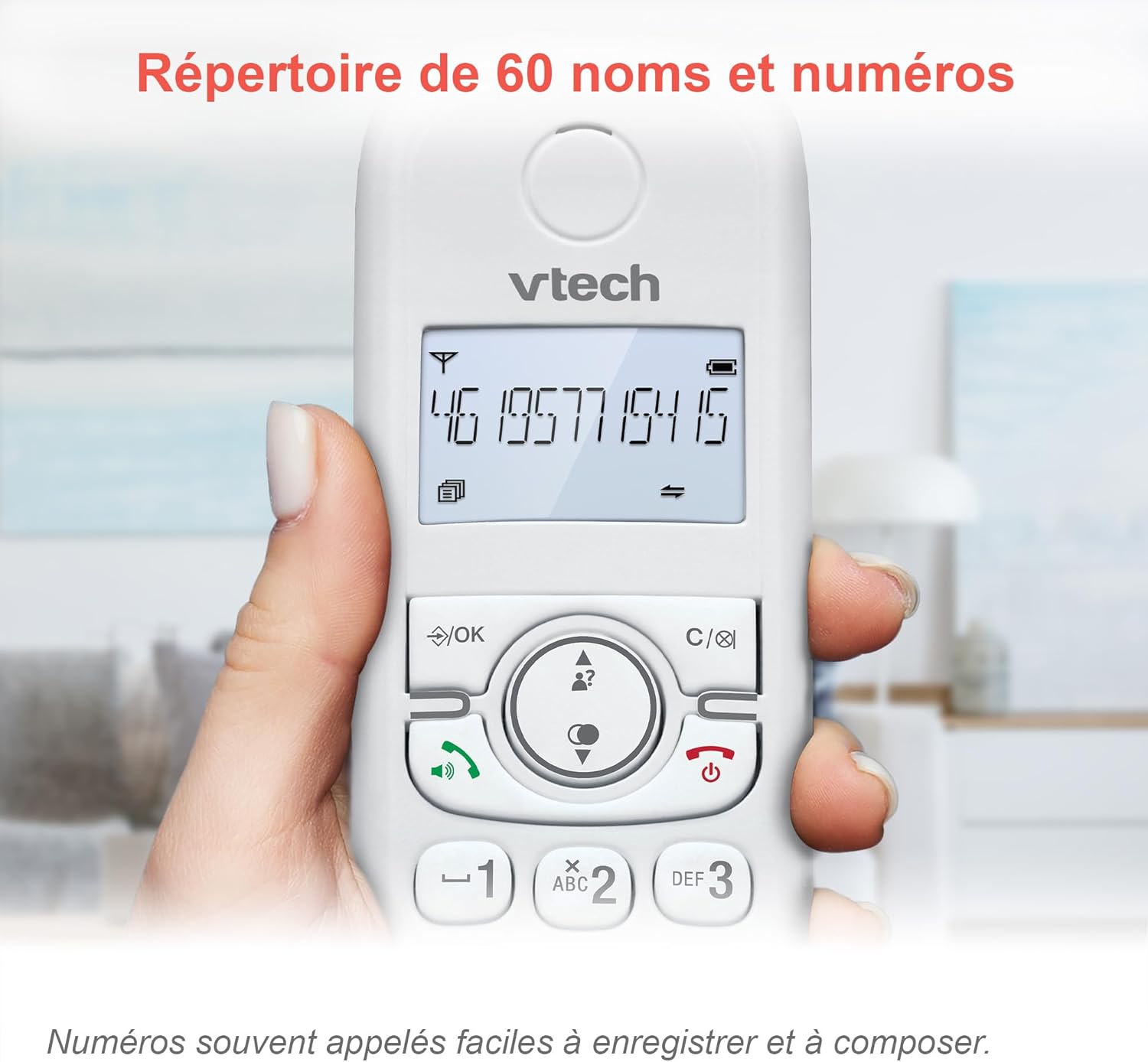
Image: The phonebook allows storage of up to 60 contacts for quick dialing.
Secretária eletrônica digital
The integrated answering machine records messages for up to 15 minutes. You can access messages from the handset or the base unit. Follow the menu prompts to set up your outgoing message and retrieve messages.

Image: The answering machine feature records messages for up to 15 minutes when you are unavailable.
Bloqueador de chamadas indesejadas
Block unwanted calls by adding up to 60 numbers to the blacklist. This feature prevents blocked numbers from ringing your phone.

Image: The call blocker button allows you to add unwanted numbers to a blacklist, preventing future calls from ringing.
Modo Eco
ECO mode automatically adjusts and minimizes the radio frequency power based on the distance between the handset and the base unit, optimizing energy consumption.
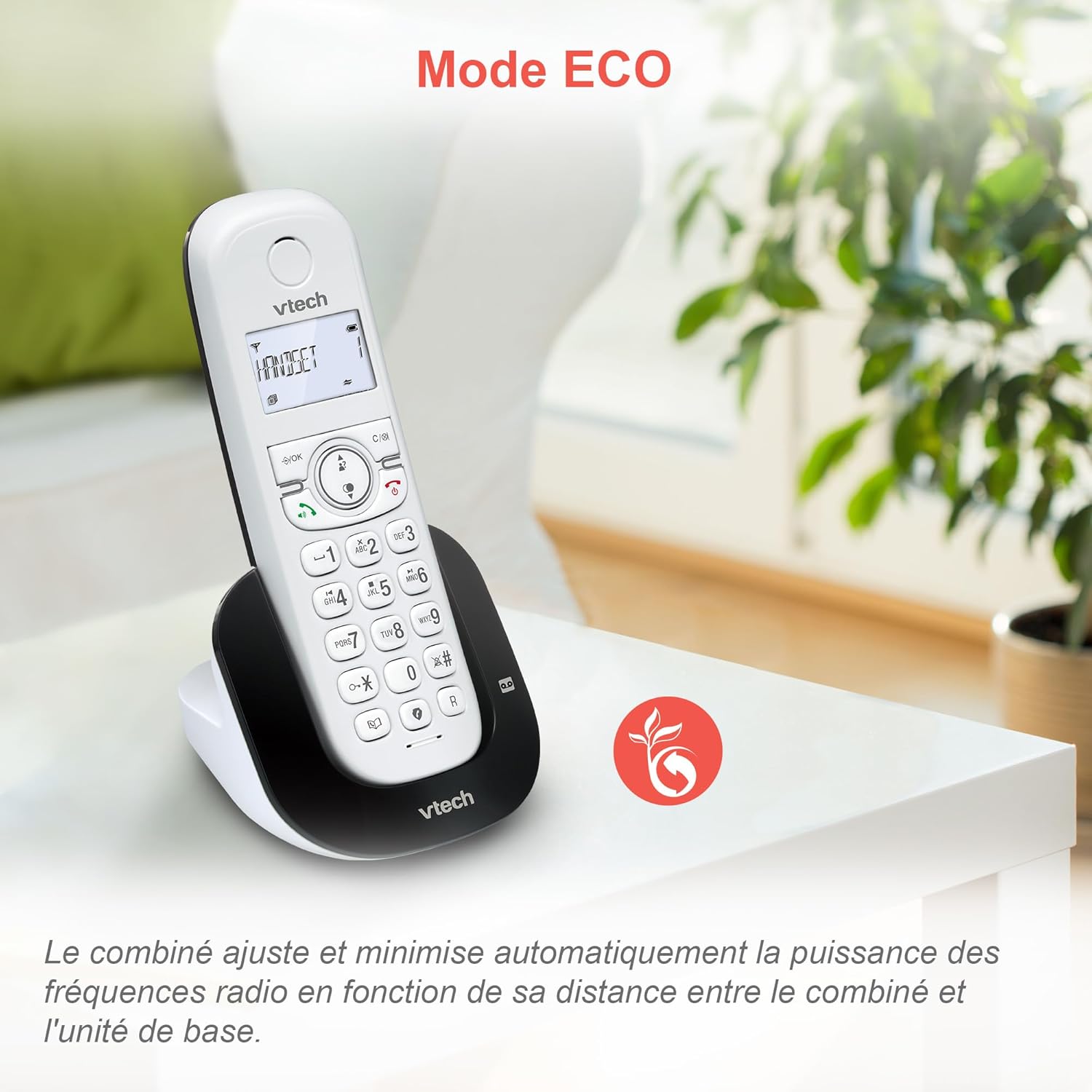
Image: ECO mode automatically reduces power consumption based on handset proximity to the base unit.
Alarm and Mute Functions
Set alarms directly on the handset. During a call, you can mute your microphone for privacy by pressing the mute button.

Image: The phone includes alarm functionality and a mute feature for calls, enhancing user convenience and privacy.
Adjustable Ringer Volume and Melodies
Customize your phone's ringing experience by adjusting the ringer volume and selecting from available melodies through the handset menu.

Image: Adjust the ringer volume and choose from various melodies to personalize your phone's alerts.
Display retroiluminado e teclado
The handset features a backlit LCD screen and keypad, ensuring clear visibility and ease of use even in low-light conditions.

Image: The backlit display and keypad provide enhanced visibility in dark environments.
Cobertura de longo alcance
The DECT technology provides reliable long-range coverage and clear audio quality throughout your home or office.

Image: The phone offers extended range and clear communication across various areas of your property.
Duração da bateria
The handset provides up to 13 hours of talk time and up to 200 hours of standby time on a full charge.

Image: The VTech CS1550 offers up to 13 hours of continuous talk time.
Manutenção
Como limpar seu telefone
Limpe o telefone e a unidade base com um pano macio e seco.amp pano. Não utilize sprays de limpeza ou produtos químicos agressivos, pois podem danificar o acabamento ou os componentes elétricos.
Cuidados com a bateria
Use only the supplied rechargeable NiMH batteries. Do not use alkaline, manganese, or other non-rechargeable batteries. If the phone will not be used for an extended period, remove the batteries to prevent leakage.
Solução de problemas
If you experience issues with your VTech CS1550, try the following steps:
- Não esta dando sinal: Verifique se o cabo da linha telefônica está firmemente conectado tanto à unidade base quanto à tomada de parede. Confira se outros telefones na mesma linha estão funcionando.
- Não consigo fazer/receber chamadas: Verify the power adapter is properly connected to the base unit and a working power outlet. Ensure the handset batteries are charged.
- Má qualidade de som: Aproxime o aparelho da unidade base. Verifique se há interferência de outros dispositivos eletrônicos.
- O aparelho não está carregando: Ensure the handset is correctly seated in the charging cradle. Clean the charging contacts on both the handset and base unit with a dry cloth.
- Secretária eletrônica não está gravando: Check if the answering machine is turned on. Ensure there is sufficient recording time available.
For further assistance, refer to the detailed troubleshooting section in the full user manual or contact VTech customer support.
Especificações
| Marca | VTech |
| Número do modelo | CS1550 |
| Cor | Branco |
| Tipo de telefone | DECT sem fio |
| Dispositivos compatíveis | Switched telephone network (PSTN), potentially other analog telephone networks |
| Composição da Bateria | NiMH (4x AAA size included) |
| Tempo de conversação | Até 13 horas |
| Tempo de espera | Até 200 horas |
| Tempo de gravação da secretária eletrônica | 15 minutos |
| Capacidade da agenda telefônica | 60 nomes e números |
| Capacidade de bloqueio de chamadas | Até 60 números |
| Registros de identificação de chamadas | 20 registros |
| Peso | 275 gramas |
| Material | Plástico |
Informações de garantia
Specific warranty details for the VTech CS1550 DECT Cordless Phone are typically provided with your purchase documentation. Please refer to the warranty card or contact your retailer for information regarding warranty coverage and terms. Information regarding spare parts availability and software updates is not available in the provided product data.
Suporte ao cliente
For technical assistance, product inquiries, or service, please visit the official VTech website or contact VTech customer support directly. Contact information can usually be found on the VTech weblocal ou nos materiais de embalagem.


