1. Introdução
This user manual provides comprehensive instructions for the VTech CS1551 DECT 2-Handset Cordless Phone system. It covers setup, operation, maintenance, and troubleshooting to ensure optimal performance and user experience. Please read this manual thoroughly before using your new phone system.
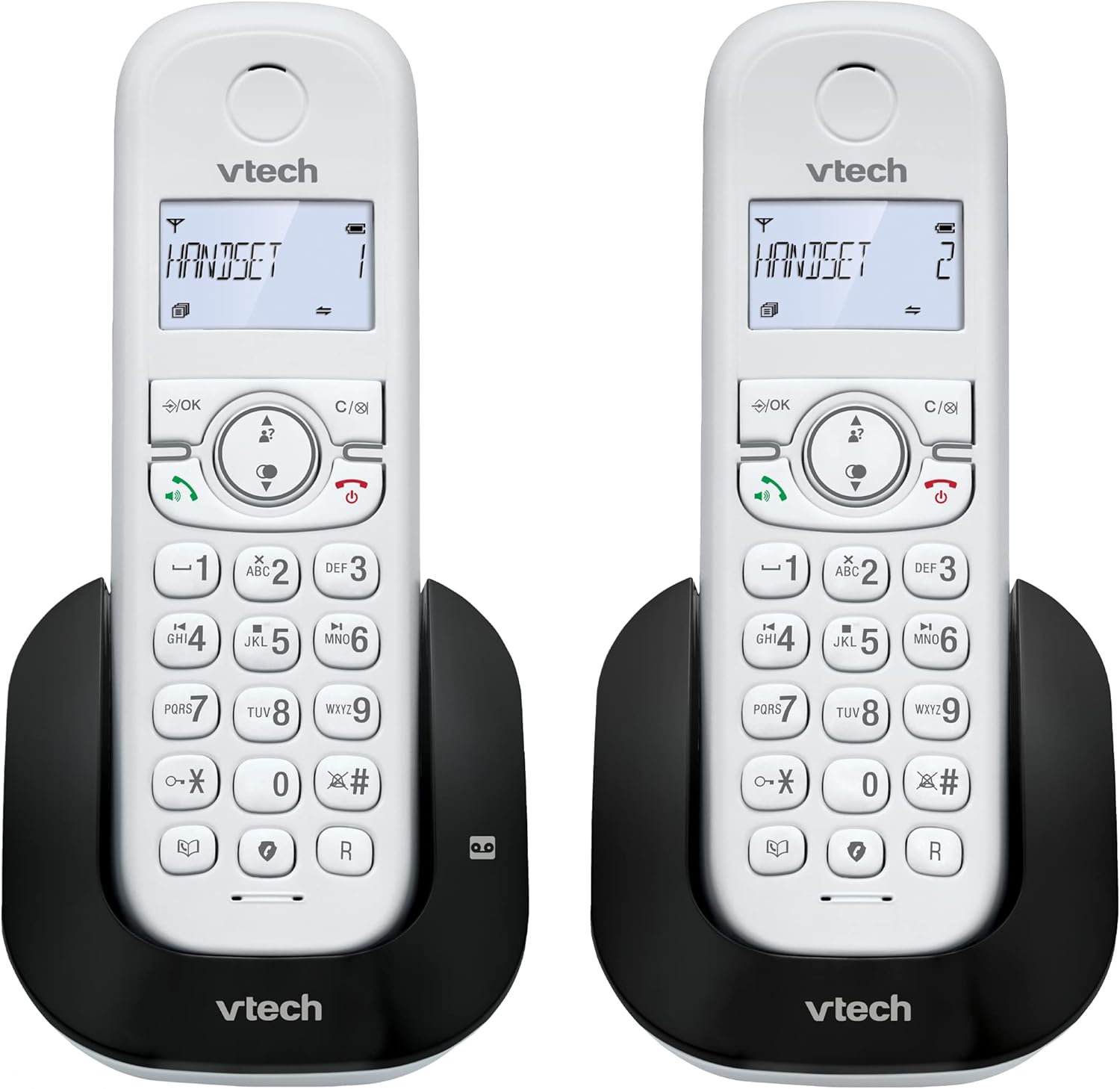
Imagem 1.1: Terminadoview of the VTech CS1551 DECT 2-Handset Cordless Phone System.
2. Conteúdo da embalagem
Verifique se todos os itens estão presentes na sua embalagem. Caso algum item esteja faltando ou danificado, entre em contato com o suporte ao cliente da VTech.
- 2 aparelhos sem fio
- 1 Unidade Base
- 1 Unidade de carregamento
- 2 adaptadores de energia CA
- 1 cabo de linha telefônica
- 2 NiMH Rechargeable Battery Packs (4 batteries total, 2 per handset)
- Manual do usuário (este documento)
3. Configuração
3.1. Instalação e carregamento da bateria
Before initial use, install the provided NiMH rechargeable battery packs into each handset. Connect the base unit and charger unit to power outlets using the AC adapters. Place the handsets on their respective charging cradles.
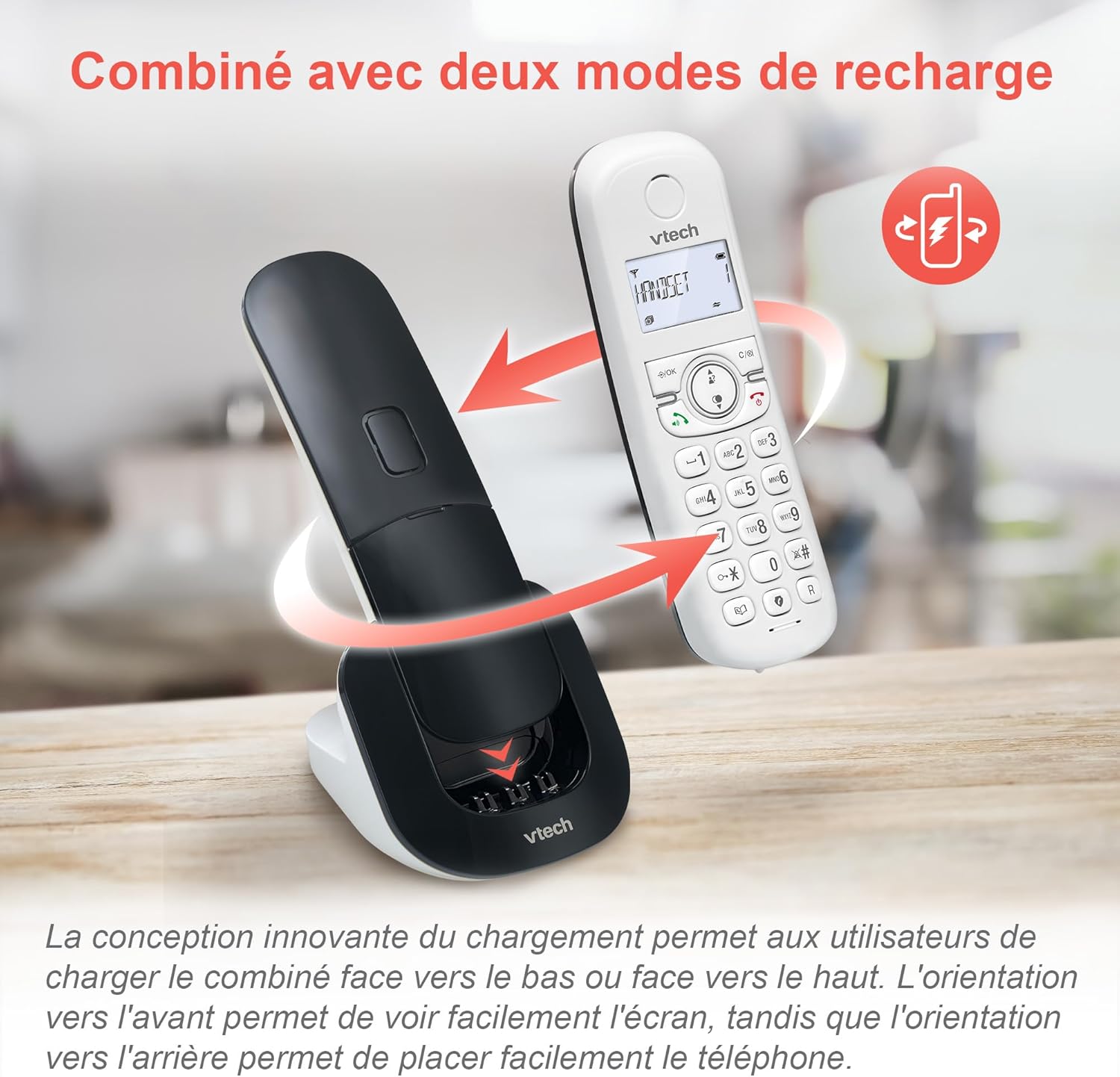
Image 3.1: The innovative dual charging design allows handsets to be charged face-up or face-down. Charging face-up allows for easy screen viewing, while face-down charging offers a compact placement.
Allow the handsets to charge for at least 12 hours before first use to ensure full battery capacity. A full charge provides up to 13 hours of talk time and 200 hours of standby time.
3.2. Conectando a unidade base
- Conecte uma extremidade do cabo da linha telefônica à entrada TEL LINE na unidade base.
- Conecte a outra extremidade do cabo da linha telefônica a uma tomada telefônica de parede.
- Plug the base unit's AC adapter into a power outlet.
4. Instruções de operação
4.1. Fazer e atender chamadas
- Fazer uma ligação: Imprensa FALAR or PALESTRANTEEm seguida, disque o número.
- Para atender uma chamada: Imprensa FALAR or PALESTRANTE quando o telefone toca.
- Para encerrar uma chamada: Imprensa FIM or place the handset back on the charging cradle.
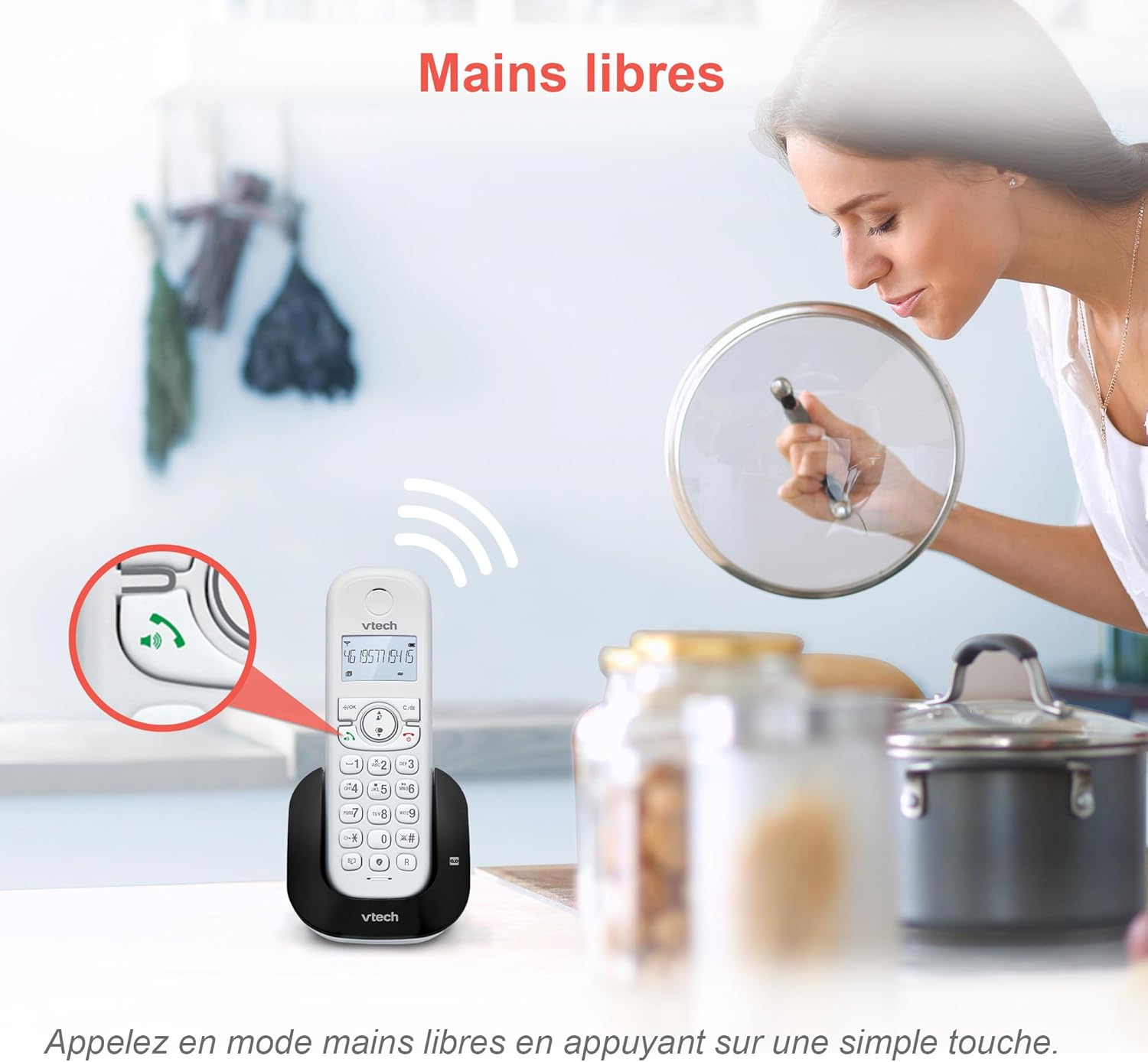
Image 4.1: The hands-free speakerphone function allows for conversations without holding the handset.
4.2. Secretária eletrônica
The integrated digital answering machine records messages when you are unavailable. It offers up to 15 minutes of recording time.
- Para reproduzir as mensagens: Pressione o JOGAR button on the base unit or handset.
- To Record a Greeting: Follow the instructions in the full manual for custom greeting setup.

Image 4.2: The automatic answering machine records messages for up to 15 minutes when you cannot answer a call.
4.3. Bloqueio de chamadas
The nuisance call blocker allows you to block unwanted calls. You can store up to 60 numbers in the block list.
- Para bloquear um número: Durante uma chamada, pressione o BLOQUEAR button. Alternatively, add numbers manually via the menu.

Image 4.3: The call blocker button allows you to easily add unwanted numbers to a block list, preventing future disturbances.
4.4. Identificação de chamadas / Chamada em espera
The phone displays the caller's name, number, time, and date for incoming calls. It stores up to 20 caller ID records.

Image 4.4: The handset screen displays incoming caller information, including name, number, time, and date.
4.5. Three-Way Conferencing
The call transfer and intercom features allow multiple users to participate in a conversation simultaneously.

Image 4.5: Engage in three-way conference calls, allowing multiple parties to join the conversation.
5. Principais características
5.1. Modo ECO
The handset automatically adjusts radio frequency power based on its distance from the base unit. ECO DECT technology helps reduce energy consumption.
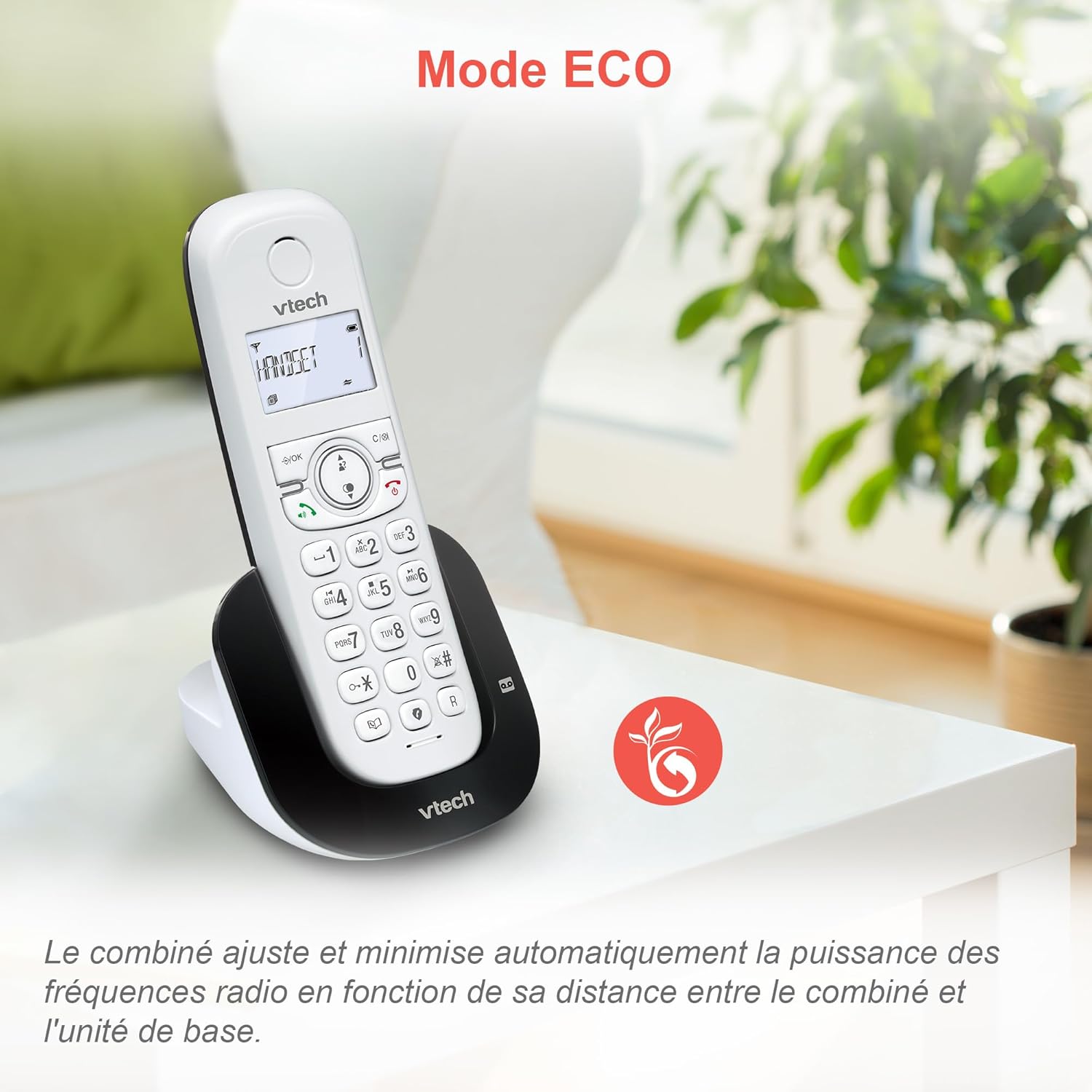
Image 5.1: The ECO mode feature automatically optimizes power usage based on handset proximity to the base unit.
5.2. Phonebook and Redial
- Da agenda telefônica: Armazene até 60 nomes e números para discagem rápida.
- Remarcação: Easily redial the last 10 numbers called with a single button press.
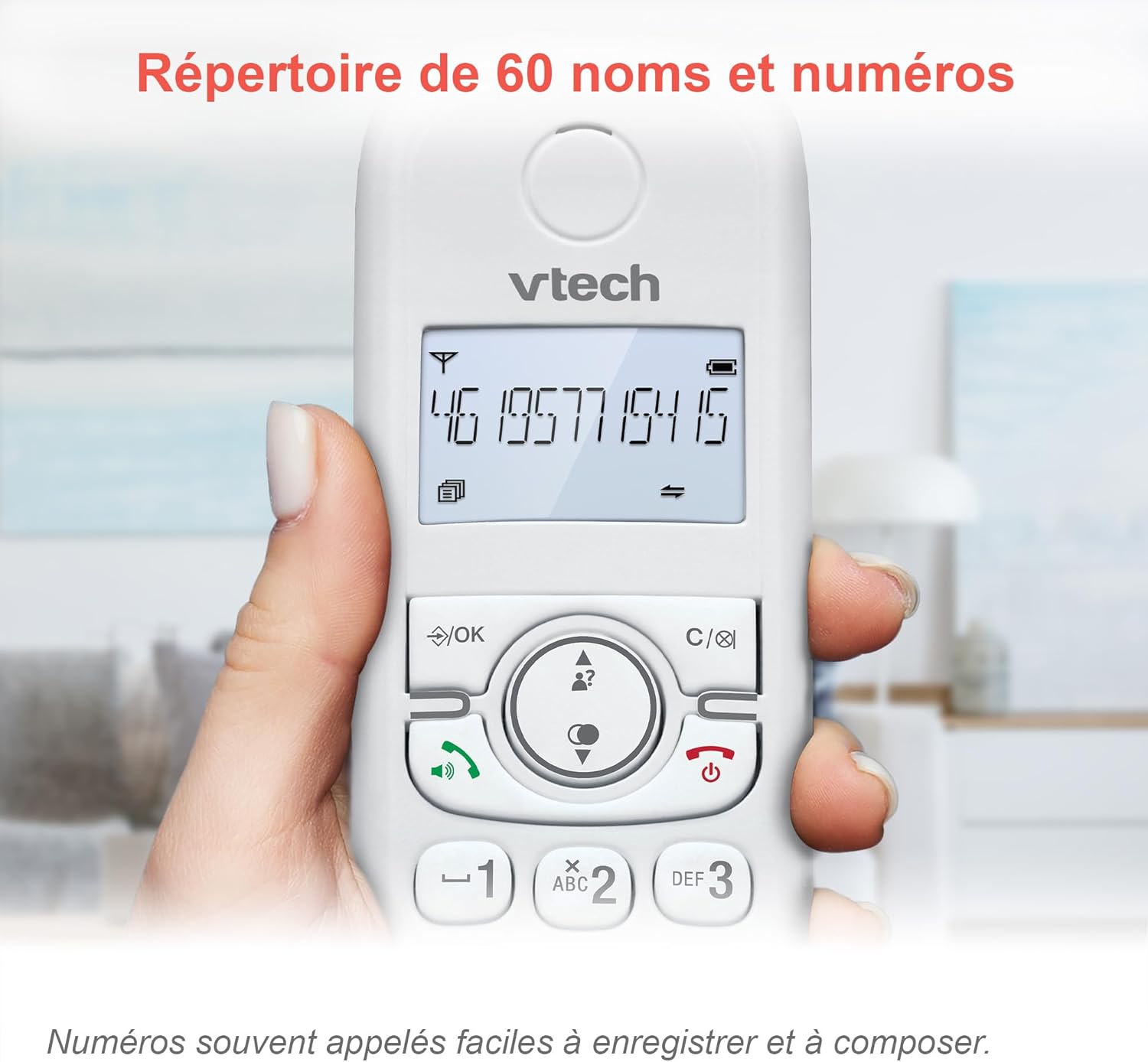
Image 5.2: The phonebook allows for easy storage and retrieval of frequently called numbers.
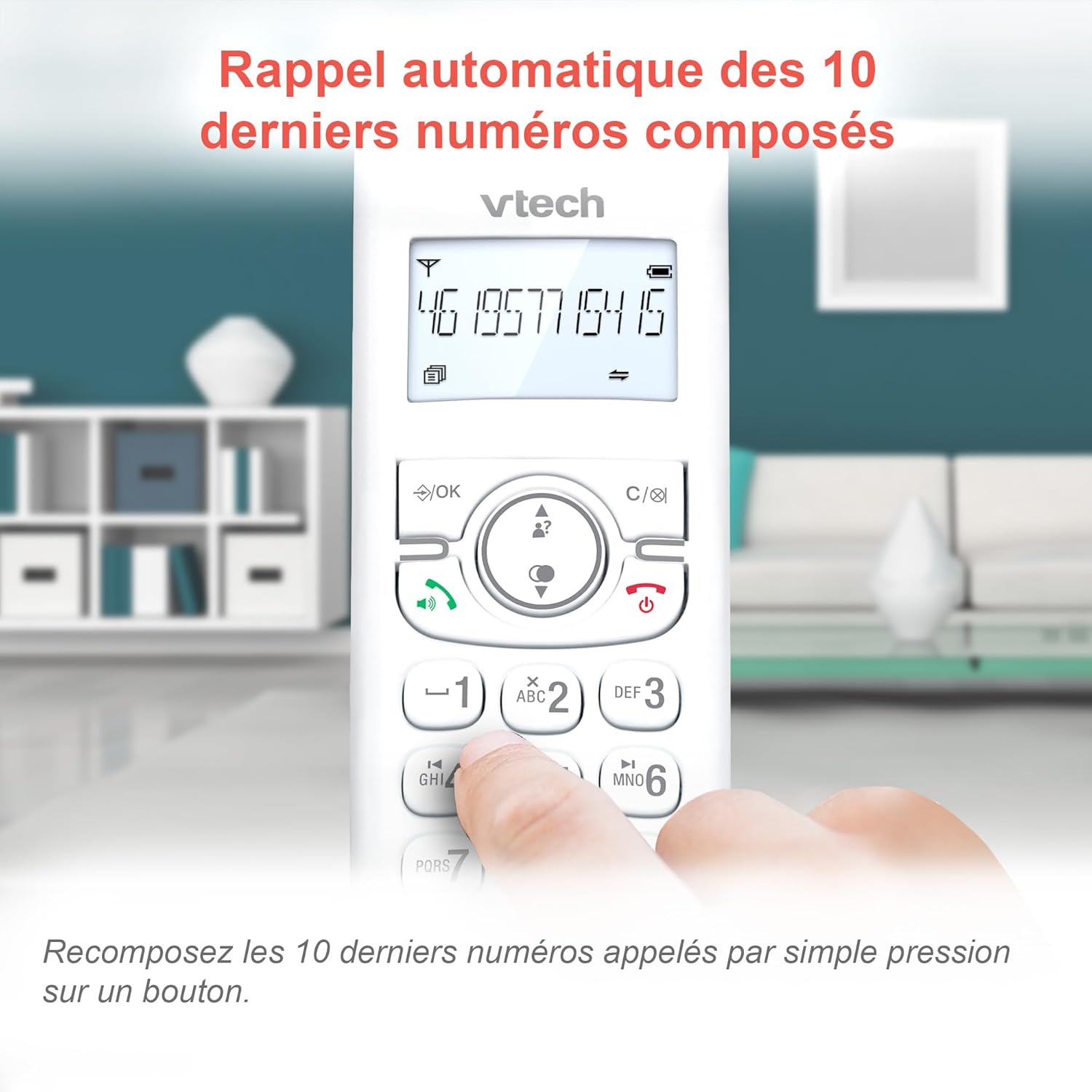
Image 5.3: Quickly redial the last 10 numbers by pressing the redial button.
5.3. Backlit Display and Keyboard
The backlit LCD display and keyboard illuminate, making it easy to view Informações e discagem em condições de pouca luz.

Image 5.4: The illuminated display enhances visibility in various lighting conditions.
5.4. Adjustable Ringer Volume and Melodies
Customize your phone by adjusting the ringer volume and selecting from various melodies.

Image 5.5: Easily adjust the ringer volume and choose your preferred melody.
5.5. Alarm Function and Mute
Configure alarmes convenientes no aparelho ou silencie sua voz durante as chamadas para maior privacidade.

Image 5.6: Utilize the alarm function for reminders or mute your microphone during calls for privacy.
5.6. Long Reliable Range
Experience extended coverage and clear communication throughout your home.

Image 5.7: The phone system provides reliable long-range coverage for clear calls throughout your residence.
6. Manutenção
- Limpeza: Limpe o telefone e a unidade base com um pano macio e seco.amp pano. Não utilize sprays de limpeza ou produtos químicos agressivos.
- Cuidados com a bateria: Replace batteries when they no longer hold a charge. Use only VTech approved replacement batteries.
- Armazenar: If storing the phone for an extended period, remove the batteries from the handsets.
7. Solução De Problemas
| Problema | Solução |
|---|---|
| Sem tom de discagem |
|
| O aparelho exibe "Bateria fraca". |
|
| Não consigo fazer nem receber chamadas. |
|
| Má qualidade de som |
|
For more detailed troubleshooting, please refer to the full VTech CS1551 user manual available on the VTech support website.
8. Especificações
| Recurso | Detalhe |
|---|---|
| Número do modelo | AX-F-4537 |
| Marca | VTech |
| Cor | Branco |
| Tipo de telefone | DECT sem fio |
| Número de telefones | 2 |
| Tipo de sistema de atendimento | Digital |
| Tempo de gravação da secretária eletrônica | 15 minutos |
| Capacidade de bloqueio de chamadas | Até 60 números |
| Capacidade da agenda telefônica | 60 nomes e números |
| Memória de identificação de chamadas | 20 registros |
| Tempo de conversação | Até 13 horas |
| Tempo de espera | Até 200 horas |
| Tipo de Bateria | NiMH (4 batteries included) |
| Material | Plástico |
| Peso do item | 499.2 gramas |
| Origem | China |
9. Garantia e Suporte
For warranty information and customer support, please refer to the warranty card included in your product packaging or visit the official VTech website.
Online resources often include FAQs, detailed user guides, and contact information for technical assistance.


