FLEXISPOT ET365W

FLEXISPOT E6 Essential Dual Motor Standing Desk Frame User Manual

Model: ET365W (White Frame, 3 Stage Lite Leg)

Informações importantes de segurança

Leia e compreenda todas as instruções antes da montagem e utilização. O não cumprimento destas instruções pode resultar em ferimentos ou danos ao produto.

Produto acimaview

The FLEXISPOT E6 Essential Dual Motor Standing Desk Frame provides a versatile and ergonomic workspace solution. Featuring a robust 3-stage lift system and quiet dual motors, it allows for seamless transitions between sitting and standing positions.

Principais características:

FLEXISPOT E6 Essential Standing Desk Frame with controller

Image: The FLEXISPOT E6 Essential Dual Motor Standing Desk Frame in white, featuring the integrated control panel.

Conteúdo da embalagem

Verifique se todos os componentes estão presentes e sem danos antes de iniciar a montagem. Caso alguma peça esteja faltando ou danificada, entre em contato com o suporte ao cliente.

Components of the FLEXISPOT E6 Essential Standing Desk Frame

Image: All frame components laid out for inspection.

Instruções de montagem

Follow these steps carefully to assemble your FLEXISPOT E6 Essential Standing Desk Frame. It is recommended to have two people for assembly.

Video: Official FLEXISPOT E6 Essential Standing Desk Installation Guide. This video provides a visual walkthrough of the assembly process.

  1. Step 1: Assemble the Cross Beams

    Connect the left and right beams (parts 2 and 3) using the provided screws (C) and the T-Socket Wrench (11). Ensure screws are aligned with square holes and pressed tightly. The length of the cross beams can be adjusted to fit a desktop of 51-59 inches (1300-1500mm).

    Assembly of cross beams for desk frame

    Image: Illustration showing the connection of the left and right beams.

  2. Step 2: Attach Columns to Cross Beams

    Attach the two columns (part 4) to the assembled cross beams using screws (A) and the T-Socket Wrench (11). Pre-tighten all screws for the cross beams, then tighten them simultaneously for a secure fit. Prioritize installing diagonal screws first.

    Attaching columns to cross beams

    Image: Visual guide for attaching the columns to the cross beams.

  3. Step 3: Install Pedestals

    Secure the pedestals (part 7) to the bottom of the columns using screws (E) and the T-Socket Wrench (11).

    Installing pedestals to the desk columns

    Image: Diagram showing the attachment of the pedestals to the columns.

  4. Step 4: Attach Adapter Bracket and Keypad

    Mount the adapter bracket (part 12) and the keypad (part 5) to the underside of your chosen desktop. Ensure the curved edge of the keypad is flush with the edge of the table top. Use screws (F) and a drill for this step. Make sure the keypad is on the same side as the adapter bracket.

    Attaching adapter bracket and keypad to desktop

    Image: Illustration of attaching the adapter bracket and keypad to the desktop.

  5. Etapa 5: Conecte a fiação

    Connect all necessary cables: the keypad to the control box, the motors to the control box, the power adapter (part 6) to the control box, and the AC power cable (part 8) to the power adapter. Use cable clips (part 10) to manage and secure the cables neatly under the desktop.

    Wiring connections for the standing desk

    Image: Diagram showing the proper routing and connection of all electrical cables.

Instruções de operação

The FLEXISPOT E6 Essential features an intuitive programmable controller for easy height adjustment.

Close-up of the intelligent keypad with LED display and memory buttons

Image: The intelligent keypad with LED display and buttons for height adjustment and memory presets.

Funções do controlador:

Especificações do produto

RecursoDetalhe
Número do modeloET365W
MarcaPONTO FLEXI
CorMoldura branca
Dimensões do produto (moldura)43.3"D x 23.6"W x 23.6"H (Adjustable width for desktop)
Faixa de ajuste de altura23.6 inches (Minimum) to 48.8 inches (Maximum)
Mecanismo de elevaçãoMotor elétrico duplo, 3-Stage Sistema de Elevação
Capacidade máxima de peso220 libras (100 kg)
Nível de ruídoMenos de 50 dB
Material baseMetal
Componentes incluídosFerramentas e fios de instalação
UPC810072845221
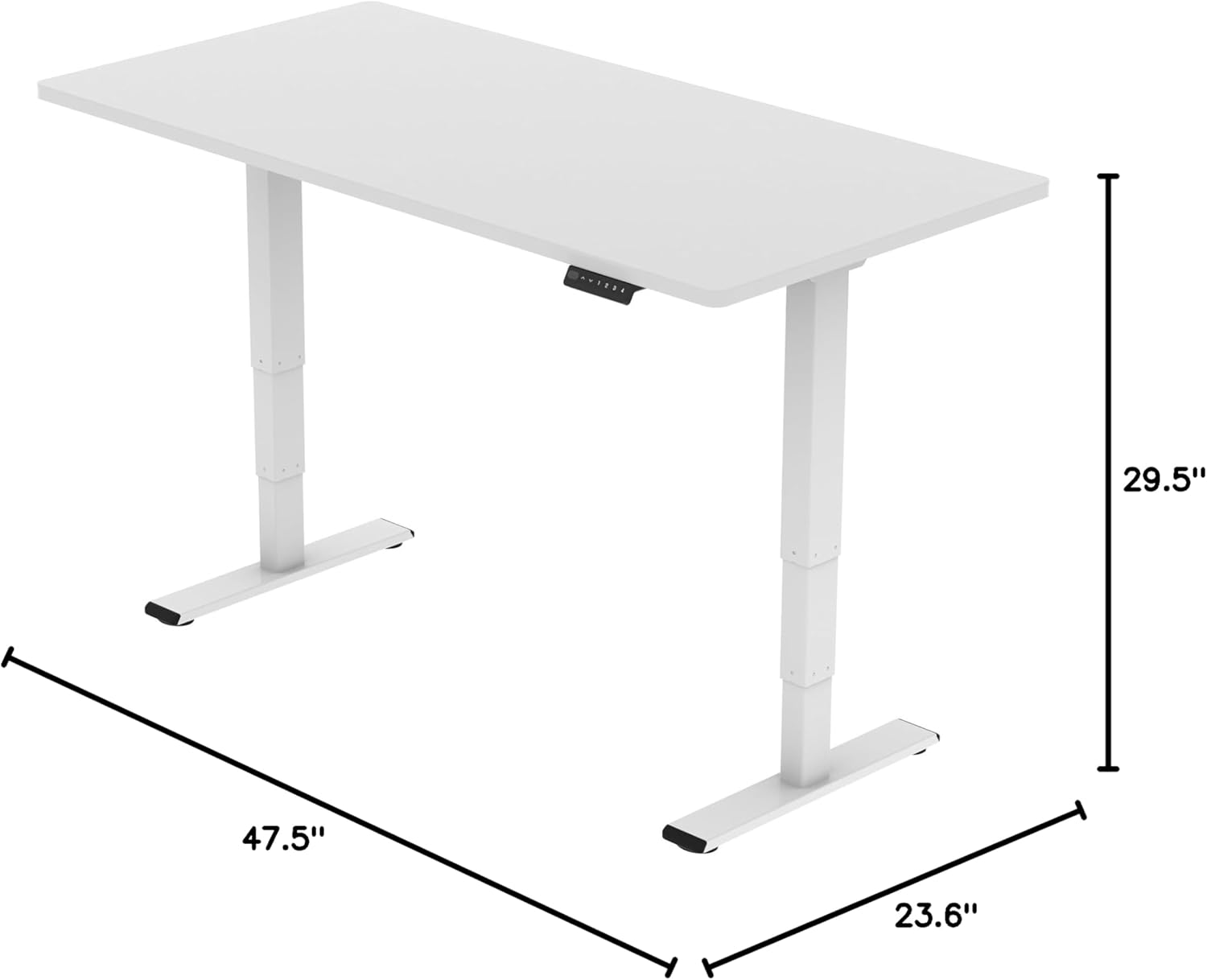
FLEXISPOT E6 Essential Standing Desk Frame dimensions

Image: Diagram illustrating the adjustable dimensions of the desk frame.

Manutenção

Regular maintenance ensures the longevity and optimal performance of your standing desk frame.

Solução de problemas

If you encounter any issues with your FLEXISPOT E6 Essential Standing Desk Frame, refer to the common problems and solutions below.

Garantia e Suporte

FLEXISPOT is committed to providing high-quality products and excellent customer service.

Video: "Welcome to FLEXISPOT'S Mega Factory" - Showcasing the manufacturing process and commitment to quality.

Documentos relacionados - ET365W

Préview Manual do usuário da estrutura da mesa elétrica de altura ajustável FlexiSpot EH1-EU
Manual do usuário completo para a estrutura da mesa de altura ajustável elétrica FlexiSpot EH1-EU, detalhando especificações, instruções de montagem, fiação, operação e solução de problemas para uso ideal.
Préview Guia de Montagem da Mesa de Trabalho Elétrica FlexiSpot EC1 com Altura Ajustável
Este guia de montagem fornece instruções passo a passo para configurar a mesa de altura ajustável elétrica FlexiSpot EC1. Inclui especificações, lista de peças, procedimentos de montagem, operação do teclado, dicas de solução de problemas e informações sobre a garantia.
Préview FlexiSpot EG1B Electric Standing Desk Assembly Instructions
Detailed assembly instructions for the FlexiSpot EG1B electric standing desk, covering all steps from unboxing to final setup. Includes technical specifications, parts list, and troubleshooting tips.
Préview Mesa de altura ajustável elétrica FlexiSpot E2Q: Guia de instalação e especificações
Guia de instalação completo e especificações para a mesa de altura ajustável elétrica FlexiSpot E2Q. Aprenda a montar, operar e solucionar problemas da sua mesa com altura ajustável.
Préview Mesa com altura ajustável FlexiSpot série EG1S/EG1W/EG1B: Guia de instalação e garantia limitada
Guia de instalação completo e detalhes da garantia limitada para as mesas com altura ajustável das séries FlexiSpot EG1S, EG1W e EG1B, abrangendo configuração, especificações, solução de problemas e cobertura da garantia.
Préview Manual do Usuário da Mesa de Trabalho FlexiSpot E7QB
Manual do usuário completo para a mesa de altura ajustável FlexiSpot E7QB, abrangendo componentes, instalação, uso, solução de problemas e informações sobre a garantia.