1. Introdução
The FLYINGVOICE FTA5120 is a high-performance 2 FXO VoIP adapter designed to provide reliable voice communication and data connectivity. This device integrates multiple functions, including support for two Public Switched Telephone Network (PSTN) lines, high-performance Network Address Translation (NAT) routing, and the ability to function as a small network switch.
Os principais recursos incluem:
- 2 FXO Ports: Connects to two PSTN lines for traditional telephone services.
- High-Performance NAT Routing: Manages network traffic efficiently.
- Small Switch Functionality: Provides internal Internet access for connected devices.
- Caller Identification (SAS): Supports call type identification to manage toll calls.
- Stand-alone Operation: Functions independently without requiring a PC for internal calls.
- Compatibilidade ampla: Based on SIP V2 protocol, ensuring compatibility with most service providers.
- Gestão fácil: Equipped with advanced management protocols such as SNMP and TR069 for unified deployment and centralized management.
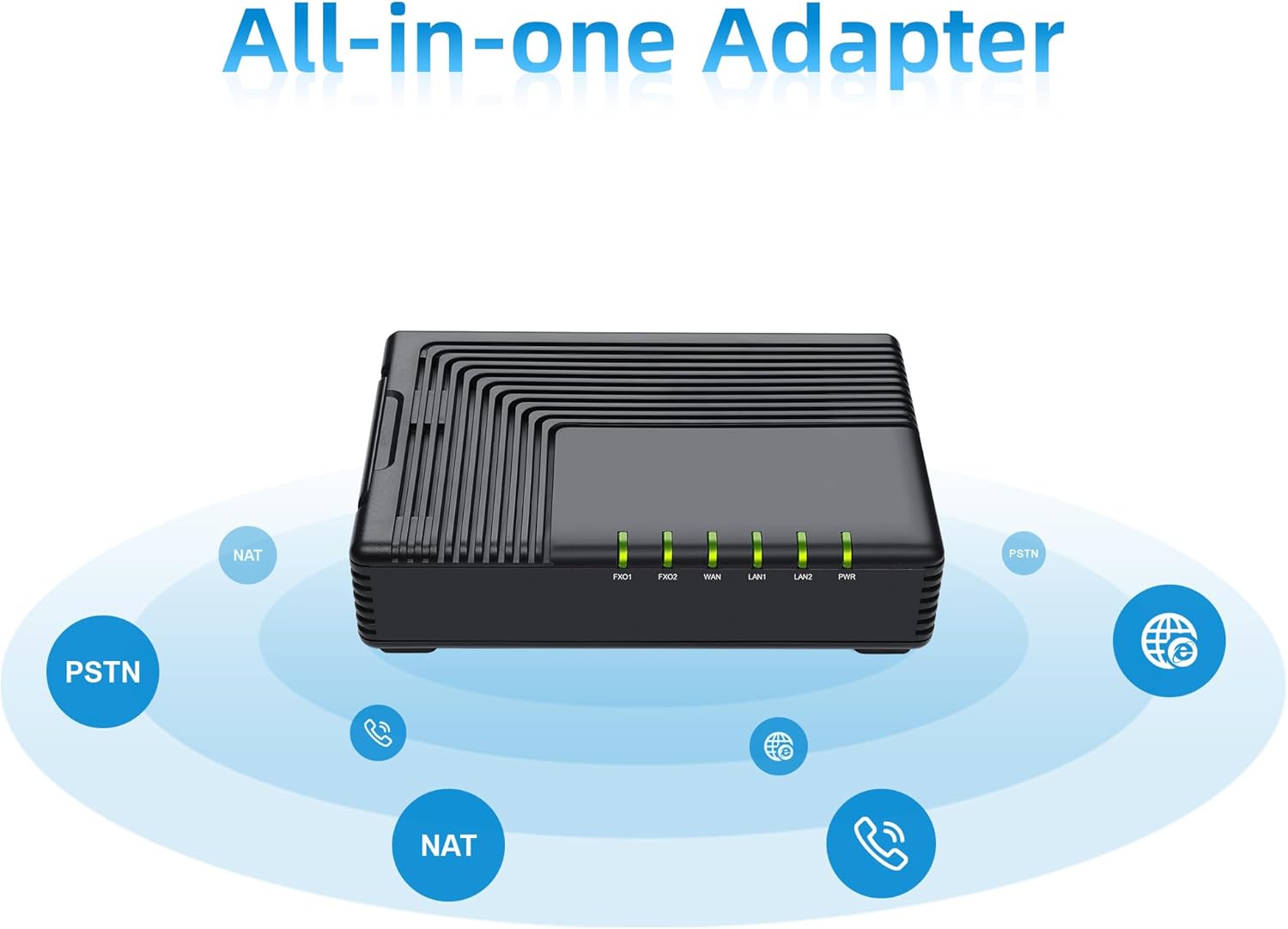
Figure 1: The FLYINGVOICE FTA5120 functions as an all-in-one adapter, supporting PSTN calls and network routing.

Figure 2: The FTA5120 operates as a stand-alone device, enabling convenient and flexible Internet calls without a connected PC.
2. Guia de configuração
Follow these steps to set up your FTA5120 VoIP adapter:
- Conecte a energia: Connect the provided power adapter to the DC 12V/1A port on the rear panel of the FTA5120 and plug it into a power outlet. The Power LED on the front panel should illuminate.
- Connect to Network (WAN): Connect an Ethernet cable from your broadband modem or router to the blue WAN port on the FTA5120. The WAN LED should light up, indicating network activity.
- Conectar à rede local (LAN): If you wish to connect local devices (e.g., computers, switches) to the FTA5120 for Internet access, use Ethernet cables to connect them to the yellow LAN1 or LAN2 ports. The corresponding LAN LEDs will indicate activity.
- Connect to PSTN Lines (FXO): Connect your analog telephone lines (from your telephone wall jacks) to the FXO1 and FXO2 ports on the FTA5120. These ports allow the adapter to interface with traditional phone services.
- Configuração inicial: Acesse o dispositivo web-based management interface by typing its IP address into a web browser on a computer connected to the LAN port. Refer to the device's default IP address and login credentials provided in the separate Quick Installation Guide or on the device label.

Figure 3: Rear panel of the FTA5120 showing FXO1, FXO2, WAN, LAN1, LAN2, RST, and DC 12V/1A ports.
3. Instruções de operação
Once the FTA5120 is set up and configured, you can begin using its features:
- Fazer e receber chamadas: The FTA5120 allows you to make and receive calls over your connected PSTN lines. Ensure your analog phones are connected to the appropriate FXS ports (if available on a different model, this model has FXO for PSTN connection).
- Caller Identification (SAS): The device supports SAS (Stand-Alone Survivability) and call type identification. This feature can identify toll calls, and with proper configuration, internal lines can be prevented from receiving charged calls. This enhances call management and cost control.
- NAT Routing: The high-performance NAT routing function enables efficient management of network traffic, ensuring smooth data flow for all connected devices.
- Small Switch Functionality: Utilize the LAN ports to connect multiple devices to your network, effectively expanding your local network capabilities.
- SIP V2 Compatibility: The FTA5120 is compatible with most SIP V2 service providers, offering flexibility in choosing your VoIP service.
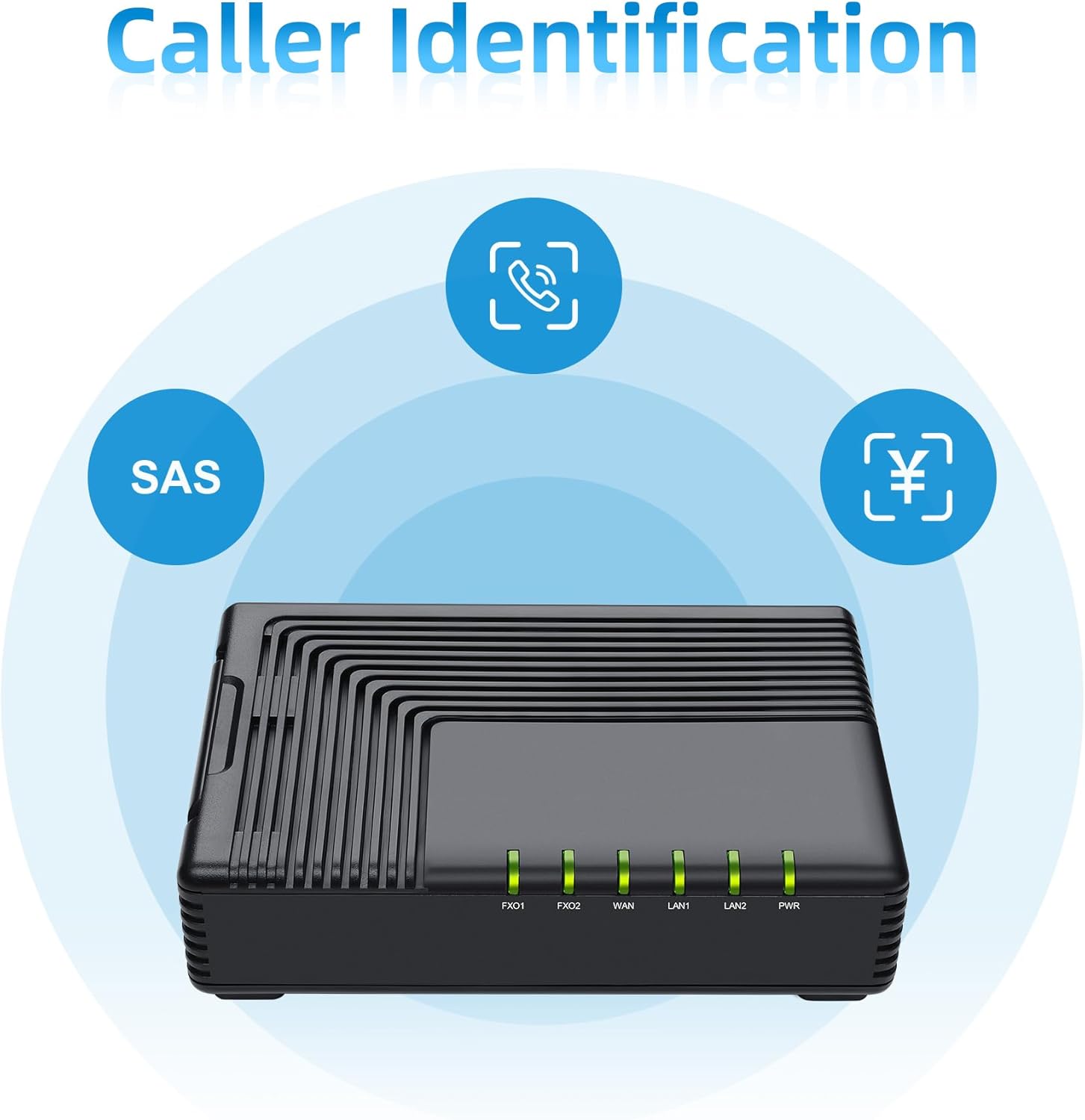
Figure 4: The FTA5120's caller identification feature, including SAS, helps manage incoming calls.

Figure 5: The FTA5120 supports SIP V2 for broad compatibility with VoIP service providers.

Figure 6: The FTA5120 features easy management through TR069 and SNMP protocols.
4. Manutenção
To ensure the longevity and optimal performance of your FTA5120 adapter, consider the following maintenance tips:
- Mantenha limpo: Limpe o dispositivo regularmente com um pano macio e seco. Evite usar produtos de limpeza líquidos ou materiais abrasivos.
- Ventilação: Certifique-se de que o dispositivo esteja em uma área bem ventilada para evitar superaquecimento. Não obstrua as aberturas de ventilação.
- Atualizações de firmware: Periodically check the FLYINGVOICE official webSite para atualizações de firmware. Manter o firmware atualizado pode melhorar o desempenho, adicionar novos recursos e aumentar a segurança.
- Condições ambientais: Operate the device within recommended temperature and humidity ranges. Avoid exposure to extreme temperatures, direct sunlight, or moisture.
5. Solução De Problemas
If you encounter issues with your FTA5120, try the following troubleshooting steps:
- Sem energia:
- Certifique-se de que o adaptador de energia esteja conectado firmemente ao dispositivo e a uma tomada elétrica em funcionamento.
- Verifique se a tomada elétrica está funcionando.
- Sem conectividade de rede:
- Check that Ethernet cables are securely connected to the WAN and LAN ports.
- Verify your modem/router is working correctly and providing Internet access.
- Restart the FTA5120 by unplugging and re-plugging the power adapter.
- Não consigo fazer/receber chamadas:
- Ensure PSTN lines are properly connected to the FXO ports.
- Verify your VoIP service provider settings are correctly configured in the device's web interface.
- Check the status of the FXO LEDs on the device.
- Reinicialização do dispositivo: If issues persist, you may need to reset the device to factory defaults.
- Locate the RST button on the rear panel (often a small pinhole).
- With the device powered on, use a paperclip or similar pointed object to press and hold the RST button for approximately 5-10 seconds until the LEDs flash.
- Aviso: Resetting the device will erase all custom configurations. You will need to reconfigure it after a reset.
6. Especificações
| Recurso | Detalhe |
|---|---|
| Número do modelo | FTA5120 |
| Dimensões do produto | 4.72 x 3.15 x 1.26 polegadas |
| Peso do item | 14.4 onças |
| interface de hardware | Ethernet |
| Cor | Preto |
| Protocolo de Link de Dados | Ethernet |
| Fabricante | VOZ DE VOO |
7. Vídeo do produto encerradoview
Video 1: An introduction to the FLYINGVOICE FTA5120 High-performance 2 FXO VoIP Adapter, highlighting its features and connectivity options.
8. Garantia e Suporte
For warranty information and technical support, please refer to the documentation included with your product or visit the official FLYINGVOICE website. Contact information for customer service is typically available on the manufacturer's support pages.


