1. Introdução
The THOMSON Google TV Streaming Box 240 transforms your television into a Smart TV, offering access to a wide range of streaming services and applications. This manual provides instructions for setting up, operating, and maintaining your device to ensure optimal performance and an enhanced viewexperiência.
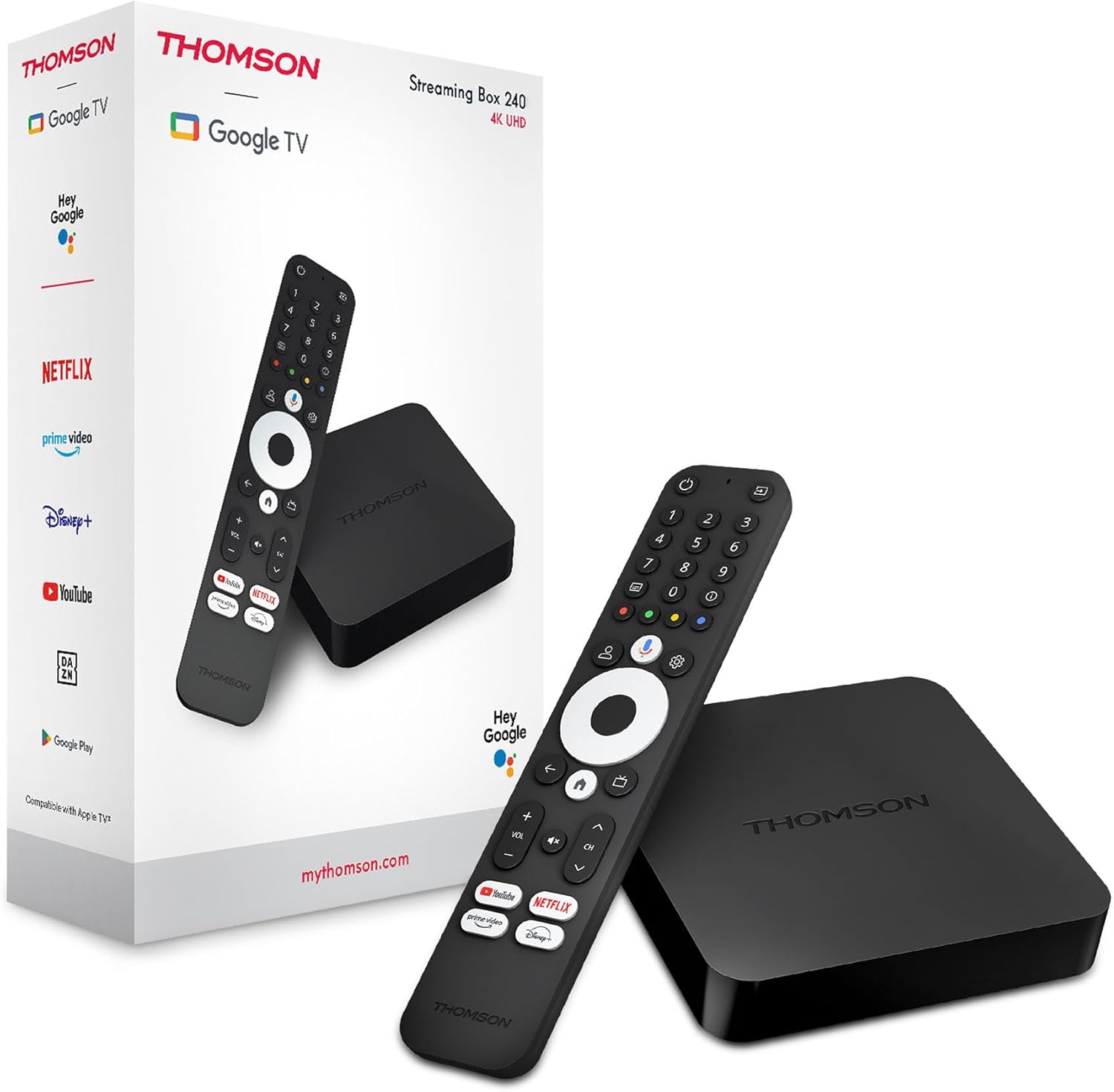
Image 1.1: THOMSON Google TV Streaming Box 240 and its remote control.
2. O que está na caixa
Por favor, verifique o conteúdo da embalagem para garantir que todos os itens estejam presentes:
- THOMSON Streaming Box 240
- Remote Control with Google Assistant
- Adaptador de energia
- Cabo HDMI
- Manual do usuário (este documento)
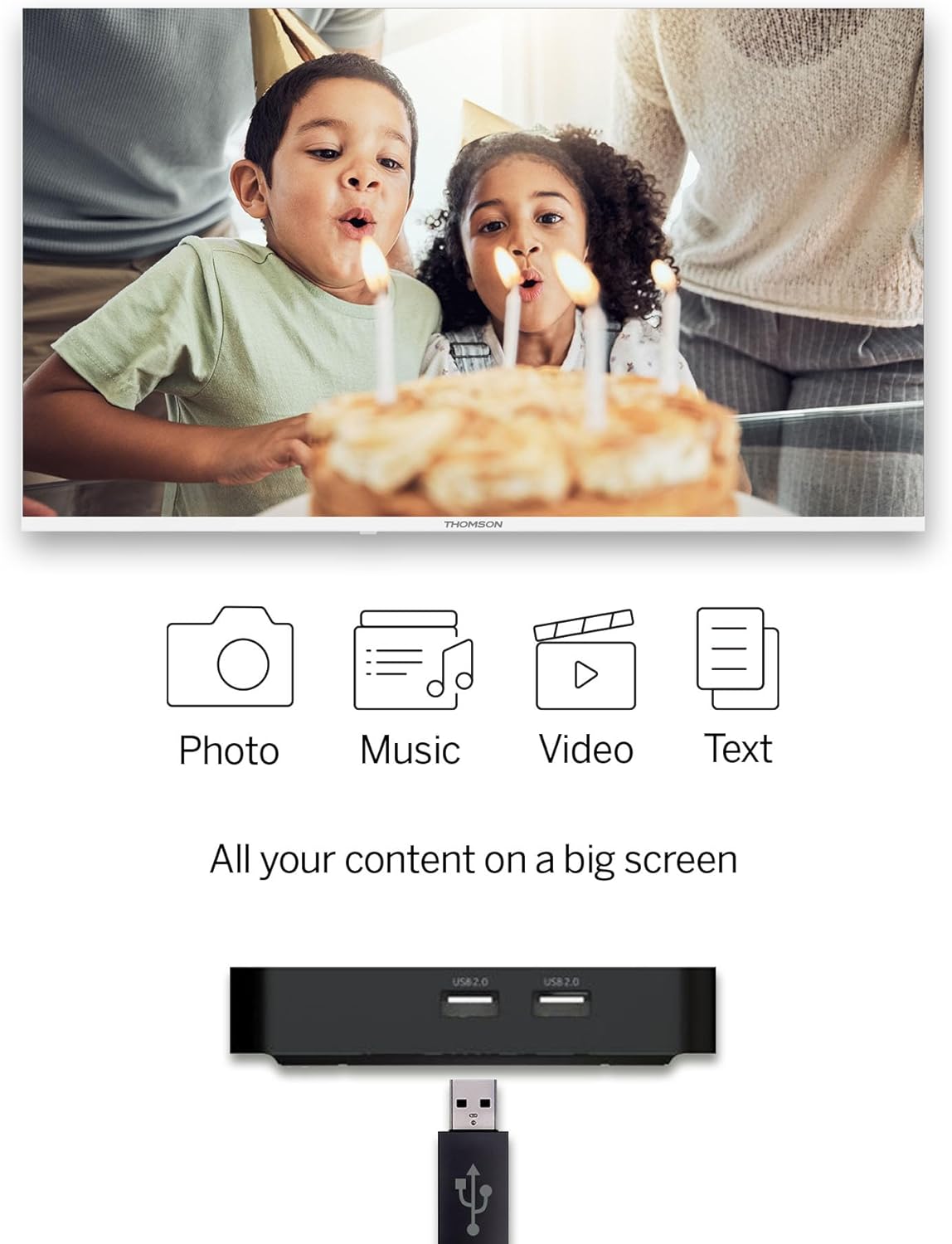
Image 2.1: The THOMSON Streaming Box 240 and its accompanying remote control.
3. Guia de configuração
Follow these steps to set up your THOMSON Google TV Streaming Box 240:
- Conectar à TV: Connect one end of the HDMI cable to the HDMI port on the Streaming Box and the other end to an available HDMI input on your television.
- Conecte a energia: Plug the power adapter into the DC IN port on the Streaming Box, then plug the adapter into a wall power outlet.
- Ligar: Turn on your television and select the correct HDMI input source using your TV remote. The Streaming Box should power on automatically.
- Configuração inicial: Follow the on-screen instructions to complete the initial setup. This includes selecting your language, connecting to your network (Wi-Fi or Ethernet), and logging in with your Google account.
- Par remoto: If prompted, pair your remote control by following the on-screen instructions. Typically, this involves holding down specific buttons on the remote near the device.

Imagem 3.1: Traseira view of the Streaming Box 240, highlighting its connectivity ports.
4. Instruções de operação
4.1 Controle Remoto Sobreview
The ergonomic Bluetooth remote control provides easy navigation and access to features.

Image 4.1: Key features of the THOMSON Streaming Box 240 remote control.
- Botão de energia: Liga ou desliga o dispositivo.
- Botões Numéricos (0-9): Easily switch between available channels within supported applications.
- Botão do Google Assistente: Ativa o controle por voz.
- Painel de navegação: Para navegar pelos menus (Cima, Baixo, Esquerda, Direita, OK).
- Botão Voltar: Retorna à tela anterior.
- Botão Home: Retorna à tela inicial do Google TV.
- Botões de volume: Ajusta o volume.
- Botões de canal: Changes channels within supported applications.
- Botões de acesso direto: One-click access to Netflix, Prime Video, YouTube, and Disney+.
- Prófile Botão de mudança: Allows switching between different user profiles.
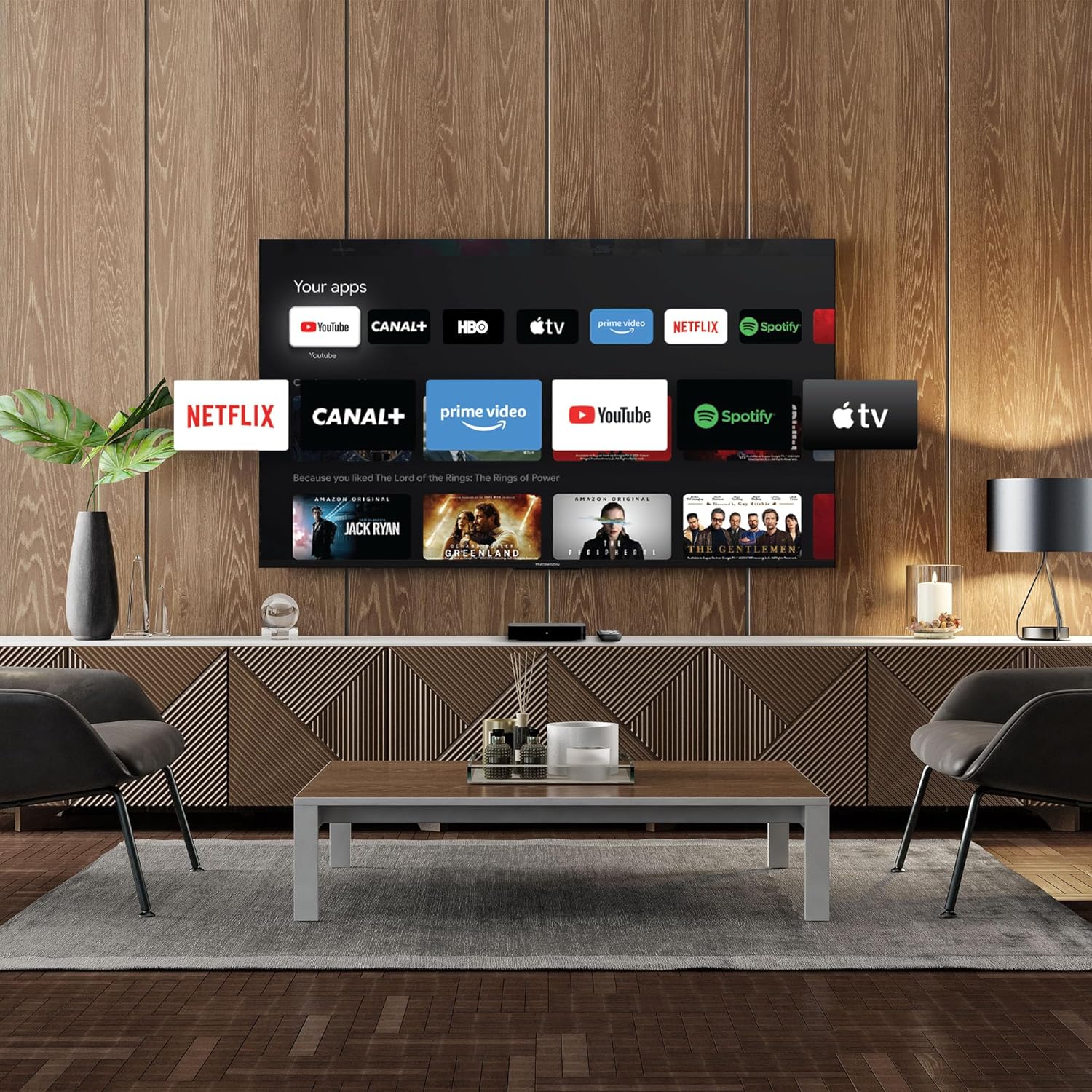
Image 4.2: Using numeric buttons on the remote for in-app channel switching.
4.2 Interface do Google TV
Google TV combines content from various streaming services onto a single home screen, providing personalized recommendations. You can create multiple user profiles to tailor content suggestions for each family member.

Image 4.3: The Google TV interface with integrated streaming services.
4.3 Google Assistente
Use the built-in Google Assistant for voice control. Press the Google Assistant button on your remote and speak your commands. You can search for content, open apps, get information, and control smart home devices.

Image 4.4: Activating Google Assistant via the remote control.
4.4 Google Cast
With Google Cast built-in, you can wirelessly stream movies, music, and photos from your compatible smartphone, tablet, or computer directly to your TV screen.
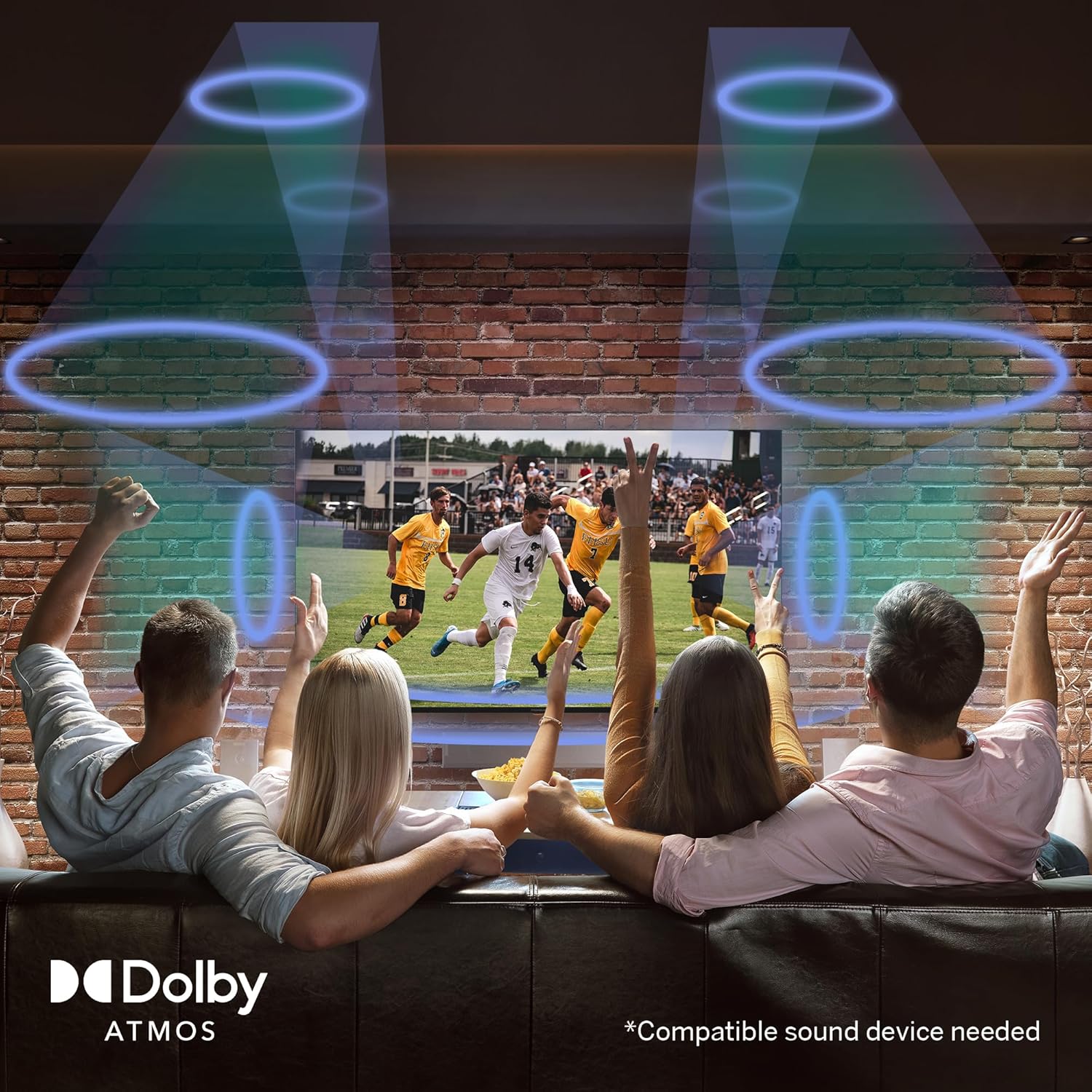
Image 4.5: Demonstrating the Google Cast functionality.
Reprodução de mídia USB 4.5
Connect a USB storage device to one of the USB 2.0 ports to view your personal photos and videos on your television.
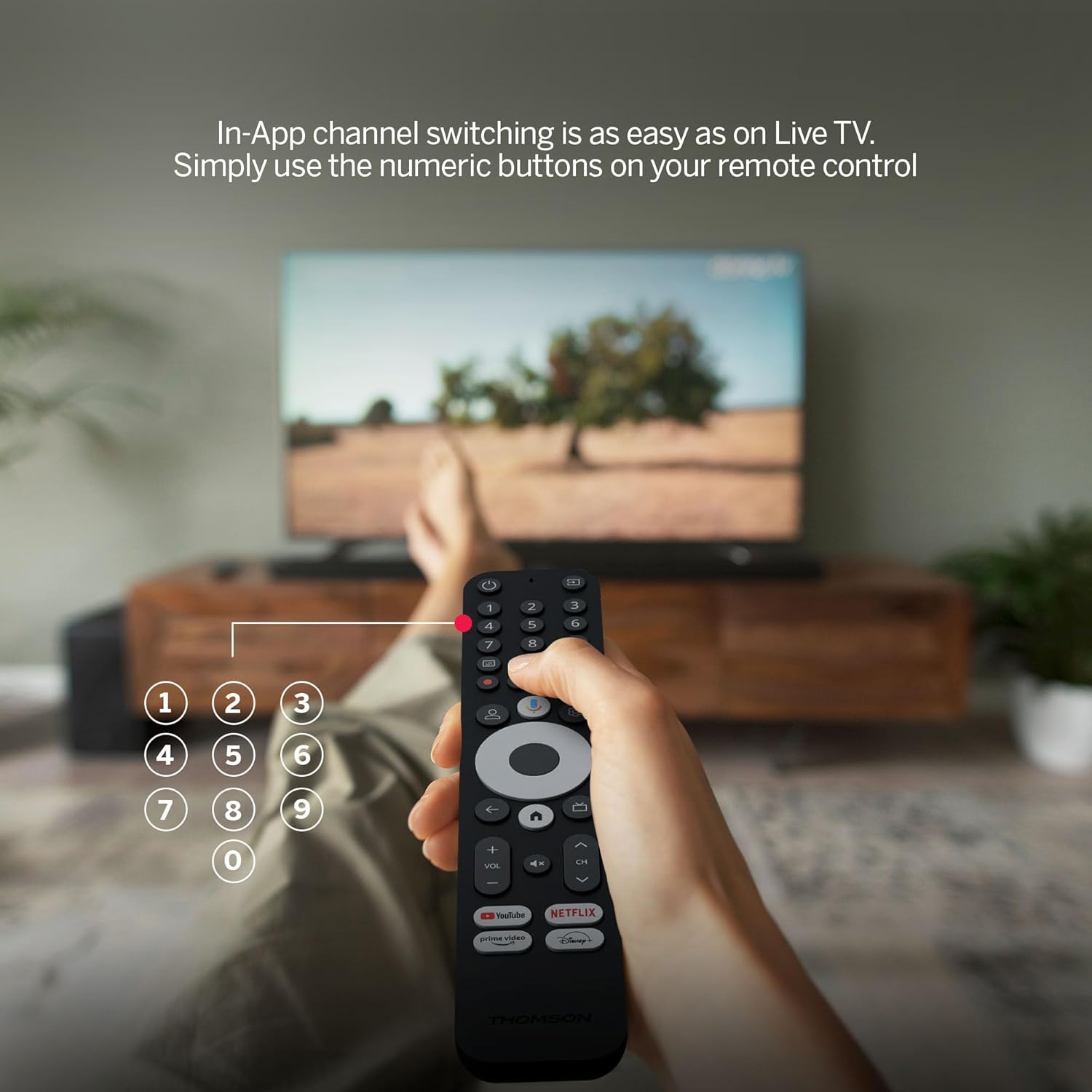
Image 4.6: USB media playback for various content types.
5. Principais características
- Resolução 4K UHD: Experience stunningly sharp and vivid images with 4x the precision of Full HD.
- Google TV (Android 12): Enjoy personalized content recommendations and multiple user profiles for a customized Smart TV experience. Access popular streaming services like Netflix, Prime Video, YouTube, Disney+, and more.
- Assistente do Google: Control your TV and search for content using voice commands.
- Chromecast integrado: Wirelessly cast movies, music, and photos from compatible devices to your TV.
- Powerful Quad-Core Processor: Ensures smooth and fluid performance without lag.
- Reprodutor de mídia: Play your favorite photos and videos directly from a USB drive on the big screen.
- Botões de acesso direto: Quickly launch Netflix, Prime Video, YouTube, and Disney+ with dedicated buttons on the remote.
- Dolby Atmos: Delivers an immersive audio experience (requires a compatible sound device).
- Conectividade abrangente: Equipped with HDMI, 2x USB, optical digital audio, and LAN ports.
- Convenient Network Access: Choose between Wi-Fi or Ethernet LAN for stable internet connection.
- Bluetooth 5.0: Easily connect gamepads, speakers, or other external devices wirelessly.

Image 5.1: Visual comparison of different display resolutions, highlighting 4K UHD.
6. Conectividade
The THOMSON Streaming Box 240 offers a variety of connection options:
- HDMI 2.1: For high-definition video and audio output to your television.
- USB 2.0 (x2): For connecting external storage devices like USB drives.
- Ethernet (LAN): Para uma conexão de internet cabeada estável.
- Saída de áudio óptica: For connecting to external audio systems with digital input.
- Wi-fi: Para conectividade de internet sem fio.
- Bluetooth 5.0: For pairing wireless peripherals such as game controllers, headphones, or speakers.
7. Manutenção
To ensure the longevity and optimal performance of your Streaming Box 240, follow these maintenance guidelines:
- Limpeza: Limpe o dispositivo delicadamente com um pano macio e seco. Não utilize produtos de limpeza líquidos ou materiais abrasivos.
- Ventilação: Certifique-se de que as aberturas de ventilação não estejam bloqueadas para evitar superaquecimento.
- Ambiente: Evite expor o dispositivo a temperaturas extremas, luz solar direta, alta umidade ou ambientes empoeirados.
- Desconexão de energia: Disconnect the power adapter during electrical storms or if the device will be unused for an extended period.
8. Solução De Problemas
If you encounter issues with your THOMSON Streaming Box 240, refer to the following common solutions:
| Problema | Possível causa | Solução |
|---|---|---|
| Sem energia/O dispositivo não liga | Power adapter not connected; Power outlet not working | Verifique a conexão do cabo de alimentação; tente outra tomada. |
| Sem sinal na tela da TV | Incorrect HDMI input selected; Loose HDMI cable | Select the correct HDMI input on your TV; Ensure HDMI cable is securely connected. |
| No network connection (Wi-Fi/Ethernet) | Incorrect Wi-Fi password; Router issue; Loose Ethernet cable | Verify Wi-Fi password; Restart your router; Check Ethernet cable connection. |
| Controle remoto não responde | Bateria fraca; Controle remoto não emparelhado | Replace batteries; Re-pair the remote control as per initial setup instructions. |
| Applications freezing or slow performance | Muitos aplicativos em execução; Falha de software | Close unused applications; Restart the Streaming Box; Clear app cache in settings. |
9. Especificações
Detailed technical specifications for the THOMSON Google TV Streaming Box 240:
| Recurso | Especificação |
|---|---|
| Marca | THOMSON |
| Nome do modelo | Caixa de transmissão 240 |
| Cor | Preto |
| Resolução | 4K UHD (3840x2160) |
| Sistema operacional | Google TV (Android 12) |
| BATER | 2 GB |
| Memória interna | 8 GB |
| Conectividade | HDMI 2.1, 2x USB 2.0, Ethernet, Optical Audio Out, Wi-Fi, Bluetooth 5.0 |
| Características especiais | Google Assistant, Chromecast, Dolby Atmos, HDR10 |
| Dimensões (C x L x A) | 112 mm x 112 mm x 23 mm |

Image 9.1: Dimensions of the Streaming Box 240 and its remote control.
10. Garantia e Suporte
Your THOMSON Google TV Streaming Box 240 comes with a comprehensive Garantia do fabricante de 3 anos, ensuring reliability and peace of mind.
For further assistance, technical support, or warranty claims, please visit the official THOMSON webVisite o site ou entre em contato com o departamento de atendimento ao cliente. Guarde o comprovante de compra para validação da garantia.


