Introdução
The Sharp GX-BT290 Crystal Clear Series Portable Bluetooth Speaker is designed to deliver high-quality audio with enhanced bass, offering a robust and portable listening experience. Featuring IP67 waterproof and dustproof capabilities, a long-lasting 14-hour battery, and versatile connectivity options including True Wireless Stereo (TWS) pairing, this speaker is suitable for various environments. It also includes a built-in microphone for hands-free calling and two distinct LED light modes to enhance your audio experience.
Conteúdo da embalagem
- Sharp GX-BT290 Bluetooth Speaker
- USB Charging Cable (not explicitly listed but implied for battery charging)
- Manual do usuário (este documento)
Configurar
1. Carregando o alto-falante
Before first use, fully charge the speaker. Connect the provided USB charging cable to the speaker's charging port and the other end to a compatible USB power adapter (not included) or a computer's USB port. The charging indicator light will illuminate during charging and turn off once fully charged. A full charge provides approximately 14 hours of playtime.
2. Ligar / desligar
Pressione e segure o Botão de energia located on the control panel until you hear an audible prompt or see the indicator lights activate. To power off, press and hold the Botão de energia de novo.

Image: The Sharp GX-BT290 speaker in red, displaying its vertical control panel with power, volume, light mode, and Bluetooth buttons. This view highlights the speaker's cylindrical design and integrated strap.
Instruções de operação
1. Emparelhamento Bluetooth
- Ensure the speaker is powered on and in Bluetooth pairing mode (indicated by a flashing blue LED). If not, briefly press the Botão Bluetooth.
- No seu dispositivo (smartphone, tablet, laptop), ative o Bluetooth e procure por dispositivos disponíveis.
- Select "GX-BT290" from the list of found devices.
- Once connected, the speaker will provide an audible confirmation, and the Bluetooth LED will become solid blue.
2. Emparelhamento True Wireless Stereo (TWS)
To achieve a stereo sound experience, you can pair two GX-BT290 speakers together:
- Ensure both GX-BT290 speakers are powered on and not connected to any other Bluetooth device.
- Em uma das caixas de som (esta será a caixa de som principal), pressione e segure o botão Botão TWS (often integrated with the Bluetooth button or a dedicated button).
- The primary speaker will search for the secondary speaker. Once connected, both speakers will provide an audible confirmation.
- Now, connect your device to the primary speaker via Bluetooth as described in the "Bluetooth Pairing" section. Audio will play in stereo through both speakers.
3. Reprodução de áudio e controle de volume
- Use o Aumentar volume (+) e Volume baixo (-) buttons on the speaker to adjust the playback volume.
- Pressione o Botão Reproduzir/Pausar (often integrated with the Power button or a dedicated button) to play or pause audio.
- For track navigation, refer to your connected device's controls.
4. Chamadas com viva-voz
When connected to a smartphone, the speaker's built-in microphone allows for hands-free calls:
- To answer an incoming call, briefly press the Botão de chamada (often integrated with the Play/Pause button).
- To end a call, briefly press the Botão de chamada de novo.
- Para rejeitar uma chamada, pressione e segure o Botão de chamada.
5. Modos de luz LED
The speaker features two LED light modes. Briefly press the Botão de modo de luz (often indicated by a lightbulb icon) to cycle through the available light effects or to turn them off.
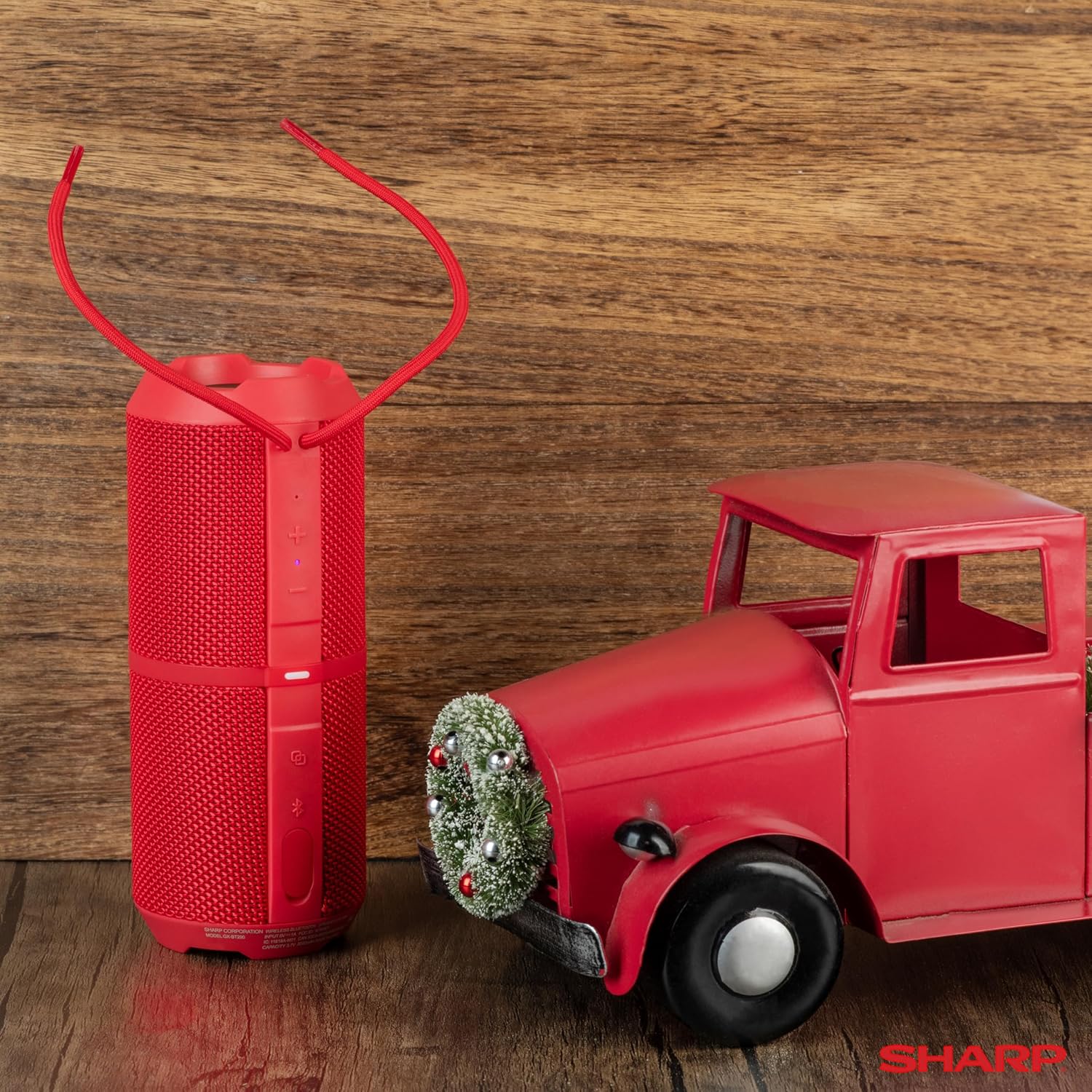
Imagem: Uma explosão view of the Sharp GX-BT290 speaker, illustrating its unique cylinder design, DSP technology, and the precision dual drivers responsible for exceptional depth and clarity in sound.
Manutenção
Limpeza
Limpe o alto-falante com um pano macio, seco ou levemente umedecido.amp pano. Não utilize produtos de limpeza abrasivos, álcool ou solventes químicos, pois estes podem danificar a superfície.
À prova d'água e poeira (IP67)
The GX-BT290 is rated IP67, meaning it is protected from dust ingress and can withstand immersion in water up to 1 meter for 30 minutes. Ensure the charging port cover is securely closed before exposing the speaker to water or dust. After exposure to water, dry the speaker thoroughly before charging.

Image: The Sharp GX-BT290 speaker being splashed with water, visually demonstrating its IP67 water and dustproof capabilities. This image emphasizes the speaker's durability for outdoor use.
Armazenar
Store the speaker in a cool, dry place away from direct sunlight and extreme temperatures when not in use for extended periods. Avoid storing in environments with high humidity.
Solução de problemas
| Problema | Possível causa | Solução |
|---|---|---|
| A caixa de som não liga. | Bateria fraca; botão liga/desliga não pressionado corretamente | Charge the speaker; Press and hold the Power button for a few seconds |
| Sem som | Volume too low; Not paired; Device volume low | Increase speaker volume; Ensure successful Bluetooth pairing; Increase volume on connected device |
| Não foi possível emparelhar com o dispositivo. | O alto-falante não está em modo de emparelhamento; Bluetooth do dispositivo desligado; Muito longe do alto-falante | Ensure speaker is flashing blue LED; Turn on device Bluetooth; Move device closer to speaker (within 33 feet) |
| O emparelhamento TWS falha | Caixas de som já emparelhadas com outros dispositivos; muito distantes umas das outras. | Disconnect speakers from other devices; Ensure speakers are close to each other during TWS pairing |
| Má qualidade de som | Interferência; Dispositivo muito distante; Bateria fraca | Move away from other wireless devices; Move device closer; Charge the speaker |
Especificações
| Recurso | Especificação |
|---|---|
| Nome do modelo | GX-BT290(R) |
| Tipo de alto-falante | Ar livre |
| Características especiais | Bass Boost, Built-in Microphone, Dustproof, LED Light, Lightweight |
| Tecnologia de Conectividade | Bluetooth |
| Distância wireless | Até 10 metros (33 pés) |
| Potência de saída | 32W Max Power (16W RMS) |
| Nível de resistência à água | IP67 (à prova d'água e à prova de poeira) |
| Duração da bateria | Até 14 horas |
| Fonte de energia | Alimentado por bateria (1 bateria de íon de lítio incluída) |
| Dimensões do produto | 3"D x 7.5"W x 3"H (aprox. 7.6 cm de profundidade x 19 cm de largura x 7.6 cm de altura) |
| Peso do item | 16 onças (aproximadamente 0.45 kg) |
| Componentes incluídos | alto-falante bluetooth |
| Cor | Vermelho |

Image: A hand holding the Sharp GX-BT290 speaker, demonstrating its compact size and portability. This image provides a sense of scale for the device.
Garantia e Suporte
For warranty information, technical support, or customer service inquiries, please refer to the documentation included with your purchase or visit the official Sharp website. Guarde o comprovante de compra para solicitações de garantia.
For further assistance, you may also contact the retailer from whom you purchased the product.


