Introdução
The Baseus AeQur GH02 RGB Gaming Headset is designed to provide an immersive audio experience for gaming and multimedia. Featuring high-quality sound drivers, customizable RGB lighting, and versatile connectivity options, this headset offers comfort and performance for extended use. This manual provides detailed instructions on setting up, operating, maintaining, and troubleshooting your headset.

Image: The Baseus AeQur GH02 RGB Gaming Headset, showcasing its sleek black design and integrated microphone.
Produto acimaview e Características
The AeQur GH02 headset combines advanced audio technology with user-friendly features:
- Drivers de 40 mm: Delivers powerful and clear sound with a frequency range of 20-40,000Hz for an immersive audio experience.
- Iluminação RGB: Customizable RGB illumination to enhance your gaming setup.
- Conectividade versátil: Supports Bluetooth, 3.5mm wired connection, and 2.4GHz wireless via a USB dongle for broad compatibility.
- Removable Microphone: High-sensitivity microphone (-45dB) ensures clear communication and can be detached when not needed.
- Design sobre a orelha: Provides acoustic isolation and prolonged comfort during long gaming sessions.
- Bateria de longa duração: Até 40 horas de reprodução com uma única carga.
- Cancelamento de ruído ativo: Reduz o ruído ambiente para uma experiência de audição mais focada.

Image: Close-up of the headset's ear cup, highlighting the vibrant RGB lighting around the edge, which can be customized for different visual effects.
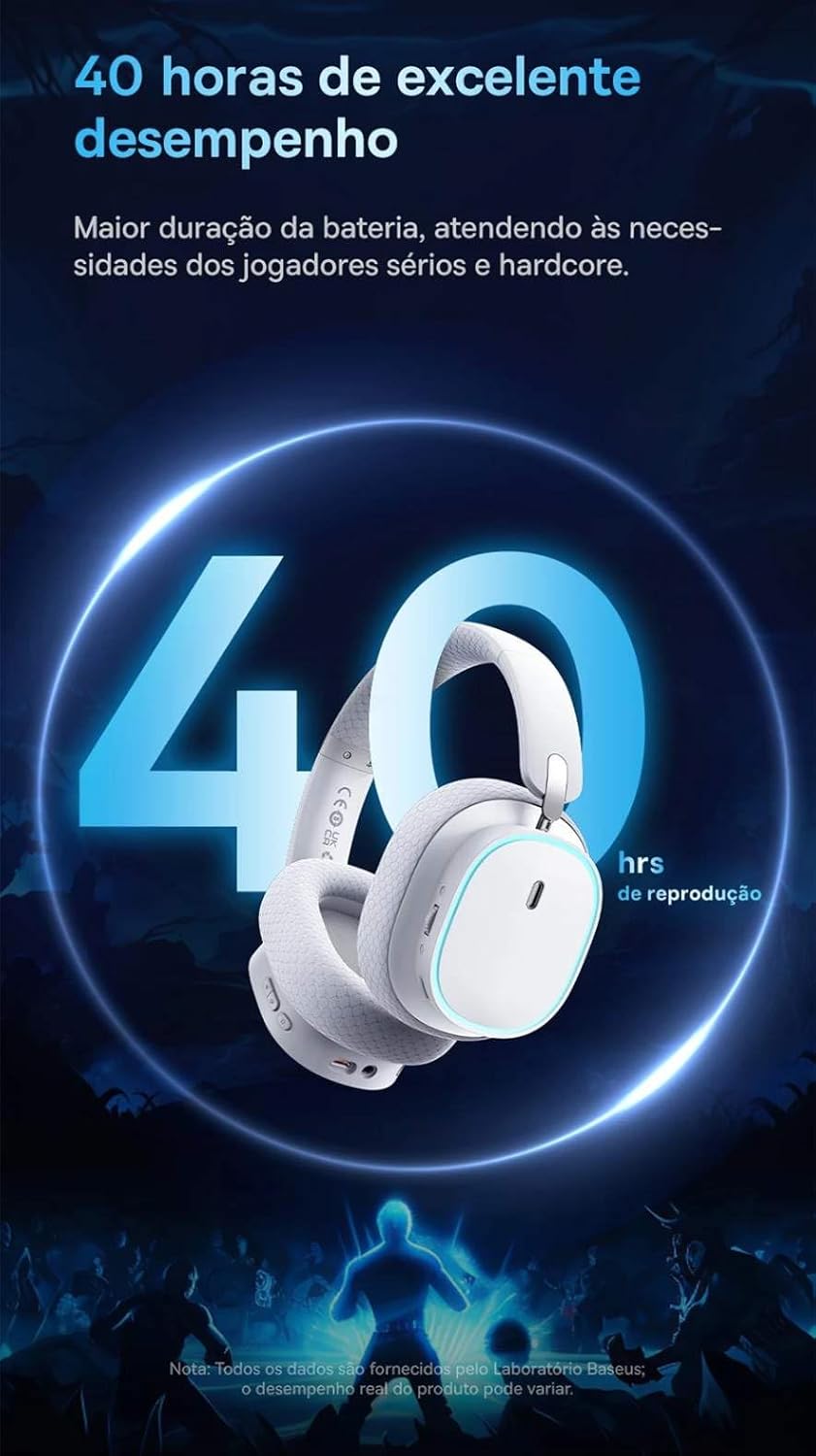
Image: A visual representation of the headset emphasizing its 40-hour battery life, indicating extended usage without frequent recharging.
Configurar
1. Carregando o fone de ouvido
Before first use, fully charge the headset. Connect the provided USB-C charging cable to the headset's charging port and the other end to a USB power source (e.g., computer USB port, wall adapter). The LED indicator will show charging status and turn off or change color when fully charged.
2. Connecting via 2.4GHz Wireless (Recommended for Gaming)
- Locate the 2.4GHz USB wireless dongle included with your headset.
- Plug the USB dongle into an available USB port on your PC, PlayStation (PS4/PS5), or other compatible gaming device.
- Power on the headset. It should automatically connect to the dongle. The LED indicator will confirm a successful connection.
- Ensure the headset is selected as the audio output and input device in your device's sound settings.
3. Conectando via Bluetooth
- With the headset powered on, activate Bluetooth pairing mode (refer to the operating section for specific button presses). The LED indicator will typically flash to indicate pairing mode.
- On your smartphone, tablet, or PC, go to Bluetooth settings and search for available devices.
- Select "Baseus AeQur GH02" from the list of found devices to pair.
- Após o emparelhamento, o indicador LED exibirá uma luz constante.
4. Connecting via 3.5mm Audio Cable
- Conecte uma extremidade do cabo de áudio de 3.5 mm à entrada de áudio de 3.5 mm do fone de ouvido.
- Connect the other end to the 3.5mm audio output port on your device (e.g., PC, console controller, phone).
- When connected via 3.5mm cable, the headset operates in passive mode, and battery power is not required for audio, though some features like RGB lighting may be disabled.

Image: The Baseus AeQur GH02 headset displayed alongside various compatible gaming and mobile devices, including a PC, PlayStation console, Nintendo Switch, and smartphone, illustrating its broad connectivity.

Image: Icons representing compatibility with Android smartphones/tablets, PCs/notebooks, and gaming consoles like PS5/PS4/Switch/Steam Deck/VR, highlighting the headset's versatile use cases.
Operando o fone de ouvido
Controles
- Botão de energia: Pressione e segure para ligar/desligar. Pressione rapidamente para reproduzir/pausar (no modo Bluetooth).
- Roda de volume: Enrole para cima para aumentar o volume, enrole para baixo para diminuir o volume.
- Botão de silenciamento do microfone: Pressione para ativar/desativar o som do microfone.
- Botão de iluminação RGB: Short press to cycle through RGB lighting modes or turn off.
Uso do microfone
The microphone is removable. To attach, align the microphone jack with the port on the left ear cup and insert firmly. To remove, gently pull it out. Ensure the microphone is properly inserted for clear voice pickup.
Baseus App Integration
For advanced customization, download the official Baseus app on your smartphone. The app allows you to:
- Adjust EQ settings (Equalizer).
- Personalize os efeitos e cores da iluminação RGB.
- Switch between audio modes (e.g., Normal Mode, Music Mode, Game Mode for spatial acoustics).
- View status da bateria.

Image: Screenshots of the Baseus mobile application interface, demonstrating options for spatial acoustics, EQ mode, and lamp effects, allowing users to customize their headset's performance and lighting.
Manutenção
- Limpeza: Use um pano macio e seco para limpar os fones de ouvido. Para as almofadas auriculares, use um pano levemente umedecido.amp cloth can be used, but ensure they are completely dry before use. Do not use harsh chemicals or abrasive materials.
- Armazenar: Store the headset in a cool, dry place away from direct sunlight and extreme temperatures. If storing for extended periods, ensure it is partially charged (around 50%) to preserve battery health.
- Manuseio: Evite deixar o fone de ouvido cair ou submetê-lo a impactos fortes. Não torça ou dobre a haste em excesso.
Solução de problemas
| Problema | Possível causa | Solução |
|---|---|---|
| Nenhum som nos fones de ouvido | Headset not powered on; Low battery; Not properly connected (Bluetooth/2.4GHz/3.5mm); Incorrect audio output selected on device. | Ensure headset is powered on and charged. Re-pair Bluetooth or re-plug 2.4GHz dongle/3.5mm cable. Check device's sound settings to ensure "Baseus AeQur GH02" is selected as output. |
| Microfone não funciona | Microphone muted; Not properly inserted; Incorrect input device selected; Software issues. | Ensure microphone is not muted (check mute button). Re-insert the removable microphone firmly. Check device's sound settings to ensure "Baseus AeQur GH02" is selected as input. Restart application/game. |
| Headset not pairing/connecting | Out of range; Interference; Headset not in pairing mode; Device's Bluetooth/USB port issue. | Ensure headset is in pairing mode and within range. Turn off other Bluetooth devices. Try connecting to a different USB port or device. Restart headset and device. |
| Bateria de curta duração | Not fully charged; High volume usage; RGB lighting always on. | Ensure headset is fully charged. Reduce volume. Turn off RGB lighting when not needed. |
| Não pode ser usado durante o carregamento. | Limitações no projeto do produto. | The Baseus AeQur GH02 headset is designed not to be used while charging. Please allow the headset to fully charge before resuming use. |
Especificações
| Recurso | Detalhe |
|---|---|
| Nome do modelo | AeQur GH02 |
| Tecnologia de Conectividade | Wireless (Bluetooth, Wi-Fi 2.4GHz), Wired (3.5mm) |
| Diâmetro do driver | 40 mm |
| Frequência de fone de ouvido | 20 - 40000Hz |
| Sensibilidade do microfone | -45 dB |
| Controle de Ruído | Cancelamento de ruído ativo |
| Duração da bateria (média) | 40 horas |
| Dispositivos compatíveis | Mobile Phones, Gaming Consoles (PC, PS5, PS4), Desktops, Laptops |
| Material | Metal, Plástico |
| Características especiais | Fast charging, Volume control, Noise isolation, Lightweight, Built-in microphone |
| Cor | Preto |
| Impedância | 35 Ohm |
| Certificação | Anatel: 004842514894 |
Garantia e Suporte
The Baseus AeQur GH02 RGB Gaming Headset comes with a Garantia do fabricante de 12 meses A garantia é válida a partir da data da compra e cobre defeitos de materiais e de fabricação sob uso normal. Guarde seu comprovante de compra para eventuais solicitações de garantia.
For further support, technical assistance, or warranty inquiries, please visit the official Baseus store or contact their customer service through the details provided on their official website ou a embalagem do produto.
Você também pode visitar o Baseus Official Store on Amazon para obter mais informações e recursos de suporte.


