Introdução
The Ninkear N16 Pro is a high-performance gaming laptop designed for demanding tasks, including professional work, gaming, and graphic design. It features a 13th Gen Intel Core i7-13620H processor, a 16-inch 2.5K IPS display with a 165Hz refresh rate, 32GB DDR4 RAM, and a 1TB PCIe SSD. This manual provides essential information for setting up, operating, maintaining, and troubleshooting your N16 Pro laptop.
Conteúdo da embalagem
Antes de começar, verifique se todos os itens estão presentes na embalagem:
- 1 x N16 PRO Laptop
- 1 x Carregador
- 1 x Rato
- 1 x Mousepad
Configurar
Initial Power-On and Charging
Connect the provided charger to the laptop's charging port (4.8mm/1.7mm) and a power outlet. Allow the laptop to charge for at least 30 minutes before the first use, or until the battery indicator shows sufficient charge.
Conectando Periféricos
The N16 Pro offers various ports for connecting external devices:
- USB 2.0: 1 port for standard USB devices.
- USB 3.0: 2 ports for high-speed data transfer.
- HDMI: 1 port for connecting to external displays.
- Tipo-C: 1 port (data only).
- Conector de áudio de 3.5 mm: 1 port for headphones or external speakers.

Imagem: Acimaview of the Ninkear N16 Pro's function interfaces, including USB, HDMI, Type-C, and audio ports.
Configuração do sistema operacional
The laptop comes pre-installed with Windows 11 Home. Follow the on-screen prompts to complete the initial Windows setup, including language selection, network connection, and user account creation.
Utilizando o laptop
Ligar/Desligar
Press the power button located on the laptop to turn it on. To turn off, click the Start button in Windows, then select Power > Shut down.
Teclado e Touchpad
The N16 Pro features a full-size backlit keyboard and a touchpad. A small numeric keypad is attached to the right side of the keyboard.

Imagem: Close-up view of the Ninkear N16 Pro's full-size backlit keyboard and integrated numeric keypad.
Function Keys (Fn Combinations)
Utilize the Fn key in combination with the F-keys for quick access to various functions:
- Fn + F1: WLAN On/Off
- Fn + F2: Mudo Ligado/Desligado
- Fn + F3: Touchpad Ligado/Desligado
- Fn + F5: Bluetooth ligado / desligado
- Fn + F7: Multi-display mode
- Fn + F8: Exibir modo desligado
Recursos de exibição
The 16-inch 2.5K (2560x1600) IPS display offers a 165Hz refresh rate for smooth visuals. It supports 400 Nits brightness, 100% sRGB, and 400 HDR.

Image: The Ninkear N16 Pro's high-resolution display, highlighting its 2.5K resolution and 120Hz refresh rate capabilities.
Conectividade
The laptop supports WiFi 6 (IEEE 802.11ax) for fast and stable wireless connections, with speeds up to 866 Mbps. Bluetooth 5.0 is also integrated for connecting wireless peripherals.

Image: Visual representation of the Ninkear N16 Pro's WiFi 6 capabilities, indicating fast and efficient wireless connectivity.
Desbloqueio de impressão digital
The N16 Pro features fingerprint unlock for secure and fast login. Set up your fingerprint in Windows Settings > Accounts > Sign-in options.

Image: The Ninkear N16 Pro demonstrating fast login capabilities, likely referring to its fingerprint reader or facial recognition feature.
Manutenção
Limpando o laptop
- Use um pano macio e sem fiapos para limpar a tela e a parte externa.
- Para marcas persistentes, dampUmedeça levemente o pano com água ou um produto de limpeza para telas.
- Evite pulverizar líquidos diretamente sobre o laptop.
- Limpe regularmente o teclado e o touchpad para evitar o acúmulo de poeira.
Sistema de refrigeração
The N16 Pro features powerful dual cooling fans. Ensure the vents are not obstructed to maintain optimal performance and extend the laptop's lifespan. Avoid placing the laptop on soft surfaces that can block airflow.

Imagem: Interna view of the Ninkear N16 Pro's 2-in-1 cooling module, illustrating its dual fan design for efficient heat dissipation.
Cuidados com a bateria
- Para maximizar a vida útil da bateria, evite descarregá-la completamente com frequência.
- Guarde o laptop em local fresco e seco se não for utilizá-lo por longos períodos.
- The average battery life is approximately 8 hours.
Expansão de armazenamento
The N16 Pro supports dual-channel memory and storage expansion. The maximum memory can be expanded to 64GB RAM, and the SSD can be extended up to 4TB via an M.2 SSD slot.
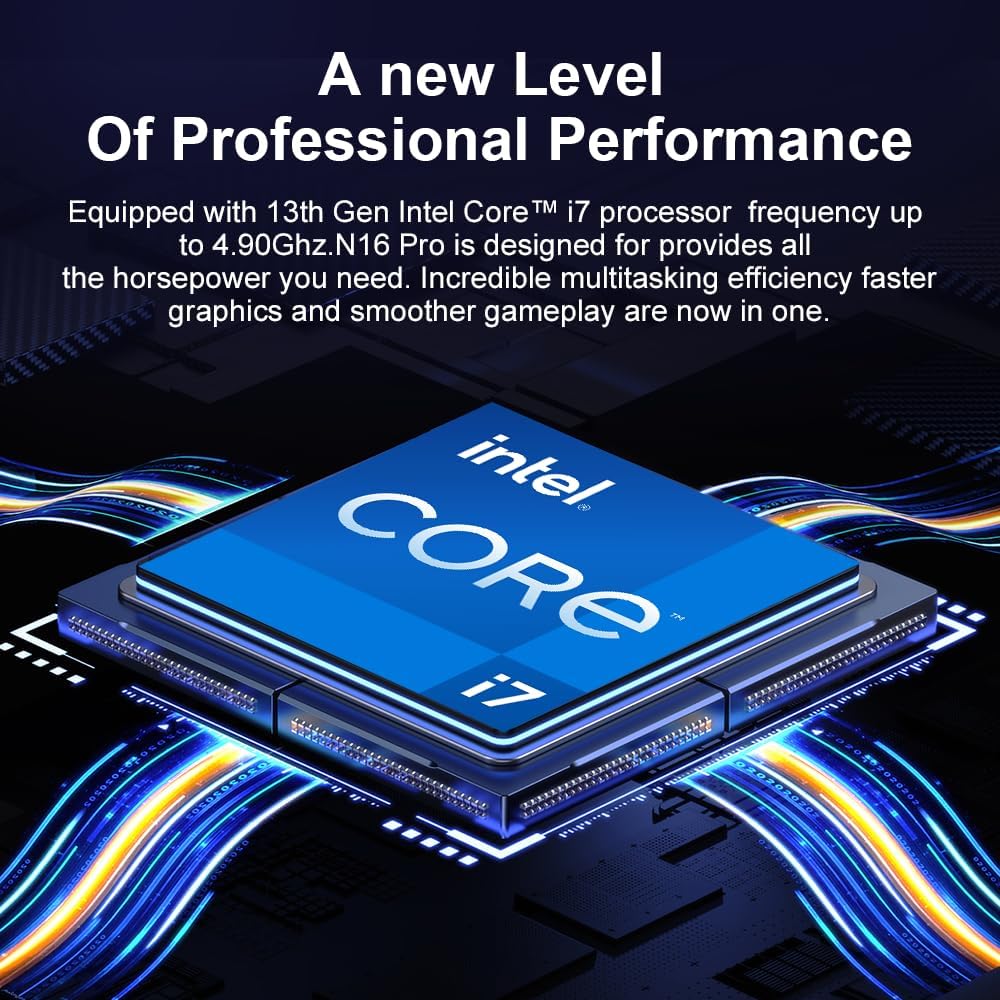
Image: Diagram illustrating the Ninkear N16 Pro's dual-channel DDR4 memory support (up to 64GB) and an extendable M.2 SSD slot (up to 4TB).
Solução de problemas
Problemas e soluções comuns
- O computador portátil não liga:
Ensure the charger is securely connected and the power outlet is functional. Check if the battery has sufficient charge.
- Sem conexão Wi-Fi:
Check if Wi-Fi is enabled (Fn+F1). Restart your router and the laptop. Verify Wi-Fi drivers are up to date in Device Manager.
- O touchpad não responde:
Ensure the touchpad is not disabled (Fn+F3). Check Windows settings for touchpad functionality.
- Desempenho lento:
Close unnecessary applications. Check for background processes in Task Manager. Ensure cooling vents are clear. Consider updating drivers or performing a system scan for malware.
- Problemas de exibição (sem imagem, oscilação da imagem):
Ensure the display is not turned off (Fn+F8). Try connecting an external monitor via HDMI to check if the issue is with the laptop's display or graphics output.
Especificações
| Recurso | Detalhe |
|---|---|
| Nome do modelo | N16 PRO |
| Processador | Processador Intel Core i7-13620H de 13ª geração (10 núcleos, 16 threads, até 4.9 GHz) |
| Mostrar | 16-inch IPS, 2560 x 1600 (2.5K), 165Hz Refresh Rate, 400 Nits, 100% sRGB, 400 HDR |
| BATER | 32GB DDR4 (Dual Channel, expandable up to 64GB) |
| Armazenar | 1TB PCIe SSD (expandable up to 4TB via M.2 slot) |
| Gráficos | Gráficos Intel UHD (Integrados) |
| Sistema operacional | Windows 11 Início |
| Conectividade sem fio | WiFi 6 (IEEE 802.11ax), Bluetooth 5.0 |
| Portos | 1x USB 2.0, 2x USB 3.0, 1x HDMI, 1x Type-C (data only), 1x 3.5mm Audio Jack |
| Bateria | 5000 mAh, approx. 8 hours average battery life |
| Dimensões | 3.3 x 3.05 x 0.76 cm |
| Peso | 3.18 quilos |
| Características especiais | Backlit Keyboard, Fingerprint Reader, Numeric Keypad, Dual Cooling Fans |
Garantia e Suporte
The Ninkear N16 Pro laptop includes a Serviço de garantia de 1 ano. For any quality issues or technical assistance, please contact Ninkear customer service. When contacting support, please have your product model (N16 PRO) and purchase details ready.
You can visit the official Ninkear store on Amazon for more information and support resources: Ninkear Amazon Store


